fetchtalent.ai
No more hallucinated props. One MCP gives your agent live search, previews and installs across 6,000+ real blocks and 285k React icons.
✓ Connected · 15 tools auto-discovered ▸ search_items("pricing") → 40 blocks▸ get_item_details("pricing-grouped-comparison-table")▸ get_install_command → npx shadcn add "…?token=•••" ✓ Installed. Ready to ship.Eight most-used AI agents below — every setup guide is a single Pro URL away.
Official Anthropic CLI — one-line `claude mcp add` setup
One-click install via Cursor 1.0+ or ~/.cursor/mcp.json
Fast, modern editor — connect via ~/.config/zed/settings.json
Custom Connectors UI — paste one URL, no restart
Copilot agent mode with .vscode/mcp.json per workspace
Cascade MCP marketplace — token via ${env:VAR} interpolation
AI Assistant across IntelliJ, WebStorm, PyCharm & more
TOML config at ~/.codex/config.toml — CLI & IDE share state
Here's exactly what changes when your agent plugs into the shadcn.io MCP.
Your AI agent searches, previews, and installs across 6,000+ blocks, 285k icons, and every shadcn/ui primitive — live, verified, one prompt away.
$389/yr replaces ~$24,000/yr of UI work — same blocks, in seconds via MCP.
$24,000/yr
~240 blocks/yr at $100/hr
$389/yr
Same blocks, installed in seconds
That's $1,968 back every single month.
Plus 14 premium templates (worth $1000), 285k+ icons, and lifetime updates — included.
Based on ~20 blocks/month at $100/hr (1h per block hand-coded). Your numbers are likely higher.
Need a full feature breakdown? Compare every plan →
50k+ devs are building with shadcn.io components



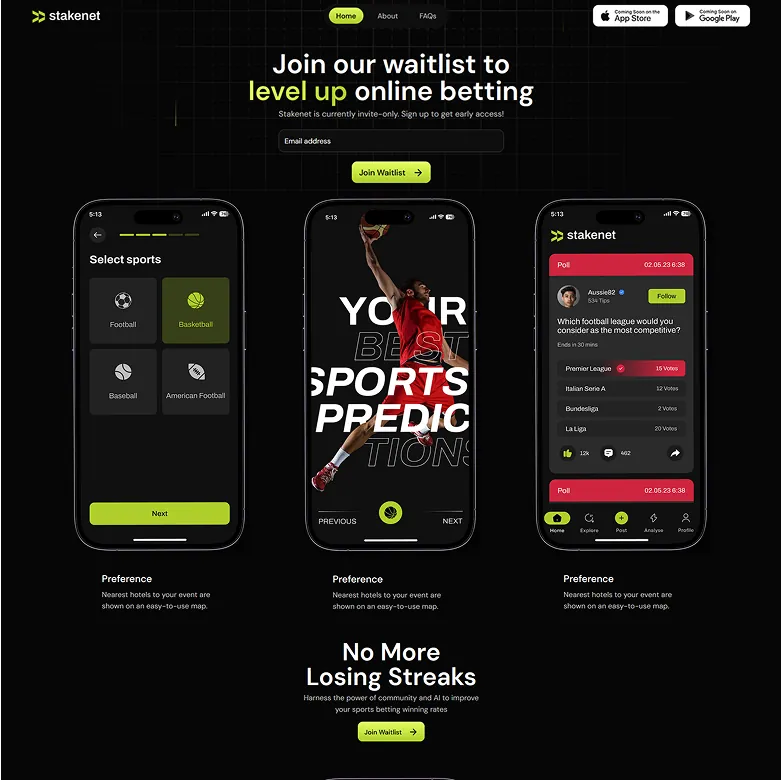

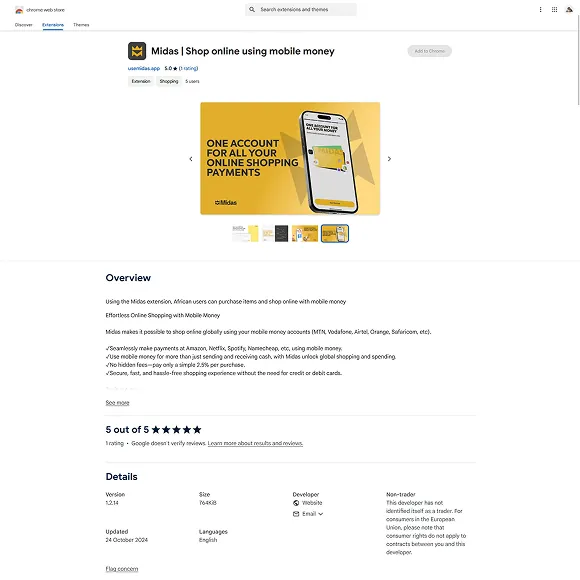

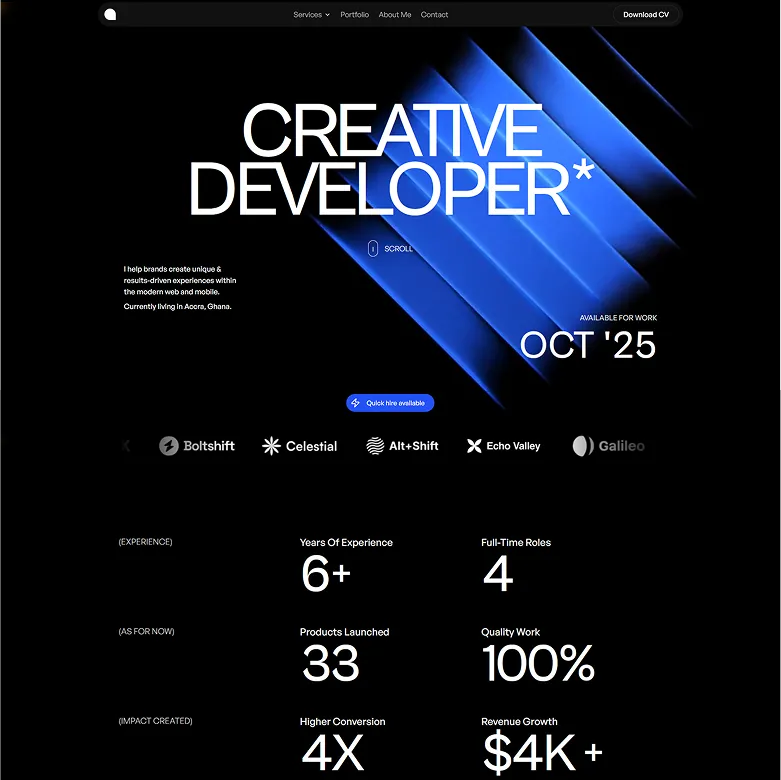
We've been blown away by the love & support from users


What MCP gives your agent, how it compares to pasting docs, and how Pro access works.
Solo developer
Per month · Billed annually as $389
Up to 5 devs · commercial
Per month · Billed annually as $789
Unlimited seats · enterprise
Per month · Billed annually as $1589
Solo developer
Per month · Billed annually as $389
Up to 5 devs · commercial
Per month · Billed annually as $789
Unlimited seats · enterprise
Per month · Billed annually as $1589
Secure checkout via Stripe·License terms


