Backgrounds that move.
100 backgrounds for heroes, sections and cards, from a soft aurora to a flock that flees the cursor. Watch them right here. Most are pure CSS, in React, Vue, Svelte and Solid.
Every background
100 backgrounds.
- Aurora BackgroundSpace

- Beams BackgroundLight

- Dot PatternGrids

- Fog BackgroundWeather

- Gradient BackgroundGradients

- Grid PatternGrids

- Matrix BackgroundTech

- Mesh Gradient BackgroundGradients

- ParticlesParticles

- Starfield BackgroundSpace

- Beams Collision BackgroundLightPro
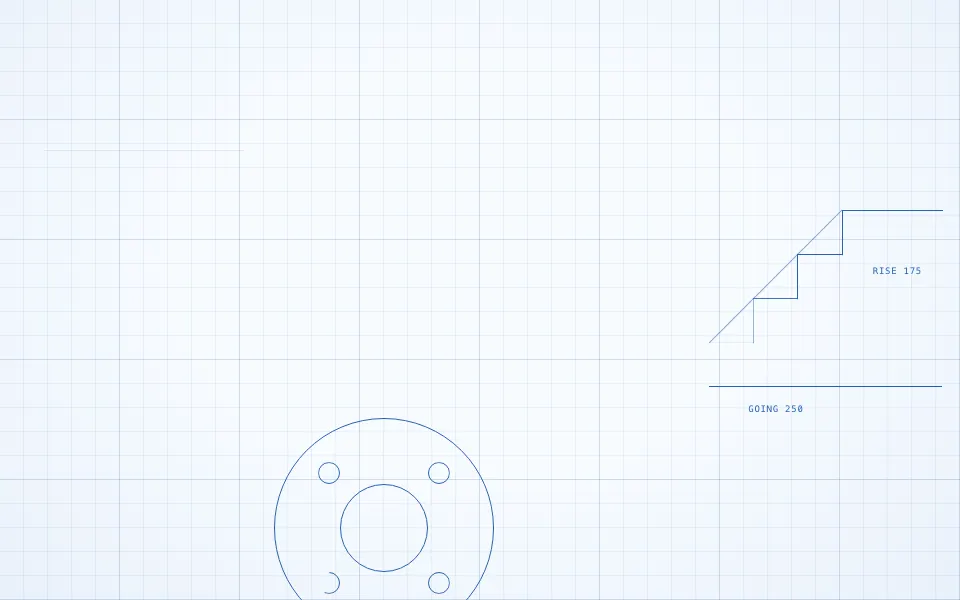
- Blueprint BackgroundGridsPro
- Bokeh BackgroundParticlesPro

- Boxes BackgroundGridsPro

- Brainwaves BackgroundTechPro
- Bubbles BackgroundParticlesPro














Or describe it. With Pro, your AI agent picks the background you describe and installs it on your stack.
Get ProPricing
Every background, one prompt away, with Pro
Your AI agent installs any of the 100 backgrounds, and every component, example and icon, with every Pro plan.
4.9/5 out of 5 · 150+ reviewsfrom 150+ founders and developers.
- Secure checkout via Stripe
- Code lives in your repo
- Keep what you've shipped if you cancel
- License terms
FAQ
Frequently asked questions
Performance, canvas against CSS, placing one behind a page, contrast, install, reduced motion, free or Pro and AI agents, answered for these backgrounds.
What are the animated backgrounds?
How do I put content on top of an animated background?
Do the backgrounds need an animation library?
How do I install a background?
Do I need to add keyframes to globals.css?
Which frameworks and UI libraries do the backgrounds work with?
Do I need Tailwind CSS v4?
Will an animated background drain battery or slow my page?
What do the canvas backgrounds do when they are off screen?
CSS or canvas: which background should I choose?
Do backgrounds that are scrolled past keep rendering?
How do I use a background behind one section?
How do I put an animated background behind the whole page?
Can I put buttons and links over a background?
Can I use a background inside a card?
How do I keep text readable on an animated background?
What do backgrounds do with reduced motion?
Are the backgrounds accessible to screen readers?
Do the backgrounds follow light and dark mode?
Which backgrounds are free and which are Pro?
Can I use a Pro background in client or commercial work?
Can I resell or publish backgrounds I installed?
What happens to my installed backgrounds if my Pro plan ends?
Can an AI agent find and install the right one of these backgrounds for me?
Does the MCP server see my project when it installs backgrounds?
4.9 out of 5 from 150+ developers


Every background. One prompt away.
100 backgrounds, free with an account or with Pro. With Pro, your AI agent installs them from a prompt.
- Cancel anytime
- Keep what you've shipped