Page sections for every framework.
6231 page sections built on our components, from pricing tables to heroes, on React, Vue, Svelte and Solid. Try each one right here; install it with Pro.
Every category
56 categories, 6,231 blocks.


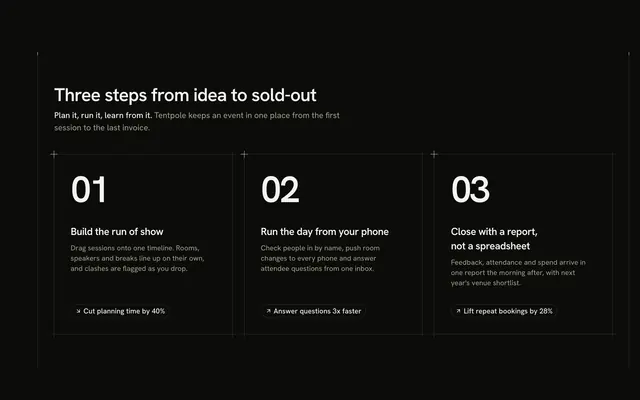


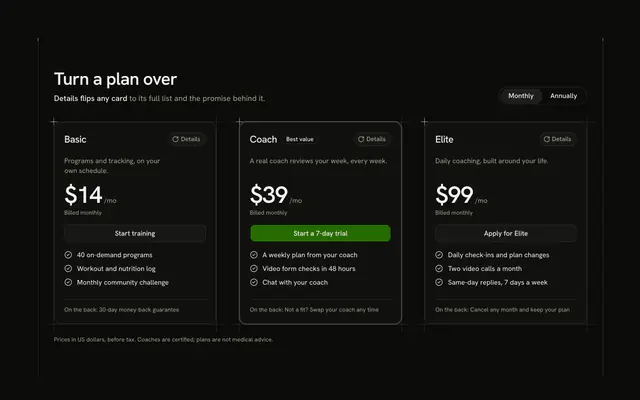

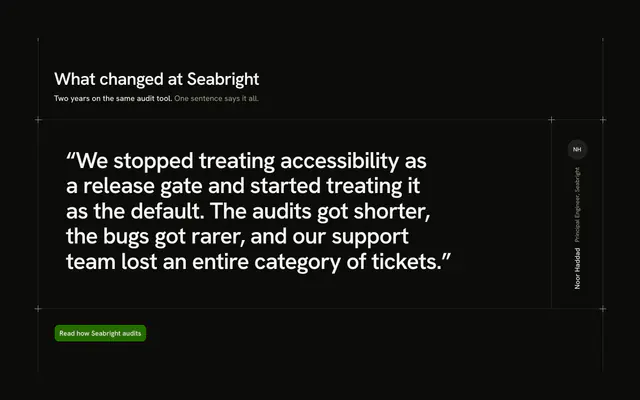
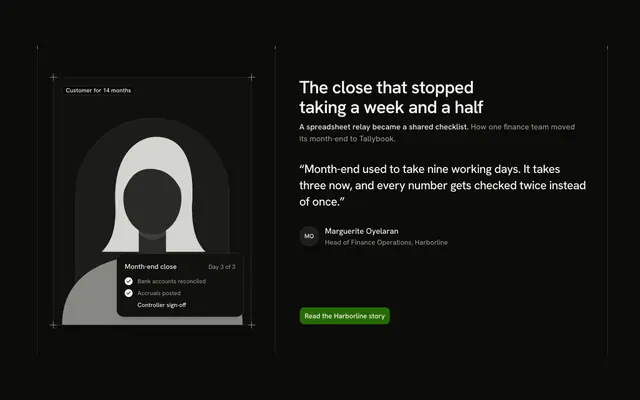







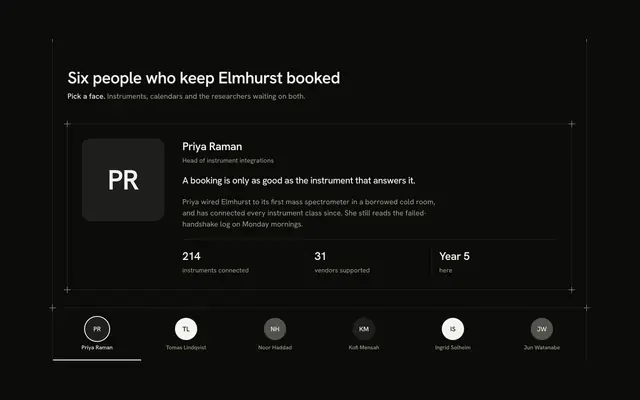


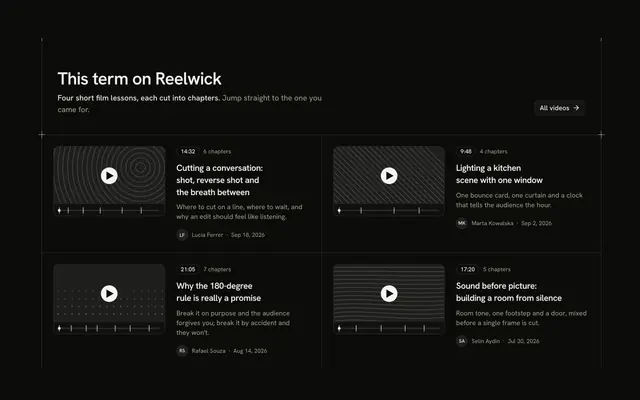
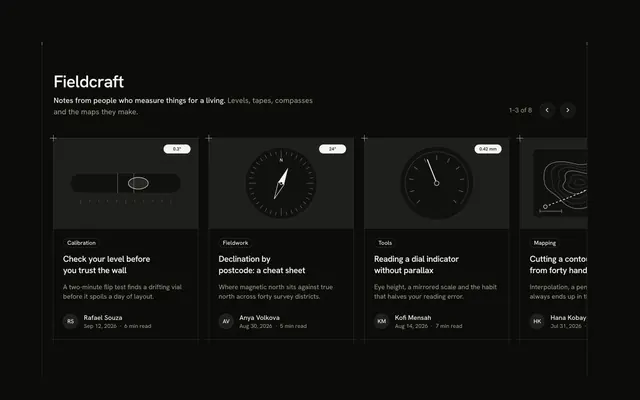


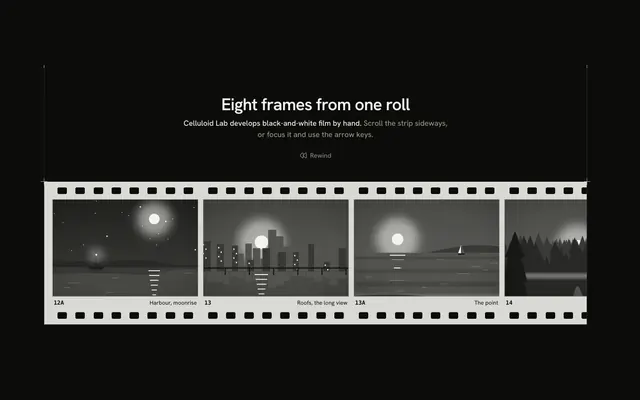




Or describe it. With Pro, your AI agent picks the block you describe and installs it on your stack.
Get ProPricing
Every block, one prompt away, with Pro
Your AI agent installs any of the 6231 blocks, and every component, example and icon, with every Pro plan.
4.9/5 out of 5 · 150+ reviewsfrom 150+ founders and developers.
- Secure checkout via Stripe
- Code lives in your repo
- Keep what you've shipped if you cancel
- License terms
FAQ
Frequently asked questions
Answers on what a block is, the categories, the frameworks, installing, the license and your AI agent.
A block is a whole section or screen of a page, such as a pricing table, a hero or a settings screen, written as one file with its copy and data at the top. There are 6,231 of them in 56 categories, built on our components.
A component is one control (a button, a dialog, a combobox). A block assembles components into a section you drop into a page, so it carries layout, copy and states that a component leaves to you.
A block is one section or screen; a template is a whole site or app made of many of them. The 14 premium templates are full starters, while blocks let you assemble your own page one section at a time.
Yes. Blocks import our components and style with the shadcn theme tokens, so a project set up with the shadcn CLI takes them as they are. shadcn.io is an independent project built on shadcn/ui.
Each block is defined by one UI feature, for example a pricing section with a billing toggle, so a category holds different ideas rather than one idea reworded.
The largest are changelog (200), chat (200), dashboard (200) and features (170). 55 categories hold 100 blocks or more.
Open the category from the grid: its gallery (such as /pricing-block) lists every block as a card with filters for its kinds and a sort by popular or name.
They cover marketing pages (hero, pricing, features, testimonials, FAQ, footer) and app screens (dashboard, settings, tables, chat, kanban). The smallest category is search (1).
Each category's gallery sorts its blocks into kinds, such as plan cards, plan rows and single plan for pricing. Use the filters on the category's page to narrow to one.
React, on Base UI, React Aria, Ark UI or Radix UI, and Vue, Svelte and Solid on Ark UI. Pick the framework and the UI library at the top of a block's page: the preview, the code and the install command follow them.
Base UI is the default React base. Every category's gallery also has a page per other target, such as /pricing-block/radix or /pricing-block/vue, with the same blocks written for that stack.
TypeScript and Tailwind CSS v4. Blocks style with the theme tokens, so they take your preset, radius and dark mode without edits.
Yes. The category galleries are open to everyone, and you can try each block live in its page and full-screen viewer before you buy Pro.
Open a block, copy its command and run it: `npx shadcn@latest add` with the block's registry URL for React and Solid, shadcn-vue for Vue, shadcn-svelte for Svelte. The code lands in your project and it's yours to edit.
Yes. The command also installs the components the block imports, each as its own registry item, so nothing is left to add by hand.
Every block draws the same page column and side rails with a top rule only (the Guides component), so blocks stacked in a page join up into one drawing. Pick one block per section: a navbar, a hero, features, pricing, a footer.
Blocks use semantic theme tokens (bg-card, text-muted-foreground) and never fixed colors, so changing your shadcn theme restyles them, in light and dark. The primary color marks one action per block.
No animation library. Their motion is CSS and stands still under prefers-reduced-motion; the markup is semantic, with labelled controls and one heading level.
All 6,231 blocks are Pro. Every preview is free to try, and Pro unlocks the code, the one-line install and the MCP.
Only with a Team or Organization license: client work, SaaS products and anything your users pay for. The Individual license is for personal, non-commercial projects.
You keep using what you installed in your existing projects, but get no new downloads or updates. A Lifetime license includes all future updates.
No. You can build your own products with them, but not redistribute the code on its own, or in a UI library, kit, template or website builder.
With Pro, yes: the MCP server (22 tools, setup guides for 38 clients) has search_blocks, list_blocks and get_block. Describe the section you want and your agent picks the block and installs it on your stack.
plan_page takes a brief, such as a landing page for a form builder SaaS, and returns an ordered stack of blocks: each section's role, a pick and two alternatives, then the get_block call to install them all.
search_blocks finds blocks by what they do and takes a `category` to limit the search; list_blocks lists the 56 categories, or one category's groups and blocks.
4.9 out of 5 from 150+ developers


Every block. One prompt away.
6231 blocks with Pro, every preview free to try. With Pro, your AI agent installs them from a prompt.
Get Pro