Shaders that glow.
100 WebGPU shaders for heroes, sections and cards, from a slow aurora to a black hole. Watch them right here. Each draws on the GPU only while it's on screen, in React, Vue, Svelte and Solid.
Every shader
101 shaders.
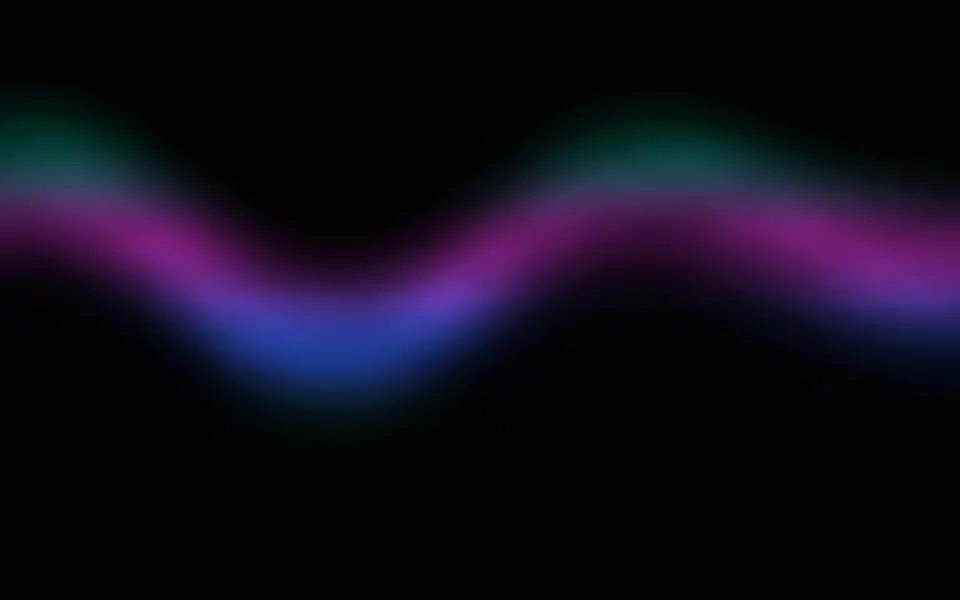
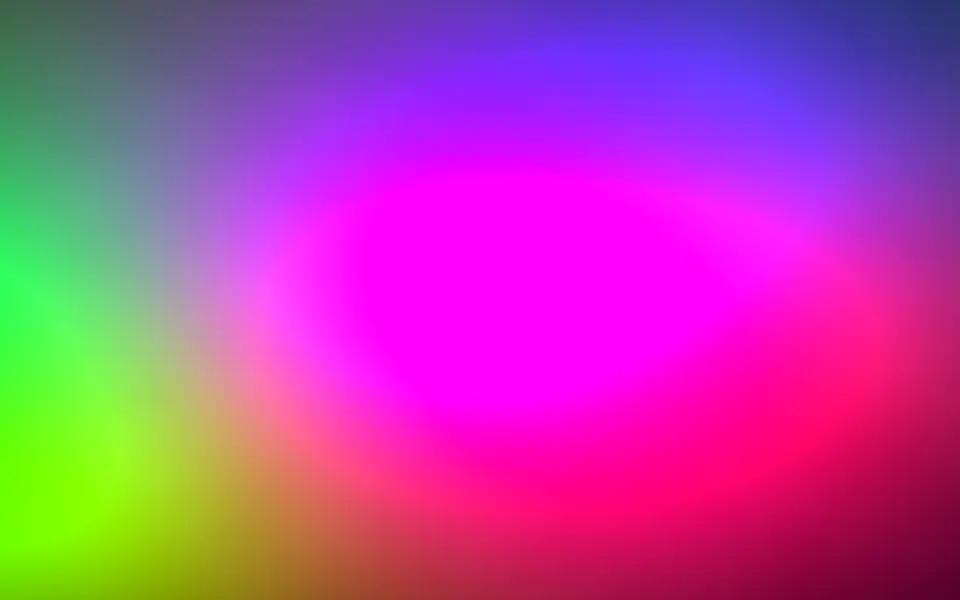
- Aurora ShaderFlow & gradients
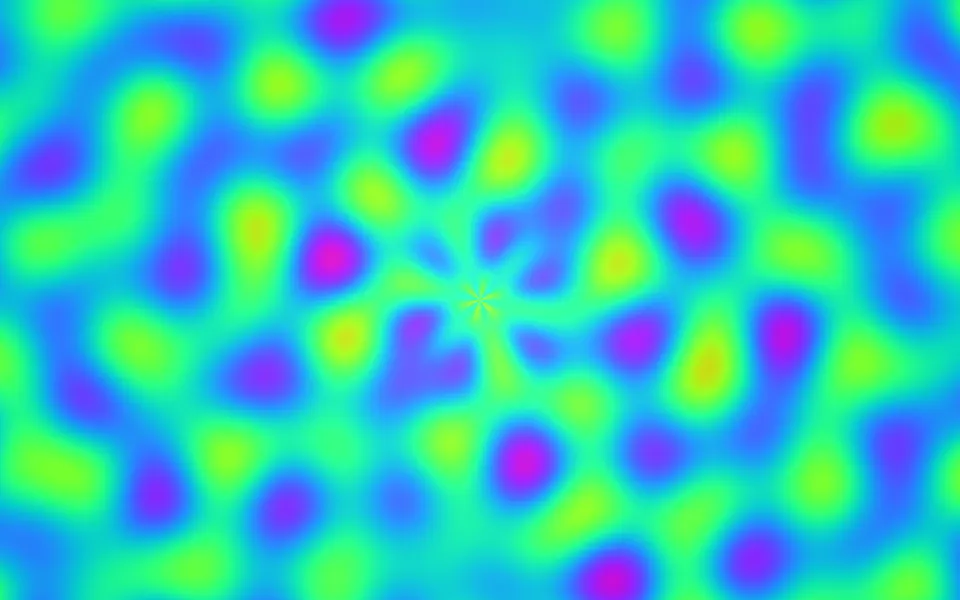
- Plasma ShaderFlow & gradients
- Nebula ShaderSpace

- Gradient Mesh ShaderFlow & gradients
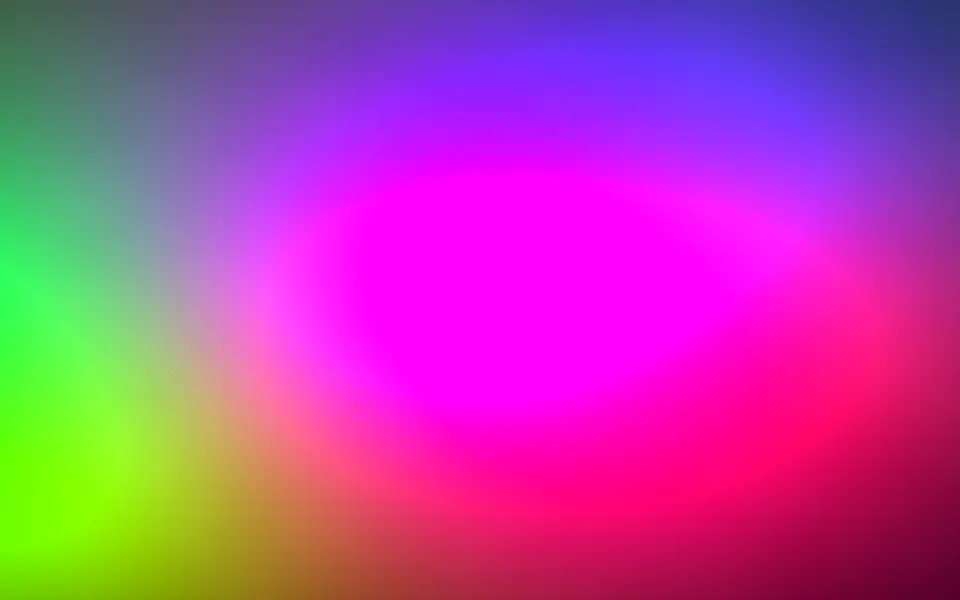
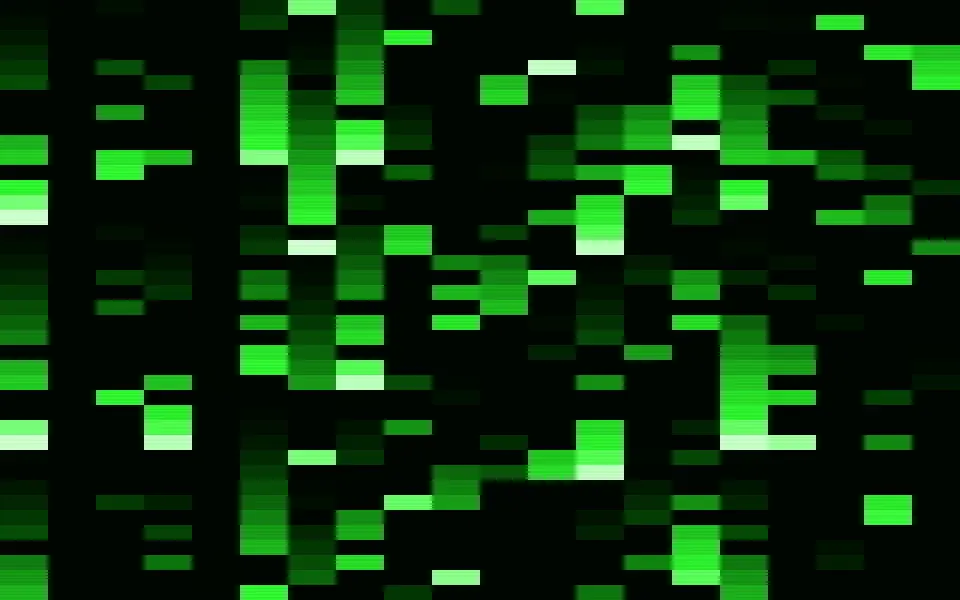
- Matrix ShaderDigital & retro
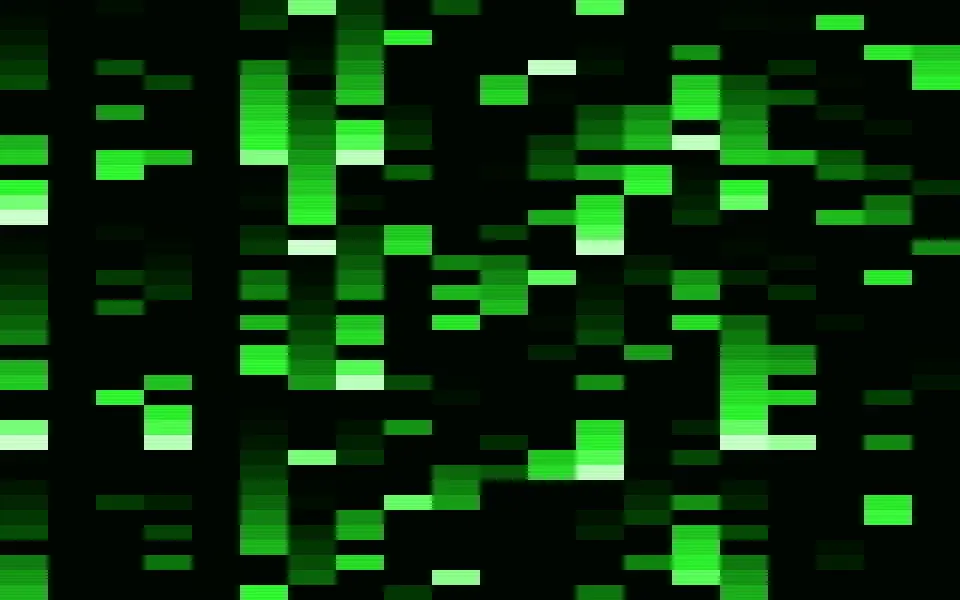
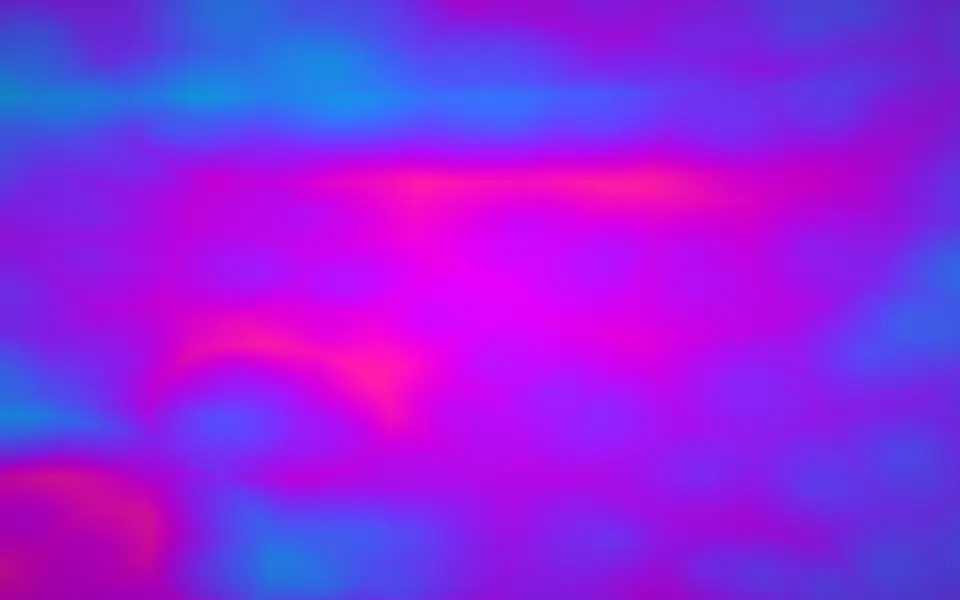
- Noise ShaderFlow & gradients
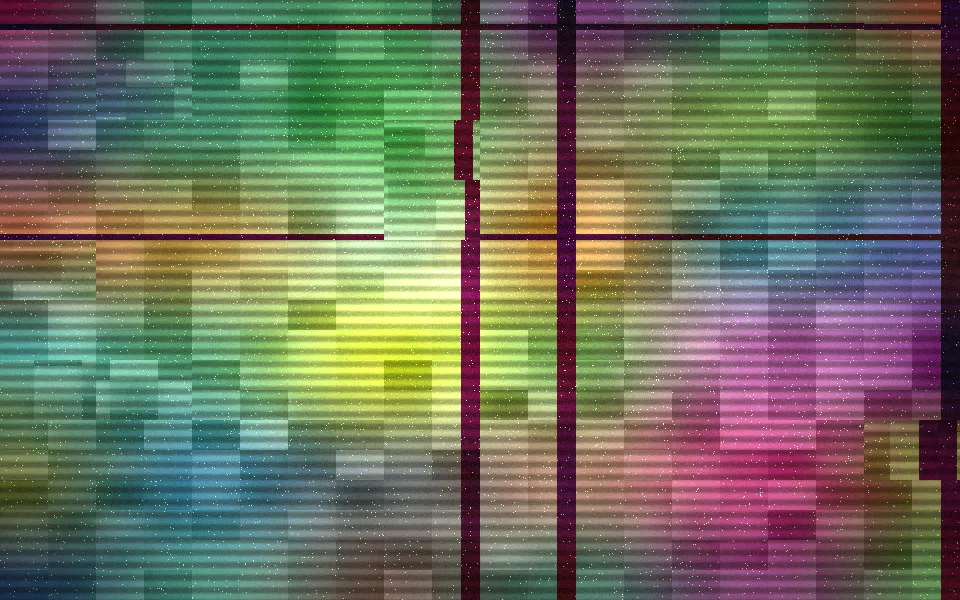
- Glitch ShaderDigital & retro
- Hologram ShaderLight & glass
- Ripple ShaderWater & landscapes
- Waves ShaderWater & landscapes

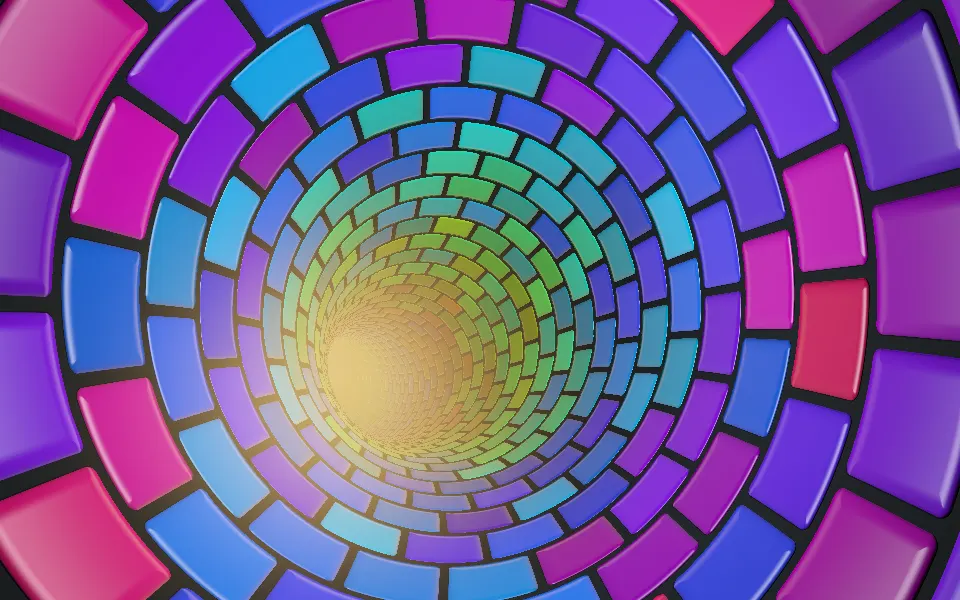
- Abstract Mod ShaderTunnels & 3DPro
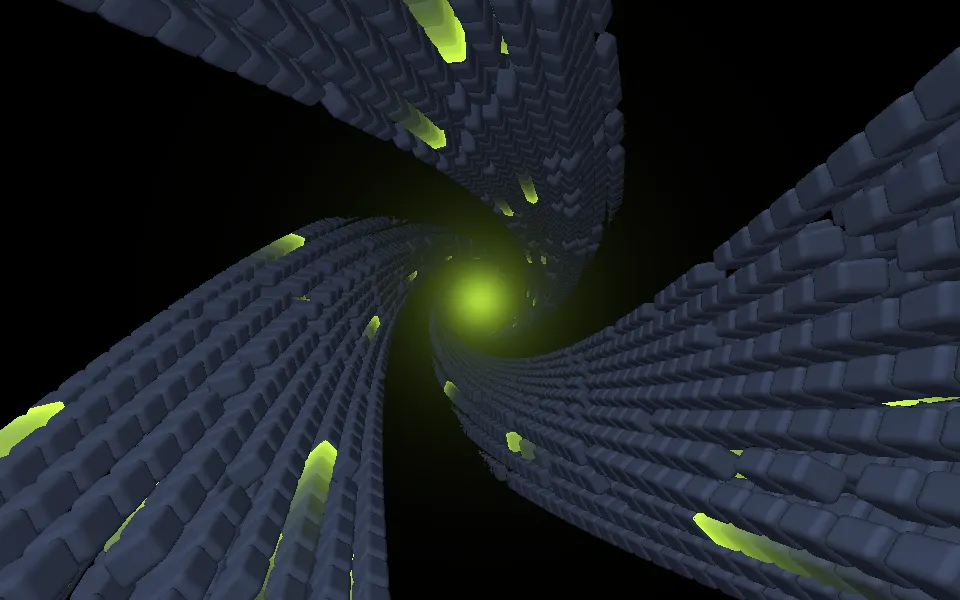
- Accretion ShaderSpacePro
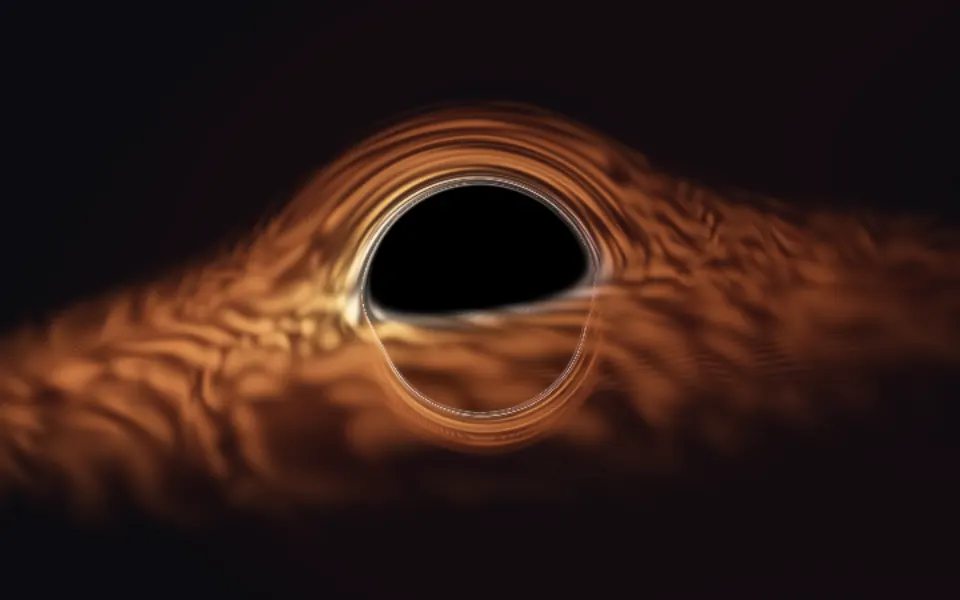
- Advanced Tunnel ShaderTunnels & 3DPro
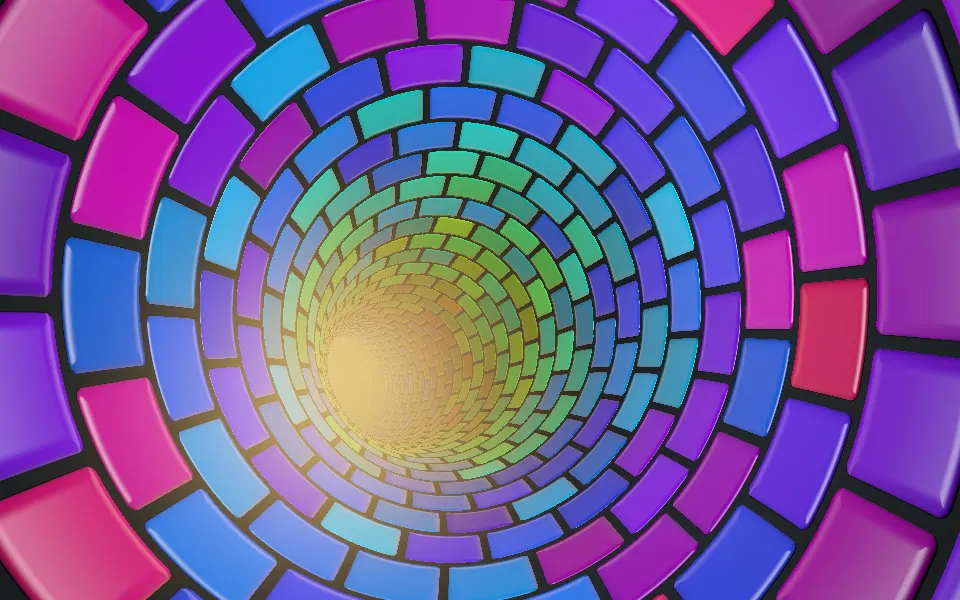
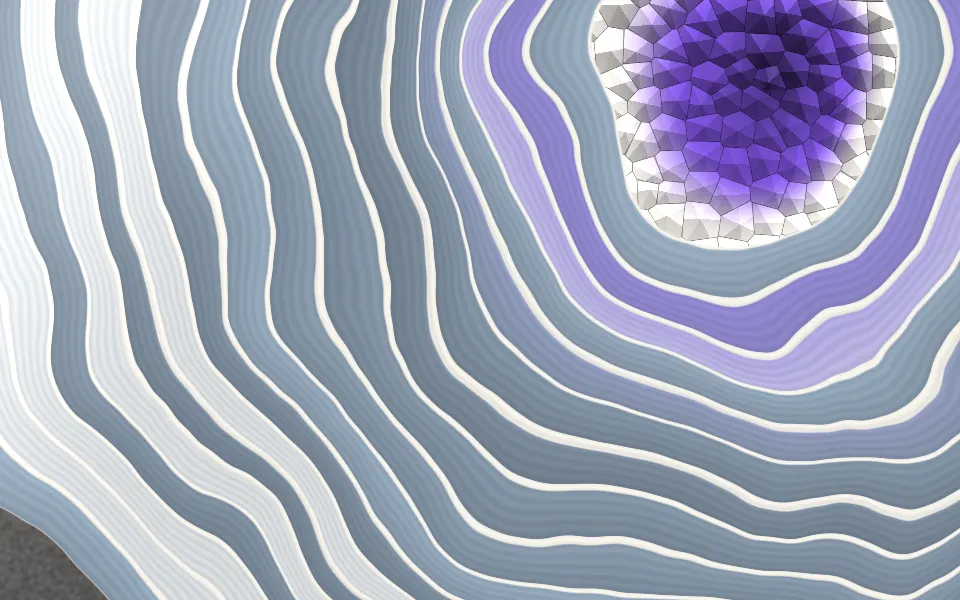
- Agate Geode ShaderSpacePro
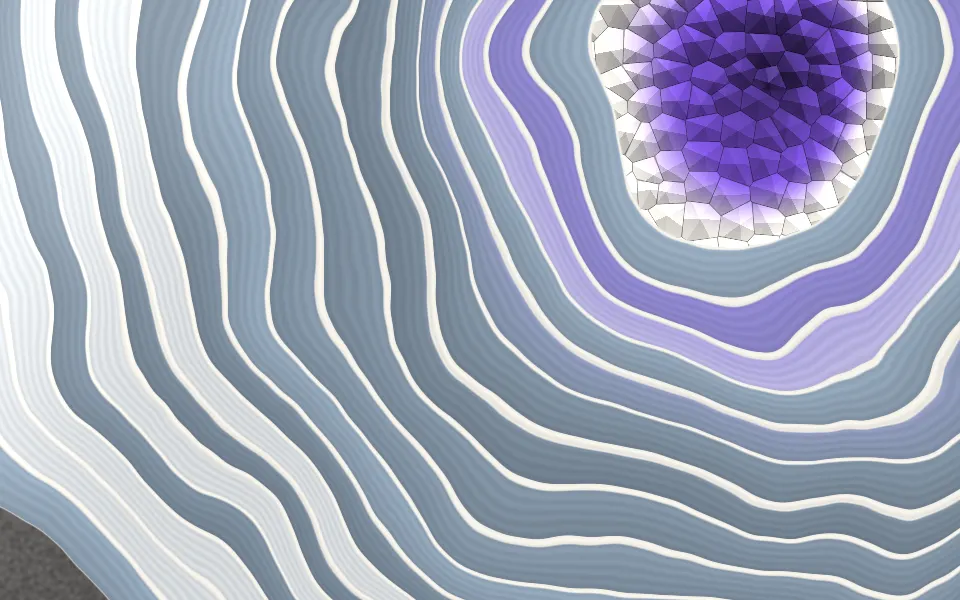
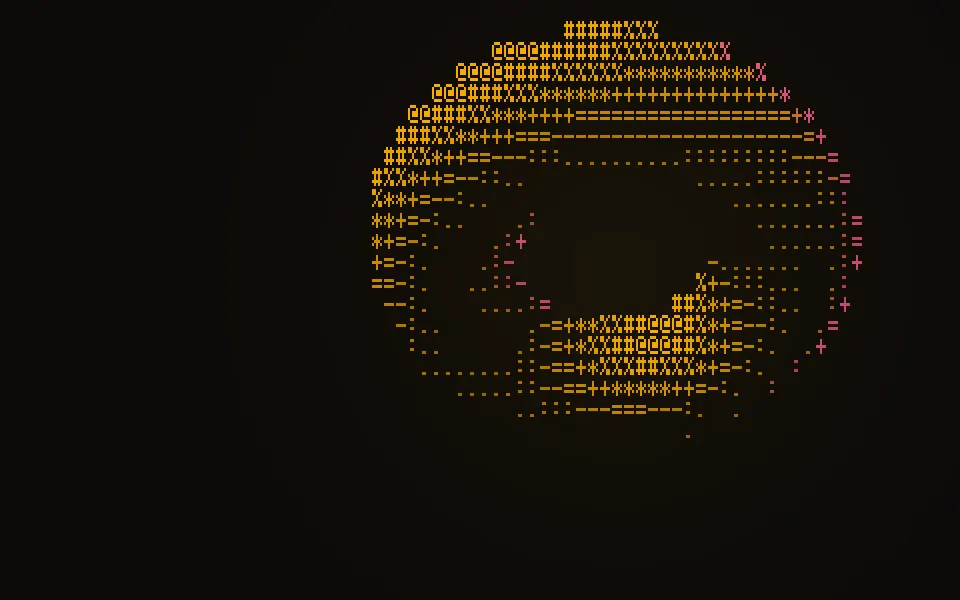
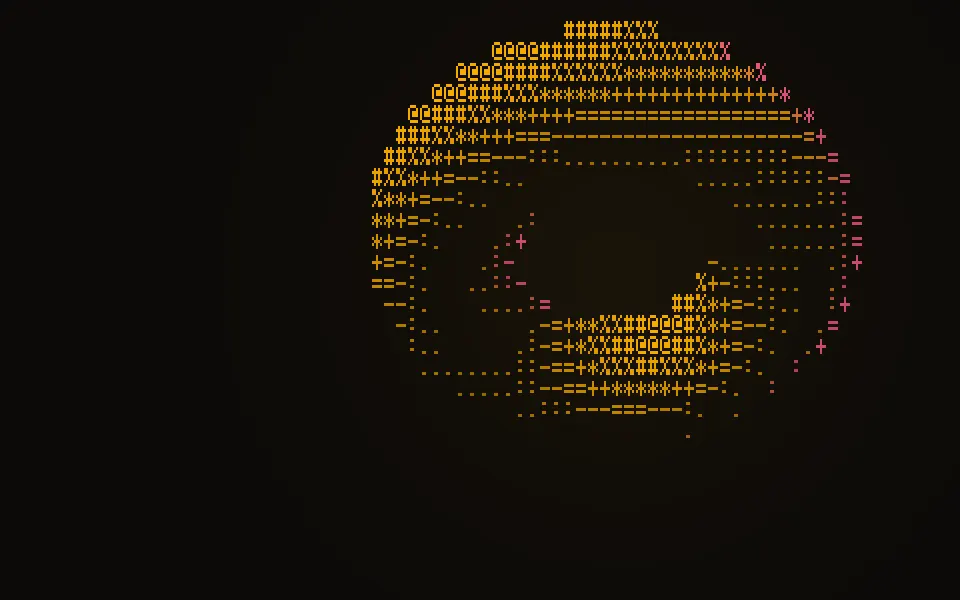
- ASCII Sculpture ShaderDigital & retroPro
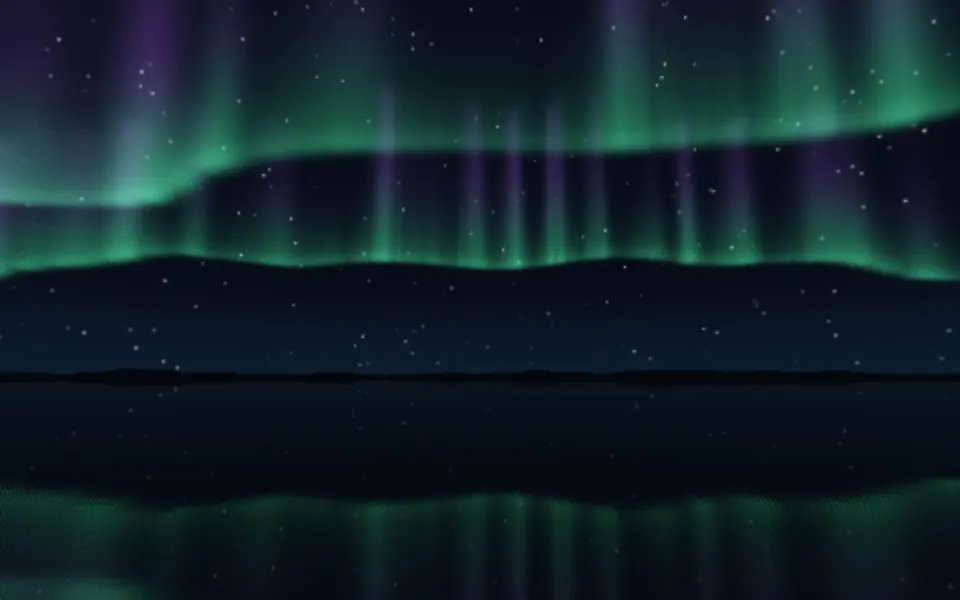
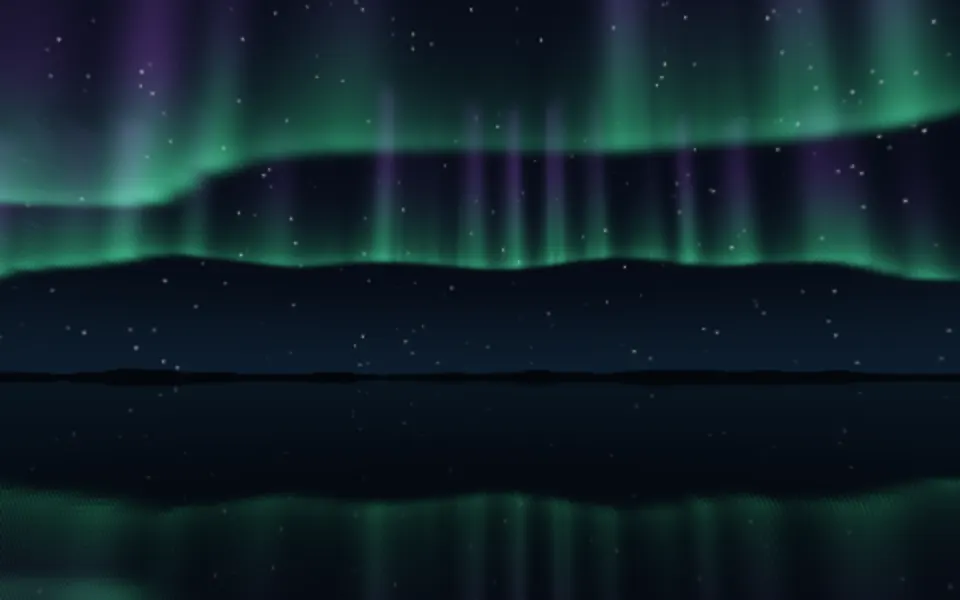
- Aurora 3D ShaderWater & landscapesPro

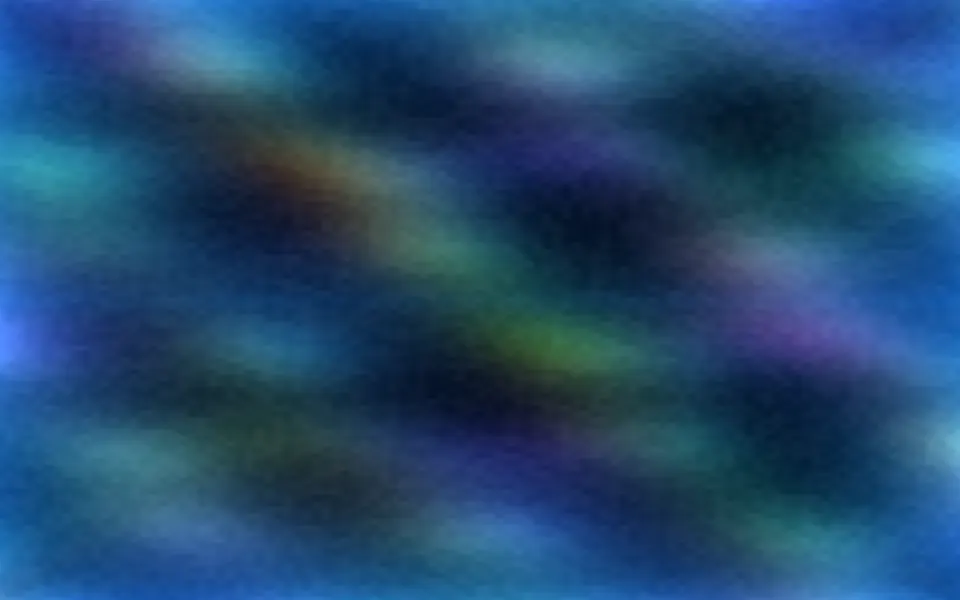
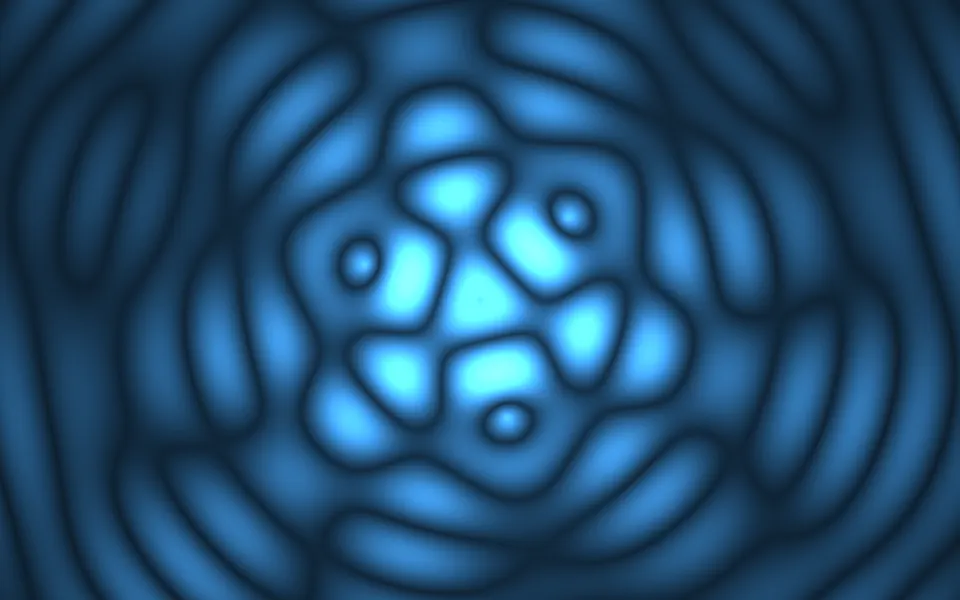

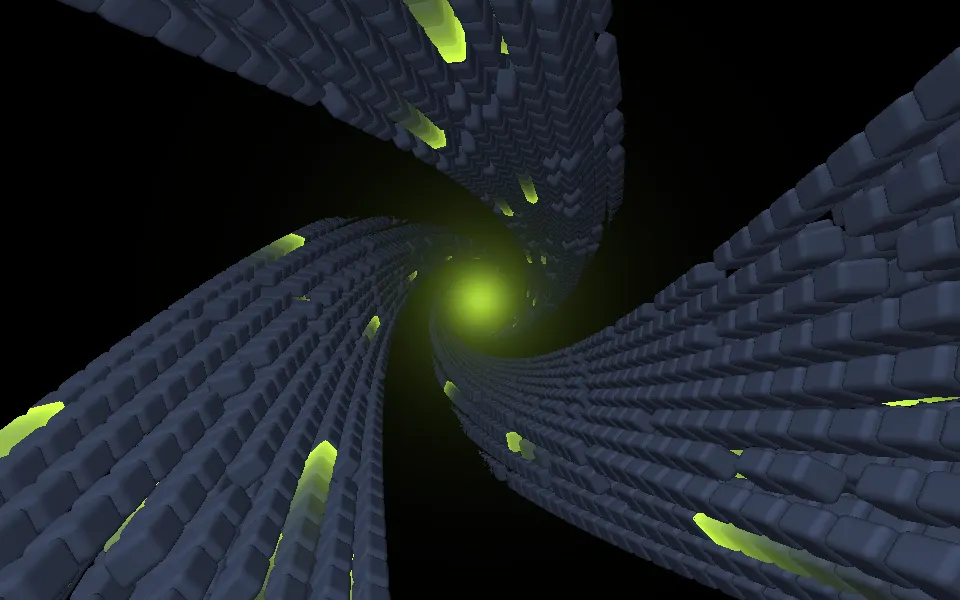
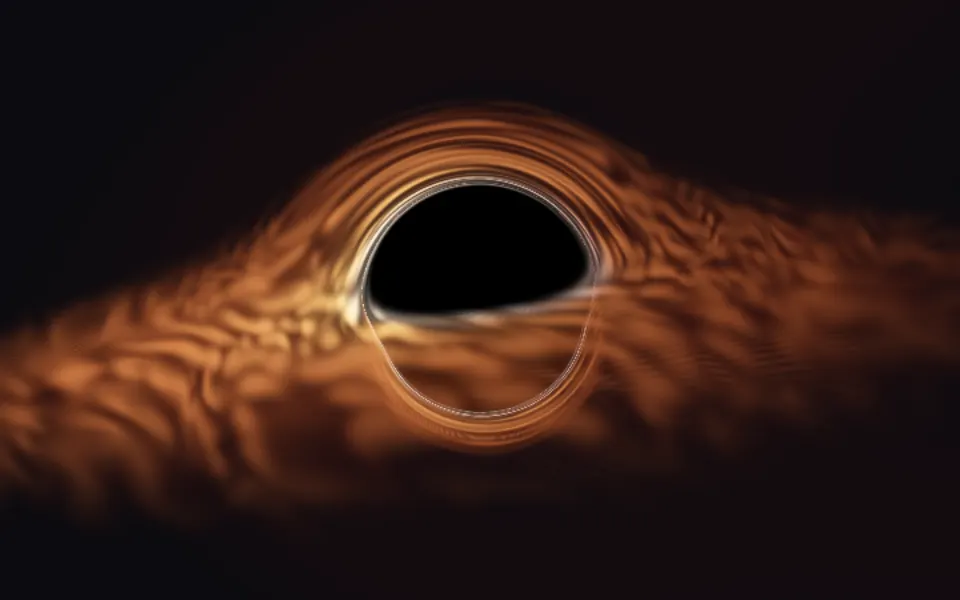
Or describe it. With Pro, your AI agent picks the shader for the look you describe and installs it on your stack.
Get ProPricing
Every shader, one prompt away, with Pro
Your AI agent installs any of the 100 shaders, and every component, example and icon, with every Pro plan.
4.9/5 out of 5 · 150+ reviewsfrom 150+ founders and developers.
- Secure checkout via Stripe
- Code lives in your repo
- Keep what you've shipped if you cancel
- License terms
FAQ
Frequently asked questions
WebGPU support and fallbacks, performance, customizing, credits and licenses, install, free or Pro and AI agents, answered for these shaders.
100 full-bleed WebGPU shaders for heroes, sections and cards: flows, ink and smoke, liquid glass, patterns, geometry, tunnels, space, water and digital effects. Each is a container: put your content inside and the shader draws behind it.
WebGPU is the browser's interface to the graphics card, the successor to WebGL, and its shaders are written in WGSL. They run on vgpu, a library of about 50 KB gzipped that loads when the first shader mounts, not with the page.
Wrap your content: `<AuroraShader className="min-h-[32rem]"><h1>Hello</h1></AuroraShader>`. Children render on top, the canvas sits behind them, aria-hidden and ignoring the pointer.
Chrome and Edge (on desktop, and on Android 12 and later), Safari 26 and later on macOS and iOS, and Firefox on Windows and macOS. Elsewhere the shader does not draw.
Each shader keeps a CSS gradient in its own colors, shown until the first frame and in any browser without WebGPU, so the section never goes blank and the layout never jumps. The root's `data-state` is `loading`, `live`, `still` or `unsupported`, so you can style each.
Yes: the fallback is a `fallback` CSS background value, set on the shader canvas. Each shader passes one that reads like itself, and you can override it with your own gradient or color.
They are decorative, so the canvas is aria-hidden and takes no pointer events. Your content on top is read as normal. Flashing shaders (glitch, lightning) are capped at three flashes a second.
Signed in, copy the shader's command from its page: `npx shadcn@latest add` with the item's URL. It adds the shader, the Shader Canvas it runs on and the vgpu package, and nothing to your stylesheet, so there is no globals.css step.
No. A shader's colors and settings are props and its pipeline is WGSL inside the component, so there are no keyframes or theme variables to paste. Installing by hand, the Manual tab on the shader's page lists what to copy.
No: it is a dependency of every shader, so the CLI adds it with the first one. Shader Canvas is itself free, and it is what you use to write your own.
React, Vue, Svelte and Solid, with the same props on each. A shader uses no UI library, so its one React version works beside Base UI, Radix UI, React Aria or Ark UI. Pick the framework at the top of a shader's page.
Yes. The server renders the container with its CSS fallback, and the shader starts in the browser after the page loads, since WebGPU exists only there. In React, `ShaderCanvas` is the client component, so the page that holds a shader can stay a server component.
A shader draws only while it is on screen, and the browser pauses it in a hidden tab. Every shader on a page shares one GPU device and one frame loop. A typical shader takes about a millisecond or less of GPU time a frame at 1280 by 720 on an M2 Max laptop, and each page states its own measured figure; slower GPUs take several times longer.
Set `quality` from 0.25 to 1: it scales the render resolution, so `quality={0.5}` draws a quarter of the pixels. Heavy ray-marched shaders default to 0.5 and say so on their page. `paused` holds the current frame and `speed` slows the clock.
Yes, but each costs GPU time on mobile and battery. They share one device and pause when off screen, so several below the fold cost little until scrolled to. A small card often looks right at `quality={0.5}`.
Under `prefers-reduced-motion` a shader draws one still frame and stops. Each picks a moment that reads well as a picture.
Most take color props (`backgroundColor`, `glowColor`, `inkColor` and so on) that accept any CSS color, `var(--primary)` and `oklch()` included, and follow a theme switch. A shader whose palette is the effect, such as Plasma, takes `hue` and `saturation` instead. Each page lists its props.
Every shader takes `speed`, `paused`, `quality`, a fixed `time` and `interactive`, which makes the pointer drive it. Its own uniforms, such as scale or density, are props too, listed on its page.
Yes, with Shader Canvas, the free component every shader here is built on. Give it a WGSL fragment shader: it fills your uniforms and colors by name and brings the shared device, the pause off screen, reduced motion and the CSS fallback.
Mostly by renaming: `vec3` becomes `vec3f`, `iTime` becomes `u.time`, `fragCoord` is built from the position and `u.resolution`, and `mod` and `atan` need small helpers. A shader's page shows the mapping.
Some of the 100 are ported from shadcn.io: its own shaders, and a few built on Shadertoy code released under CC0, MIT or CC BY-SA. Others are rebuilt from scratch after Shadertoy classics: new code, written from the technique and never from the original's, with the original linked and credited on the page. The rest are new designs.
Smooth Noise Contours keeps its original's CC BY-SA 4.0 license, which asks you to credit it and to share your changes to it under the same license. A shader with a third-party original has a Credits section with the author, link and license.
19 of the 100 shaders are free: they take a free account (Google or GitHub sign-in) to see the code and install them, and carry no mark in the gallery. The other 81, marked Pro, take a Pro plan. Every demo is free to try here, for anyone, with no account.
Seeing, copying or installing a Pro shader's code takes a Pro plan; the page and its demo stay free to view. Individual is personal, non-commercial use only. Client work or anything your users pay for takes a Team (up to 5 seats in one company) or Organization license, each monthly, yearly or a one-time Lifetime.
Not on its own. Redistributing the Pro code, or building UI libraries, themes, templates, starter kits or Figma kits from it, is never allowed. Free shaders need only a free account. The full terms are on the license page.
You keep using what you installed in existing projects, but get no new downloads or updates, and the MCP answers 403. The code you copied is yours to edit and keep.
With Pro, yes: the MCP server exposes 22 tools, and its catalog serves the animated shaders. Describe what you want (a slow aurora behind a hero, a tunnel for a launch page) and your agent searches, picks one and installs it on your stack. Your personal MCP URL is at /dashboard/mcp.
No. The MCP is one-way: the agent asks for items and the server answers; your files never leave your machine. It needs a Pro plan, and answers 403 after a subscription ends.
4.9 out of 5 from 150+ developers


Every shader. One prompt away.
100 shaders, free with an account or with Pro. With Pro, your AI agent installs them from a prompt.
Get Pro