shadcn.io is an independent project built on shadcn/ui
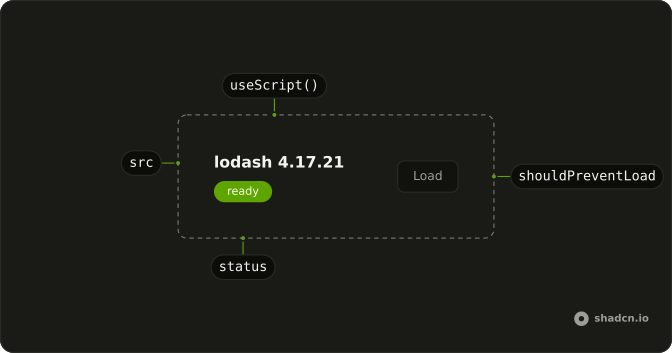
useScript inserts a script tag for a URL and reports idle, loading, ready, or error.
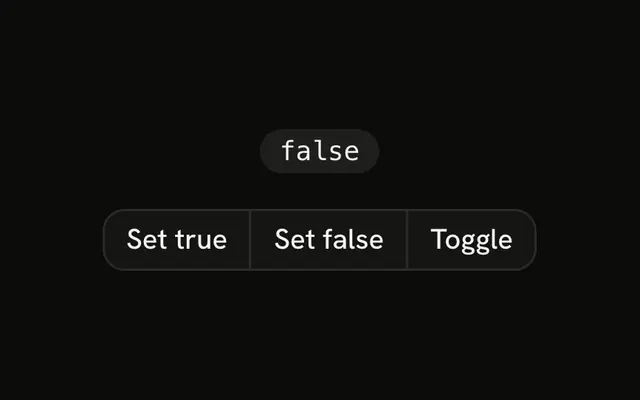
Pass null, or set shouldPreventLoad, until you want the request. A button can hold that choice with useBoolean. In React nothing is added during server render, and a second caller of the same URL shares the first tag.
Installation
Anatomy
Usage
import { useScript } from "@/hooks/use-script";const status = useScript(src);src is a URL string, or null while you do not want a request. shouldPreventLoad skips the tag the same way when the URL is already known.
FAQ
How do I load a script only after a click?
Pass null as src, or set shouldPreventLoad, until the click. Both keep the status at idle and skip creating a tag. When src becomes a URL, or shouldPreventLoad turns false, the effect inserts the script. Keep the URL in state that starts null and set it from the button. Do not pass the URL on the first render if you want to wait.
Should the script tag be removed on unmount?
Usually no. Analytics, maps, and payment scripts are meant to stay for the rest of the visit. removeOnUnmount deletes the tag and drops the cached status, so the next mount downloads the file again. Turn that on only when the script belongs to one short-lived component. Leaving the tag in place is the default.
What if that script tag is already on the page?
The hook looks for an existing script whose src matches. If it finds one, it does not insert another. It reads data-status when that attribute is present, and it listens for load and error. A tag that finished before this hook mounted will not fire load again, so a tag without a cached status can stay on loading.
Is useScript safe during server rendering?
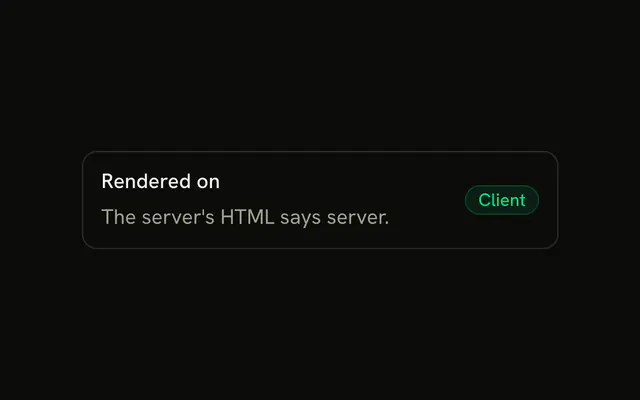
No tag is created during render. The effect that calls document.createElement runs only on the client. If you pass a URL immediately, the server state can be loading while the client may differ. Start with null or shouldPreventLoad so both renders say idle. After mount the tag is appended to document.body.
What do idle, loading, ready, and error mean?
idle means there is no src, or shouldPreventLoad is set, so no request is in flight. loading means a tag exists and has not finished. ready means the load event fired. error means the error event fired. The hook stores that on the tag as data-status and in a module map, so a later mount can start from ready or error.
API Reference
Parameters
srcstring | null
The script's URL. null loads nothing (the status stays idle).
- Type
string | null
options?UseScriptOptions
An id for the element, whether to wait, and whether to remove it on unmount.
options.id?string
An id for the <script> element it adds.
options.removeOnUnmount?boolean
Removes the <script> element (and forgets its status) when the component unmounts. It stays by default, so the next mount is instant.
- Default
false
options.shouldPreventLoad?boolean
Holds off loading (the status stays idle): to wait for consent, say.
- Default
false
Returns
returns"idle" | "loading" | "ready" | "error"
"idle" before loading (or with no src), "loading", then "ready" or "error".
- Type
"idle" | "loading" | "ready" | "error"