Nativecn UI
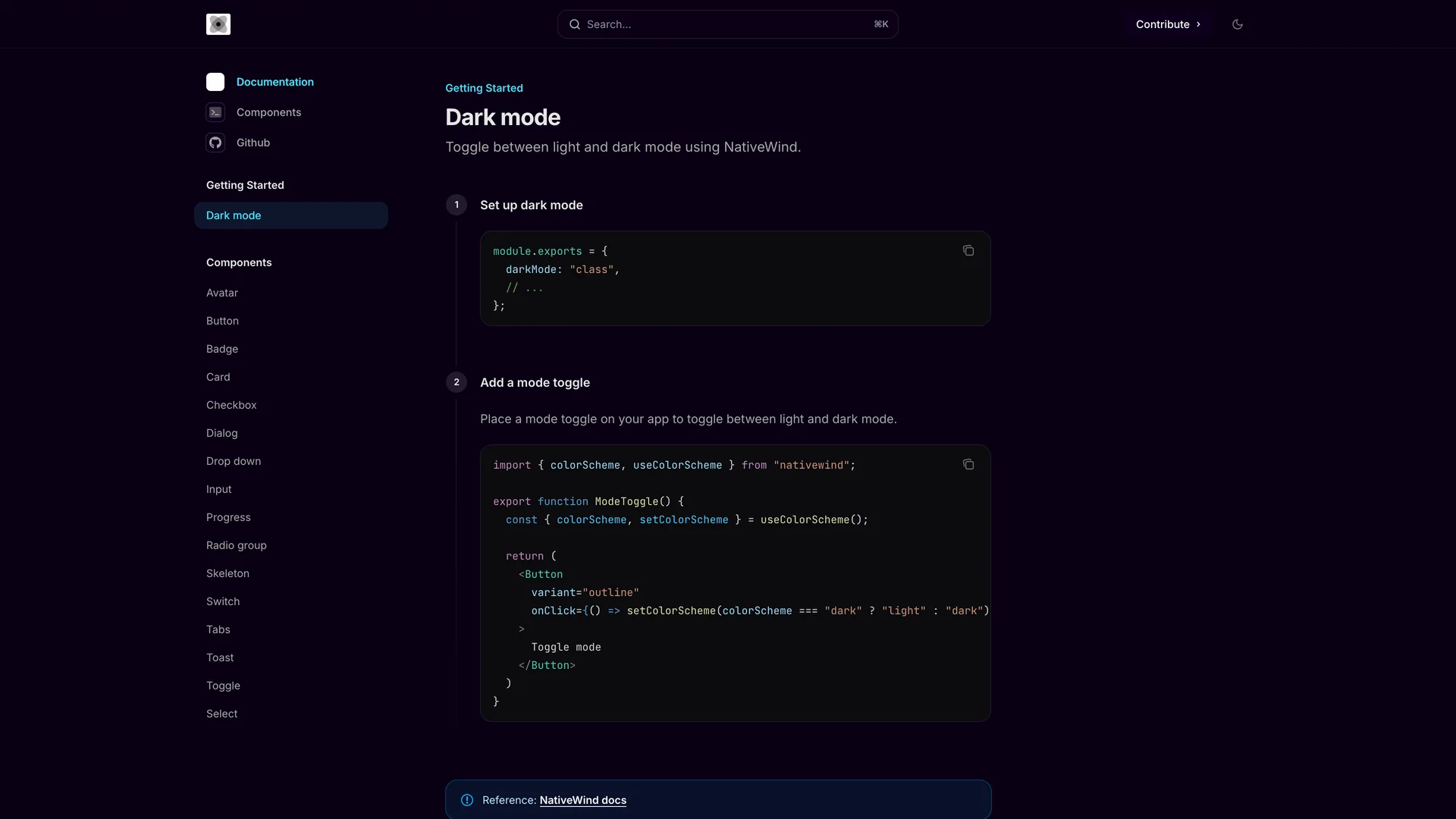
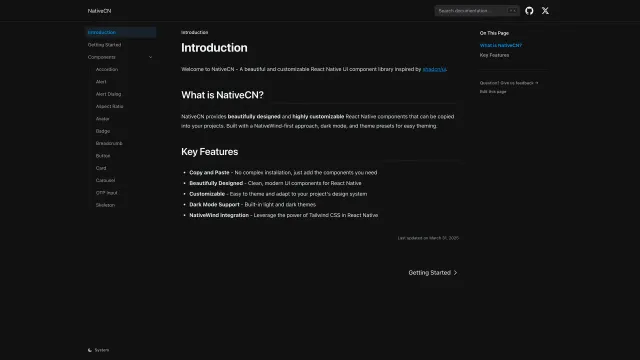
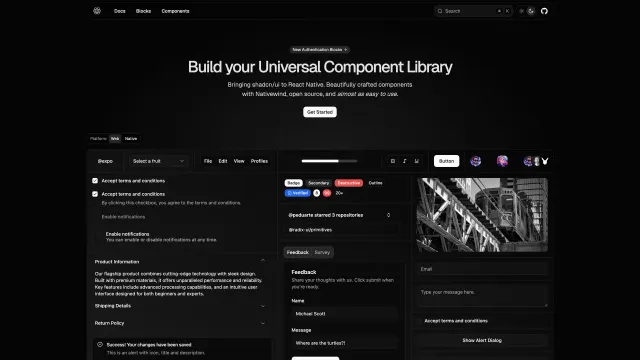
Nativecn UI is a beautiful, customizable React Native component library inspired by shadcn/ui, bringing the copy-paste component philosophy to mobile development with NativeWind and Tailwind CSS.
- Author
 Mobilecn ui
- Updated
Live preview
Live Preview
Interact with the actual deployed template — every section, every interaction, no mockups.
nativecn.mintlify.app
Open in a new tab (opens in a new tab)Loading preview…
About
About Nativecn UI
Written primarily in TypeScript (91.5%), the MIT-licensed library provides essential components including Avatar, Badge, Button, Card, Checkbox, Dialog, Input, Progress, Radio Group, Skeleton, Switch, Tabs, Toast, Dropdown, and Select, all optimized for React Native and Expo. With built-in dark mode support using CSS variables and NativeWind's utility-first styling approach, Nativecn UI offers developers familiar Tailwind patterns for building mobile interfaces. The library includes a CLI for easy component initialization, making it simple to add components to React Native projects without managing complex dependencies.
Comprehensive documentation at nativecn.mintlify.app provides light and dark mode examples, installation guides, and usage patterns. Perfect for developers building mobile applications with React Native and Expo who want the design consistency and developer experience of shadcn/ui combined with mobile-optimized components, Nativecn UI bridges web and mobile development with shared design principles and familiar tooling.
Get started
Free, open source, and ready to ship.
Clone the repo, install dependencies, and start customising. Nativecn UI is free and open source: its license is in the repository.
- Clone the Nativecn UI repository from GitHub.
- Run
npm installorpnpm installto install all required packages. - Run
npm run devto start the development server and begin customizing. - Check the repository’s README and license before you ship.
Terminal
$ git clone https://github.com/Mobilecn-UI/nativecn-ui
$ cd nativecn-ui
$ npm install
$ npm run dev
Included in Pro
More Templates
Hand-built premium templates from shadcn.io — production-ready and bundled in Pro.
- Solarisshadcn.io/demos/solaris
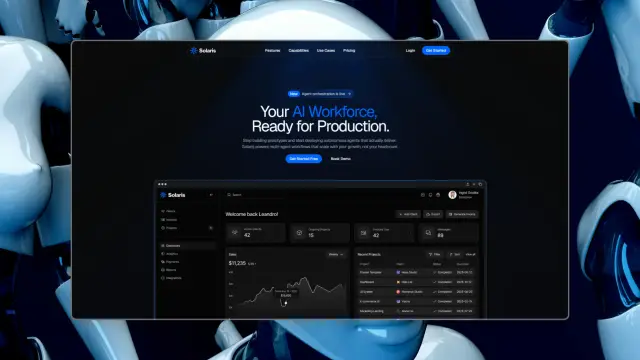 Pro
Pro - Reframe Labsshadcn.io/demos/reframe
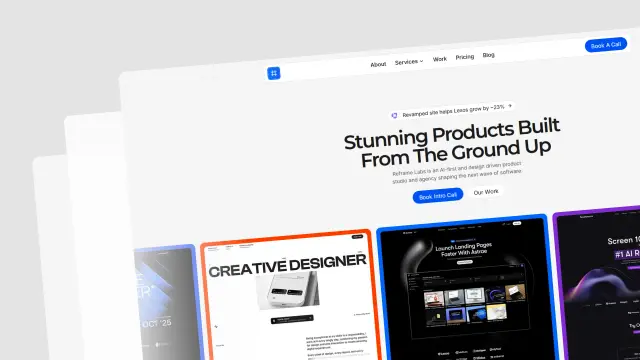 Pro
Pro - Spheruleshadcn.io/demos/spherule
 Pro
Pro - Maxshadcn.io/demos/max
 Pro
Pro - Zel Designsshadcn.io/demos/zel
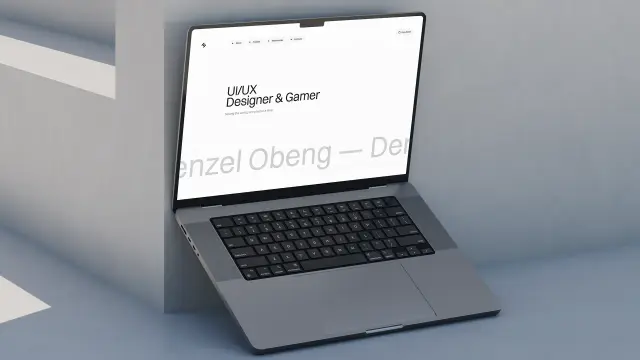 Pro
Pro - Areteshadcn.io/demos/arete
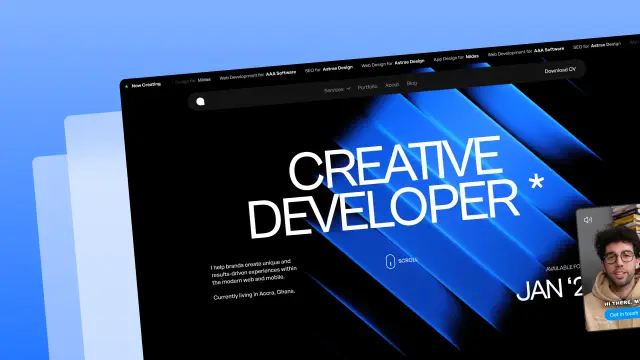 Pro
Pro - Lightboxshadcn.io/demos/lightbox
 Pro
Pro - Chatlyshadcn.io/demos/chatly
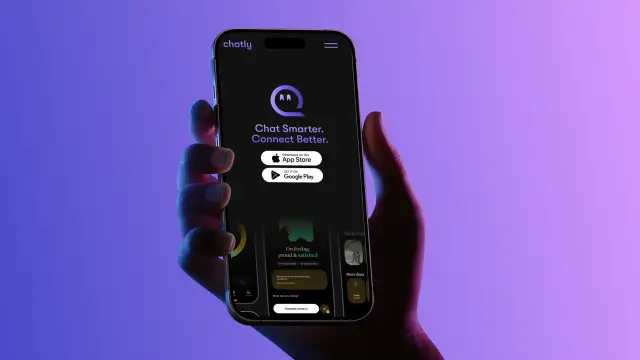 Pro
Pro
Every template, every block. One Pro plan unlocks all 14, with 6,000+ blocks and MCP for your AI editor.
Get ProMore like this
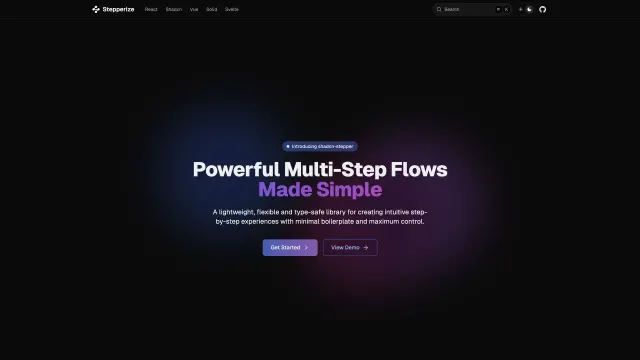
More React Native templates
Open source React Native templates like Nativecn UI, those with the most in common first.
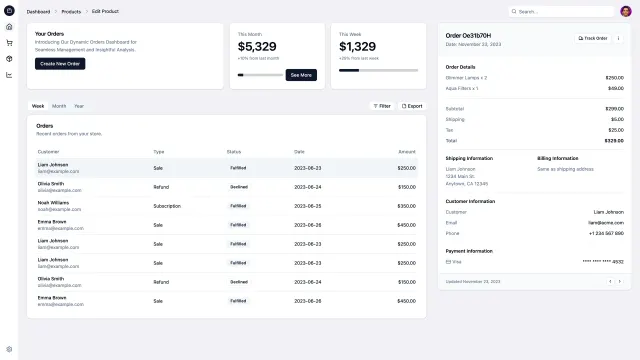
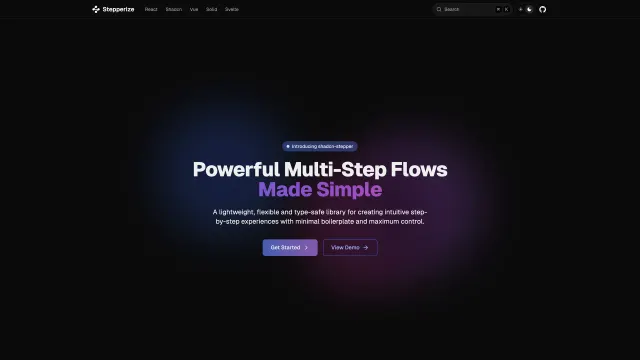
Pricing
Every premium template, with Pro
All 14 premium templates come with every Pro plan, with 6,000+ blocks and the MCP server. Pick the seats you need.
4.9/5 out of 5 · 150+ reviewsfrom 150+ founders and developers.
- Secure checkout via Stripe
- Code lives in your repo
- Keep what you've shipped if you cancel
- License terms
FAQ
Frequently asked questions
Everything you need to know before you ship with Nativecn UI.
Nativecn UI is a beautiful, customizable React Native component library inspired by shadcn/ui, bringing the copy-paste component philosophy to mobile development with NativeWind and Tailwind CSS. It is an open source template in the shadcn.io collection of 215.
Nativecn UI is made by Mobilecn ui, an independent developer; shadcn.io lists it but did not make it. Mobilecn ui has 1 template in the collection, and the author's page lists them.
The listing tags Nativecn UI with React, React Native and Tailwind. Those are its categories, not a dependency list: the exact packages and versions are in the repository's package.json.
Yes. The Nativecn UI page embeds its live demo from nativecn.mintlify.app, and links to it so you can open the real deployment before you clone.
The Nativecn UI listing was last updated on October 8, 2025. That date is the listing's, not the repository's: check the repository's commits for recent activity.
Clone the repository (git clone https://github.com/Mobilecn-UI/nativecn-ui), then follow the README. The Nativecn UI page shows the usual steps and a terminal block with the commands to copy.
Install dependencies with npm install or pnpm install, then run npm run dev. The README in the Nativecn UI repository says which package manager and environment variables it needs.
No. Nativecn UI is cloned from its own GitHub repository, so shadcn.io isn't involved. Browsing the page and its live demo need no account either; Pro adds the premium templates, the blocks and the MCP server.
Follow the deployment notes in the Nativecn UI README: the right host depends on its framework and any services it needs. The page's categories show what it is built for.
The Nativecn UI listing doesn't record a license. Check the LICENSE file in its repository (https://github.com/Mobilecn-UI/nativecn-ui), and ask the author if there isn't one.
That depends on Nativecn UI's license in its repository, which shadcn.io does not set. Read the LICENSE file before you use it in a client or paid project, and ask the author if it is unclear.
Attribution follows Nativecn UI's license. Many permissive licenses ask you to keep the copyright notice and license text in your copy; its LICENSE file says exactly what.
No. The Pro license covers shadcn.io's own Pro code, blocks and premium templates. Nativecn UI is the author's project, under the terms in its repository.
Mobilecn ui supports Nativecn UI, through its GitHub repository: read the docs, open an issue or look for discussions. shadcn.io does not maintain it.
Yes. Once you clone it, Nativecn UI is your own code: change the theme, add pages and connect your backend. It uses shadcn/ui, so you can also add more components the same way.
Yes. Components are free with a free account and the blocks are in Pro; both are copied into your project with the shadcn CLI. Check that Nativecn UI uses Tailwind CSS and the shadcn/ui setup (a components.json) before you add them, and pick the base library your project already uses.
Yes, with Pro. The shadcn.io MCP server's search_templates tool finds templates by what they are, and returns each one's repository and live demo, so your editor can set up Nativecn UI for you. Your files stay on your machine.
The collection has 5 other open source React Native templates like Nativecn UI, shown at the foot of its page with the ones sharing most categories first. All of them are at /template/category/react-native.
Mobilecn ui has no other templates in the collection.
Yes. The 14 premium templates (Solaris, Reframe Labs, Spherule and Max and more) are built by shadcn.io and come with every Pro plan, if you want maintained code with a design file.
4.9 out of 5 from 150+ developers


Ship your next site this weekend
14 premium templates, 6,000+ blocks and MCP in every Pro plan. Nativecn UI and the other 214 open source templates stay free.
Get Pro