Free tools, in your browser.
498 free tools that run in your browser: convert and edit images, generate CSS and colors, convert code, write meta tags, handle PDFs and text. Nothing is uploaded, and no account is needed.
Every category
20 categories, 498 tools.
- Image tools18 tools
- PNG tools47 tools
- CSS generators10 tools
- Color tools17 tools
- Design tools11 tools
- Web and SEO tools14 tools
- JPG tools44 tools
- SVG tools45 tools
- Data tools7 tools
- Text tools7 tools
- File tools15 tools
- WebP tools44 tools
- Security and dev tools20 tools
- Encoders and decoders32 tools
- Hash generators64 tools
- Media tools3 tools
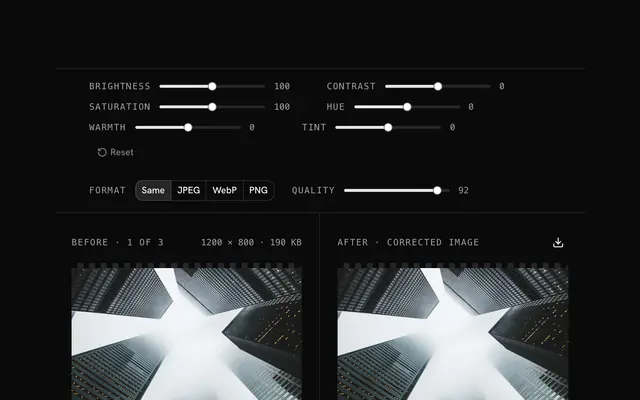
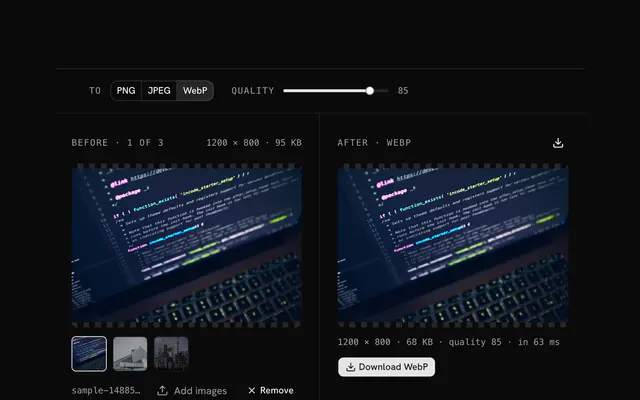
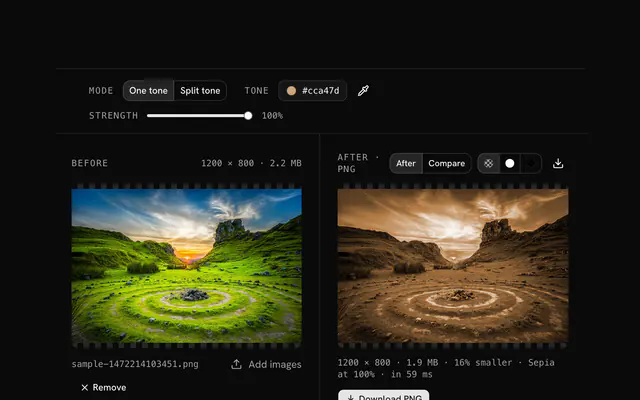
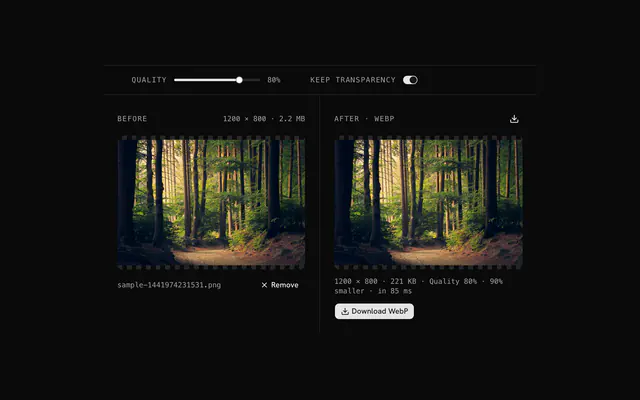
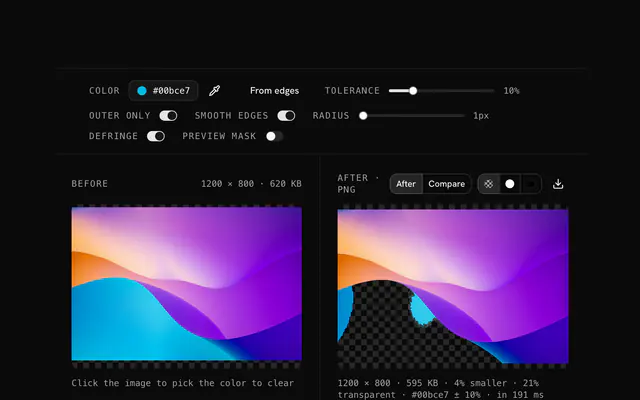
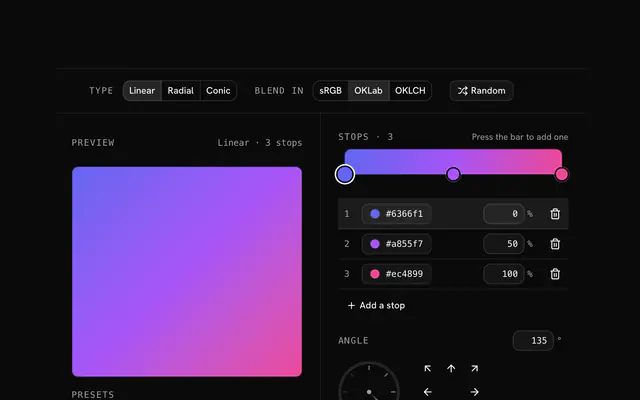
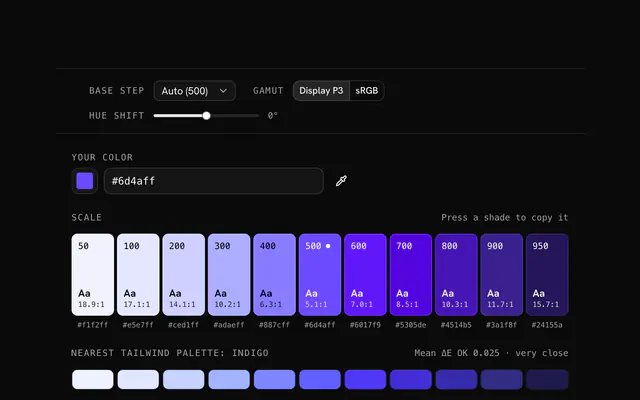
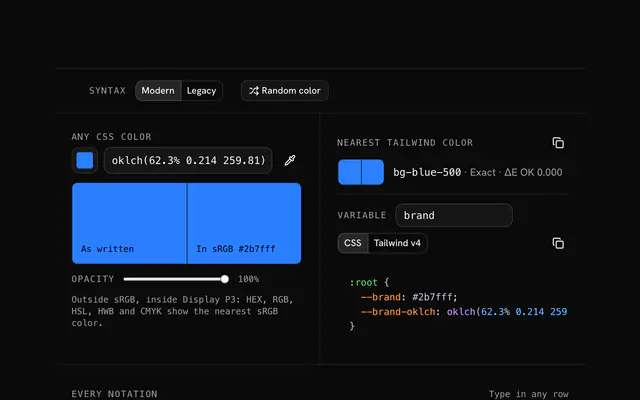
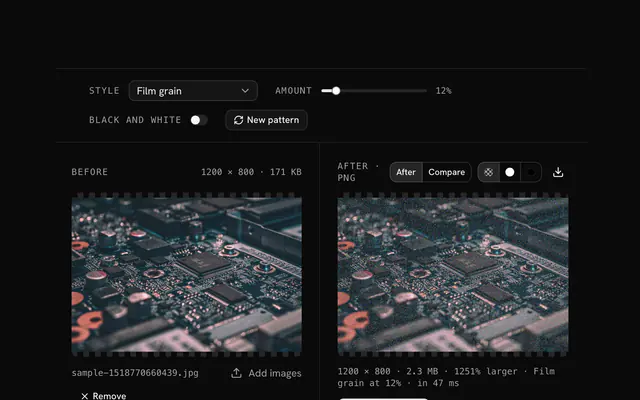
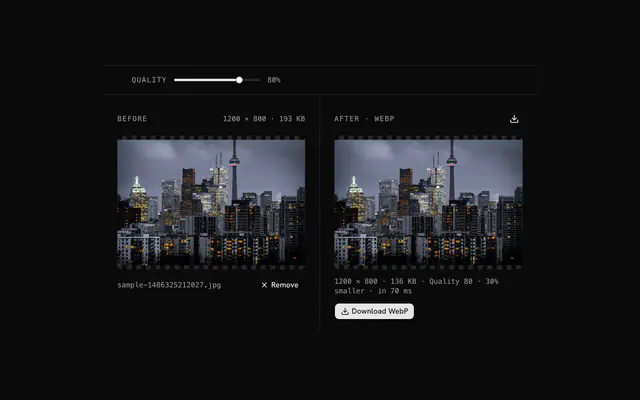
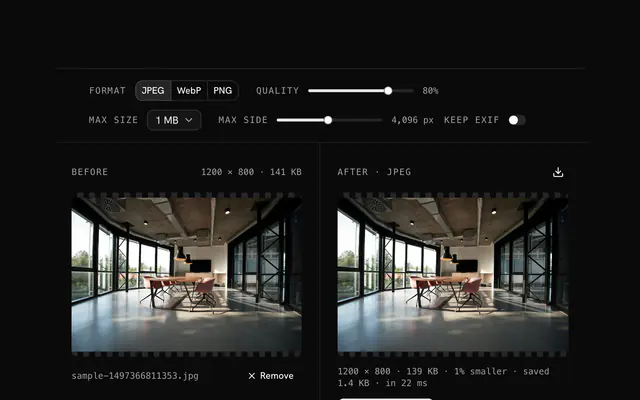
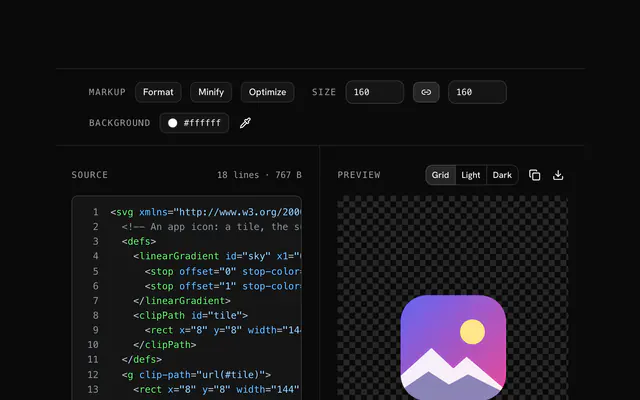
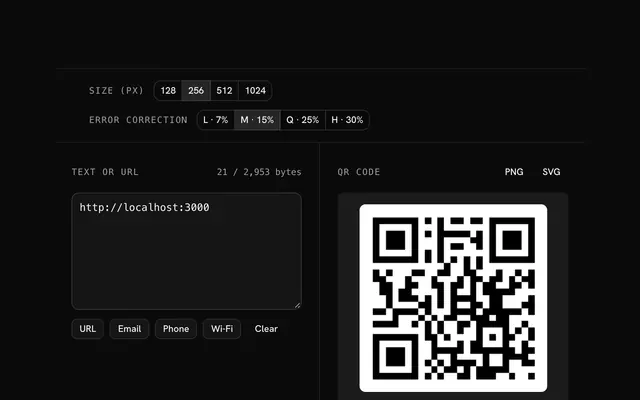
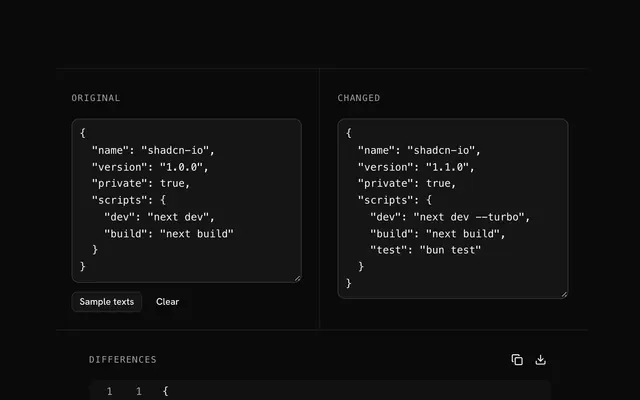
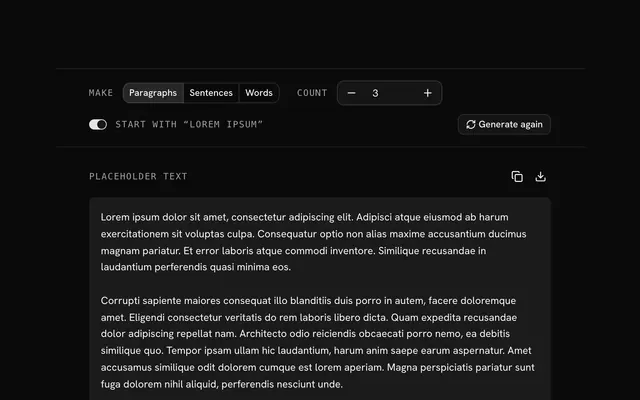
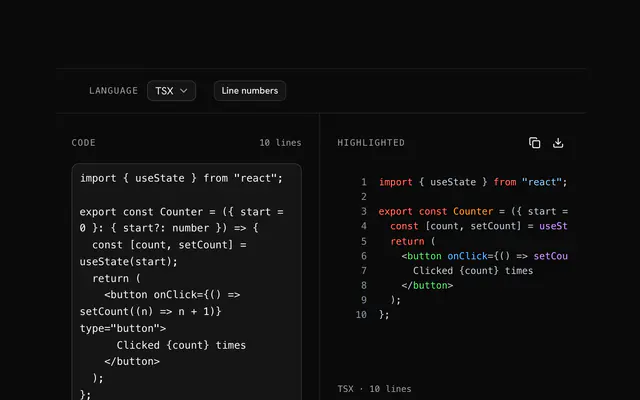
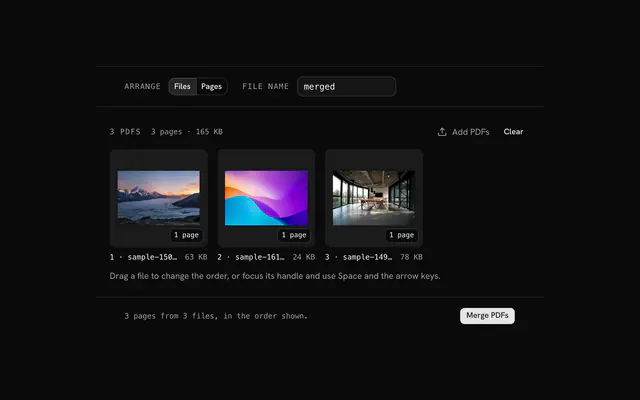
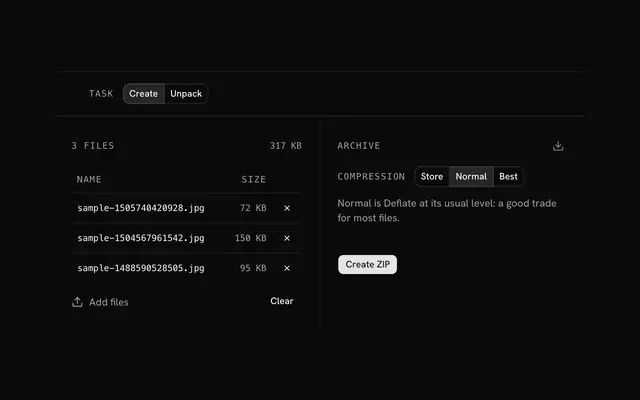
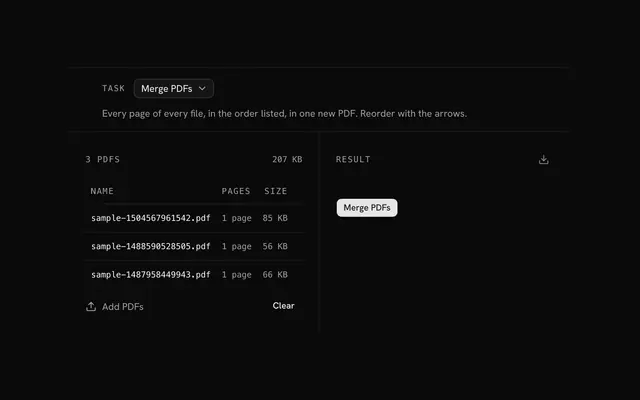
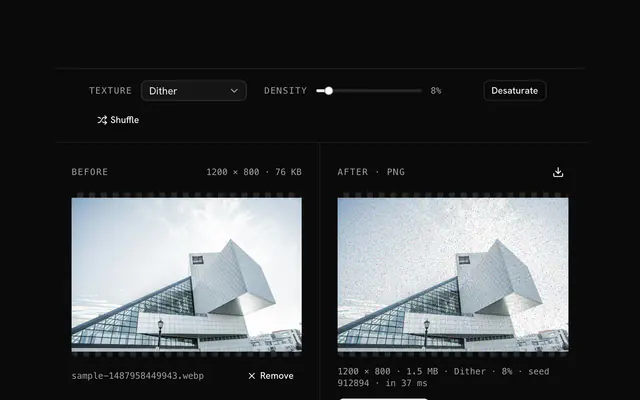
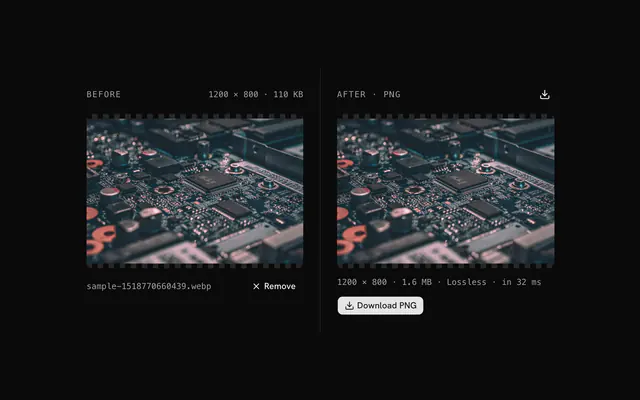
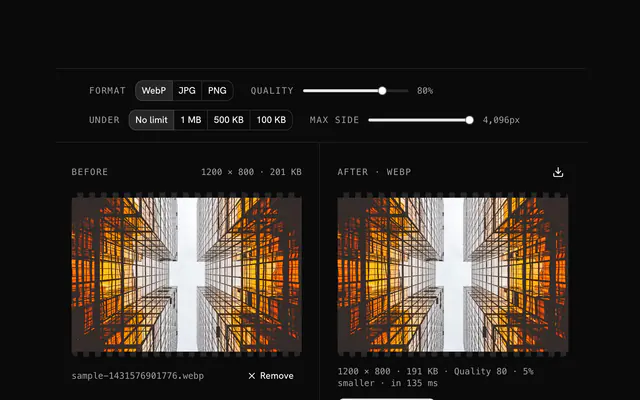
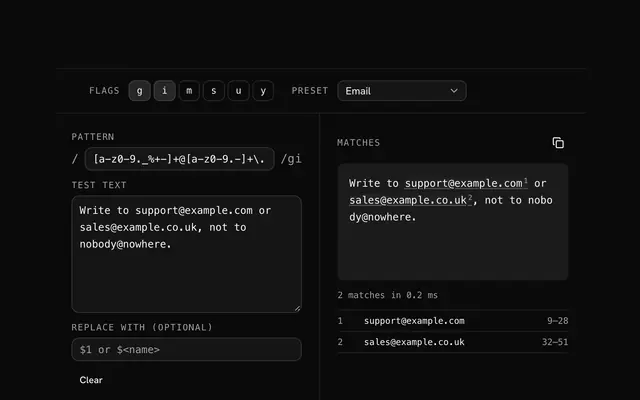
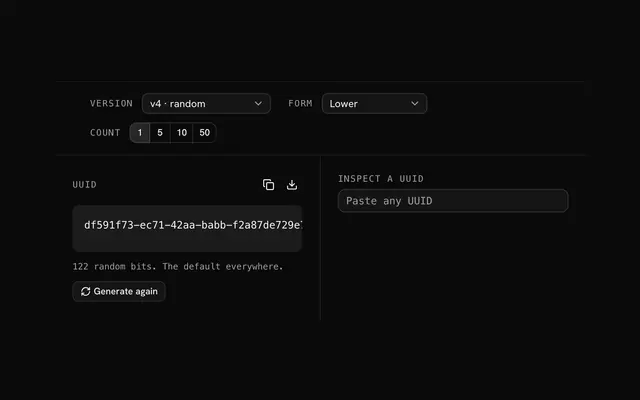
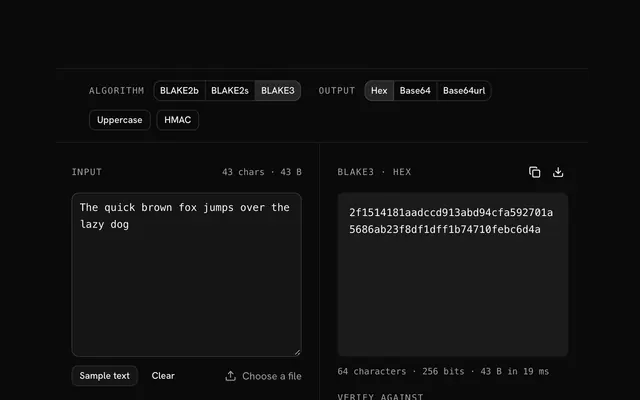
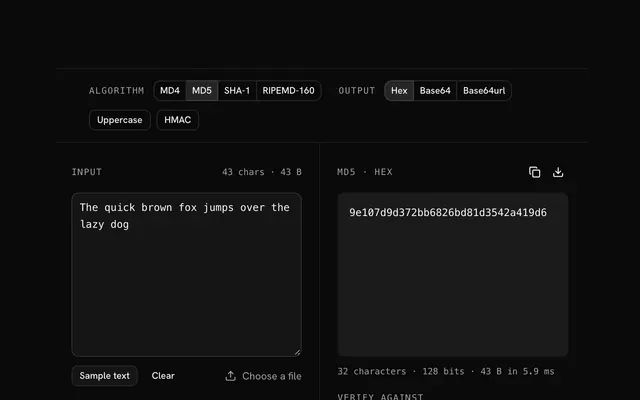
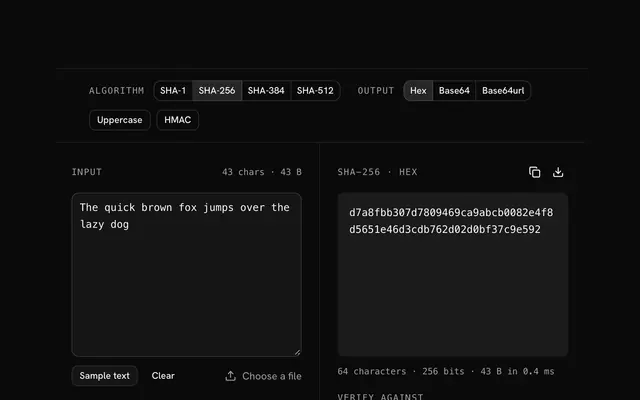
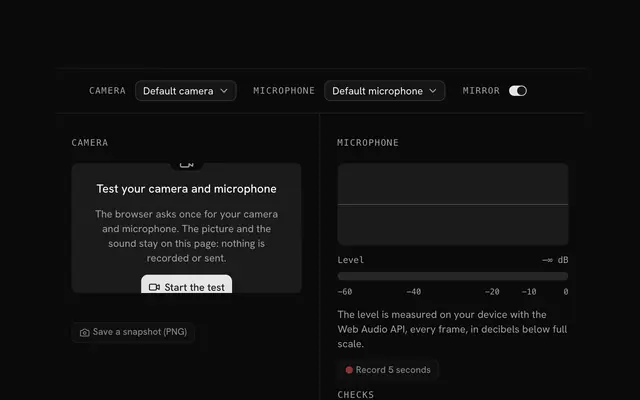

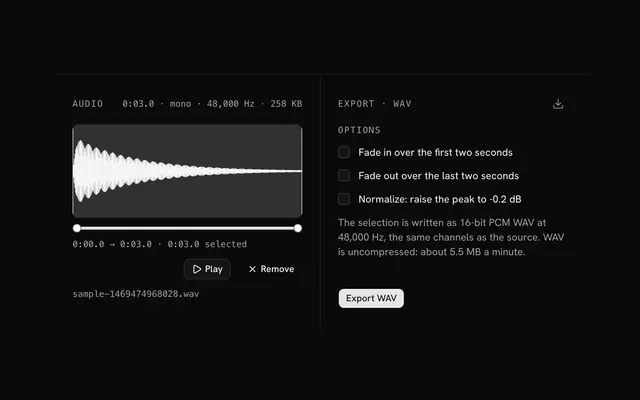
Need the product around them? With Pro, your AI agent builds the form, the result card and the rest of the page from a prompt, in your theme.
Get ProMost used tools
Where most people start. Each one free, with nothing uploaded and no account.
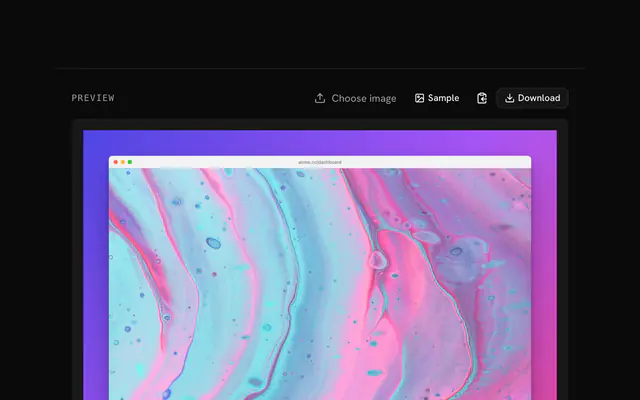
- Screenshot beautifierScreenshots and mockups
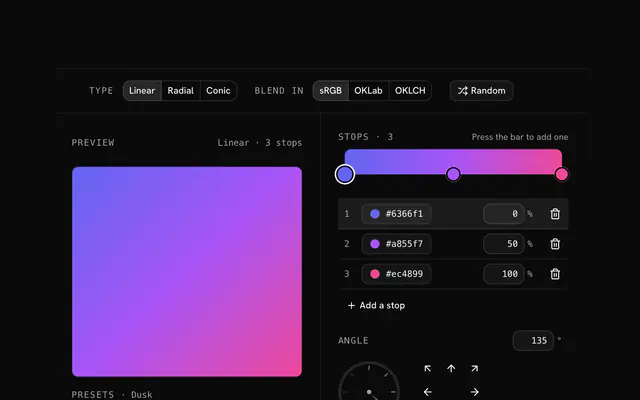
- CSS gradient generatorGradients and backgrounds
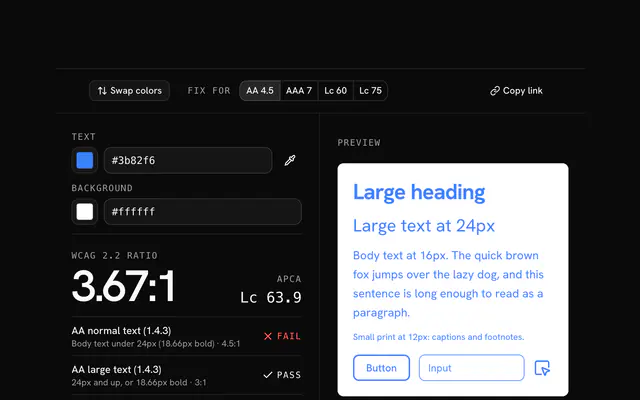
- Contrast checkerContrast and accessibility
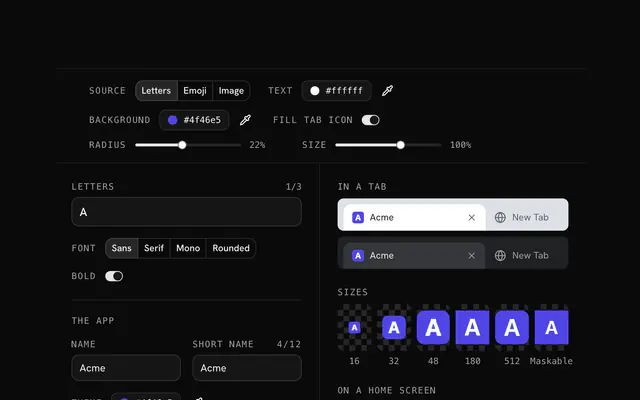
- Favicon generatorFavicons and manifests
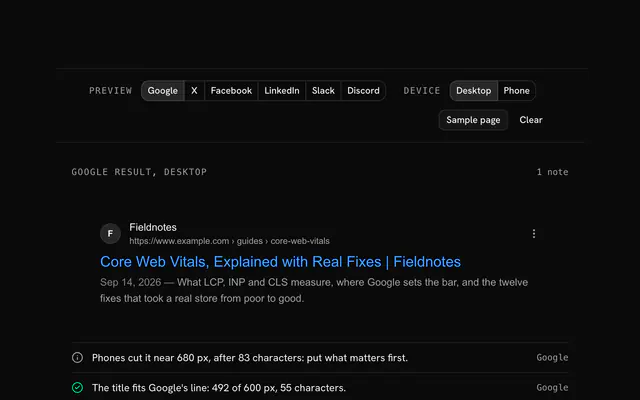
- Meta tag generatorMeta tags and SEO
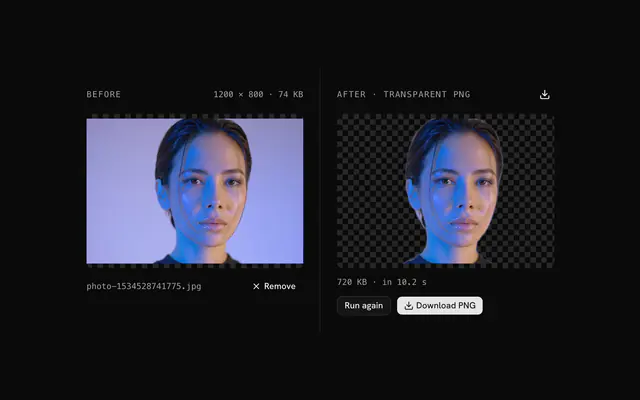
- Background removerBackground and color
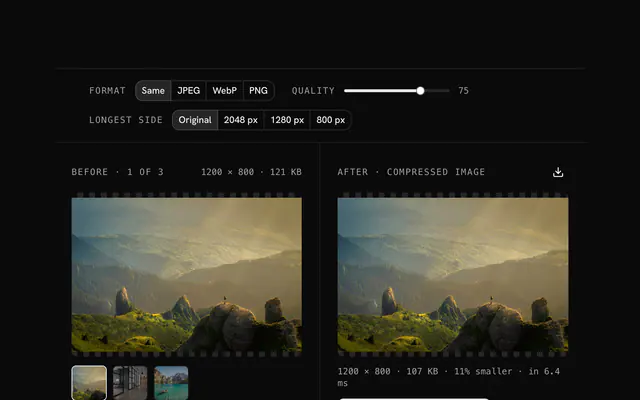
- Image compressorConvert and compress
- Box shadow generatorShadows and borders
Pricing
Free tools, and the product around them with Pro
The tools are free. Pro adds 6,000+ blocks, premium templates and the MCP server, so your AI editor builds the product around them.
4.9/5 out of 5 · 150+ reviewsfrom 150+ founders and developers.
- Secure checkout via Stripe
- Code lives in your repo
- Keep what you've shipped if you cancel
- License terms
FAQ
Frequently asked questions
What the free tools are, what stays on your device, their limits and how they sit next to shadcn.io.
They are 498 free tools that run in your browser: image converters and editors, CSS and color generators, design tools, web and SEO tools, hash and encoding tools, PDF, text, data and math utilities. Each has its own page at /tools/<name>, and 20 category pages group them.
No. Every tool page opens without a sign-in or an account, and nothing in /tools is behind a plan. An account only matters for the Pro code of shadcn.io's blocks, components and templates.
Because people search for each job by name: PNG to WebP and WebP to PNG are two pages with their own copy, and the 64 hash tools split text and file versions. Several pages can open the same underlying tool, so the count of pages is larger than the count of different tools.
Open the search in the site header and type the job, the format or the algorithm: every tool is in its index by name. Or open a category page under /tools to see every tool in it.
No. The files and text you give a tool are read and processed in your browser, and the tools' code makes no request that carries your input. This holds for the hash, encoding, image, PDF, ZIP, audio, video, text, data and math tools alike.
Two kinds of downloads happen, and neither carries your input. Heavier tools load their code the first time you use them (a hashing, PDF or ZIP library, for example). And the background remover downloads its AI model from a CDN (staticimgly.com) before it can run, so it needs a connection on first use; your image is processed on your device.
No. The currency converter uses a fixed table of rates dated 2026-10-23, so it works without a connection and gives reference values, not today's market rates. Check a bank or a live source before you move money.
Two of them keep a draft in this browser's localStorage so it survives a reload: the invoice generator and the to-do list. It stays on your device, and clearing the site's data removes it. The other tools hold your input in memory only, so closing the tab clears it.
The camera and microphone tools, and the QR and barcode scanners, ask the browser for permission first. The picture or sound is handled on your device by the page; the tools' code has no upload step. Refuse the prompt and they stay off.
They come from your device's memory, because the tools work on the whole file in the page. The ones the code enforces: images up to 100 MB (some image tools show a smaller figure under the file picker), PDFs up to 500 MB each, audio up to 200 MB, ZIP and video up to 2 GB, and the hash tools up to 1 GB of file.
Each tool states its limit under the file picker, and says in one plain sentence when a file is too large or can't be read. Split the file, lower its size with the compression tools, or try a device with more memory.
No. The tools have no sign-in, quota or paywall. Because the work happens on your device, the only limits are its memory and speed.
For some formats, yes: the image tools write a format only if your browser's canvas can encode it. AVIF output is the one that depends on the browser most, and a tool that needs it says so when your browser can't write it.
There are 20: hash generators (64), encoders and decoders (32), PNG tools (47), JPG tools (44), WebP tools (44), AVIF tools (37), ICO tools (37), SVG tools (45), image tools (18), CSS generators (10), color tools (17), design tools (11), web and SEO tools (14), file tools (15), media tools (3), text tools (7), data tools (7), math and finance (20), productivity (6) and security and dev tools (20).
272 tools work on pictures, in the categories PNG tools, JPG tools, WebP tools, AVIF tools, ICO tools, SVG tools and image tools. They convert between formats, compress, make backgrounds transparent, recolor, add grain and fade, and read a file's metadata.
The everyday group is 51 tools: file tools, media tools, text tools, math and finance and productivity. Think merging a PDF, trimming audio, counting words, converting units or keeping a to-do list.
Each category has its own page that lists every tool in it, with filters by job, for example /tools/png for the PNG tools and /tools/hash for the 64 hash generators. The browser at the top of this page lists every category; filter it by images, design, developers or everyday.
38 tools for design work, in the categories CSS generators, color tools and design tools. They write CSS and Tailwind classes, convert and check colors, and make images for the web, all on your device.
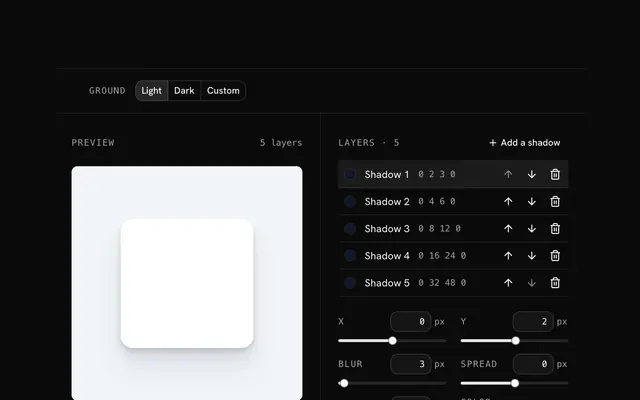
Yes: CSS gradient generator, box shadow generator, glassmorphism generator and Cubic-bezier generator, among others. Each previews the result live and copies it as CSS or as Tailwind v4 classes (arbitrary values where Tailwind has no utility).
The color tools cover it: contrast checker, tailwind color generator, color palette generator and color converter. They work in OKLCH as well as HEX, RGB and HSL, so the scales they build and the contrast they report match how Tailwind v4 and modern CSS describe color.
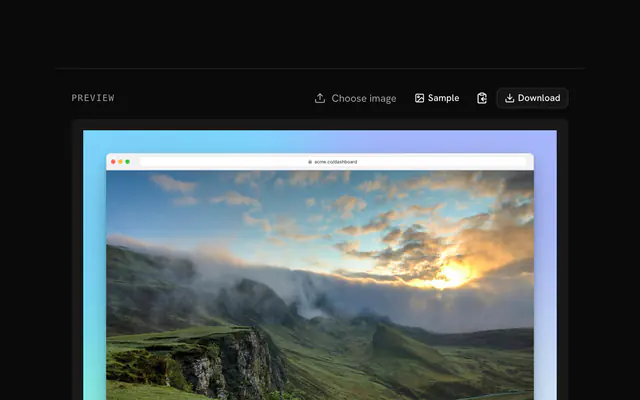
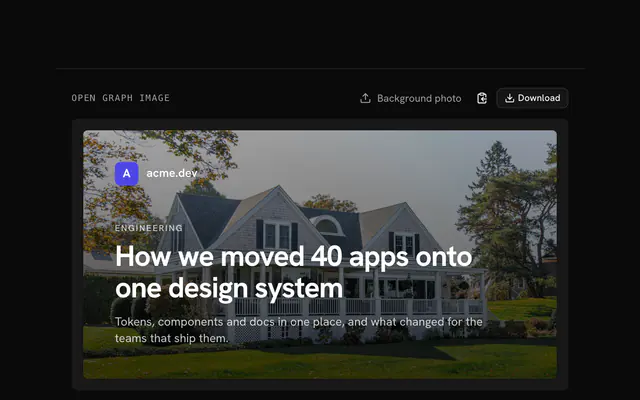
Yes: screenshot beautifier, open Graph image generator, mesh gradient generator and favicon generator. They draw on a canvas in the page and export PNG (or SVG where it fits), so a product screenshot or a social card never leaves your device.
The developer group is 137 tools: hash generators, encoders and decoders, web and SEO tools, data tools and security and dev tools. The hash generators cover SHA-2, SHA-3, Keccak, BLAKE, MD5, CRC, xxHash and the password hashes bcrypt and Argon2, for text or a file, with HMAC where the algorithm has one.
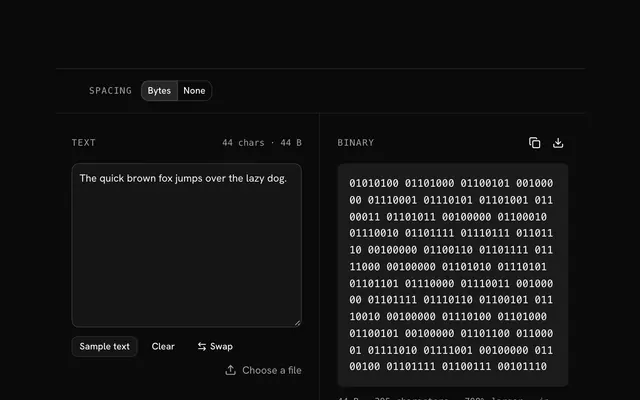
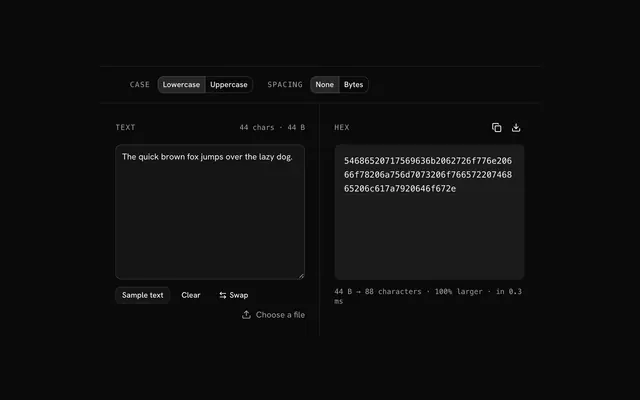
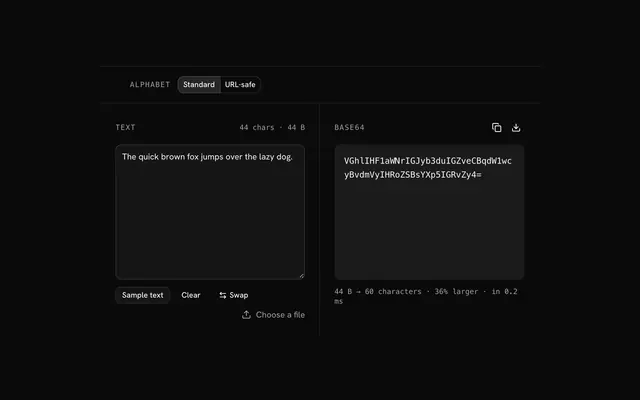
Yes, the 32 encoding tools do Base64, Base32, Base36, Base58, Base62, Base85, hex and binary, each as an encoder, a decoder, a file-to-text page and a text-to-file page. They are encodings, not encryption.
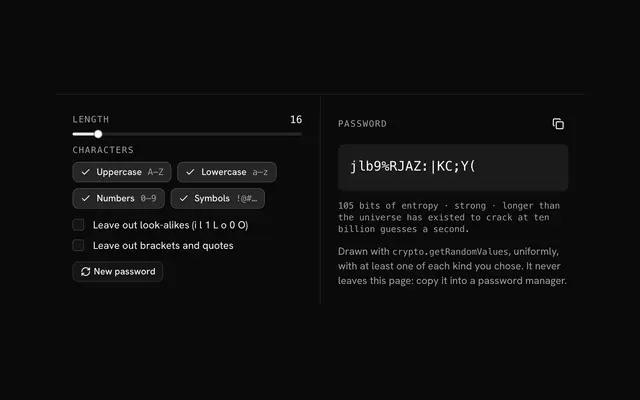
Yes: the security and dev tools include a regex tester, a cron expression parser, a JWT decoder, a Unix timestamp converter, and password and UUID generators. They run in the page, so the token or pattern you paste isn't sent anywhere.
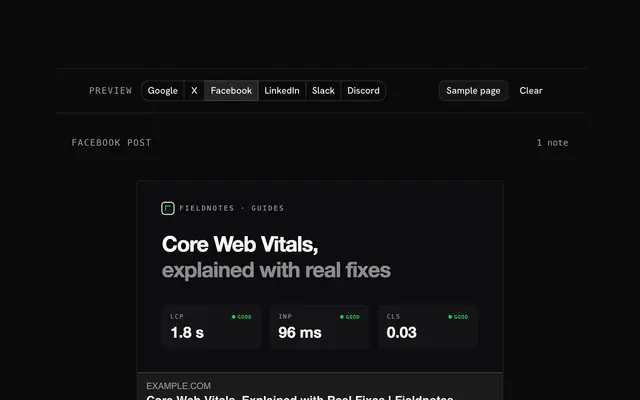
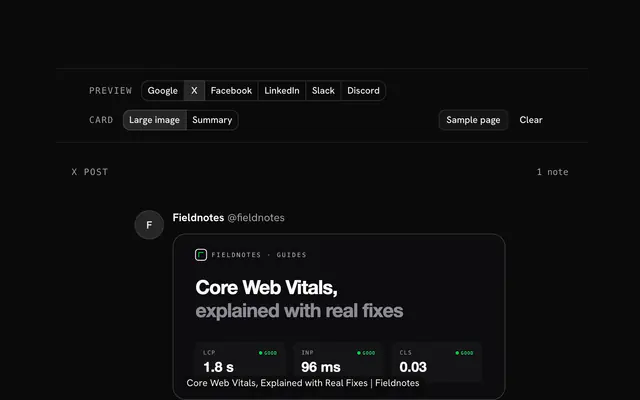
The web and SEO tools cover the files and headers a site ships: meta tag generator, Robots.txt generator, sitemap generator, Content-Security-Policy generator and HTTP status codes. Each shows its output ready to paste, with the reasons behind the defaults.
The tool pages are built with shadcn.io's own registry components: buttons, inputs, sliders, toggles, selects, switches and the rest, the same ones documented under /ui. They are an example of what the components make, not a separate library.
The tools stay free. Pro adds the blocks, the premium templates and the MCP server, so your AI editor can build the page around a tool: the form, the result card, the pricing and the rest. Previews are free; the code needs an account.
No. shadcn.io is independent. The tools use shadcn.io's own components, and shadcn/ui is a separate open-source library by @shadcn at ui.shadcn.com.
4.9 out of 5 from 150+ developers


Build the product around them
Every block, template and icon, installed by your AI agent in your theme. The tools stay free.
Get Pro