Kokonut UI
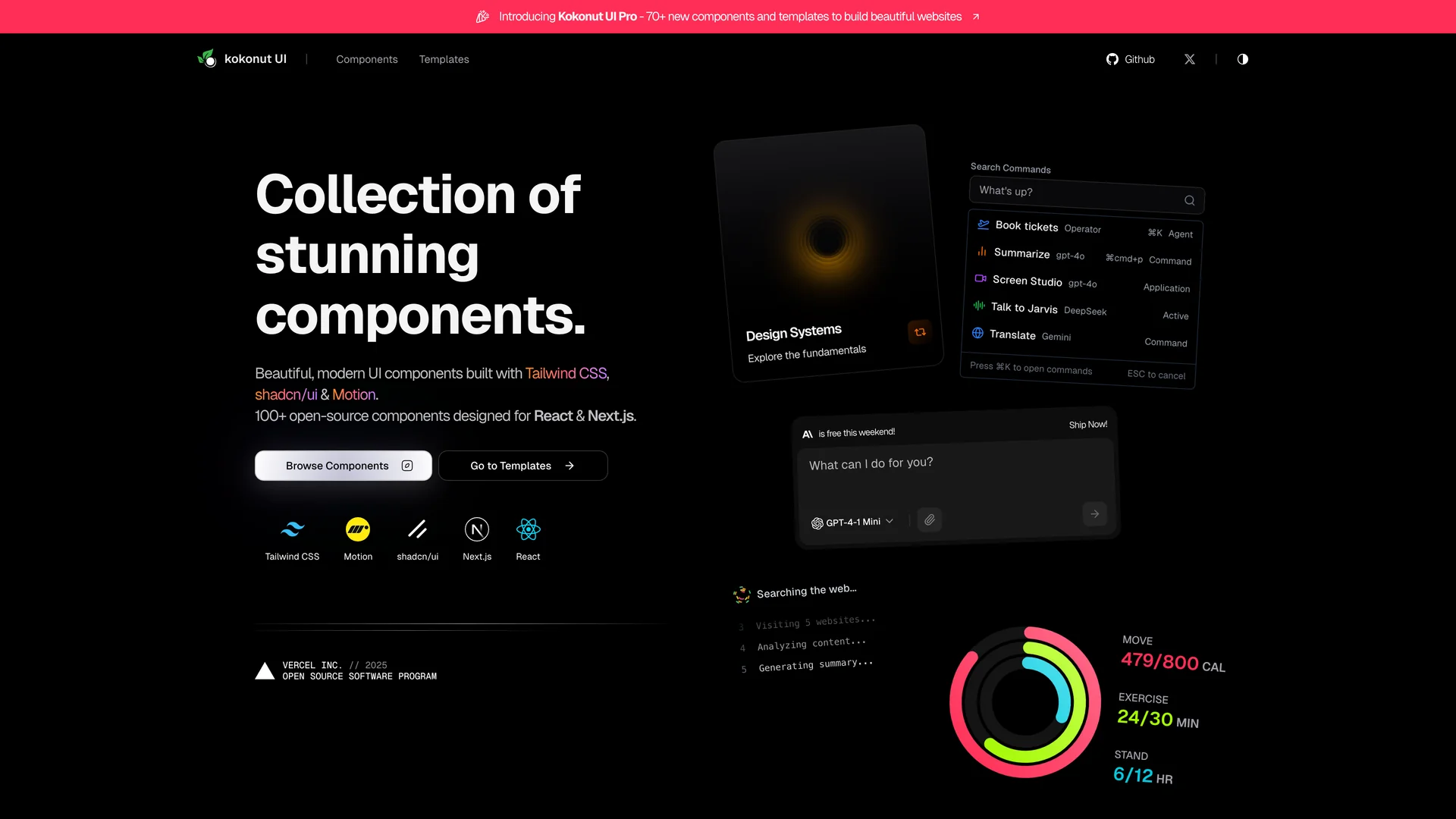
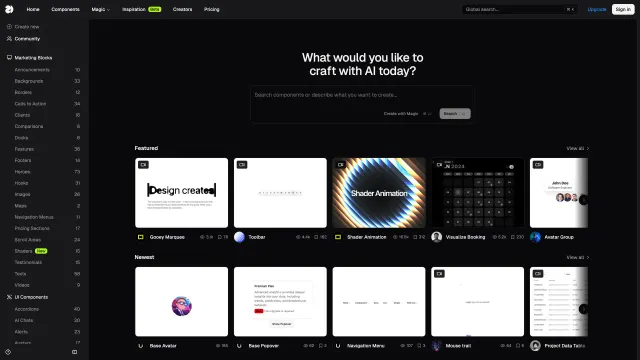
Kokonut UI is a collection of animated, accessible UI components built with React, Tailwind CSS, and Framer Motion, providing production-ready components with smooth animations and modern design patterns.
- Author
 Kokonut labs
- Updated
- Live demo
- kokonutui.com (opens in a new tab)
Live preview
Live Preview
Interact with the actual deployed template — every section, every interaction, no mockups.
kokonutui.com
Open in a new tab (opens in a new tab)Loading preview…
About
About Kokonut UI
The open-source library offers copy-and-paste components following shadcn/ui's philosophy, including animated cards, interactive buttons, smooth transitions, and engaging micro-interactions that enhance user experience. Built with TypeScript for type safety, the components integrate Framer Motion's animation capabilities with Tailwind CSS utility classes, creating visually polished interfaces without complex animation code.
Each component is designed for accessibility with proper ARIA attributes, keyboard navigation support, and responsive behavior across devices. Perfect for marketing websites, landing pages, SaaS applications, or any project requiring eye-catching animations and professional polish beyond basic UI primitives, Kokonut UI demonstrates how to combine animation libraries with utility-first CSS for components that are both beautiful and maintainable.
Get started
Free, open source, and ready to ship.
Clone the repo, install dependencies, and start customising. Kokonut UI is free and open source: its license is in the repository.
- Clone the Kokonut UI repository from GitHub.
- Run
npm installorpnpm installto install all required packages. - Run
npm run devto start the development server and begin customizing. - Check the repository’s README and license before you ship.
Terminal
$ git clone https://github.com/kokonut-labs/kokonutui
$ cd kokonutui
$ npm install
$ npm run dev
Included in Pro
More Templates
Hand-built premium templates from shadcn.io — production-ready and bundled in Pro.
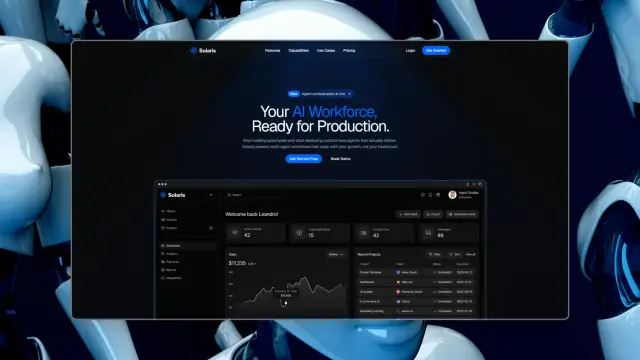
- Solarisshadcn.io/demos/solaris
 Pro
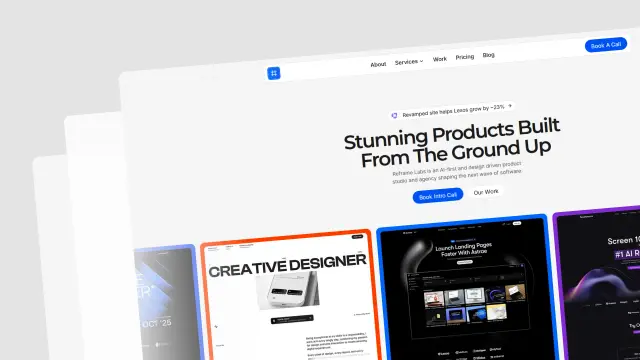
- Reframe Labsshadcn.io/demos/reframe
 Pro
- Spheruleshadcn.io/demos/spherule
 Pro
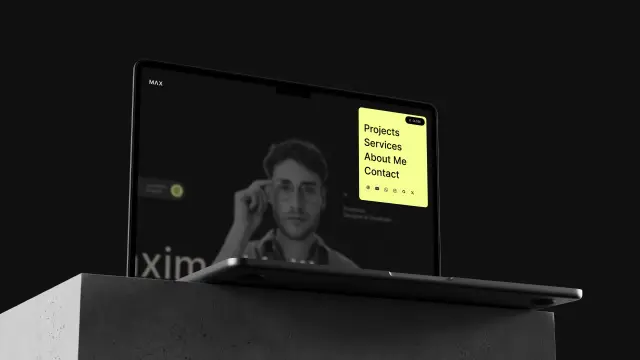
- Maxshadcn.io/demos/max
 Pro
- Zel Designsshadcn.io/demos/zel
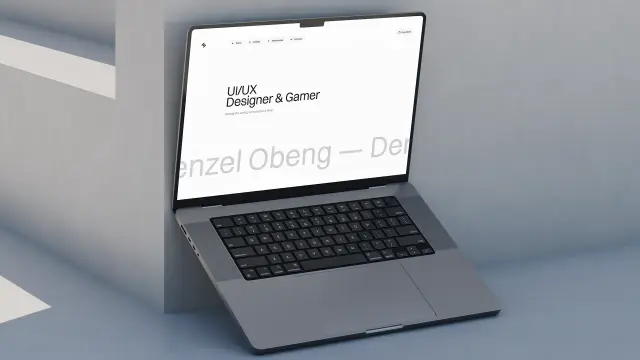 Pro
- Areteshadcn.io/demos/arete
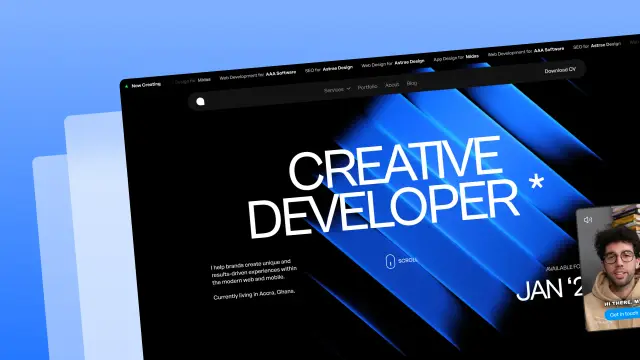 Pro
- Lightboxshadcn.io/demos/lightbox
 Pro
- Chatlyshadcn.io/demos/chatly
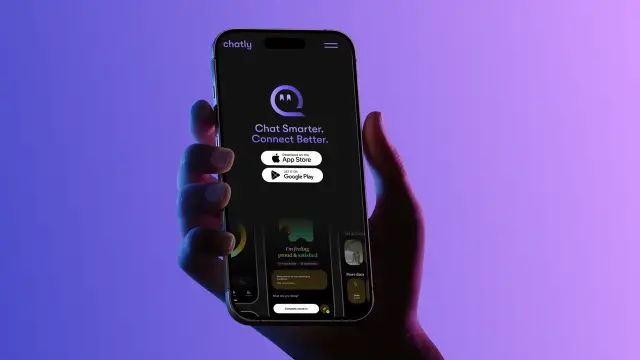 Pro
Every template, every block. One Pro plan unlocks all 14, with 6,000+ blocks and MCP for your AI editor.
Get ProMore like this
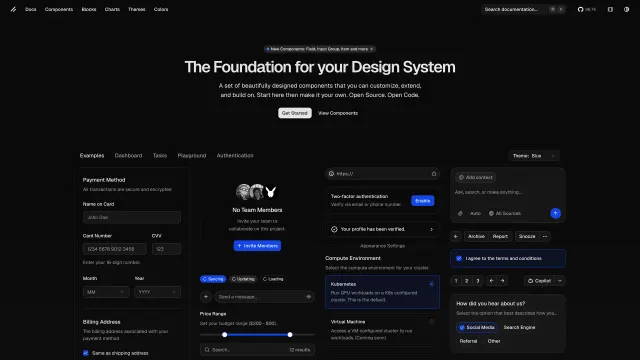
More Next.js templates
Open source Next.js templates like Kokonut UI, those with the most in common first.
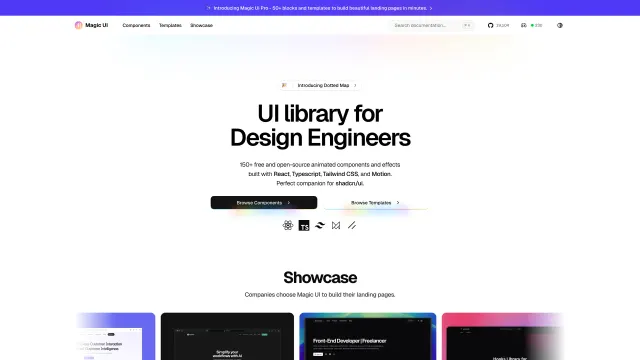
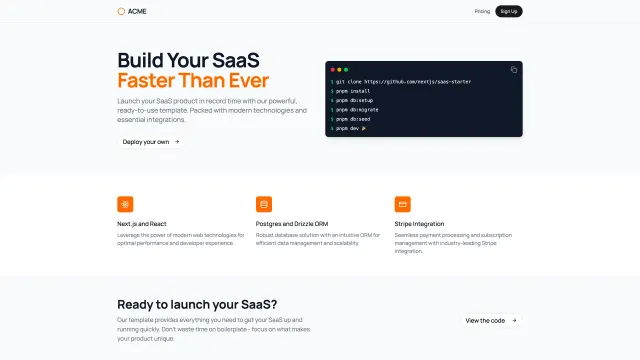
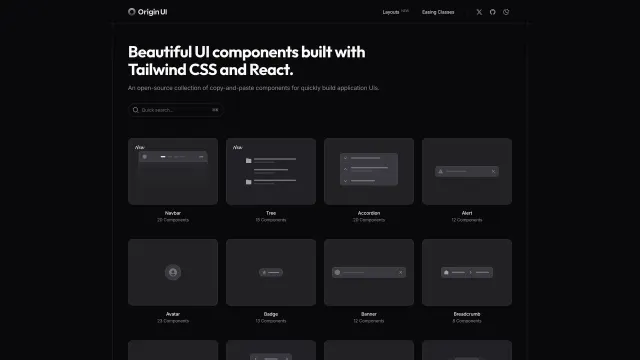
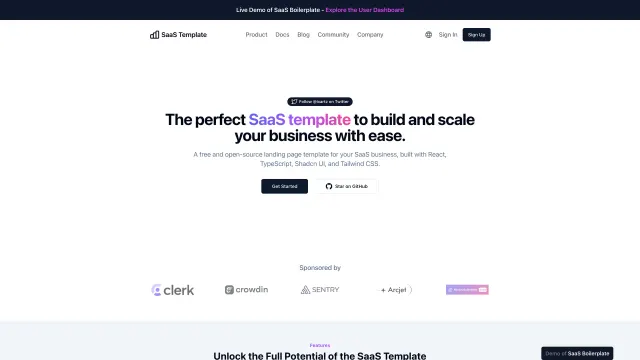
Pricing
Every premium template, with Pro
All 14 premium templates come with every Pro plan, with 6,000+ blocks and the MCP server. Pick the seats you need.
4.9/5 out of 5 · 150+ reviewsfrom 150+ founders and developers.
- Secure checkout via Stripe
- Code lives in your repo
- Keep what you've shipped if you cancel
- License terms
FAQ
Frequently asked questions
Everything you need to know before you ship with Kokonut UI.
Kokonut UI is a collection of animated, accessible UI components built with React, Tailwind CSS, and Framer Motion, providing production-ready components with smooth animations and modern design patterns. It is an open source template in the shadcn.io collection of 215.
Kokonut UI is made by Kokonut labs, an independent developer; shadcn.io lists it but did not make it. Kokonut labs has 1 template in the collection, and the author's page lists them.
The listing tags Kokonut UI with Next.js, React and Tailwind. Those are its categories, not a dependency list: the exact packages and versions are in the repository's package.json.
Yes. The Kokonut UI page embeds its live demo from kokonutui.com, and links to it so you can open the real deployment before you clone.
The Kokonut UI listing was last updated on October 8, 2025. That date is the listing's, not the repository's: check the repository's commits for recent activity.
Clone the repository (git clone https://github.com/kokonut-labs/kokonutui), then follow the README. The Kokonut UI page shows the usual steps and a terminal block with the commands to copy.
Install dependencies with npm install or pnpm install, then run npm run dev. The README in the Kokonut UI repository says which package manager and environment variables it needs.
No. Kokonut UI is cloned from its own GitHub repository, so shadcn.io isn't involved. Browsing the page and its live demo need no account either; Pro adds the premium templates, the blocks and the MCP server.
Kokonut UI is tagged Next.js, so it deploys wherever a Next.js app does, such as Vercel, a Node.js server or a container. Its README may add steps for its own services.
The Kokonut UI listing doesn't record a license. Check the LICENSE file in its repository (https://github.com/kokonut-labs/kokonutui), and ask the author if there isn't one.
That depends on Kokonut UI's license in its repository, which shadcn.io does not set. Read the LICENSE file before you use it in a client or paid project, and ask the author if it is unclear.
Attribution follows Kokonut UI's license. Many permissive licenses ask you to keep the copyright notice and license text in your copy; its LICENSE file says exactly what.
No. The Pro license covers shadcn.io's own Pro code, blocks and premium templates. Kokonut UI is the author's project, under the terms in its repository.
Kokonut labs supports Kokonut UI, through its GitHub repository: read the docs, open an issue or look for discussions. shadcn.io does not maintain it.
Yes. Once you clone it, Kokonut UI is your own code: change the theme, add pages and connect your backend. It uses shadcn/ui, so you can also add more components the same way.
Yes. Components are free with a free account and the blocks are in Pro; both are copied into your project with the shadcn CLI. Check that Kokonut UI uses Tailwind CSS and the shadcn/ui setup (a components.json) before you add them, and pick the base library your project already uses.
Yes, with Pro. The shadcn.io MCP server's search_templates tool finds templates by what they are, and returns each one's repository and live demo, so your editor can set up Kokonut UI for you. Your files stay on your machine.
The collection has 151 other open source Next.js templates like Kokonut UI, shown at the foot of its page with the ones sharing most categories first. All of them are at /template/category/nextjs.
Kokonut labs has no other templates in the collection.
Yes. The 14 premium templates (Solaris, Reframe Labs, Spherule and Max and more) are built by shadcn.io and come with every Pro plan, if you want maintained code with a design file.
4.9 out of 5 from 150+ developers


Ship your next site this weekend
14 premium templates, 6,000+ blocks and MCP in every Pro plan. Kokonut UI and the other 214 open source templates stay free.
Get Pro