JWT decoder.
Paste a JSON Web Token to read its header and claims, then verify its signature with the secret or public key. Expiry and the other time claims are checked against your clock, all in your browser.
JWT decoder.
Need the UI around it? With Pro, your AI agent builds the form, the result card and the rest of the page from a prompt.
Get ProHow it works
3 steps, no account. It runs in your browser and nothing is uploaded.
Paste the token
With or without the Bearer prefix; the sample shows the shape.
Read the header and payload
Formatted JSON, with the time claims written as dates and each claim named.
Verify the signature
A secret for HS tokens, a public key, JWK or JWKS for the rest.
Related tools
More security and dev tools. Every one free, in the browser.
Pricing
Build it with Pro
The tool is free. Pro adds 6,000+ blocks, premium templates and the MCP server, so your AI editor builds the product around it.
4.9/5 out of 5 · 150+ reviewsfrom 150+ founders and developers.
- Secure checkout via Stripe
- Code lives in your repo
- Keep what you've shipped if you cancel
- License terms
Questions and answers
Before you trust the result: what to know about the format, the limits, your data and the tools next to it.
A JSON Web Token is three Base64url strings joined by dots: a header naming the algorithm, a payload of claims (who, for whom, until when) and a signature over the first two. Anyone can read the first two; only the key can check the third.
Decoding is reading the header and payload, which are encoded, not encrypted. Verifying is recomputing the signature with the issuer's secret (HS256) or checking it with their public key (RS256, ES256, EdDSA). A decoded token proves nothing until it is verified.
That the header and payload are exactly what the key holder signed: change one character and verification fails. It does not hide anything (the payload is readable by anyone), and it does not stop a stolen token from being replayed until it expires.
exp (expiry) and nbf (not before) are compared with your clock and written as dates with how long ago or how soon; iat (issued at) is flagged if it is in the future. A token without exp never lapses, and alg none is marked as unsigned.
Registered claim names: iss is the issuer, sub the subject (usually a user id), aud the audience the token is meant for, jti a unique token id. The claims table names these and the common ones such as scope, azp, email and roles.
Paste the token, with or without a leading Bearer. The header and payload appear as formatted JSON, the time claims as dates, and the checks say what passes and what fails.
Paste the secret for HS256, HS384 or HS512 (as text, Base64url or hex), or the public key for RS, PS, ES or EdDSA tokens as a PEM, a JWK or a whole JWKS, where the key is picked by the token's kid. The verdict appears at once.
No. The decoding and the signature check run in your browser with the Web Crypto API, and the page makes no request with the token or the key. It is still wise to paste production secrets only on a machine you trust.
No. The JWT decoder is free and opens without a sign-in, an account or an install.
Nothing. The JWT decoder holds your input in the page's memory, so closing or reloading the tab clears it, and it saves nothing in this browser.
Yes, the Bearer word is dropped before the token is read, so a whole Authorization header value can be pasted as it is.
No: it expects exactly three Base64url parts separated by dots, and says how many it found. An encrypted token (JWE) has five parts and can't be read without the key anyway.
It flags a header with alg set to none as a token without a signature that anyone could have written. For any other algorithm it names the algorithm and says the signature can only be checked with the key.
The header, the payload and the signature are shown as separate parts, and the signature has its own copy button. It stays in the third part's Base64url form, since reading it needs the key.
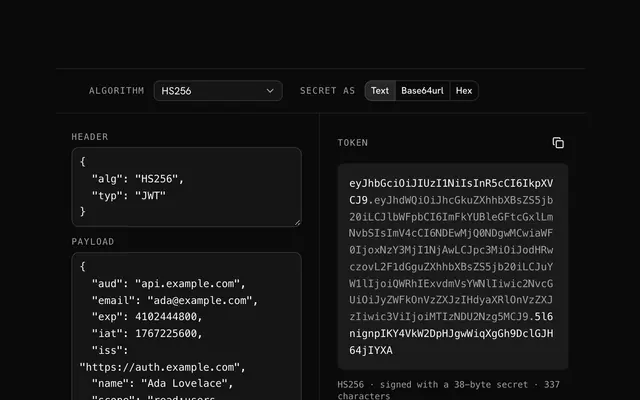
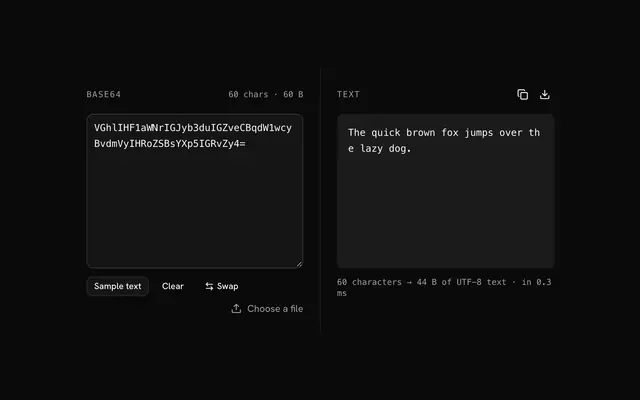
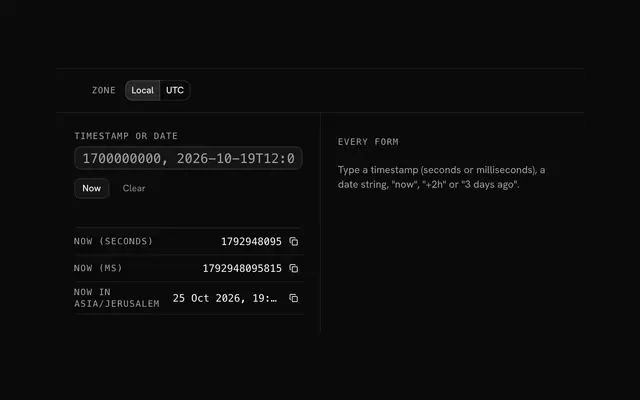
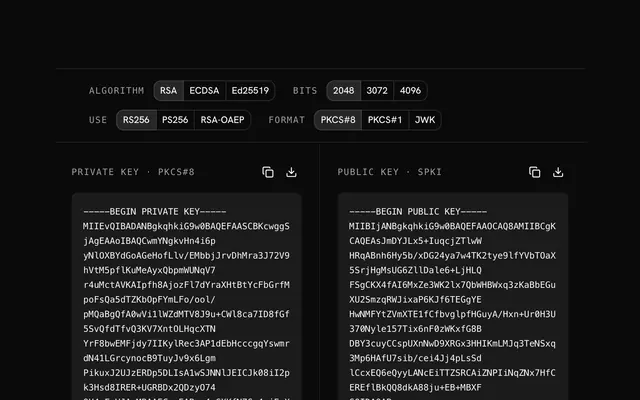
Closest to the JWT decoder: JWT encoder, Base64 decoder, Unix timestamp converter, RSA key generator. Each opens on its own page, free and in the browser.
The JWT decoder is one of 20 in its group. The group's page, /tools/security, lists them all.
The tool is free. Its interface is built from shadcn.io's own components (Button, Input, Slider and the rest of the registry under /ui), which come in React, Vue, Svelte and Solid. Pro adds the blocks and templates for the product around it.
4.9 out of 5 from 150+ developers


Build the product around it
Every block, template and icon, installed by your AI agent in your theme. The tools stay free.
Get Pro