Regex tester.
Write a JavaScript regular expression and see every match marked in your text, each token explained, and a replace or split preview. The browser's own engine, nothing uploaded.
Regex tester.
Need the UI around it? With Pro, your AI agent builds the form, the result card and the rest of the page from a prompt.
Get ProHow it works
4 steps, no account. It runs in your browser and nothing is uploaded.
Type the pattern
Without the slashes; the flags are toggles in the bar.
Paste the text
Matches are marked in place and listed with their position and groups.
Read the explanation
Each token of the pattern says what it matches.
Preview a replace
Switch to Replace or Split to see the text transformed.
Related tools
More security and dev tools. Every one free, in the browser.
Pricing
Build it with Pro
The tool is free. Pro adds 6,000+ blocks, premium templates and the MCP server, so your AI editor builds the product around it.
4.9/5 out of 5 · 150+ reviewsfrom 150+ founders and developers.
- Secure checkout via Stripe
- Code lives in your repo
- Keep what you've shipped if you cancel
- License terms
Questions and answers
Before you trust the result: what to know about the format, the limits, your data and the tools next to it.
JavaScript's own RegExp engine, the one in your browser, so what matches here matches in your code, including named groups, lookbehind and Unicode property escapes. PCRE, Python's re and Go's RE2 differ in places: possessive quantifiers and atomic groups are PCRE-only, and RE2 has no lookarounds or backreferences.
g finds every match rather than the first; i ignores case; m lets ^ and $ match at line breaks; s lets . match a line break; u turns on full Unicode; v is u plus set operations in classes; y anchors each match at the end of the last.
Groups are listed with each match: numbered ($1, $2) or by name for (?<name>…). In replace mode, $1 and $<name> insert them, $& the whole match, as String.replace does.
Some patterns take exponential time on the wrong input, which would freeze the tab. The tool caps the text at 100,000 characters and lists at most 2,000 matches; a pattern that is slow here is one to rewrite before it reaches production.
Type the pattern without slashes, set the flags, and paste the text; matches are marked in place and listed underneath with their position and groups. Each token of the pattern is explained in plain words under it.
Switch the mode to Replace and type the replacement: the result shows the text with every match replaced, ready to copy.
Pick one from the Preset menu: email, URL, IPv4, date, hex color, UUID, time and Markdown link, each with a sample text. They are starting points, not standards.
No. The pattern and the text stay in your browser; the engine is the browser's own, and the page makes no request with either.
No. The Regex tester is free and opens without a sign-in, an account or an install.
Nothing. The Regex tester holds your input in the page's memory, so closing or reloading the tab clears it, and it saves nothing in this browser.
Not as flags: only g, i, m, s, u and y are kept, and any other letter in the flags box is dropped. Syntax such as lookbehind and named groups still depends on what your browser's regular expression engine supports.
It lists up to 2,000 matches, with each one's position and groups, so a pattern that matches everywhere can't flood the page.
Yes: named groups are listed beside the numbered ones, as long as your browser's own RegExp engine accepts the syntax.
Type a replacement in the optional Replace with box and the result appears under Replaced, so you can try a substitution before you put it in code. The test text itself is never changed.
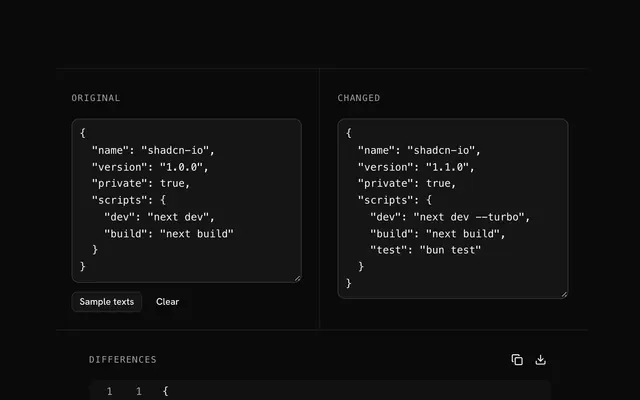
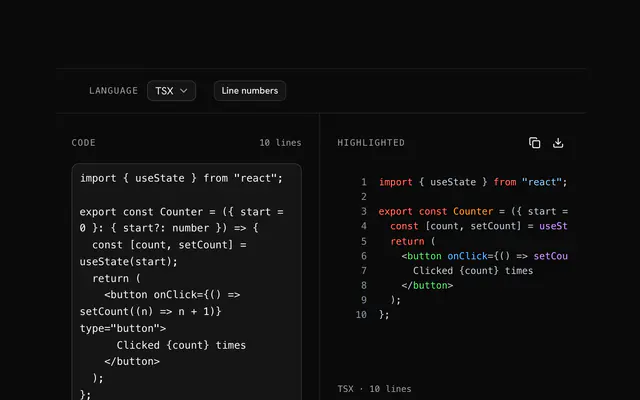
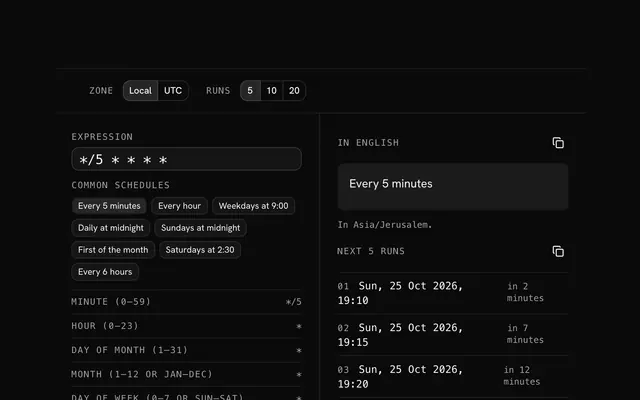
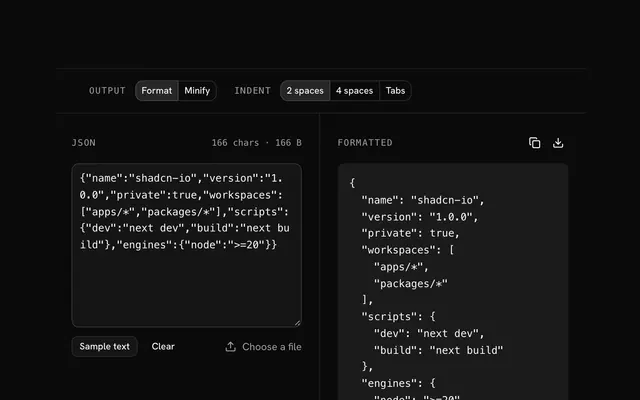
Closest to the Regex tester: Text diff viewer, Code highlighter, Cron expression parser, JSON formatter and validator. Each opens on its own page, free and in the browser.
The Regex tester is one of 20 in its group. The group's page, /tools/security, lists them all.
The tool is free. Its interface is built from shadcn.io's own components (Button, Input, Slider and the rest of the registry under /ui), which come in React, Vue, Svelte and Solid. Pro adds the blocks and templates for the product around it.
4.9 out of 5 from 150+ developers


Build the product around it
Every block, template and icon, installed by your AI agent in your theme. The tools stay free.
Get Pro