JSON to CSV converter.
Paste a JSON array and read it as CSV, or CSV and read it as JSON, with nested objects as dotted columns. The conversion runs in your browser; nothing is uploaded.
JSON to CSV converter.
Need the UI around it? With Pro, your AI agent builds the form, the result card and the rest of the page from a prompt.
Get ProHow it works
4 steps, no account. It runs in your browser and nothing is uploaded.
Pick the direction
Choose JSON to CSV or CSV to JSON in the bar, and the delimiter the file uses.
Enter the data
Type or paste the data, or drop a .json or .csv file onto the input.
Read or swap
The result updates as you type; Swap sends it back through the other direction.
Copy or download
Copy the result or download it as a file a spreadsheet or a program opens.
Related tools
More data tools. Every one free, in the browser.
Pricing
Build it with Pro
The tool is free. Pro adds 6,000+ blocks, premium templates and the MCP server, so your AI editor builds the product around it.
4.9/5 out of 5 · 150+ reviewsfrom 150+ founders and developers.
- Secure checkout via Stripe
- Code lives in your repo
- Keep what you've shipped if you cancel
- License terms
Questions and answers
Before you trust the result: what to know about the format, the limits, your data and the tools next to it.
CSV (comma-separated values) is the plain-text table every spreadsheet opens: one row per line, one column per comma, a header row first. JSON is the structured format APIs speak. Converting between them is how an API export becomes a spreadsheet and a spreadsheet becomes data a program can read.
CSV is flat, so nested objects are flattened to dotted column names: an address object with a city becomes an 'address.city' column. Arrays can't be flattened the same way and are written as JSON text in their cell. Going back, dotted headers nest again.
Per RFC 4180: a field holding the delimiter, a double quote or a line break is wrapped in double quotes, and a quote inside it is doubled. Reading CSV, the same rules apply, so a quoted address with a comma in it stays one field.
Cells that read as numbers, true, false or null become those types; everything else stays a string. Long digit strings such as ids that would lose precision as numbers are kept as text.
No. The conversion runs in your browser as you type and the page makes no request with the data. Customer lists and exports stay on your machine.
An array of objects is the usual shape and converts row by row. A single object becomes one row, and an object that holds an array (like an API's { data: [...] }) converts that array. Columns appear in the order their keys are first seen.
Pick the direction in the bar, or convert one way and press Swap to send the result back through the other direction. The delimiter choice (comma, semicolon or tab) applies both ways; European spreadsheets often want semicolons.
Yes. Drop a .json or .csv file onto the input; it is read in your browser. The result downloads as .csv or .json with the right type, which spreadsheets open directly.
No. The JSON to CSV converter is free and opens without a sign-in, an account or an install.
Nothing. The JSON to CSV converter holds your input in the page's memory, so closing or reloading the tab clears it, and it saves nothing in this browser.
Comma, semicolon or tab. The choice applies in both directions, and European spreadsheets often want semicolons.
Yes. The Swap button sends the result back through the other direction, so you can check that a conversion comes back as it went in.
The result downloads with the right extension and type, .csv or .json, and spreadsheets open the CSV directly.
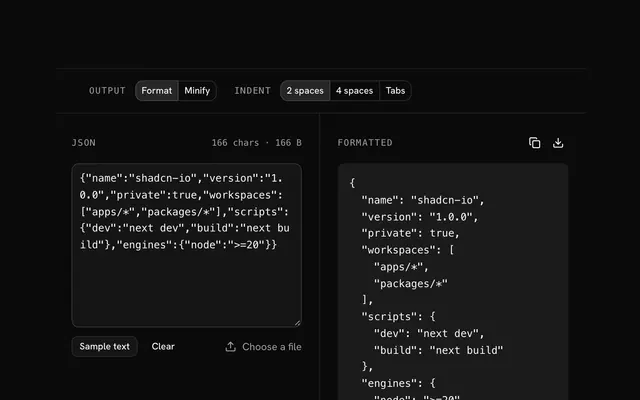
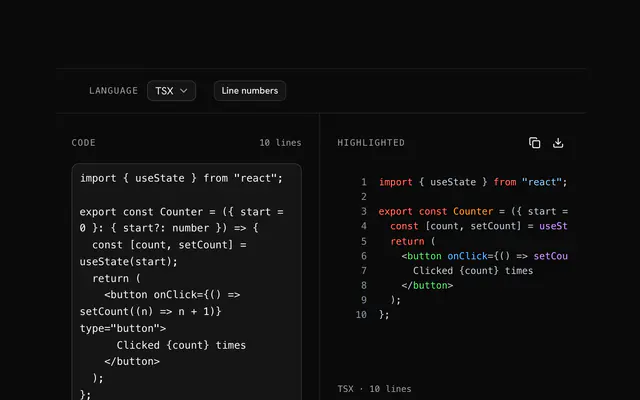
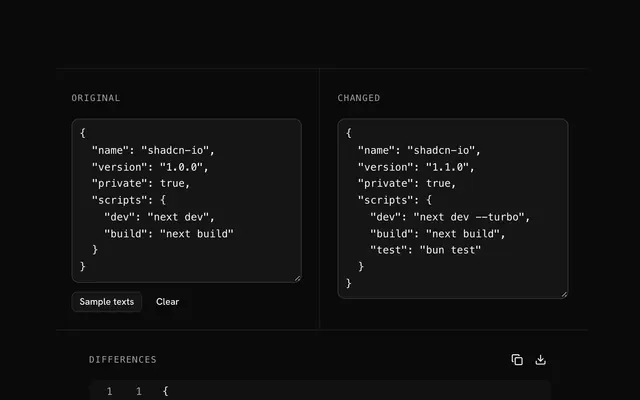
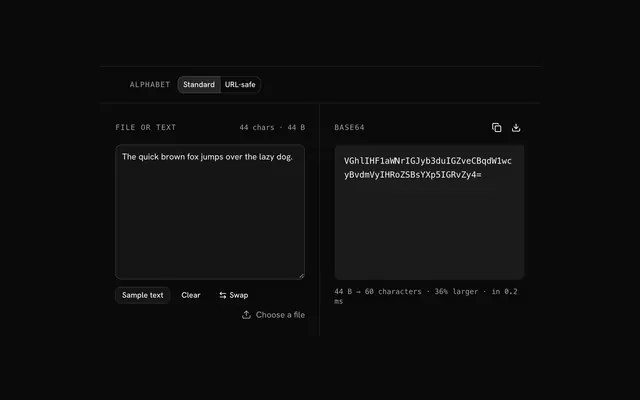
Closest to the JSON to CSV converter: JSON formatter and validator, Code highlighter, Text diff viewer, File to Base64. Each opens on its own page, free and in the browser.
The JSON to CSV converter is one of 7 in its group. The group's page, /tools/data, lists them all.
The tool is free. Its interface is built from shadcn.io's own components (Button, Input, Slider and the rest of the registry under /ui), which come in React, Vue, Svelte and Solid. Pro adds the blocks and templates for the product around it.
4.9 out of 5 from 150+ developers


Build the product around it
Every block, template and icon, installed by your AI agent in your theme. The tools stay free.
Get Pro