Code highlighter.
Paste code, pick its language and read it with syntax colors and line numbers. The highlighting is the site's own, done in your browser; nothing is uploaded.
Code highlighter.
Need the UI around it? With Pro, your AI agent builds the form, the result card and the rest of the page from a prompt.
Get ProHow it works
3 steps, no account. It runs in your browser and nothing is uploaded.
Enter code
Paste code into the input, or load the sample.
Pick the language
Choose it from the select; TSX is the default.
Read, copy or download
The highlighted code sits beside the input with line numbers; copy or download the code.
Related tools
More text tools. Every one free, in the browser.
Pricing
Build it with Pro
The tool is free. Pro adds 6,000+ blocks, premium templates and the MCP server, so your AI editor builds the product around it.
4.9/5 out of 5 · 150+ reviewsfrom 150+ founders and developers.
- Secure checkout via Stripe
- Code lives in your repo
- Keep what you've shipped if you cancel
- License terms
Questions and answers
Before you trust the result: what to know about the format, the limits, your data and the tools next to it.
Syntax highlighting colors the parts of code by what they are: keywords, strings, numbers, comments, names. It doesn't change the code, but it makes structure visible at a glance, which is why editors and code hosts do it and why a plain snippet in a chat window is harder to read.
TSX, TypeScript, JavaScript, JSX, JSON, CSS, HTML, Markdown, YAML, shell, diff and plain text: the grammars the site's own documentation uses. Python, Go and the others aren't included; they would highlight as plain text.
No. This tool highlights code; it doesn't reindent or restyle it. Formatting is a per-language job (Prettier, Biome, gofmt) with options a project agrees on, and a browser tool guessing at those would do more harm than good. For JSON, the JSON formatter does reindent.
The output uses the site's own highlighter and its theme, the same tokens and colors as every code block in the documentation, in light and dark mode.
No. The highlighter runs in your browser; the page makes no request with your code. Paste proprietary code and nothing leaves the tab.
Pick it from the select above the panes. The highlighting rerenders at once for the code already in the input.
Line numbers are drawn in the margin and aren't part of the text, so copying the output selects only the code. The toggle in the bar turns them off.
No. The Code highlighter is free and opens without a sign-in, an account or an install.
Nothing. The Code highlighter holds your input in the page's memory, so closing or reloading the tab clears it, and it saves nothing in this browser.
Yes. The Sample code button fills the input with a TSX snippet so you can see the colors before pasting your own.
The Download button on the output saves your code, not the colored markup, as a file named code with the language's extension, such as code.tsx or code.json.
The output uses the same highlighter and theme as the code blocks across this site, so the colors match the documentation in light and dark mode.
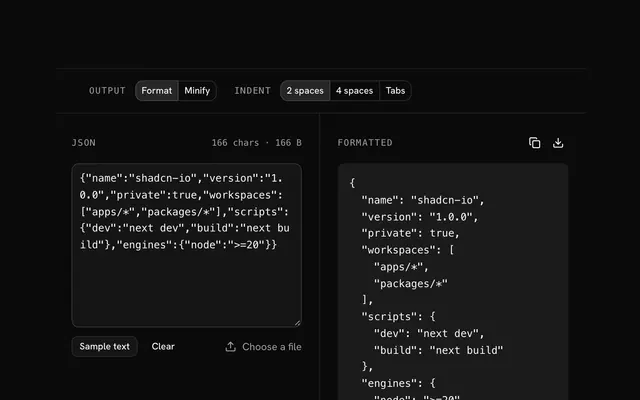
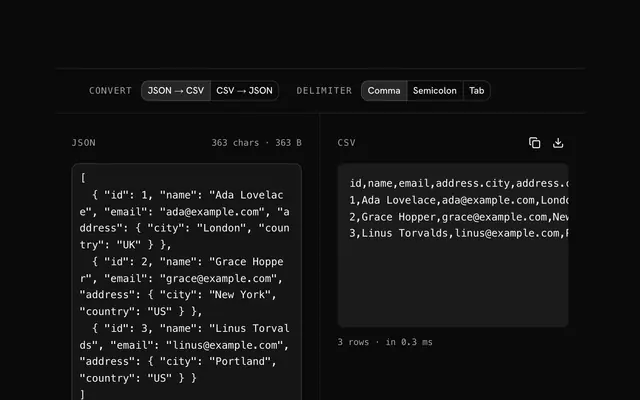
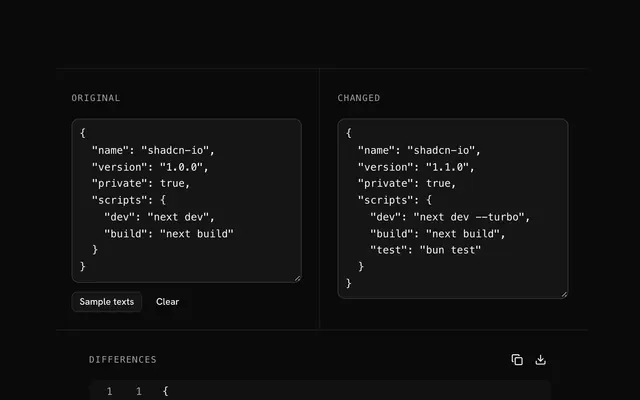
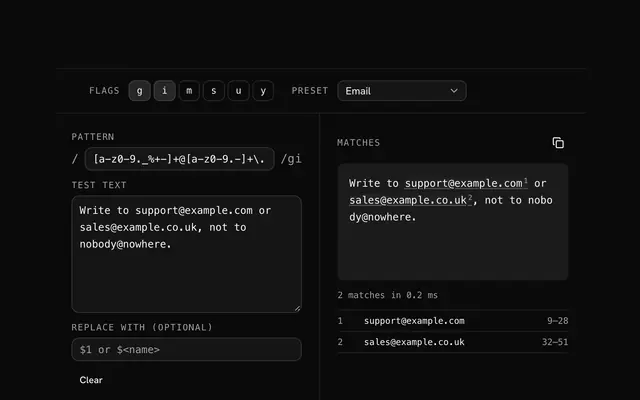
Closest to the Code highlighter: JSON formatter and validator, JSON to CSV converter, Text diff viewer, Regex tester. Each opens on its own page, free and in the browser.
The Code highlighter is one of 7 in its group. The group's page, /tools/text, lists them all.
The tool is free. Its interface is built from shadcn.io's own components (Button, Input, Slider and the rest of the registry under /ui), which come in React, Vue, Svelte and Solid. Pro adds the blocks and templates for the product around it.
4.9 out of 5 from 150+ developers


Build the product around it
Every block, template and icon, installed by your AI agent in your theme. The tools stay free.
Get Pro