shadcn.io is an independent project built on shadcn/ui
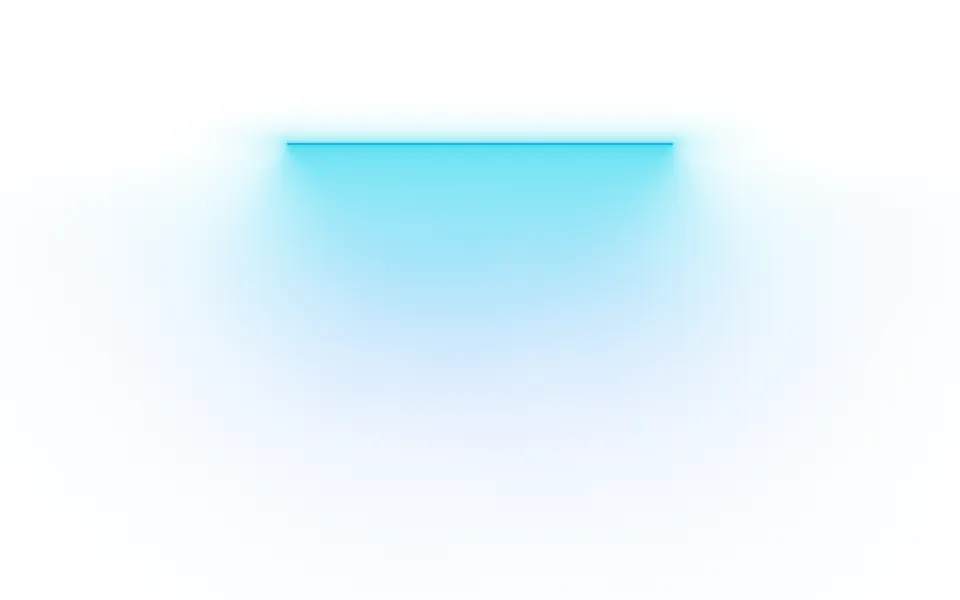
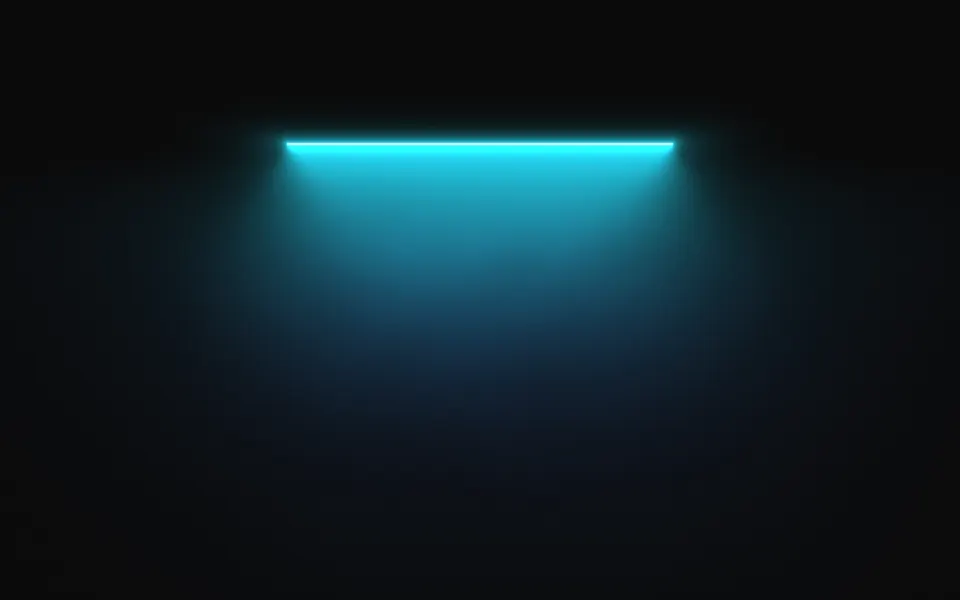
A thin bright bar hangs near the top of the box and throws a cone of light down from it, with a soft pool under the bar where a headline sits. It's a GLSL scene on WebGL2 with no dependency: each pixel is lit by the share of the bar it can see past a shade, so both edges of the cone are soft, and haze drifts through it on slow noise. On a dark surface the bar is white hot; on a light one the bar and the beam become a tint of the color. The beam leans toward the pointer and a press makes it surge.
Use it over a section header, a pricing band or the top of a landing page. For cones that sweep from above with no visible source, use Spotlight; for one soft light behind a headline and no bar, Glow; for shafts fanning down from the top edge through haze, Corona. With reduced motion it holds one still frame.
Installation
Usage
import { Lamp } from "@/components/ui/lamp";<Lamp className="flex min-h-[34rem] flex-col items-center justify-end pb-20">
<h1 className="text-5xl font-semibold">Every decision, on the record</h1>
</Lamp>Lamp is a container: whatever you put inside sits on top of the light, in normal flow. It fills its own box, so give it a height or content, and put the copy in the lower half, under the bar. For a backdrop behind the whole page, render it empty with className="fixed inset-0 -z-10".
Presets
<Lamp /><Lamp
colors={["#fb923c", "#e11d48"]}
haze={0.8}
height={0.88}
placement="bottom"
reach={0.8}
spread={0.7}
width={0.6}
/><Lamp
bloom={0.4}
colors={["#f43f5e", "#be123c"]}
haze={0.2}
lineWidth={1}
pool={0}
reach={1.2}
softness={0.05}
spread={0.35}
width={0.25}
/><Lamp
bloom={1.6}
colors={["#f0abfc", "#a855f7", "#6366f1"]}
height={0.82}
lineWidth={1.5}
reach={0.5}
spread={0.85}
width={0.8}
/><Lamp
bloom={1.8}
colors={["#5eead4", "#0ea5e9"]}
haze={1}
lineWidth={1}
pool={1}
softness={1}
speed={0.7}
spread={0.7}
/><Lamp
colors={["var(--foreground)", "var(--muted-foreground)"]}
haze={0.3}
intensity={0.6}
/><Lamp
colors={["#fbbf24", "#ea580c"]}
height={0.9}
intensity={1.2}
lineWidth={3}
pool={0.3}
reach={1.1}
softness={0.25}
spread={0.3}
width={0.12}
/>Each preset is a set of props, so copy one and keep tuning. Classic is the default. Pendant shortens the bar to a small amber fitting with a long, narrow beam, Marquee stretches a violet strip across most of the box with a shallow fan, and Laser draws a hard-edged red cone with no pool. Mono takes its two colors from your theme.
Examples
Hero
The bar sits a quarter of the way down and the copy is aligned to the bottom of the box, so the chip lands in the pool and the headline in the part of the beam that has already thinned. It uses no props.
Footlight
placement="bottom" turns the lamp over: the bar sits low and lights upward, toward copy at the top of the section. Here with orange deepening to rose, a wider bar (width={0.6}), a wider cone (spread={0.7}) and more haze.
In a card
In a small box, raise the bar (height={0.86}) and shorten the beam (reach={0.6}) so the text at the bottom sits on a plain surface. width is a share of the box, so the bar keeps its proportion at any size.
Customization
colors takes two to four CSS colors, from the bar to the far end of the beam, mixed in OKLab. A theme variable works and follows a theme switch: colors={["var(--chart-1)", "var(--chart-2)"]}. The shape is five numbers: width and lineWidth for the bar, spread and softness for the cone, and reach for how far it travels. pool, bloom and haze set the three soft layers around it.
The surface is the root's own background, bg-background by default. Give the root another (bg-slate-950, an image, a gradient) and the light adapts: it adds to a dark surface and tints a light one. fade masks an edge, opacity turns the whole effect down, and grain adds film grain.
<Lamp
  className="min-h-[32rem] bg-zinc-950"
  colors={["var(--chart-1)", "var(--chart-3)"]}
  grain={0.15}
  spread={0.7}
  width={0.5}
/>
Performance
It's one WebGL2 canvas and one fragment shader: four arctangents for the two layers of the beam, four samples of simplex noise for the haze, a few exponentials for the bloom and the pool, and no loop beyond the four presses it remembers. It draws only while it's on screen and the tab is visible, shares one frame loop with every other background on the page, and lowers its own resolution if frames run long. quality sets the render scale yourself, and paused holds the frame.
Accessibility
The light is decoration: it's hidden from assistive tech and lets every click through to your content. With reduced motion it draws one still frame, fully lit, and ignores the pointer. Nothing flashes: a press raises the brightness by 30% and lets it fall over a second.
Keep copy out of the strip right under the bar. On a dark surface, white text reaches 4.5:1 from about 15% of the box's height below the bar; the headline in the hero demo measures 8.9:1 on dark and 14.5:1 on light. On a light surface the beam is a pale tint and dark text reads anywhere in it.
FAQ
How do I change the color of the lamp?
Pass two to four CSS colors to colors. The first is the bar and the light right under it, the last is the far end of the beam. Hex, oklch() and theme variables such as var(--primary) all work, and a variable follows your theme when it changes. For a single color, pass it twice.
Does the lamp work on a light page?
Yes, with no prop to set. The scene reads the color behind it. On a dark surface the bar is nearly white and the beam adds light to the page. On a light one, light can't get brighter than the page, so the bar is drawn in the color at full strength and the beam is a tint that deepens toward the bar.
Where should the headline go?
Under the bar, in the lower half of the box. The pool is brightest just below the bar and the beam thins from there, so a headline that starts about a fifth of the box's height below the bar sits in soft light and stays easy to read. height moves the bar if your copy needs more room.
How do I make the beam narrower or wider?
spread opens the cone from a narrow shaft at 0 to a flat fan at 1, and softness blurs its two edges, from a clear cone to a wash. width is the bar's length as a share of the box and reach is how far the light travels, as a share of the box's height.
How do I put it behind the whole page?
Render it empty with className="fixed inset-0 -z-10". It still follows the pointer there, since it listens on the window. To light one section, wrap that section's content in it and give it a height, such as min-h-[34rem].
Does it work with Next.js and server components?
Yes. Import it into a server component and it renders its box and your content on the server; the canvas starts in the browser and the lamp opens over the surface, the bar growing to its full length. It needs WebGL2, which every current browser has. Without it the box keeps its background, or the fallback you pass.
Will it slow my page down?
It's a light shader: a few arctangents and four noise samples a pixel, on the GPU, and nothing at all while it's off screen or the tab is hidden. If a device can't keep up, it renders fewer pixels by itself. For a phone-first page, quality={0.75} draws a little over half the pixels and is hard to tell apart.
API Reference
Lamp
data-slot="lamp"
bloom?number
How far the glow around the bar spreads, from 0 (a bare line) to 2.
- Default
1
colors?string[]
Two to four CSS colors, from the bar to the far end of the beam. Theme
variables such as var(--primary) follow your theme.
- Default
["#22d3ee", "#3b82f6"]
fade?"none" | "radial" | "top" | "bottom" | "left" | "right"
Which edges fade out to the surface: radial keeps the middle, the
others name the side that fades.
- Type
"none" | "radial" | "top" | "bottom" | "left" | "right"- Default
"none"
fallback?string
What shows until the first frame and in browsers without WebGL2: a CSS
background value that looks like the scene.
grain?number
Film grain over the scene, from 0 to 1.
- Default
0
haze?number
How much drifting haze shows in the beam, from 0 (clean) to 1.
- Default
0.5
height?number
Where the bar sits, from 0 (the bottom of the box) to 1 (the top). With
placement="bottom" it's measured from the top instead.
- Default
0.76
intensity?number
How bright the light is.
- Default
1
interactive?boolean
Whether the scene follows the pointer and answers a press. Touch never moves it, so scrolling a page on a phone isn't disturbed.
- Default
true
lineWidth?number
The bar's thickness, in CSS pixels.
- Default
2
opacity?number
How strongly the scene shows over the surface, from 0 to 1.
- Default
1
paused?boolean
Holds the current frame.
- Default
false
placement?"top" | "bottom"
Which way the light falls: top hangs the bar high and lights what's
under it, bottom sets it low and lights upward.
- Type
"top" | "bottom"- Default
"top"
pool?number
How strong the soft pool of light under the bar is, from 0 to 1.
- Default
0.5
quality?number
Render scale, from 0.25 to 1, of the screen's pixels (capped at 2×). Lower is cheaper and softer.
- Default
1
reach?number
How far the beam travels from the bar, as a share of the box's height.
- Default
0.7
softness?number
How soft the two edges of the beam are, from 0 (a clear cone) to 1 (a wash).
- Default
0.35
speed?number
Animation speed: 1 is normal, 0 holds the frame.
- Default
1
spread?number
How wide the beam opens, from 0 (a narrow shaft) to 1 (a flat fan).
- Default
0.55
time?number
A fixed moment, in seconds: draws it and doesn't animate.
width?number
The bar's length, as a share of the box's width.
- Default
0.4