Data tools.
JSON, CSV, number bases, colors and QR codes. 7 tools, free, each running in your browser with nothing uploaded.
Every one of the data tools
7 tools.
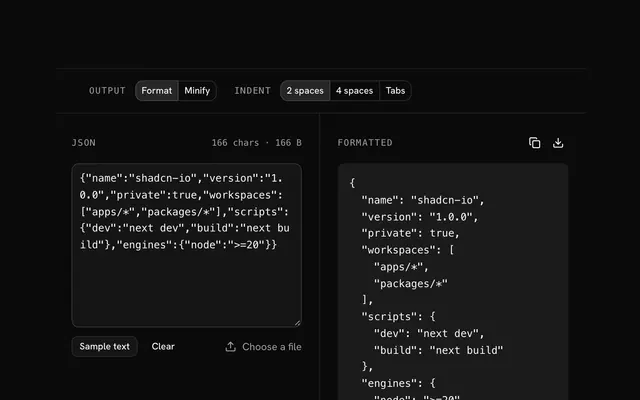 JSON formatter and validatorJSONPaste JSON and read it formatted, minified or with the line and column of its first error.
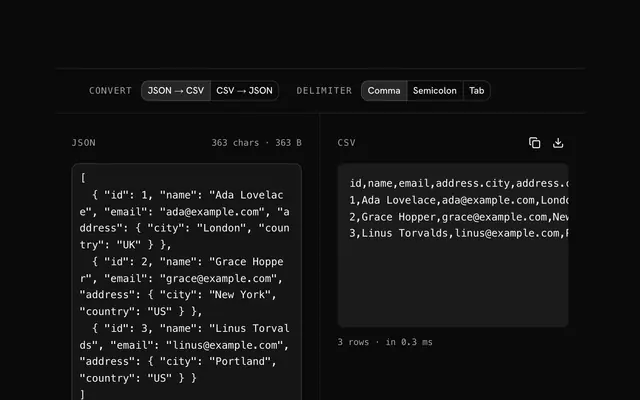 JSON to CSV converterCSV and tablesPaste a JSON array and read it as CSV, or CSV and read it as JSON, with nested objects as dotted columns.
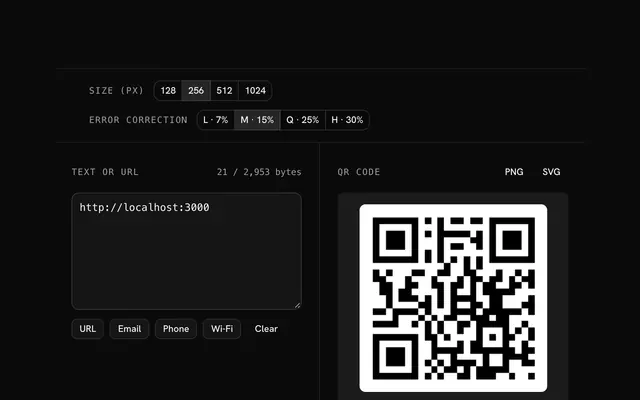 QR code generatorQR codes and barcodesType a link, a Wi-Fi network or any text and read it as a QR code, at the size and error correction you want, downloaded as PNG or SVG.
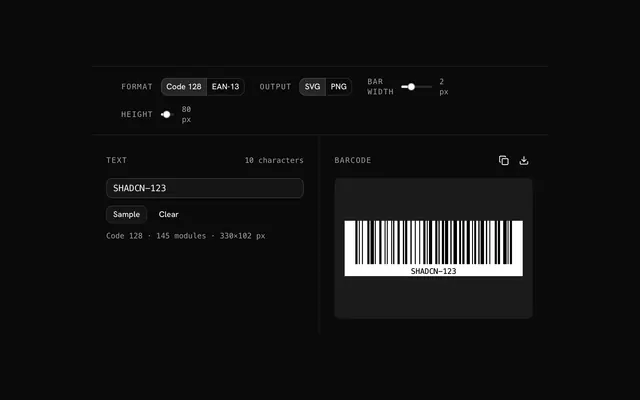 Barcode generatorQR codes and barcodesType text or a product number and read it as a Code 128 or EAN-13 barcode, at the bar width and height you set, as SVG or PNG.
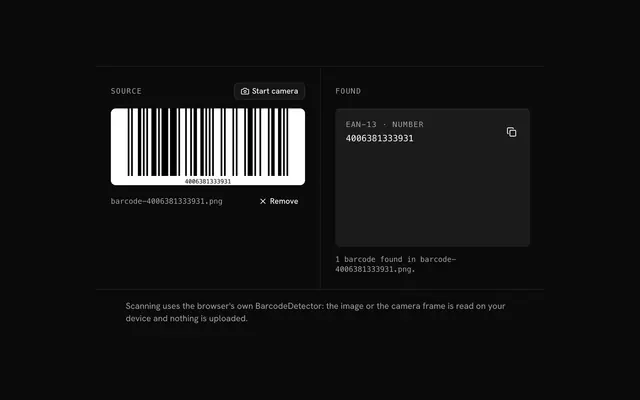 Barcode scannerQR codes and barcodesDrop an image or point your camera at a barcode and read every code in it with its format.
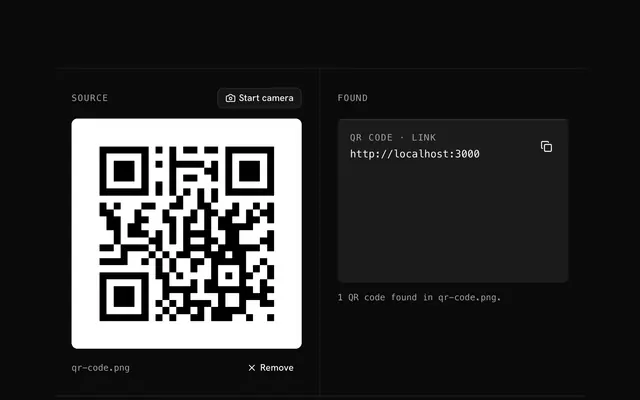 QR code scannerQR codes and barcodesDrop an image or point your camera at a QR code and read what it holds, with a copy button and no link opened for you.
 SQL formatterFormatters and validatorsPaste a query and read it formatted for your database, with keywords in the case you want, or minified to one line.
Need the product around them? With Pro, your AI agent builds the form, the result card and the rest of the page from a prompt, in your theme.
Get ProOther categories
More free tools. Every category runs in the browser, with nothing uploaded.
Pricing
Free tools, and the product around them with Pro
The tools are free. Pro adds 6,000+ blocks, premium templates and the MCP server, so your AI editor builds the product around them.
4.9/5 out of 5 · 150+ reviewsfrom 150+ founders and developers.
- Secure checkout via Stripe
- Code lives in your repo
- Keep what you've shipped if you cancel
- License terms
FAQ
Frequently asked questions
What the data tools can and can't do, how they treat your files and which to pick.
There are 7 tools: json formatter and validator, json to csv converter, qr code generator, barcode generator, barcode scanner, qr code scanner, sql formatter.
No. JSON and CSV are parsed in your browser, QR and barcode images are drawn there, and scanned images are read on your device. The pages make no request with your data.
Only the two scanners can, and only when you press Start camera and allow the browser's request. They read a frame when you press Scan, and Stop camera releases the device.
They send nothing and keep nothing: the input lives in the page and is gone when you close the tab. Download or copy results you want to keep.
Type text, a link or a Wi-Fi network, pick a size (128, 256, 512, 1024 pixels) and an error correction level, and download a PNG or an SVG. Sample buttons fill in a URL, email, phone and Wi-Fi example.
L 7%, M 15%, Q 25%, H 30%. M suits screens and clean prints; use H for a code that will carry a logo or be printed rough.
2,953 bytes at the lowest level, and less at higher levels. A short URL gives a sparser code that scans more easily.
Prefixes tell the phone what to do: mailto: for email, tel: for the dialer, sms: for messages and WIFI:T:WPA;S:name;P:password;; to offer joining a network.
Both are black on white, which scanners read most reliably. Check it with your phone's camera before you print a run.
Code 128 encodes any printable ASCII text at high density and is common on shipping labels and tickets. EAN-13 is the 13-digit retail code on products.
Code 128 gets its check symbol computed and appended, and EAN-13 gets its thirteenth digit from the first twelve, so you only type the data.
The one-dimensional formats on packaging and labels: EAN-13, EAN-8, UPC-A, UPC-E, Code 128, Code 39, Code 93, Codabar and ITF. QR codes go to the QR scanner.
The tool shows the number the code holds. Retail codes are plain numbers (a product's GTIN) that a product database turns into a name; the scanner doesn't look it up.
They ask the browser's own BarcodeDetector. Chrome, Edge, Opera and Safari 17 or later have it; Firefox doesn't yet, and the pages say so.
No. The camera app of many phones opens a link at once; here the value is only shown, with a copy button, so you choose what to do with it.
Blur, glare, a tiny code or a cropped quiet zone are the usual reasons. Move closer, hold still, and keep the white space around the code in the picture.
Paste it and read the formatted result as you type. If it isn't valid, the status line gives the line and column of the first error, such as a trailing comma or single quotes.
Numbers beyond 2^53 lose precision, as in every browser tool, and keys keep the order you wrote. Everything else round-trips exactly.
Nested objects become dotted columns, such as address.city, and arrays are written as JSON text in their cell. Going back, dotted headers nest again.
Cells that read as numbers, true, false or null become those types; everything else stays a string. Long digit strings such as ids are kept as text so they don't lose precision.
Fields with the delimiter, a double quote or a line break are quoted, and quotes inside are doubled, as in RFC 4180. Reading CSV follows the same rules.
4.9 out of 5 from 150+ developers


Build the product around them
Every block, template and icon, installed by your AI agent in your theme. The tools stay free.
Get Pro