JSON formatter and validator.
Paste JSON and read it formatted, minified or with the line and column of its first error. Everything runs in your browser; nothing is uploaded.
JSON formatter and validator.
Need the UI around it? With Pro, your AI agent builds the form, the result card and the rest of the page from a prompt.
Get ProHow it works
4 steps, no account. It runs in your browser and nothing is uploaded.
Enter JSON
Type or paste JSON, or drop a .json file onto the input.
Choose the output
Pick Format with 2 spaces, 4 spaces or tabs, or Minify; the result updates as you type.
Read any error
An invalid document shows its first error with line and column; fix it and the result reappears.
Copy or download
Copy the result or download it as a .json file.
Related tools
More data tools. Every one free, in the browser.
Pricing
Build it with Pro
The tool is free. Pro adds 6,000+ blocks, premium templates and the MCP server, so your AI editor builds the product around it.
4.9/5 out of 5 · 150+ reviewsfrom 150+ founders and developers.
- Secure checkout via Stripe
- Code lives in your repo
- Keep what you've shipped if you cancel
- License terms
Questions and answers
Before you trust the result: what to know about the format, the limits, your data and the tools next to it.
JSON (JavaScript Object Notation) is the plain-text format most APIs, configuration files and data exports use: objects in braces, arrays in brackets, strings in double quotes, numbers, true, false and null. It is strict on purpose, so one stray comma or quote makes a whole document unreadable to a program.
Formatting adds line breaks and indentation so the structure can be read by a person; minifying removes every needless space so the text is as small as it can be for a request or a file. Both carry exactly the same data; only the whitespace differs.
The usual ones: a trailing comma after the last item, single quotes instead of double, an unquoted property name, a comment, a missing comma or bracket, and a line break inside a string. The validator names the problem and gives its line and column, so the fix is a glance away.
Two spaces is the common choice in JavaScript projects and what most tools emit; four spaces reads better in long documents; tabs let every reader pick their own width. Pick what the file's project uses.
No. The JSON is parsed by your browser's own JSON.parse and reprinted on the spot; the page makes no request with it. Paste API responses with tokens in them and nothing leaves the tab.
The status line under the result turns red and reads something like 'Line 3, column 1: A trailing comma isn't allowed before }'. Lines and columns count from 1, as editors do.
Yes. Drop a .json file onto the input or choose it with the file button; it is read in your browser and formatted like pasted text. Download the result with the arrow at the output.
Large numbers beyond 2^53 lose precision in JavaScript, as they do in every browser tool, and the order of keys is kept as written. Everything else round-trips exactly.
No. The JSON formatter and validator is free and opens without a sign-in, an account or an install.
Nothing. The JSON formatter and validator holds your input in the page's memory, so closing or reloading the tab clears it, and it saves nothing in this browser.
Two spaces, four spaces or a tab for formatting; Minify removes all needless whitespace instead.
formatted.json or minified.json, with the JSON type, depending on the output mode you chose.
The tool sets no limit of its own. The text is parsed in your browser's memory, so a very large document is bound by your device.
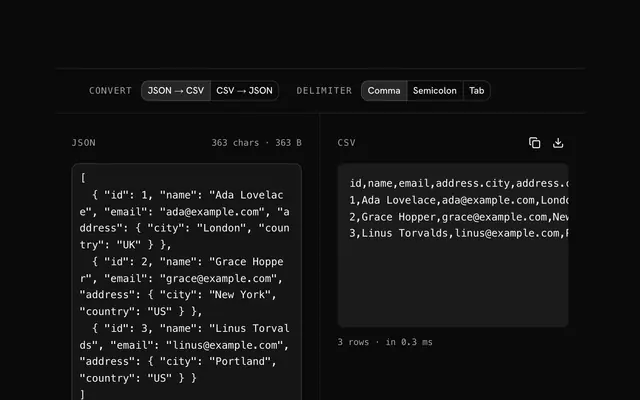
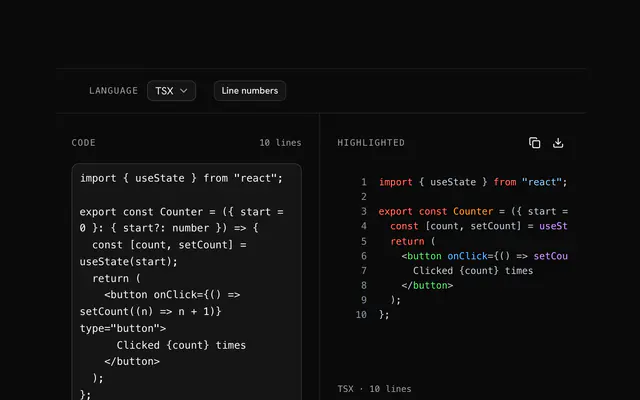
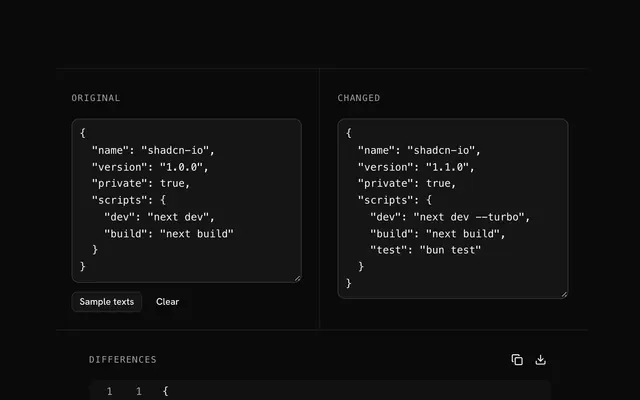
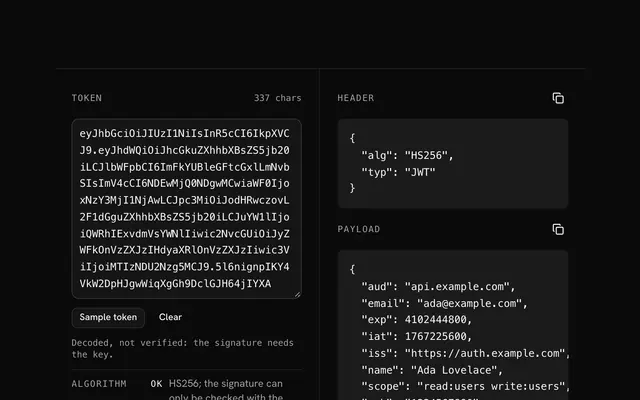
Closest to the JSON formatter and validator: JSON to CSV converter, Code highlighter, Text diff viewer, JWT decoder. Each opens on its own page, free and in the browser.
The JSON formatter and validator is one of 7 in its group. The group's page, /tools/data, lists them all.
The tool is free. Its interface is built from shadcn.io's own components (Button, Input, Slider and the rest of the registry under /ui), which come in React, Vue, Svelte and Solid. Pro adds the blocks and templates for the product around it.
4.9 out of 5 from 150+ developers


Build the product around it
Every block, template and icon, installed by your AI agent in your theme. The tools stay free.
Get Pro