Encoders and decoders.
Base64, Base32, Base58, hex, binary and the other alphabets, both ways. 32 tools, free, each running in your browser with nothing uploaded.
Every one of the encoders and decoders
32 tools.
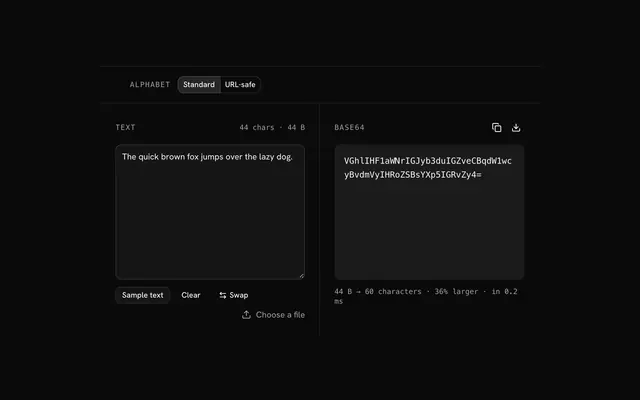 Base64 encoderBase64Type text or drop a file and read its Base64 as you type.
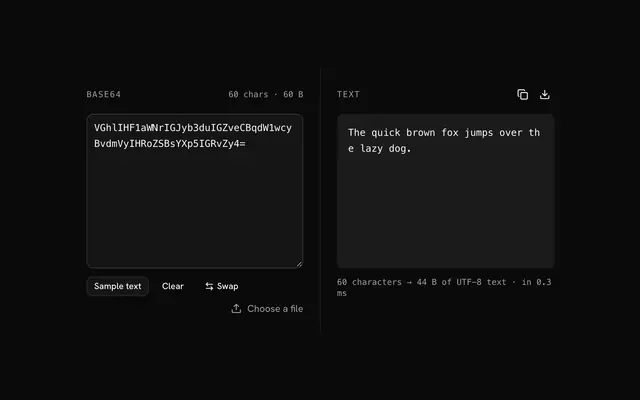 Base64 decoderBase64Paste Base64 and read the text it holds as you type.
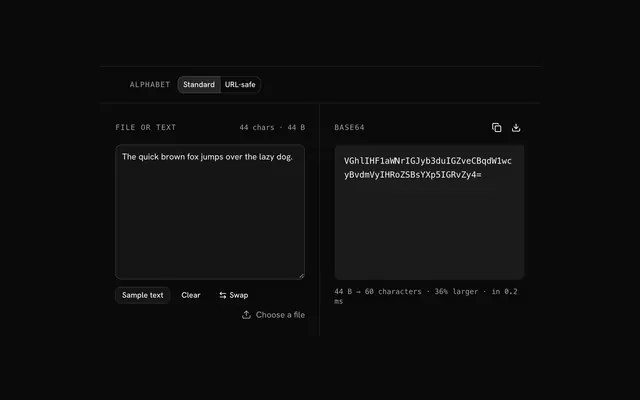 File to Base64Base64Drop any file and get its Base64, ready for a data URL or a JSON field.
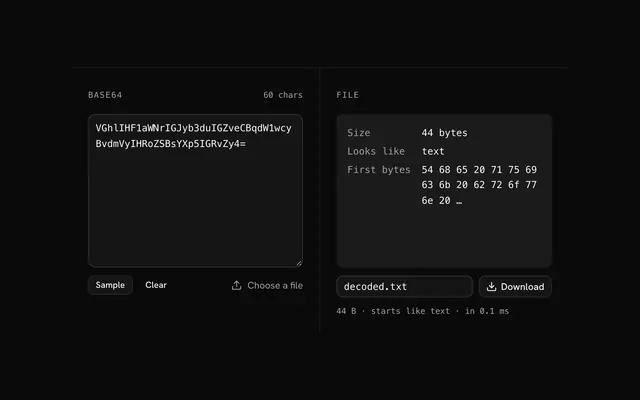 Base64 to fileBase64Paste Base64 and get the file back.
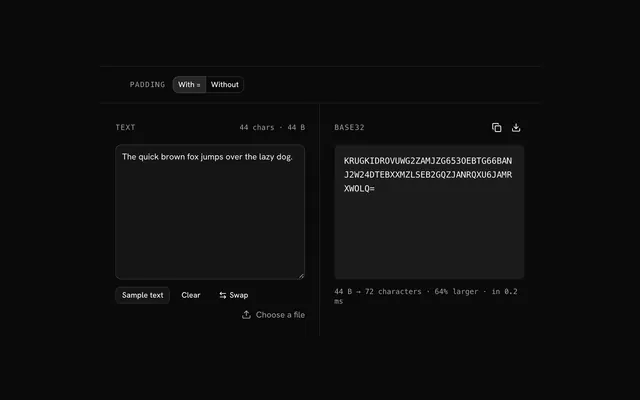 Base32 encoderBase32 and Base36Type text or drop a file and read its Base32 as you type.
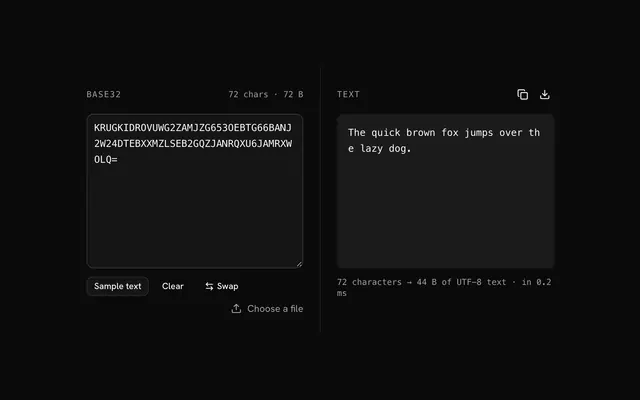 Base32 decoderBase32 and Base36Paste Base32 and read the text it holds as you type.
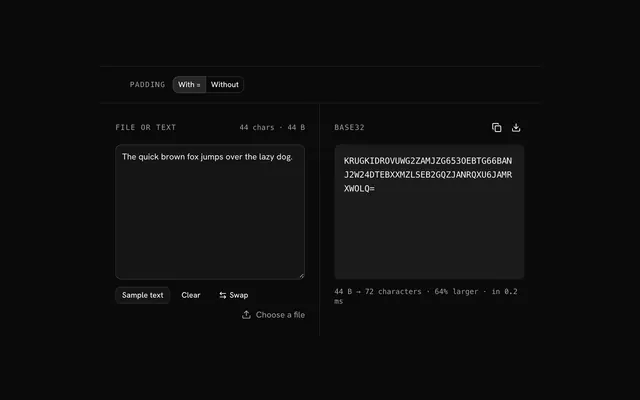 File to Base32Base32 and Base36Drop any file and get its Base32: letters and digits only, the same in either case.
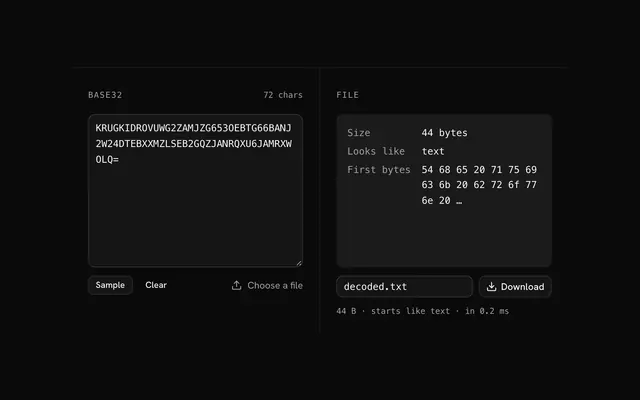 Base32 to fileBase32 and Base36Paste Base32 and get the file back.
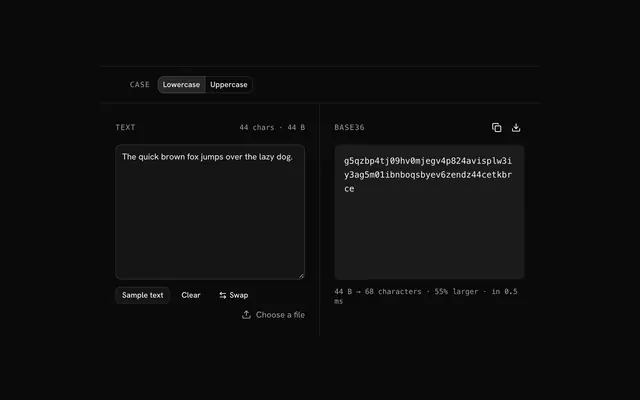 Base36 encoderBase32 and Base36Type text or drop a file and read its Base36 as you type: digits and letters, the same in either case.
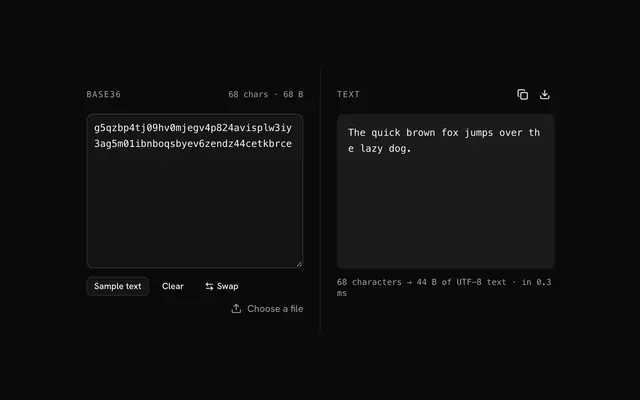 Base36 decoderBase32 and Base36Paste Base36 and read the text it holds as you type.
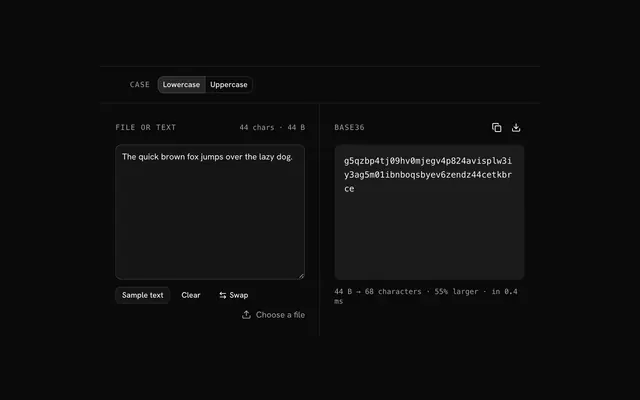 File to Base36Base32 and Base36Drop a file and get its Base36: letters and digits only, the same in either case.
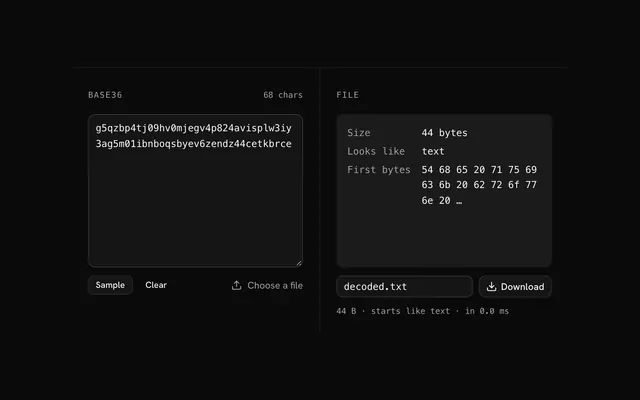 Base36 to fileBase32 and Base36Paste Base36 and get the file back.
Need the product around them? With Pro, your AI agent builds the form, the result card and the rest of the page from a prompt, in your theme.
Get ProOther categories
More free tools. Every category runs in the browser, with nothing uploaded.
Pricing
Free tools, and the product around them with Pro
The tools are free. Pro adds 6,000+ blocks, premium templates and the MCP server, so your AI editor builds the product around them.
4.9/5 out of 5 · 150+ reviewsfrom 150+ founders and developers.
- Secure checkout via Stripe
- Code lives in your repo
- Keep what you've shipped if you cancel
- License terms
FAQ
Frequently asked questions
What the encoders and decoders can and can't do, how they treat your files and which to pick.
The encoders and decoders cover 8 alphabets: Base64, Base32, Base36, Base58, Base62, Base85, hex and binary, each as an encoder, a decoder, a file encoder and a decoder that writes a file (32 pages). Base64 is the default for email, JSON and data URIs; hex is for reading bytes.
Base64 uses + and /, and pads with =. The URL-safe form uses - and _ and leaves the padding off, so it can sit in a URL or a file name unescaped. The Base64 encoder has a toggle for it, and the decoder reads either.
No. Every alphabet here only changes how bytes are written, so anyone can decode them with no key. Encrypt first when content needs protecting, then encode the ciphertext if it has to travel as text.
Base58 is Bitcoin's alphabet, with 0, O, I and l left out so that a hash or address is hard to misread and survives being read aloud. It is written as one big number, so it suits short values rather than files.
Base85 packs 4 bytes into 5 characters, a quarter longer than the input against Base64's third, and is the form PostScript and PDF use. It needs characters that aren't safe in URLs or JSON strings, so Base64 remains the common choice.
Text is turned into UTF-8 bytes before encoding, the encoding every language and command line uses by default, so accents, other scripts and emoji decode back to the same characters.
Use the file-to pages, such as File to Base64: drop any file and it is read in your browser and encoded, then copied or downloaded as a text file.
Use the to-file pages, such as Base64 to file. They decode the text to bytes, name the download after the format the first bytes suggest (PNG, JPEG, PDF, ZIP and others, or .bin when unknown), show a preview when it is an image, and let you rename the file.
The decoder shows replacement characters and says in the status line that the bytes aren't UTF-8 text. That usually means the data is a file, so the matching to-file page downloads the real bytes.
Yes: the Base64 decoders drop a data:...;base64, prefix before decoding, so you can paste a whole data URI. Other alphabets don't know the prefix.
Hex is twice the size of the bytes, binary eight characters a byte (nine with spaces), Base32 60 percent longer, Base64 about a third longer, Base85 a quarter longer. Base36, Base58 and Base62 land between 1.34 and 1.55 characters per byte.
Base36, Base58 and Base62 treat the input as one big number, which takes quadratic time, so they take up to 512 KB at once. The other alphabets set no size limit in the tool, and the browser's memory is the ceiling.
The status line under every encoding shows the bytes in, the characters out and the percentage longer, so you can see the cost of a choice on your own data before you pick one.
Because Base64 writes every 3 bytes as 4 characters, which is about a third longer than the file. That is why a Base64 data URI suits small icons better than photos.
The decoder found a character outside the alphabet, and names the first one. Base64 allows A to Z, a to z, 0 to 9, + and / (or - and _), Base32 A to Z and 2 to 7, and hex 0 to 9 and a to f. Spaces and line breaks are ignored.
Hex needs two digits for every byte, so an odd count means one is missing or extra. Binary needs eight digits for every byte, and the message gives the digit count it found.
A Base64 group can't be a single character, so input cut short that way is refused. Check that the whole string was copied and that nothing was added to it. Base85 refuses a final group of one character for the same reason.
Padding is optional: the Base64 and Base32 decoders accept it with or without the = signs. Mixing the two Base64 alphabets in one string is accepted as well, so a missing = is never the reason for an error.
No. Encoding and decoding run in your browser, in the page's own code, and the tool makes no network request with your input.
No. The encoders and decoders work without signing in, and nothing you type or drop is kept after you close the tab.
Once the page has loaded, yes: the alphabets are implemented in the page's code, with no library to fetch or server to ask, so the tool keeps working with the network off.
4.9 out of 5 from 150+ developers


Build the product around them
Every block, template and icon, installed by your AI agent in your theme. The tools stay free.
Get Pro