Security and dev tools.
Passwords, UUIDs, regexes, cron expressions and scanners. 20 tools, free, each running in your browser with nothing uploaded.
Every one of the security and dev tools
20 tools.
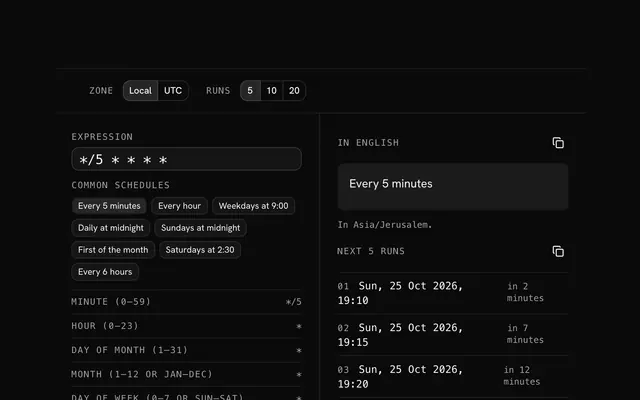 Cron expression parserPatterns and timeType a cron expression and read it in English, with its next runs in any time zone and each field explained.
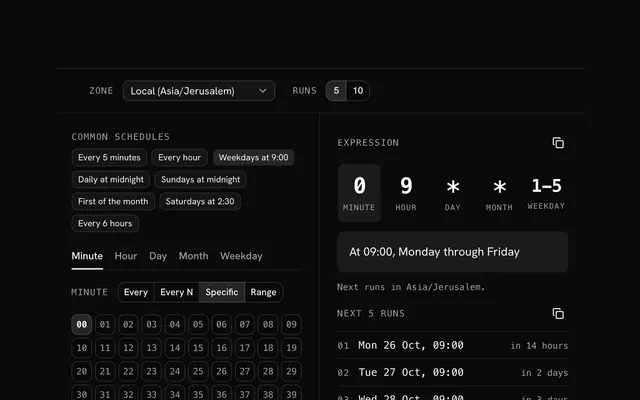 Crontab generatorPatterns and timePick the minutes, hours, days and months and get the cron expression, read back in plain English with its next runs.
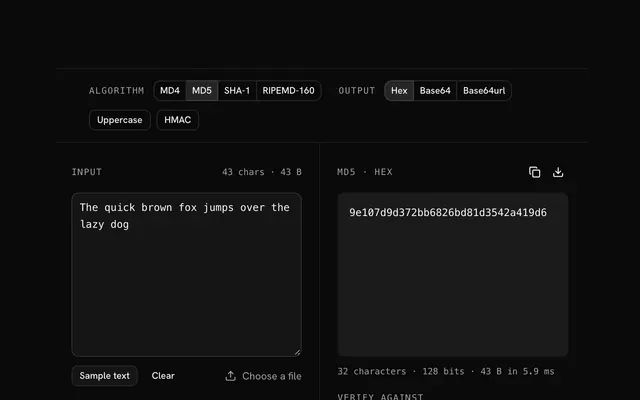
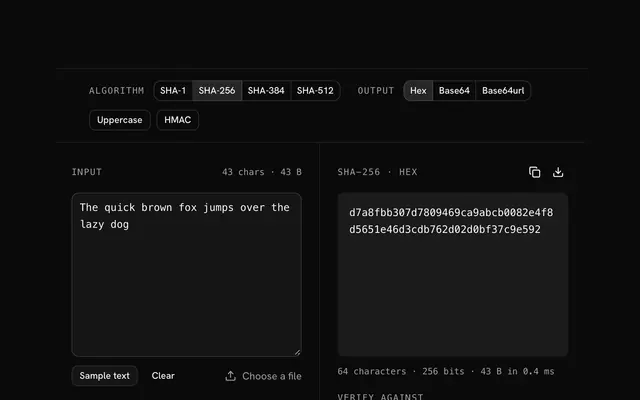
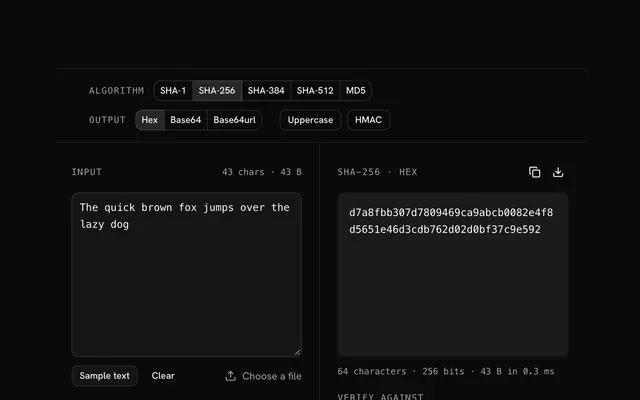 Hash generatorTokens and hashesPaste text or drop a file and read its MD5, SHA-1, SHA-256, SHA-384 or SHA-512 digest as you type, keyed with HMAC if you need it.
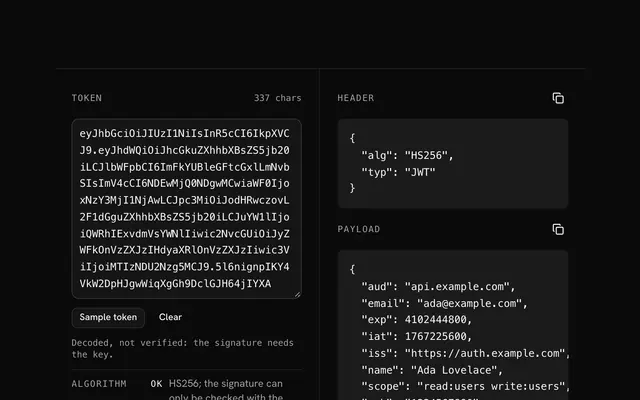 JWT decoderTokens and hashesPaste a JSON Web Token to read its header and claims, then verify its signature with the secret or public key.
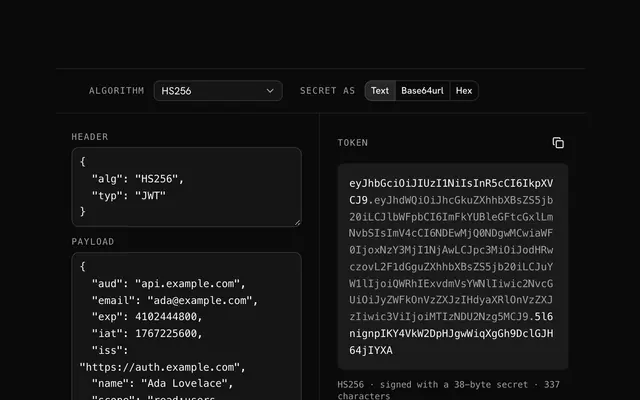 JWT encoderTokens and hashesWrite the header and claims, choose HS256, RS256, ES256 or another algorithm, and sign with a secret or a private key.
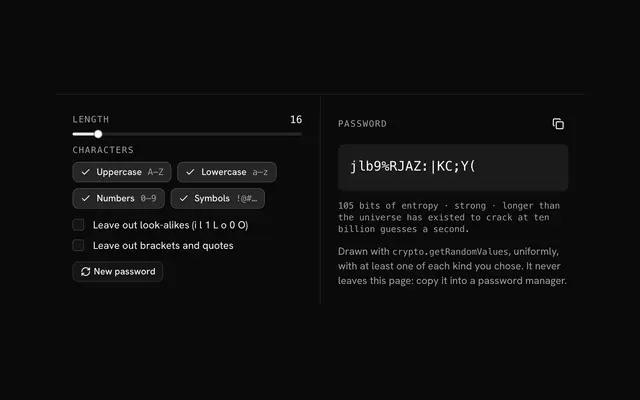 Password generatorPasswords and 2FADraw a password of any length from the characters you choose, or a passphrase of random words, with its entropy and how long it would take to crack.
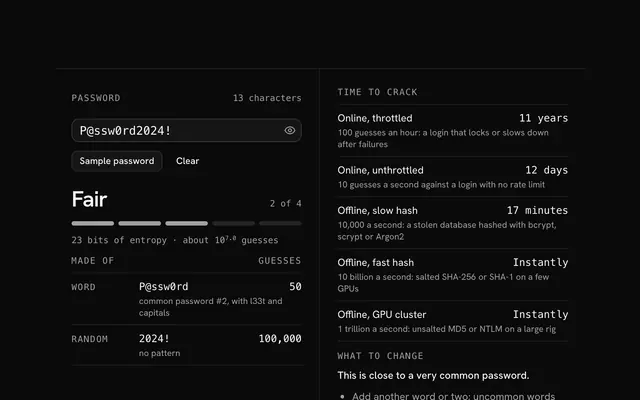 Password strength checkerPasswords and 2FAType a password and see how an attacker would guess it: the patterns it is made of, the guesses that takes and the time at five attack speeds.
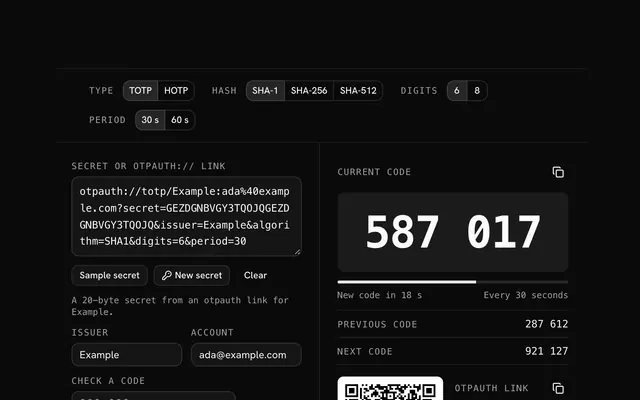 TOTP generatorPasswords and 2FAPaste a TOTP secret or an otpauth link to get the current 2FA code with a countdown, check a code, or make a new secret with its QR code.
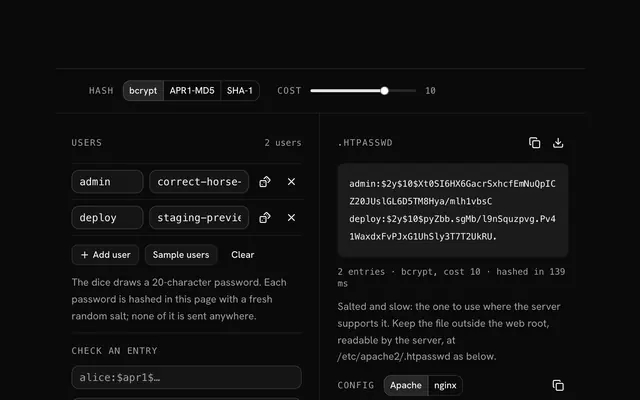 .htpasswd generatorPasswords and 2FAMake the user:hash lines Apache and nginx read for basic auth, with bcrypt, APR1-MD5 or SHA-1, and the config to switch it on.
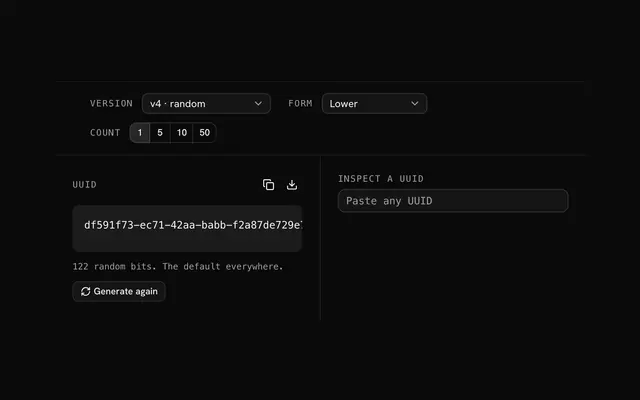 UUID generatorIDs and random stringsGenerate UUIDs in version 4, 7, 1, 6, 5 or 3, one or a thousand at a time, in the form your code expects, and validate any UUID's version and embedded time.
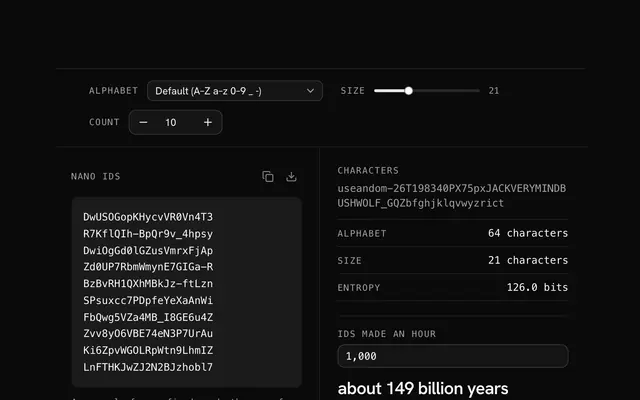 Nano ID generatorIDs and random stringsGenerate Nano IDs with the default alphabet or your own, at any size and in bulk, and see how long it would take for two of them to collide.
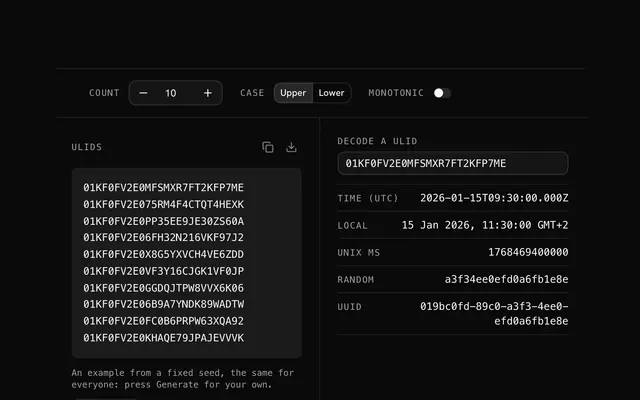 ULID generatorIDs and random stringsGenerate ULIDs, the 26-character ids that sort by creation time, and decode the timestamp inside any ULID.
Need the product around them? With Pro, your AI agent builds the form, the result card and the rest of the page from a prompt, in your theme.
Get ProOther categories
More free tools. Every category runs in the browser, with nothing uploaded.
Pricing
Free tools, and the product around them with Pro
The tools are free. Pro adds 6,000+ blocks, premium templates and the MCP server, so your AI editor builds the product around them.
4.9/5 out of 5 · 150+ reviewsfrom 150+ founders and developers.
- Secure checkout via Stripe
- Code lives in your repo
- Keep what you've shipped if you cancel
- License terms
FAQ
Frequently asked questions
What the security and dev tools can and can't do, how they treat your files and which to pick.
The password generator draws every character with crypto.getRandomValues, the browser's cryptographic generator, using rejection sampling so no character is favoured. Math.random is not used. It also guarantees one character from each class you tick.
4 to 128 characters, opening on 16. The strength word comes from the entropy: under 36 bits is very weak, under 60 weak, under 80 fair, under 128 strong, and 128 or more very strong.
v4 · random, v7 · time-ordered, v1 · time-based, Nil, and Max. v4 is 122 random bits and the usual choice; v7 starts with a millisecond timestamp so the values sort by creation time, which suits database keys.
Not as secrets. v4 is random, but v1 and v7 carry a timestamp, and a UUID is an identifier rather than an access token. For a token, draw random bytes at full length from a cryptographic generator.
v1 is built from a timestamp and a node id, and here the node is random, never your network card's MAC address, so a v1 from this tool doesn't identify your machine.
No. The JWT decoder reads the header and the payload, which are only Base64url JSON, and never checks the signature, because that takes the secret or public key. Treat what it shows as unverified.
The algorithm in the header (a token with alg none is flagged as one anyone could have written) and the exp, nbf and iat time claims against your clock. Expired and not-yet-valid tokens are reported as such.
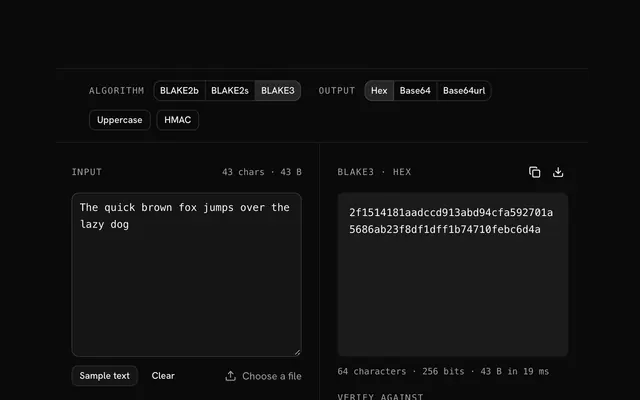
MD5, SHA-1 and the SHA-2 family, for text or a file, with HMAC. For SHA-3, BLAKE, Keccak, CRC and bcrypt or Argon2, use the full set of hash generators.
No hash is for passwords except bcrypt and Argon2. MD5, SHA-1 and SHA-256 are fast by design, so a stolen database of them can be guessed against at enormous speed; use a salted, slow hash instead.
By size: a whole number of 100 billion or more (12 digits) is read as milliseconds and a smaller one as seconds, so a 10-digit value is seconds and a 13-digit one is milliseconds. A date string or a phrase such as in 2 hours is read as that instant.
Seconds, milliseconds, ISO 8601, RFC 2822, a relative phrase, the weekday, the day of the year and the ISO week, in UTC or in your local zone.
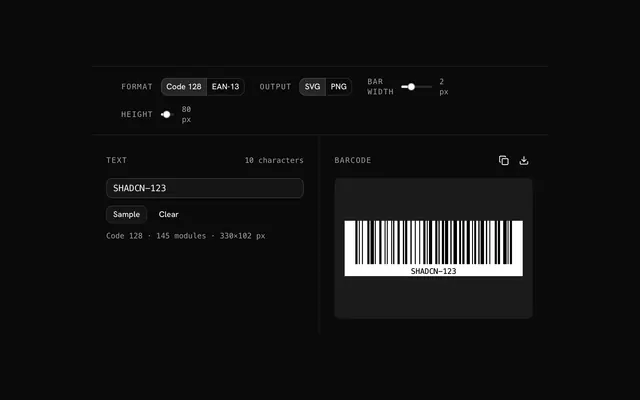
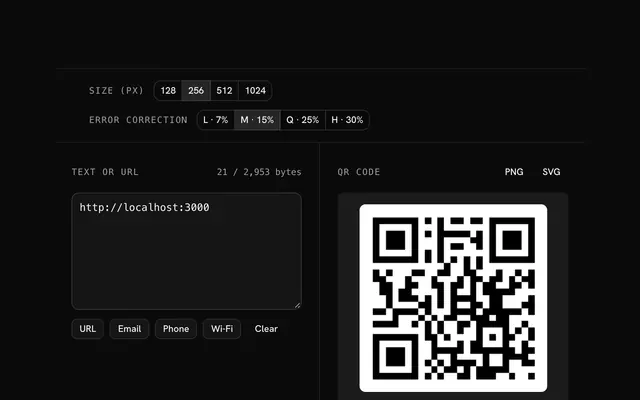
The QR code and barcode scanners are in the data tools rather than here. They ask your browser for the camera and read frames on your device, without sending them anywhere.
JavaScript's: it runs your pattern with the browser's own RegExp, so what works in your console works here, and it differs from PCRE, Python or Go where those differ. The flags are g, i, m, s, u and y.
Text over 100,000 characters is refused, and at most 2,000 matches are listed, so a catastrophic pattern can't freeze the page.
It reads the usual five fields (minute, hour, day of month, month, day of week) or six with a leading seconds field, expands @hourly, @daily, @weekly, @monthly and @yearly, and lists the next runs in UTC or your local zone.
Cron expressions are checked here against the standard fields, not against one scheduler's extensions. Quartz, AWS EventBridge and similar platforms add fields and symbols of their own, so test those against that platform's documentation.
No. All 20 security and dev tools run in your browser, and the tool code makes no network request with your input, so a password, a token or a pattern stays on your machine.
No. Every tool works without signing in, and nothing you type is kept after you close the tab.
Yes, with one note: a decoded token or a password you copy is on your clipboard, like anything you copy. The pages themselves keep no history.
4.9 out of 5 from 150+ developers


Build the product around them
Every block, template and icon, installed by your AI agent in your theme. The tools stay free.
Get Pro