Text tools.
Case, counts, diffs, code, rich text and placeholder copy. 7 tools, free, each running in your browser with nothing uploaded.
Every one of the text tools
7 tools.
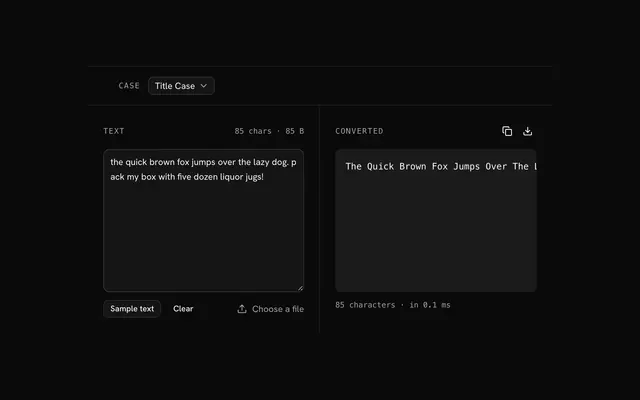 Text case converterTransformPaste text and read it in any case: upper, lower, sentence, title, camelCase, snake_case and the rest.
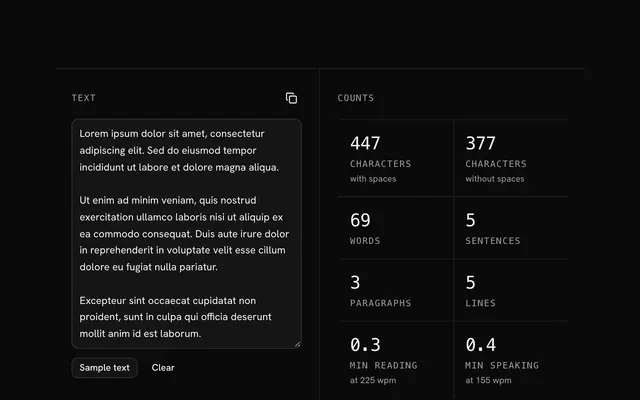 Text counterCount and comparePaste text and read its characters, words, sentences, paragraphs and reading time as you type.
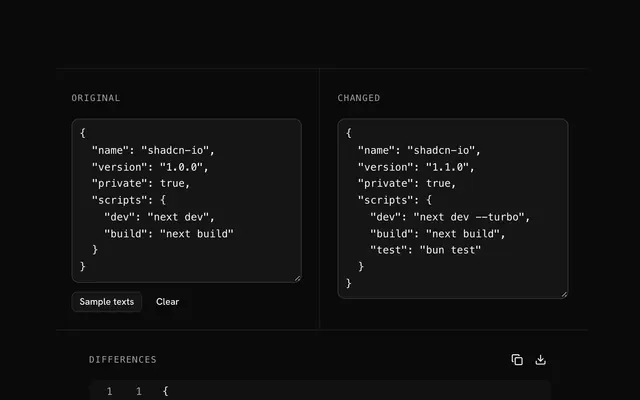 Text diff viewerCount and comparePaste two versions of a text and read what changed, line by line with line numbers.
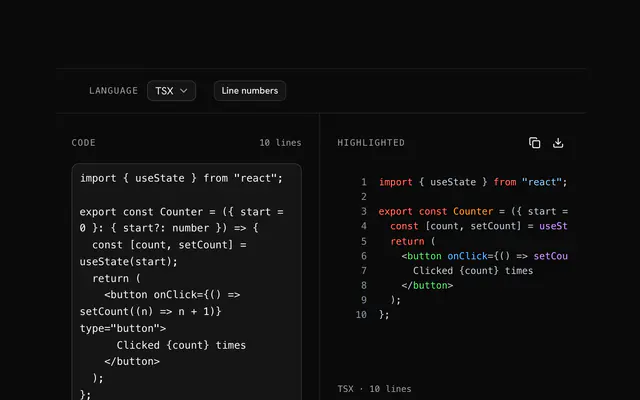 Code highlighterWritePaste code, pick its language and read it with syntax colors and line numbers.
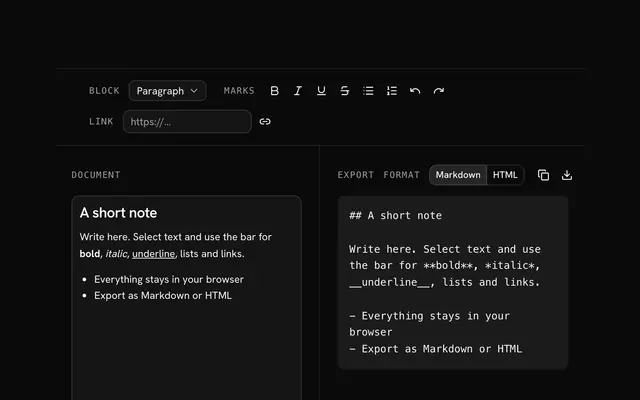 Rich text editorWriteWrite with bold, italic, headings, lists and links, and take the result out as Markdown or HTML.
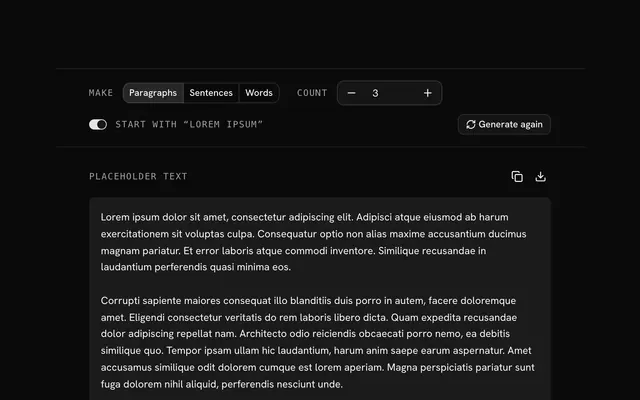 Lorem ipsum generatorWriteMake placeholder text by the paragraph, sentence or word, with or without the classic opening.
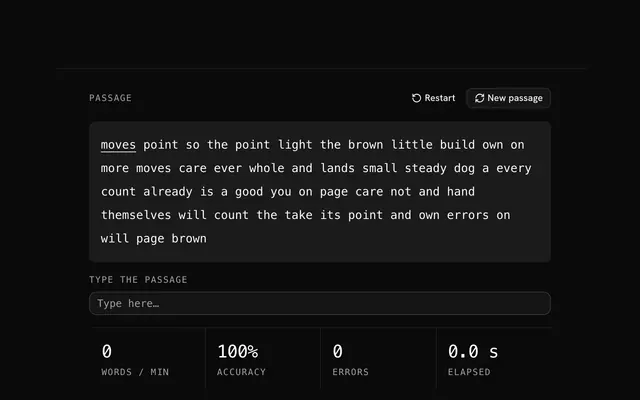 Typing testWriteType a short passage and read your words per minute, accuracy and errors as you go.
Need the product around them? With Pro, your AI agent builds the form, the result card and the rest of the page from a prompt, in your theme.
Get ProOther categories
More free tools. Every category runs in the browser, with nothing uploaded.
Pricing
Free tools, and the product around them with Pro
The tools are free. Pro adds 6,000+ blocks, premium templates and the MCP server, so your AI editor builds the product around them.
4.9/5 out of 5 · 150+ reviewsfrom 150+ founders and developers.
- Secure checkout via Stripe
- Code lives in your repo
- Keep what you've shipped if you cancel
- License terms
FAQ
Frequently asked questions
What the text tools can and can't do, how they treat your files and which to pick.
There are 7 tools: text case converter, text counter, text diff viewer, code highlighter, rich text editor, lorem ipsum generator, typing test.
No. The text is processed by JavaScript in your browser as you type and the pages make no request with it. You can paste a confidential draft and close the tab.
No. The editor and the other tools keep nothing: the text lives in the page and is gone when you close the tab. Copy or download what you want to keep.
Only where it is said: the text diff holds up to 4,000 lines in each text, and the lorem ipsum generator makes up to 50 paragraphs, 200 sentences or 2,000 words. Counting and case conversion have no limit beyond what your browser holds in a text box.
Choose Markdown or HTML in the export pane. Markdown suits GitHub, Slack and most developer tools; HTML is what a web page needs. Underline has no Markdown form, so it exports as double underscores.
Choose paragraphs, sentences or words, set the count, and copy or download the text. A switch decides whether it opens with the classic Lorem ipsum dolor sit amet.
The typing test gives you a passage of 50 words and scores words per minute, where five correct characters count as one word, and accuracy as correct characters over all typed.
Select the words, type or paste the address in the Link field and press Enter or the link button. With the field empty the same button removes a link.
11 cases, from UPPER CASE and Title Case to the code cases camelCase, PascalCase, snake_case, kebab-case and CONSTANT_CASE, plus alternating and inverse case.
The code cases split words on spaces, punctuation and existing camelCase boundaries, so userFirstName becomes user_first_name.
A word is a run of letters or digits, with apostrophes and hyphens allowed inside it, so don't and well-known count once each. Characters count every code point, with and without spaces.
Reading time uses 225 words a minute and speaking time 155, rounded to a tenth of a minute. Real times vary with the material.
It finds the longest common subsequence of the two texts' lines, as the classic diff does, so a line inserted in the middle is one addition and not a cascade of changes.
The diff is line-based: a line with one changed word shows as the old line removed and the new line added, as in version control.
TSX, TypeScript, JavaScript, JSX, JSON, CSS, HTML, Markdown, YAML, shell, diff and plain text. Other languages show as plain text.
No. It highlights code and does not reindent or restyle it. Use Prettier, Biome or the language's own formatter for that.
4.9 out of 5 from 150+ developers


Build the product around them
Every block, template and icon, installed by your AI agent in your theme. The tools stay free.
Get Pro