Image tools.
Background removal, compression, conversion and color correction. 18 tools, free, each running in your browser with nothing uploaded.
Every one of the image tools
18 tools.
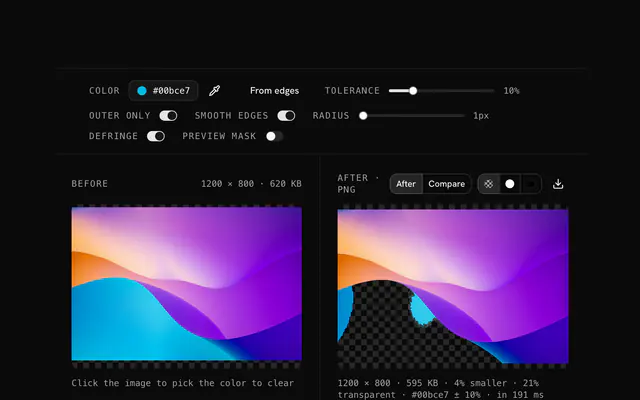
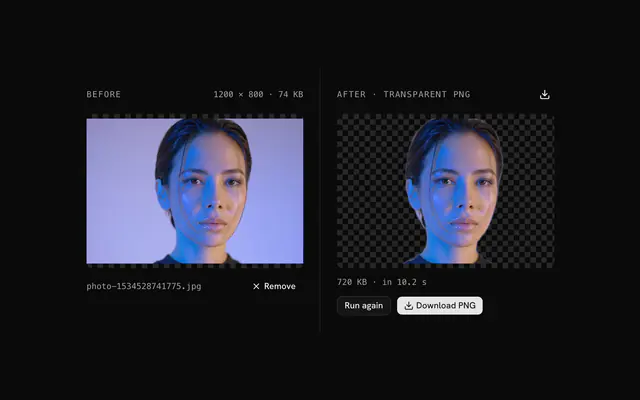 Background removerBackground and colorDrop a photo, press the button and get the subject on a transparent PNG.
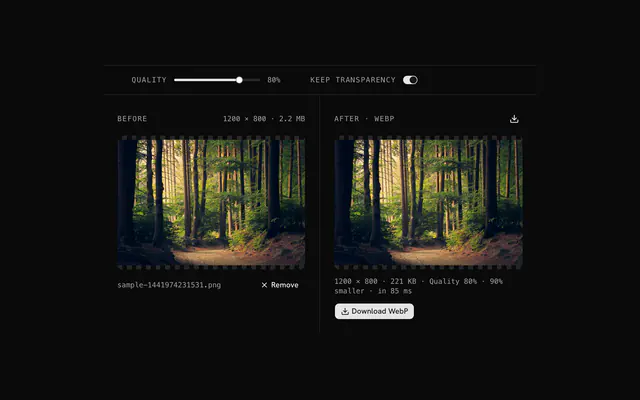
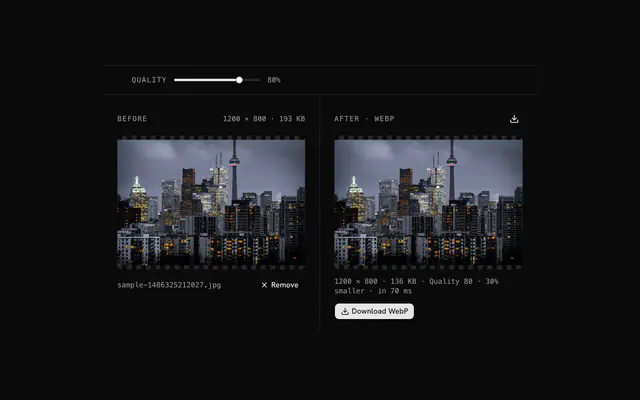
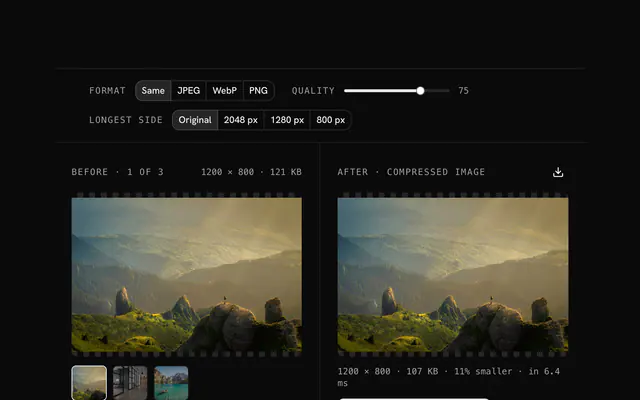 Image compressorConvert and compressDrop images, set a quality and a maximum size, and watch the files shrink.
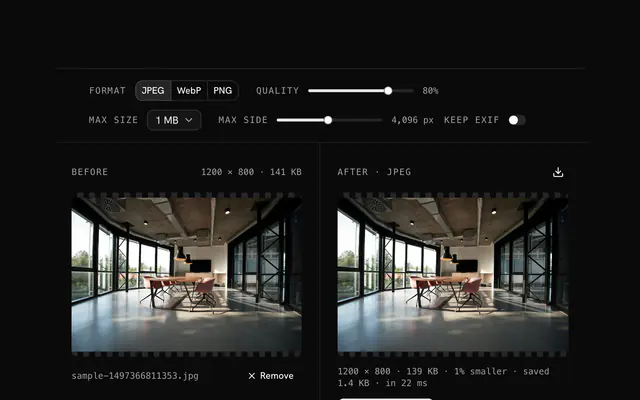
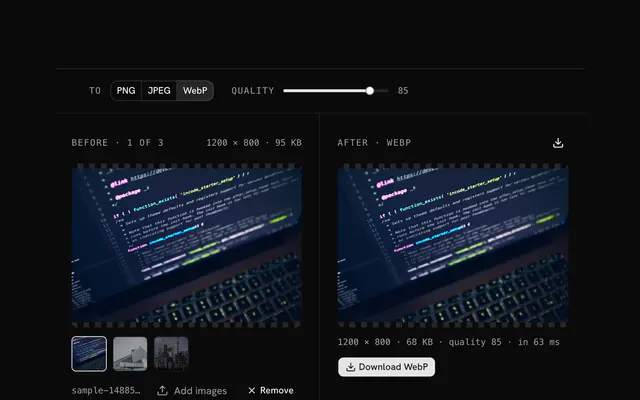 Image converterConvert and compressDrop any image, or a batch of them, and get it back as PNG, JPEG, WebP or AVIF, with a quality slider for the lossy ones.
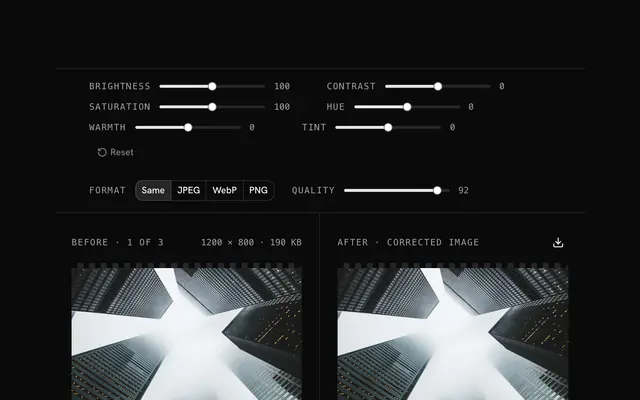 Color correctionBackground and colorDrop a photo and move the sliders: brightness, contrast, saturation, hue, warmth and tint, with the result beside the original.
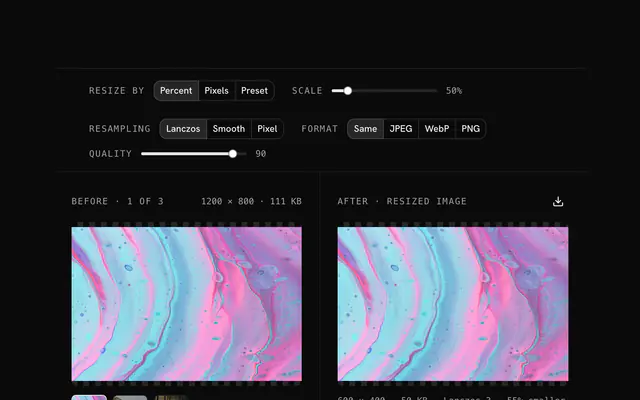 Image resizerResize and cropDrop one image or fifty, then resize by percent, to exact pixels or to a social or screen preset.
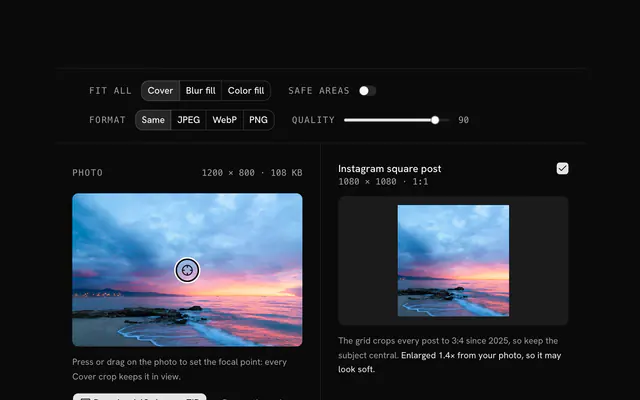 Social media image resizerResize and cropDrop one photo and get every platform's size at once, each cropped around one focal point or set on a blurred fill.
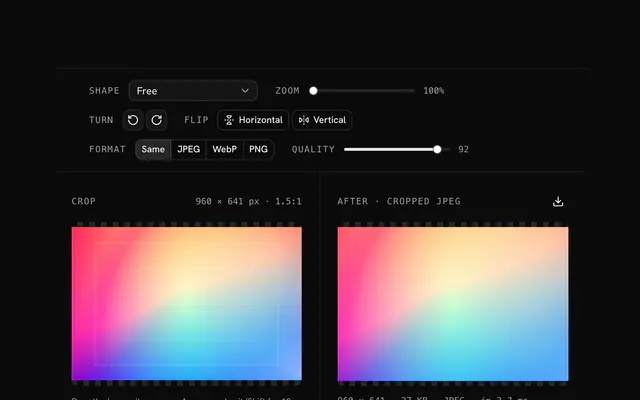 Image cropperResize and cropDrag a box over the picture, lock it to a common shape, and save exactly that part at the picture's own resolution.
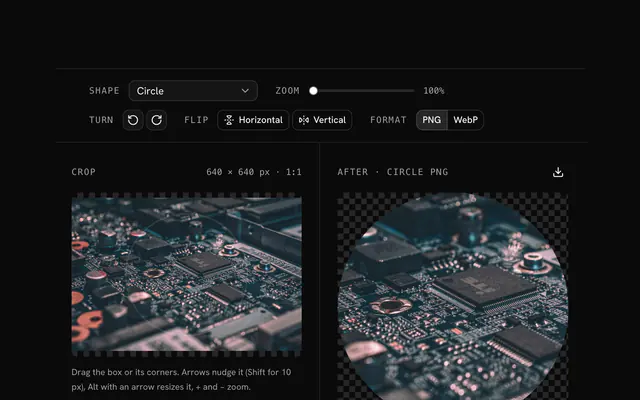 Crop an image to a circleResize and cropDrop a portrait or a logo, move and zoom the round frame, and download a circle with transparent corners.
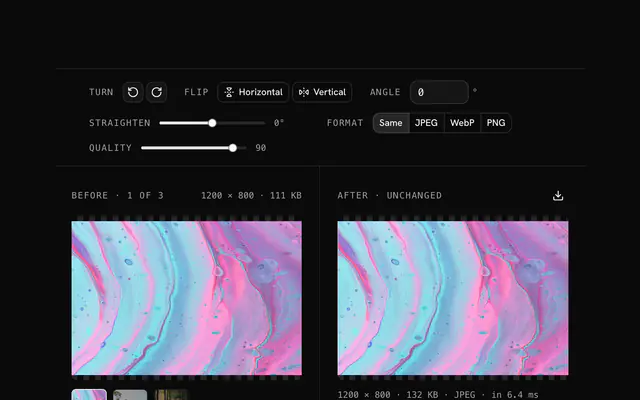 Rotate an imageRotate, flip and watermarkTurn a picture a quarter turn or by any angle, or straighten a tilted horizon over a grid, and mirror it if you need to.
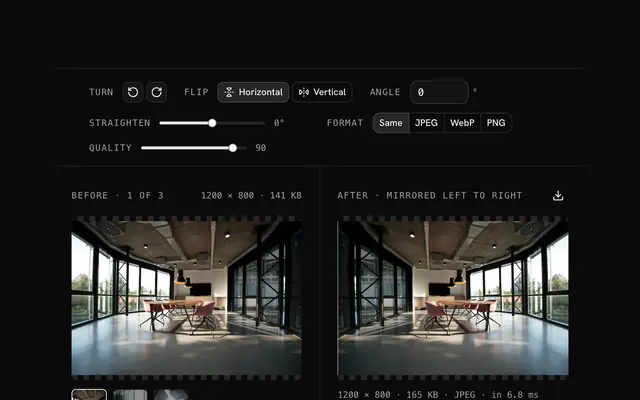 Flip an imageRotate, flip and watermarkMirror a picture left to right or top to bottom the moment it's in.
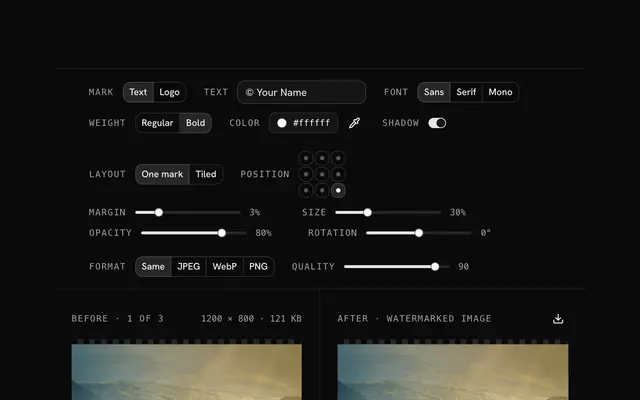 Add a watermark to an imageRotate, flip and watermarkPut your name or logo on one photo or a whole batch, in a corner or tiled across the picture, at the same share of every image's width.
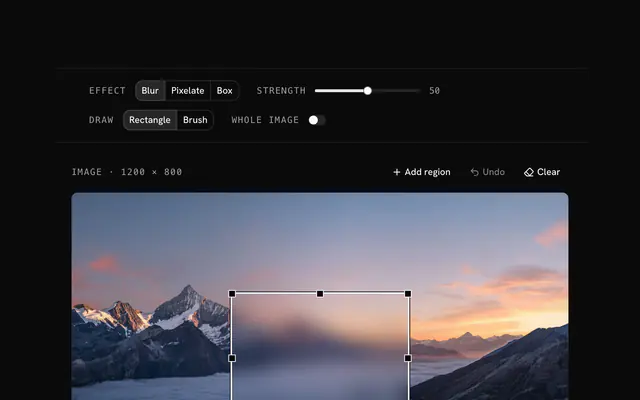 Blur an imageBlur and redactDraw over the faces, plates or backgrounds you want hidden and they blur at once, live on the picture.
Need the product around them? With Pro, your AI agent builds the form, the result card and the rest of the page from a prompt, in your theme.
Get ProOther categories
More free tools. Every category runs in the browser, with nothing uploaded.
Pricing
Free tools, and the product around them with Pro
The tools are free. Pro adds 6,000+ blocks, premium templates and the MCP server, so your AI editor builds the product around them.
4.9/5 out of 5 · 150+ reviewsfrom 150+ founders and developers.
- Secure checkout via Stripe
- Code lives in your repo
- Keep what you've shipped if you cancel
- License terms
FAQ
Frequently asked questions
What the image tools can and can't do, how they treat your files and which to pick.
There are 18 tools: resizers and croppers, rotate and flip, watermarks, blur, pixelate and redact, an EXIF viewer and remover, a compressor and a converter, an image compare, a GIF maker, a background remover and color correction. The converters and compressors for one format, such as PNG or WebP, have their own categories.
No. Pictures are read and written by your browser and nothing is sent with them. The one tool that downloads something is the background remover, which fetches a model and then runs it on your device.
Files up to 100 MB each. What the tools write is held by a browser canvas, up to 16,384 pixels on a side; phones hold less.
Yes, in the resizer, the compressor, the converter, color correction, the rotate and flip tools, the watermark tool and the EXIF remover: drop several files, preview any of them, and download them all as one ZIP with the same settings.
The PNG, JPG, WebP, AVIF, ICO and SVG categories hold the tools for one format: conversions out of it, compressors, grain, recoloring and transparency. This category is the general set that takes any picture the browser can open.
Lanczos-3, written in JavaScript the way pica and image editors do it: every source pixel counts when shrinking, so text and fine patterns stay sharp without moiré, and transparent edges get no dark fringe. Smooth and Pixel (nearest neighbour) are there for speed and for pixel art.
13 of them, from the Instagram square to the YouTube banner, each at its platform's recommended size. Pick one in the resizer, or render all of them at once from one photo with the social media image resizer.
Cover fills the box and trims what overflows; contain fits the whole picture and fills the bands with a blurred copy of it, a color or transparency; stretch distorts the picture to fill the box.
EXIF is the block of facts a camera or phone writes into a photo: the camera and lens, the exposure, the date and time, often the exact GPS position, and sometimes the device's serial number. Many sites strip it on upload, but email, messaging apps that send files and cloud links usually pass it on untouched.
Every tool here that writes a new picture (the resizer, the compressor, the converter, the cropper and the others) draws the pixels on a canvas and encodes them fresh, so the EXIF block, the location and the other metadata are not carried over. To strip it from a JPEG without re-encoding a single pixel, use /tools/remove-exif-data.
Not for text. Pixelation and a light blur keep enough of each letter's shape that tools such as Depix can sometimes recover it. Cover passwords, keys and account numbers with a solid box: the pixels under it are replaced, so nothing is left to recover.
PNG, JPEG, WebP and AVIF. AVIF appears only in browsers that can encode it, which at the moment means Chrome and Edge; reading AVIF works in all of them.
Anything the browser opens: PNG, JPG, WebP, GIF (its first frame), AVIF, BMP, ICO and SVG. HEIC from an iPhone is decoded by Safari only, so elsewhere export it as JPEG first.
JPEG has no alpha channel, so every tool here fills transparent areas with white when it writes a JPEG, as image editors do. PNG, WebP and AVIF keep transparency.
Use the PNG tools, the JPG tools or the other format categories for the conversions and edits specific to one format, such as PNG to WebP or WebP to ICO.
For photos, JPEG at 70 to 85 or WebP at 70 to 80 is hard to tell from the original and a fraction of the size. Below 50, blocking shows in smooth areas. Screenshots and flat graphics do better as PNG or WebP.
PNG is lossless, so the encoder has no quality setting: the pixels are written as they are. The only way to shrink a PNG here is to lower its size with the Longest side choice, or to switch to WebP.
Fewer pixels shrink a file more than any quality setting: a 4000-pixel phone photo shown 1200 pixels wide carries ten times the data it needs. Cap the longest side in the compressor, or set an exact size in the image resizer.
A segmentation model, img.ly's open-source background removal built on the ISNet network, predicts for every pixel how much of it belongs to the subject. The result is the subject on a transparent PNG.
Yes, once. Pressing Remove background fetches the model, about 40 MB, from img.ly's CDN (staticimgly.com), and the status line shows the download. Your image is never sent: the model runs on your device.
Six: brightness, contrast, saturation, hue, warmth and tint. They are applied to the full-resolution pixels, and the photo keeps its format unless you pick another.
Slide Warmth the opposite way from the cast until whites look white, then touch Tint if a green or magenta tone remains. Set the exposure with Brightness and Contrast afterwards.
4.9 out of 5 from 150+ developers


Build the product around them
Every block, template and icon, installed by your AI agent in your theme. The tools stay free.
Get Pro