shadcn.io is an independent project built on shadcn/ui
Fluid Background for Svelte
Marbled dye in a liquid that the pointer stirs and a press splashes. For Svelte with Ark UI, when a hero should react to the visitor.
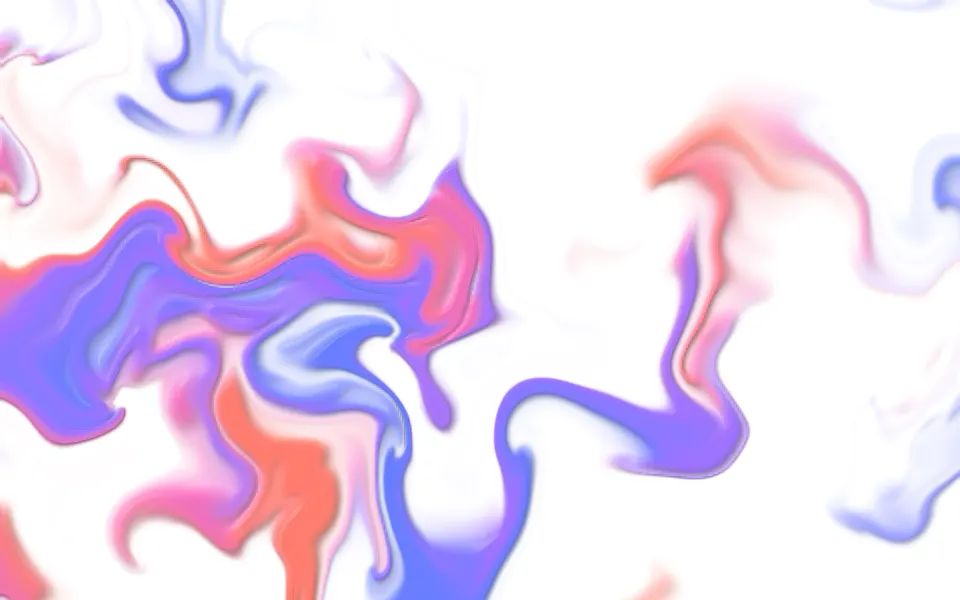
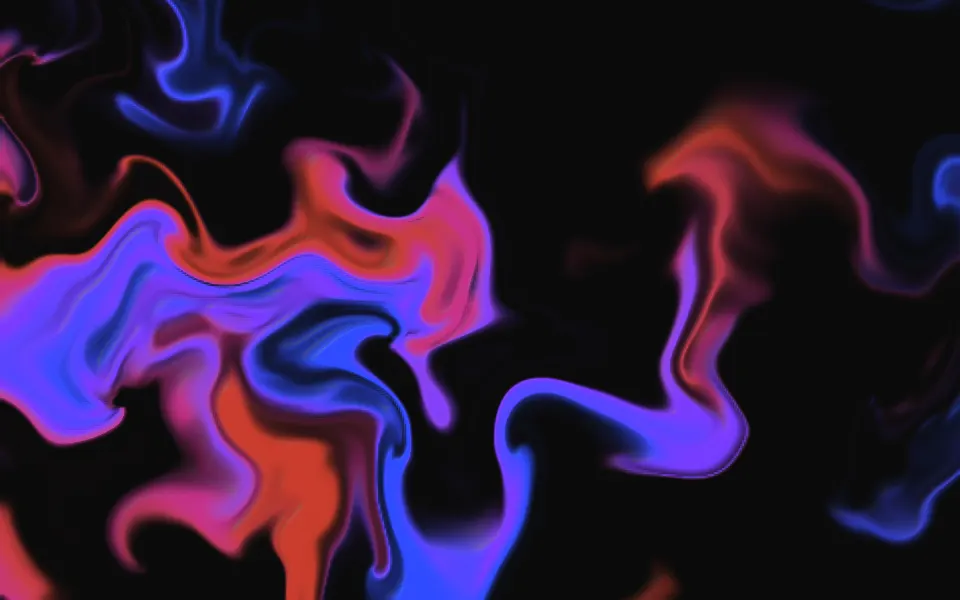
Pools of dye sit in a liquid that curls slowly by itself, so they wind into marbled swirls and never repeat. It's a GLSL scene on WebGL2 with a small simulation behind it: the simulation carries the liquid, and the scene draws each point with the dye of the place it came from, so the edges stay sharp at any size. Move the pointer and it drags the liquid and leaves dye; press and it splashes. It glows on a dark surface and tints a light one.
Use it where the background is part of the pitch: a launch hero, a creative tool, a sign-up page. For dye that drifts without a simulation, use Ink; for a calm color field with no pointer, Mesh Gradient; for thick paint wound around one centre, Swirl. With reduced motion it holds one stirred frame and ignores the pointer.
Installation
Usage
<script lang="ts">
import { Fluid } from "@/components/ui/fluid";
</script>
<Fluid
  class="flex min-h-[32rem] flex-col items-center justify-center"
  placement="edges"
>
  <h1 class="text-5xl font-semibold">Mix a palette the way paint mixes</h1>
</Fluid>
Fluid is a container: whatever you put inside sits on top of the dye, in normal flow. It fills its own box, so give it a height or content. For a backdrop behind the whole page, render it empty with className="fixed inset-0 -z-10"; the pointer still stirs it there.
Presets
<Fluid /><Fluid density={0.7} placement="edges" /><Fluid
colors={["#1d4ed8", "#0ea5e9", "#2dd4bf"]}
curl={0.8}
intensity={1.3}
scale={0.75}
sheen={0.3}
softness={0.9}
/><Fluid
colors={["#b91c1c", "#f97316", "#fbbf24"]}
curl={0.6}
density={0.7}
intensity={1.5}
placement="bottom"
scale={1.3}
sheen={0.9}
softness={0.4}
viscosity={0.8}
/><Fluid
density={0.75}
intensity={0.6}
scale={0.6}
sheen={0}
softness={1}
speed={0.6}
/><Fluid
colors={["#00e5ff", "#7c4dff", "#ff2bd6"]}
intensity={1.9}
scale={1.3}
softness={0.85}
/><Fluid
colors={["#0f4c81", "#e4572e", "#f2b134"]}
density={0.7}
dissipation={0.2}
intensity={1.4}
sheen={1}
softness={0.08}
viscosity={0.7}
/><Fluid
colors={["var(--foreground)", "var(--muted-foreground)"]}
curl={1.2}
intensity={0.6}
scale={0.8}
sheen={0}
softness={1}
/>Each preset is a set of props, so copy one and keep tuning. Dye is the default. Frame keeps the dye around the edges for a hero with copy in the middle, Paint turns it into thick poured enamel with a crisp edge and a wet shine, Mist is a pale haze for long text, and Smoke takes its two colors from your theme.
Examples
Hero
placement="edges" holds the dye in a rim around the box and keeps the middle calm wherever the flow carries it, so the headline sits on the plain surface. density={0.75} fills the rim a little more than the default.
Paint
Three colors of enamel: softness={0.08} gives the dye a crisp edge, sheen={1} lights it like wet paint, and a thicker liquid (viscosity={0.7}) loses a stir sooner. intensity={1.4} lets the ochre stay bright.
In a card
placement="top" wells the dye up from the top of the card and leaves the bottom for the copy. scale={1.5} packs smaller swirls into the small box, and grain adds film grain over them.
Customization
colors takes two to eight CSS colors, theme variables included, and follows a theme switch: colors={["var(--chart-1)", "var(--chart-2)", "var(--chart-5)"]}. Each pool of dye sits somewhere along the list and two pools meet in the colors between them, mixed in OKLab, so the first colors cover the most and the last ones are accents.
The surface is the root's own background, bg-background by default: give the root another (bg-slate-950, a gradient) and the dye adapts, adding light to a dark surface and tinting a light one. curl, dissipation and viscosity set how the liquid moves, radius and force how the pointer stirs it, and fade, grain and opacity fit it into a layout.
<Fluid
  class="min-h-[32rem] bg-slate-950"
  colors={["var(--chart-1)", "var(--chart-2)", "var(--chart-5)"]}
  curl={0.6}
  fade="bottom"
  softness={0.9}
/>
Performance
It's one WebGL2 canvas with no dependency. The simulation is a texture half the box's size in CSS pixels (720 by 450 for a 1440 by 900 box) that holds how far the liquid has been carried, updated once a frame with six noise samples and seven reads a texel. The scene adds four noise samples a pixel. It draws only while it's on screen and the tab is visible, shares one frame loop with every other background on the page, and lowers its own resolution if frames run long. quality sets the render scale yourself, and paused holds the frame.
Accessibility
The dye is decoration: it's hidden from assistive tech and lets every click through to your content. With reduced motion it draws one stirred frame and ignores the pointer. Nothing flashes.
At intensity 1 and below, the scene holds the dye deep enough on a dark surface and pale enough on a light one for copy in the foreground color: the worst pixel of the default look measured 4.7:1 under dark text and 4.6:1 under light text. Above 1 the dye gets brighter than that, so keep body copy off it, or use placement="edges".
FAQ
How do I change the colors?
Pass two to eight CSS colors to colors. Each pool of dye takes a place along the list, more of them near its start, so put the color you want most of first and your accent last. Hex, oklch() and theme variables such as var(--chart-1) all work, and a variable follows your theme when it changes.
Does it work on a light page?
Yes, with no prop to set. The scene reads the color behind it: on a dark surface the dye adds light, and on a light one it tints it like ink on paper, a little paler so dark text still reads. Set the surface with a class on the component, such as bg-slate-950.
How do I keep text readable on top of it?
Use placement="edges": the dye stays in a rim around the box and thins out toward the middle, wherever the flow carries it. placement="top" and "bottom" do the same for one side. For text over the dye itself, keep intensity at 1 or lower, or use the Mist preset.
What happens on phones and touch screens?
Touch never stirs it, so scrolling the page isn't disturbed. The liquid still curls by itself, at the speed curl sets, so the background is alive without a pointer. A press with a mouse or a pen splashes; a tap doesn't.
How do I put it behind the whole page?
Render it empty with className="fixed inset-0 -z-10". The pointer still stirs it there, since it listens on the window, and presses on links, buttons and fields don't splash. To put it behind one section, wrap that section's content in it and give it a height.
Is a fluid simulation heavy?
This one is light. It doesn't solve pressure or push dye through a grid: it tracks how far the liquid has moved, in a texture a quarter of the box's pixels, and draws the dye from noise. It stops while off screen or in a hidden tab, and renders fewer pixels by itself on a slow device. quality={0.75} is a safe setting for phones.
Does it work with Next.js and server components?
Yes. Import it into a server component and it renders its box and your content on the server; the canvas starts in the browser and fades in over the surface. It needs WebGL2, which every current browser has. Without it the box keeps its background, or the fallback you pass.
API Reference
Fluid
data-slot="fluid"
colors?string[]
Two to eight CSS colors the dye runs through: each pool sits somewhere
along the list, more of them near its start, so the last colors are
accents. Theme variables such as var(--chart-1) follow your theme.
- Default
["#2f4bff", "#7b3bff", "#e8389f", "#ff4a36"]
curl?number
How fast the liquid curls by itself, from 0 (still pools) to 2.
- Default
1
density?number
How much of the box the dye fills, from 0.15 (a few pools) to 1.
- Default
0.55
dissipation?number
How quickly stirred dye settles back to where it was, from 0 to 1. Lower lets the flow wind it further.
- Default
0.3
fade?"none" | "radial" | "top" | "bottom" | "left" | "right"
Which edges fade out to the surface: radial keeps the middle, the
others name the side that fades.
- Type
"none" | "radial" | "top" | "bottom" | "left" | "right"- Default
"none"
fallback?string
What shows until the first frame and in browsers without WebGL2: a CSS
background value that looks like the scene.
force?number
How hard the pointer pushes the liquid, from 0 to 2.
- Default
1
grain?number
Film grain over the scene, from 0 to 1.
- Default
0
intensity?number
How strong the dye is, from 0 to 2. Up to 1 it stays deep enough on a dark surface, and pale enough on a light one, for copy to read on it.
- Default
1
interactive?boolean
Whether the scene follows the pointer and answers a press. Touch never moves it, so scrolling a page on a phone isn't disturbed.
- Default
true
opacity?number
How strongly the scene shows over the surface, from 0 to 1.
- Default
1
paused?boolean
Holds the current frame.
- Default
false
placement?"full" | "edges" | "top" | "bottom"
Where the dye wells up: across the whole box, around its edges (the middle stays calm for copy), or from the top or the bottom.
- Type
"full" | "edges" | "top" | "bottom"- Default
"full"
quality?number
Render scale, from 0.25 to 1, of the screen's pixels (capped at 2×). Lower is cheaper and softer.
- Default
1
radius?number
The size of the pointer's stir and of a press's splash, in pixels.
- Default
64
scale?number
The size of the pools and swirls: higher packs more of them in the box.
- Default
1
seed?number
Another layout of the same look, from 0 to 20.
- Default
0
sheen?number
How glossy the dye is, from 0 (flat color) to 1 (lit like wet paint).
- Default
0.5
softness?number
How soft the dye's edge is, from 0 (a crisp marbled edge) to 1 (smoke).
- Default
0.7
speed?number
Animation speed: 1 is normal, 0 holds the frame.
- Default
1
time?number
A fixed moment, in seconds: draws it and doesn't animate.
viscosity?number
How thick the liquid is, from 0 to 1: thicker loses a stir sooner.
- Default
0.3