shadcn.io is an independent project built on shadcn/ui
Mesh Gradient Background for Svelte
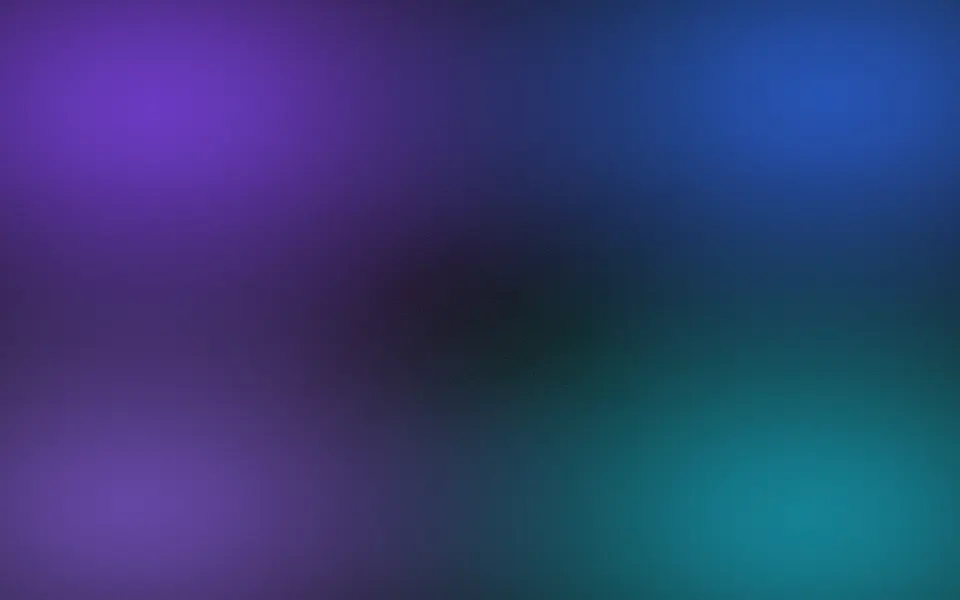
Color points drift and blend into one soft field, interpolated in OKLab. For Svelte with Ark UI, when a hero needs color behind its copy.
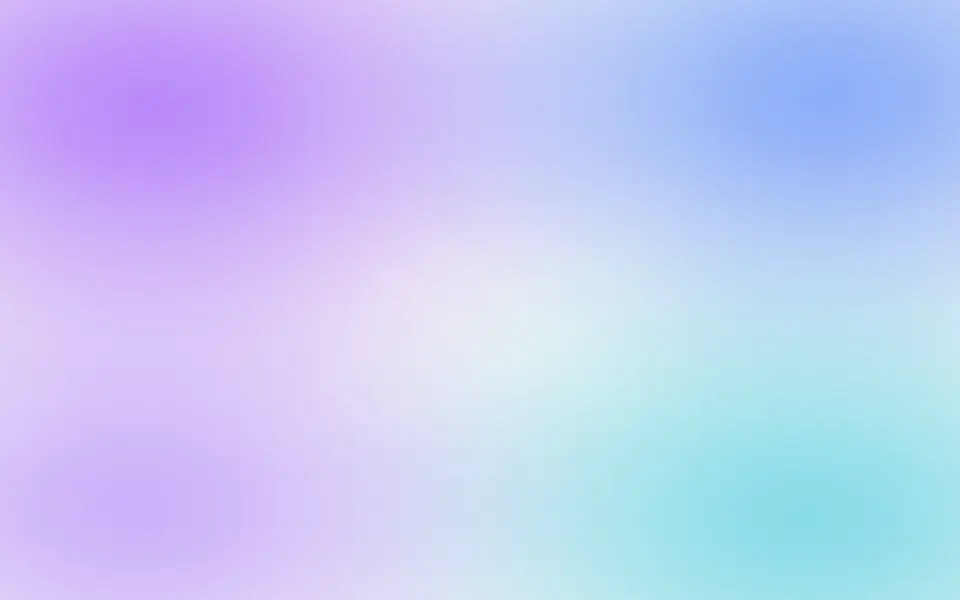
Mesh Gradient fills its box with one soft field of color that never quite sits still. It's a GLSL scene on WebGL2: six color points rest across the box and drift on slow orbits, every pixel takes the colors around it by inverse-distance weights, mixed in OKLab so no blend turns grey, and a slow flow bends the result. On a light surface the colors are held light enough for dark copy, on a dark one deep enough for light copy. Points near the pointer lean toward it.
Use it behind a hero, a pricing section or a card when the color itself is the design. For bands of color that flow along one direction, use Gradient; for separate blobs that float and one that follows the pointer, Gradient Animation; for a single color lit like cloth, Silk. With reduced motion it draws one still frame.
Installation
Usage
<script lang="ts">
import { MeshGradient } from "@/components/ui/mesh-gradient";
</script>
<MeshGradient class="flex min-h-[32rem] flex-col items-center justify-center gap-4">
  <h1 class="text-5xl font-semibold">Get paid the day you send the invoice</h1>
  <p class="text-foreground/80">Cards and bank transfers, one link.</p>
</MeshGradient>
Mesh Gradient is a container: what you put inside sits on top of the color, in normal flow. It fills its own box, so give it a height or content. For a backdrop behind the whole page, render it empty with className="fixed inset-0 -z-10".
Presets
<MeshGradient /><MeshGradient
colors={["#0b1f6b", "#3b2fff", "#00c2ff", "#b517ff"]}
contrast={1.6}
/><MeshGradient
colors={["#ff5c39", "#ffd166", "#2f3cff"]}
grain={0.5}
points={3}
scale={0.6}
softness={0.9}
/><MeshGradient
contrast={0.5}
intensity={0.45}
softness={1}
speed={0.6}
/><MeshGradient
colors={["#0ea5e9", "#22d3c5", "#2f5bff", "#7ef0c1"]}
detail={1}
points={5}
scale={1.4}
softness={0.5}
warp={1.2}
/><MeshGradient
colors={["#7038ff", "#ff4f8b", "#ffb22e", "#38c8ff"]}
points={4}
softness={0.2}
warp={1.5}
/><MeshGradient
colors={["var(--foreground)", "var(--muted-foreground)", "var(--background)", "var(--muted)"]}
/><MeshGradient
angle={30}
colors={["#ff4d6d", "#ffb347", "#ff7a45", "#e6399b"]}
points={5}
softness={0.85}
/>bloom is the default. lava drops softness to 0.2, so each of its four colors keeps an area with an edge you can see. film is three points under grain={0.5}, the grainy gradient of print posters. haze sets intensity to 0.45 for a section that only needs a tint, and mono takes its four colors from theme variables, so it's grey in both themes.
Examples
Hero
A badge, a headline, one line of copy and two links, centered over the default look with no props. The scene holds every color to a tone copy can sit on, so the headline in text-foreground reads in both themes; the secondary link gets bg-background/60 backdrop-blur.
Colors
colors takes two to eight CSS colors; here sky, teal, cobalt and mint on five points. softness={0.5} keeps each color's area apart from the next, and scale={1.4} with detail={1} and warp={1.2} gives the bends between them more curl.
Card
Four points at scale={0.7} keep the bends broad enough for a 384 px card, and grain={0.3} gives the color a printed texture. The copy sits at the bottom in the foreground color.
Customization
colors takes any CSS color: hex, oklch(), color-mix() or a theme variable such as var(--primary), read again when the theme changes. The colors go to the points in order and repeat when points is higher than the number of colors, so the first colors in the list cover the most area. seed moves the points to another layout, spread pushes them toward or past the edges, and angle turns the side the light falls from.
The scene has no background of its own. It paints over the root's background, bg-background by default, and reads it: a class such as bg-slate-950 on the root switches it to the deep tones it uses on a dark surface. fade fades one edge into the surface, grain adds film grain and opacity thins the whole scene.
<MeshGradient
  class="min-h-svh bg-slate-950"
  colors={["var(--primary)", "#22d3ee", "#a855f7"]}
  fade="bottom"
  grain={0.25}
  softness={0.9}
/>
Performance
It's one WebGL2 canvas and a shared runtime with no dependency. Each pixel costs five simplex noise samples and up to eight weighted colors, with no ray march, no simulation and no texture, which makes it one of the lighter scenes in the collection. It animates only while it's on screen and the tab is visible, and it lowers its own resolution, down to half, when frames run long. quality sets the render scale by hand, which costs little here because the field has no fine detail, and paused holds the current frame.
Accessibility
The canvas is decoration: it's aria-hidden and lets every click through to your content. With reduced motion it draws one still frame, the scene at 8 seconds, and doesn't animate.
Put copy over it in text-foreground. At the defaults the lowest contrast anywhere in the box, measured on the frames we shot, is 4.8:1 on a light surface and 5.5:1 on a dark one. The hold works on lightness, so it applies to your own palette too: no color goes deeper than 0.64 in OKLab lightness on a light surface, or brighter than 0.545 on a dark one. Above intensity={1} the scene stops holding that tone, so check your contrast there. Nothing flashes.
FAQ
How do I change the colors?
Pass two to eight CSS colors to colors, such as colors={["#ff4d6d", "#ffb347", "#e6399b"]}. Any CSS color works, theme variables included, and they are read again when the theme changes. The points take the colors in order, so with six points and four colors the first two colors appear twice and cover more of the box.
Why are the colors lighter or deeper than the ones I passed?
At intensity={1} the scene holds a tone copy can sit on: on a light surface it lifts dark colors, on a dark surface it lowers bright ones. Hue and chroma stay, with one exception: on a dark surface an orange or a yellow turns toward red as it deepens, because a dark orange is brown. Raise intensity toward 2 to show the palette as written, and check your text contrast when you do.
What's the difference between points and colors?
colors is the palette and points is how many places in the box hold a color, from 3 to 8. More points than colors repeats the palette in several places, which reads as a finer mesh; fewer points gives a few broad areas. seed picks another layout for the same count, and softness sets how widely neighbors melt into each other.
Does it work in light and dark mode?
Yes, with no props. The scene reads the surface behind it: on a light one it keeps the colors light and thins the lit side toward the surface, on a dark one it keeps them deep and lets the far side sink into it. The surface is the root's background, so bg-slate-950 or your own color works the same way.
How do I put it behind the whole page?
Render it empty with className="fixed inset-0 -z-10". It still follows the pointer there, because the runtime listens on the window. To put it behind one section, wrap that section's content in it and give it a height, such as min-h-svh.
Will it slow my page down, and does it run on phones?
It's a light shader: five noise samples and up to eight colors per pixel. It runs only while it's on screen and the tab is visible, and drops its render scale when frames run long. On phones the device pixel ratio is capped at 2, and touch never moves the points, so scrolling isn't disturbed. Set quality={0.5} for older devices; the field is soft enough that it barely shows.
Does it work with server rendering?
Yes. The server renders a div and an empty canvas, and the scene starts once it mounts in the browser, so nothing reads window during render. Until the first frame, and in a browser without WebGL2, the box shows fallback, a CSS background you pass, such as a linear-gradient() of two of your colors.
API Reference
MeshGradient
data-slot="mesh-gradient"
angle?number
Where the light falls from, in degrees clockwise from the top: the lit side is lighter, the far side deeper, and the color areas run across it.
- Default
-45
colors?string[]
Two to eight CSS colors, handed to the points in order and repeated when
there are more points than colors. Theme variables such as
var(--primary) follow your theme.
- Default
["#2f6bff", "#7c4dff", "#ff4f9a", "#ff7448"]
contrast?number
How far the lit side and the far side pull apart, and how much each point's shade differs from the next, from 0 (flat color) to 2.
- Default
1
detail?number
How much fine curl the bends carry, from 0 (broad sweeps only) to 1.
- Default
0.5
drift?number
How far each point wanders from where it rests, from 0 (the points hold still and only the bends flow) to 2.
- Default
1
fade?"none" | "radial" | "top" | "bottom" | "left" | "right"
Which edges fade out to the surface: radial keeps the middle, the
others name the side that fades.
- Type
"none" | "radial" | "top" | "bottom" | "left" | "right"- Default
"none"
fallback?string
What shows until the first frame and in browsers without WebGL2: a CSS
background value that looks like the scene.
grain?number
Film grain over the scene, from 0 to 1.
- Default
0
intensity?number
How strongly the color sits on the surface, from 0 to 2. Below 1 it thins toward the surface. At 1 every color is held to a tone copy reads on: light enough on a light surface, deep enough on a dark one. Toward 2 that hold lets go and the palette shows as written.
- Default
1
interactive?boolean
Whether the scene follows the pointer and answers a press. Touch never moves it, so scrolling a page on a phone isn't disturbed.
- Default
true
opacity?number
How strongly the scene shows over the surface, from 0 to 1.
- Default
1
paused?boolean
Holds the current frame.
- Default
false
points?number
How many color points the mesh has, from 3 to 8.
- Default
6
quality?number
Render scale, from 0.25 to 1, of the screen's pixels (capped at 2×). Lower is cheaper and softer.
- Default
1
scale?number
The size of the bends: higher packs more, smaller curves into the box.
- Default
1
seed?number
Another layout of the points, from 0 to 20.
- Default
0
softness?number
How widely neighboring colors melt into each other, from 0 (each color keeps its own area) to 1 (one continuous blend).
- Default
0.7
speed?number
Animation speed: 1 is normal, 0 holds the frame.
- Default
1
spread?number
How far the points sit from the center, from 0.4 (gathered in the middle) to 1.6 (pushed past the edges).
- Default
1
time?number
A fixed moment, in seconds: draws it and doesn't animate.
warp?number
How far the field between the points is bent, from 0 (plain interpolation) to 2 (long, broad sweeps).
- Default
1