shadcn.io is an independent project built on shadcn/ui
Wind Background for Svelte
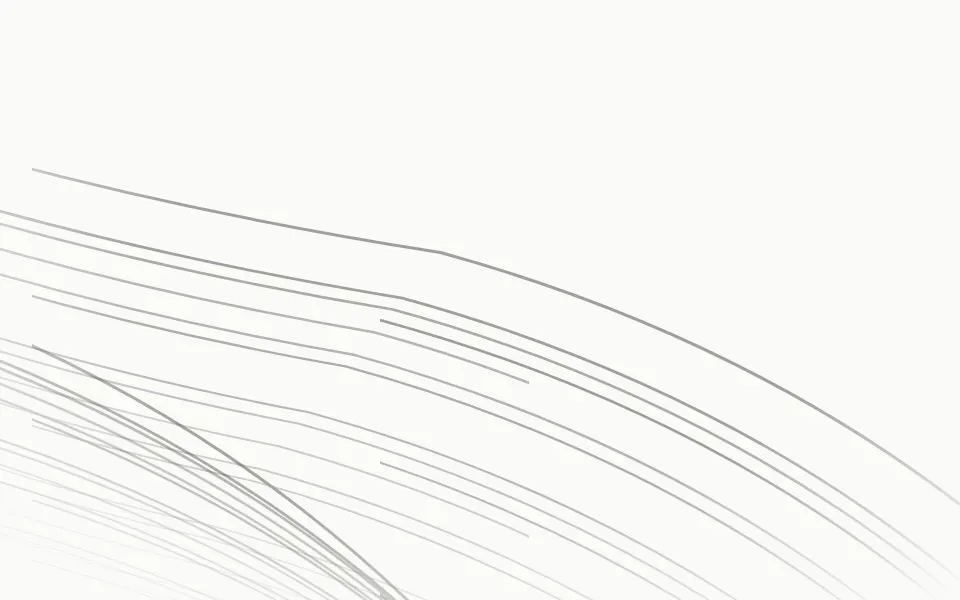
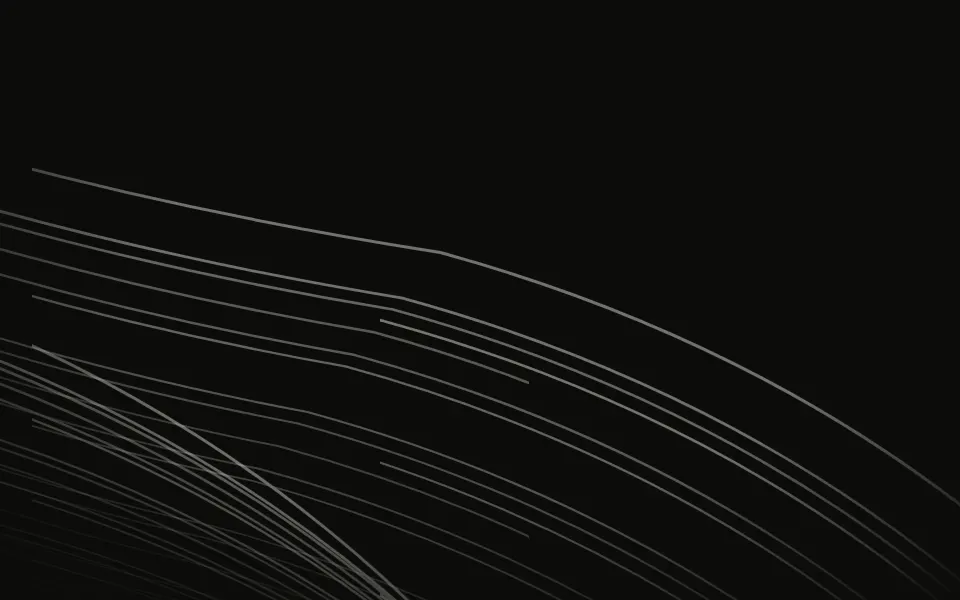
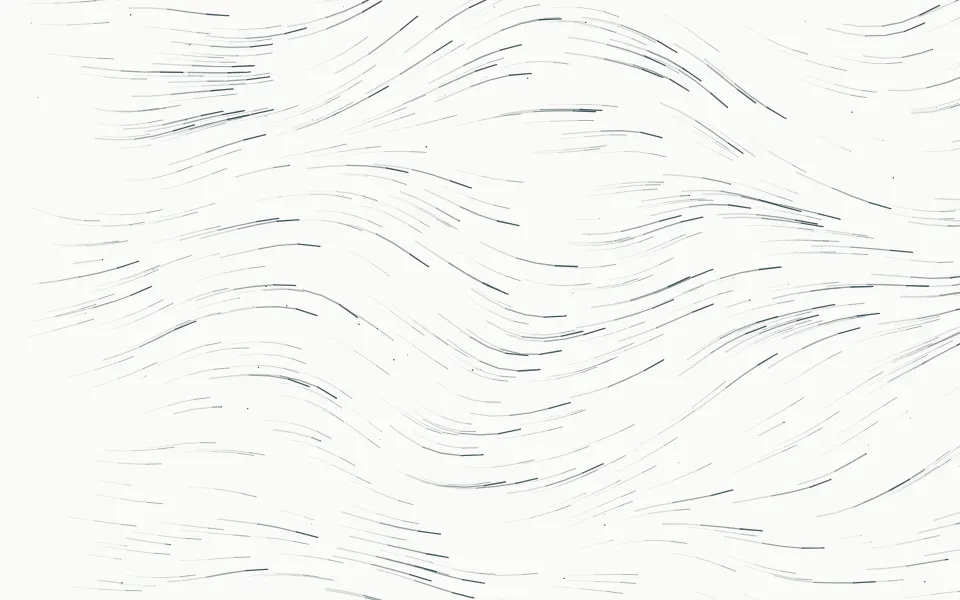
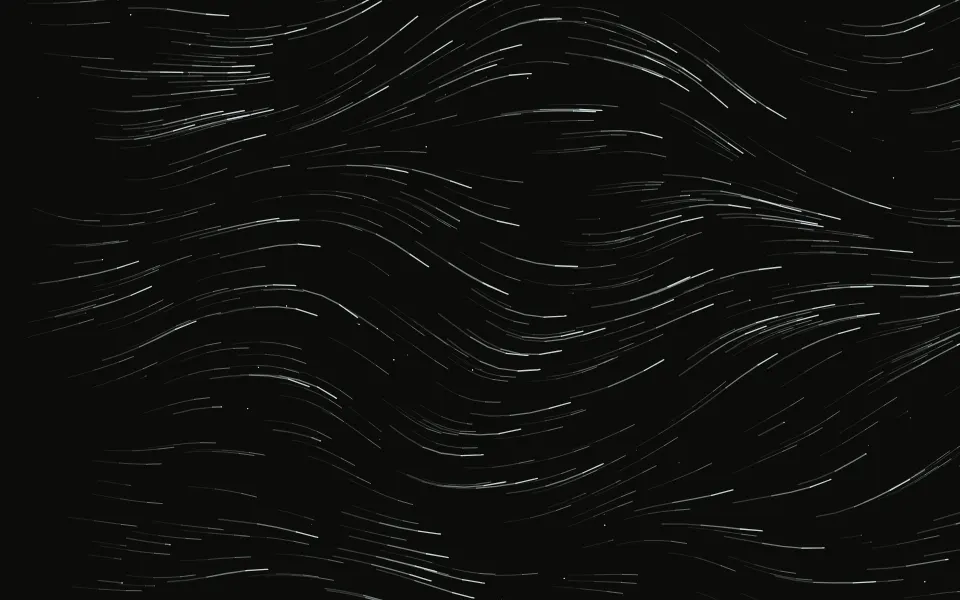
Fine streaks ride the streamlines of a wind that curls across the box. For Svelte with Ark UI, when a hero needs quiet motion under its copy.
Streamlines of a wind that curls across the box. It's a GLSL scene on WebGL2 with no dependency: the flow is the level lines of one function, the distance across the wind bent by slow noise, so air follows the lines and never crosses them. Faint lines trace the flow and streaks ride along them, each with a head, a tail that thins and fades behind it, and a life that fades it in and out. Lines are sized in CSS pixels and take your theme's foreground color, with a share of them in one accent. The flow parts around the pointer as it would around a pole.
Use it behind a hero, a section or a card where the copy should stay the loudest thing on the page. For a bundle of lines with lights running along fixed curves, use Paths; for contour lines of a shifting height field, Topography; for dots that drift instead of lines, Particles. With reduced motion it holds one still frame.
Installation
Usage
<script lang="ts">
import { Wind } from "@/components/ui/wind";
</script>
<Wind class="flex min-h-[32rem] flex-col items-center justify-center gap-4">
  <h1 class="text-5xl font-semibold">Know the wind before you rig</h1>
  <p class="text-foreground/80">Gusts, lulls and shifts on one quiet map.</p>
</Wind>
Wind is a container: whatever you put inside sits on top of the lines, in normal flow. It fills its own box, so give it a height or content. For a backdrop behind the whole page, render it empty with className="fixed inset-0 -z-10".
Presets
<Wind /><Wind accent={0} guides={1} intensity={0.7} length={60} lineWidth={1} /><Wind curl={2} guides={0.5} length={110} scale={1.6} /><Wind
angle={-12}
curl={0.5}
density={1.6}
guides={0.1}
length={320}
lineWidth={1.2}
speed={2}
/><Wind
accent={1}
accentColor="#22d3ee"
density={0.7}
guides={0}
length={280}
lineWidth={2.5}
/><Wind
accent={0.5}
accentColor="#ff7a3d"
angle={-18}
color="var(--muted-foreground)"
density={1.3}
length={220}
/><Wind angle={90} curl={1.3} length={130} />Each preset is a set of props, so copy one and keep tuning. Breeze is the default. Gale is long, thin, fast streaks on a nearly straight flow; Eddies bends the flow into deep meanders and shows more of the still lines; Chart is mostly still streamlines with short marks, like a weather chart; Jet is a few bold streaks, all in the accent; and Updraft turns the wind to blow up the box.
Examples
Hero
The lines are thin and none is stronger than half the foreground color, so the copy sits right on them, centered. The headline and the line under it use the foreground color; the chip and the second button have a translucent ground of their own.
Gale
The Gale preset: length={320} and lineWidth={1.2} draw long thin streaks, curl={0.5} straightens the flow, angle={-12} tips it downward, density={1.6} packs more lines in, and speed={2} doubles the pace.
In a card
Shorter streaks (length={120}) and a few more lines (density={1.3}) suit a small box, and accentColor picks up the card's own color.
Customization
Both colors are CSS colors. color is var(--foreground) by default, so the lines are dark on a light theme and light on a dark one with nothing to set, and accentColor is the one color in the scene; accent is the share of lines that take it, from none to all. On a light surface a pale accent is drawn a little deeper so it doesn't vanish on white.
The scene is transparent: it draws only the lines, on the root's own background, so bg-* on the component is the surface. fade masks an edge, opacity turns the whole effect down and grain adds film grain.
<Wind
  accent={0.4}
  accentColor="var(--chart-2)"
  class="min-h-[32rem]"
  color="var(--muted-foreground)"
  fade="radial"
/>
Performance
It's one WebGL2 canvas and one fragment shader: two samples of simplex noise for the flow and two hash lookups for the line and its streak, with no loop over lines or particles, because every pixel works out the one streamline nearest to it. The cost doesn't change with density or length. It draws only while it's on screen and the tab is visible, shares one frame loop with every other background on the page, and lowers its own resolution if frames run long. quality sets the render scale yourself, and paused holds the frame.
Accessibility
The lines are decoration: they're hidden from assistive tech and let every click through to your content. With reduced motion the scene draws one still frame and ignores the pointer. Nothing flashes: a streak travels 26 to 70 pixels a second and takes three to seven seconds to fade in or out.
Copy can sit anywhere on the default look. Measured against the foreground color (text-foreground), the strongest pixel a streak can draw keeps 5.3:1 on a light surface and 4.5:1 on a dark one (5.6:1 and 4.6:1 on the frames measured), and 99% of the box keeps more than 13:1. Above intensity={1}, or with lineWidth near 4, the heads of the streaks get close to the color of the text: keep those looks away from small copy.
FAQ
How do I change the colors?
color is the lines and accentColor is the accent; accent sets the share of lines that take the accent, from 0 to 1. Any CSS color works. The default color is var(--foreground), which follows your theme, so most of the time the only color to choose is the accent. accent={1} draws every line in it, as the Jet preset does.
Does it work in dark mode?
Yes, with no prop to set. The lines take the theme's foreground color, so they're dark on a light page and light on a dark one, and the scene draws nothing else: the surface is the component's own background. If you give it a dark background inside a light theme, such as bg-slate-950, set color to a light color yourself.
How do I change the wind's direction and how much it curls?
angle is the direction the wind blows, in degrees: 0 to the right, 90 up, 180 to the left. curl bends the flow, from straight parallel lines at 0 to deep meanders at 2, and scale sets the size of the bends. The streamlines never cross, whatever the values, because they're the level lines of one function.
Can I have more lines, or longer ones?
density packs the streamlines closer (1 is one every 22 pixels), length is a streak from head to tail in CSS pixels, and lineWidth is its width at the head. guides sets how strongly the still streamlines show under the moving streaks: 0 leaves the streaks alone, 1 draws a full chart of the flow.
How do I put it behind the whole page?
Render it empty with className="fixed inset-0 -z-10". It still answers the pointer there, since it listens on the window. Lines are sized in CSS pixels, so a large screen shows more lines of the same weight, not thicker ones.
Will it slow my page down?
It's one of the lightest scenes: two noise samples and two hashes a pixel, whatever the number of lines. It does nothing while it's off screen or the tab is hidden, and it renders fewer pixels by itself if a device can't keep up. The lines are thin, so keep quality at 1 unless you need to: a lower render scale softens them.
Does it work with Next.js and server components?
Yes. Import it into a server component and it renders its box and your content on the server; the canvas starts in the browser and fades in over the surface. It needs WebGL2, which every current browser has. Without it the box keeps its plain background, which is close to the scene anyway.
What does the pointer do?
The flow parts around it as it does around a pole: within about 70 pixels the lines open, pass on either side and close again behind. A press sends a gust from that point that swells for half a second and dies away in two. Touch never moves the flow, and interactive={false} turns both off.
API Reference
Wind
data-slot="wind"
accent?number
The share of the lines drawn in accentColor, from 0 to 1.
- Default
0.22
accentColor?string
The color of the accent lines, any CSS color.
- Default
"#2f9bff"
angle?number
The direction the wind blows, in degrees from -180 to 180: 0 blows to the right, 90 upward.
- Default
8
color?string
The color of the lines, any CSS color. The default follows your theme.
- Default
"var(--foreground)"
curl?number
How much the flow curls, from 0 (straight, parallel lines) to 2 (deep meanders).
- Default
1
density?number
How closely the streamlines are packed: higher draws more lines.
- Default
1
fade?"none" | "radial" | "top" | "bottom" | "left" | "right"
Which edges fade out to the surface: radial keeps the middle, the
others name the side that fades.
- Type
"none" | "radial" | "top" | "bottom" | "left" | "right"- Default
"none"
fallback?string
What shows until the first frame and in browsers without WebGL2: a CSS
background value that looks like the scene.
grain?number
Film grain over the scene, from 0 to 1.
- Default
0
guides?number
How strongly the still streamlines show under the moving streaks, from 0 (streaks only) to 1.
- Default
0.3
intensity?number
How strong the lines are.
- Default
1
interactive?boolean
Whether the scene follows the pointer and answers a press. Touch never moves it, so scrolling a page on a phone isn't disturbed.
- Default
true
length?number
The length of a streak from head to tail, in CSS pixels, from 40 to 400.
- Default
170
lineWidth?number
The width of a streak at its head, in CSS pixels, from 0.5 to 4.
- Default
1.75
opacity?number
How strongly the scene shows over the surface, from 0 to 1.
- Default
1
paused?boolean
Holds the current frame.
- Default
false
quality?number
Render scale, from 0.25 to 1, of the screen's pixels (capped at 2×). Lower is cheaper and softer.
- Default
1
scale?number
The size of the curls: higher packs more, tighter bends into the box.
- Default
1
seed?number
Another layout of the same flow, from 0 to 20.
- Default
0
speed?number
Animation speed: 1 is normal, 0 holds the frame.
- Default
1
time?number
A fixed moment, in seconds: draws it and doesn't animate.