shadcn.io is an independent project built on shadcn/ui
Grain Background for Vue
Fine film grain over a soft tint, animated or still, fine to coarse. For Vue with Ark UI, when a flat color should look like film.
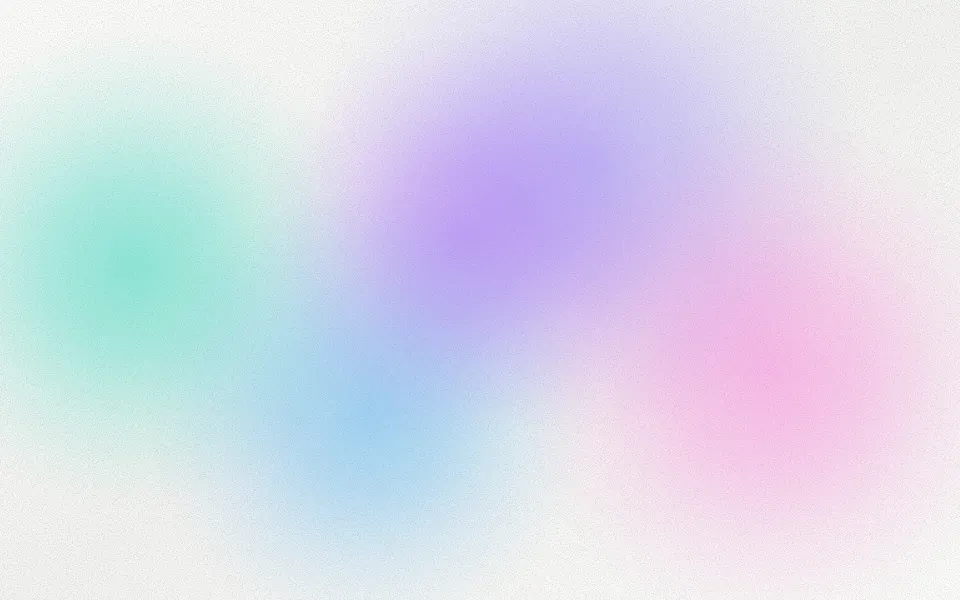
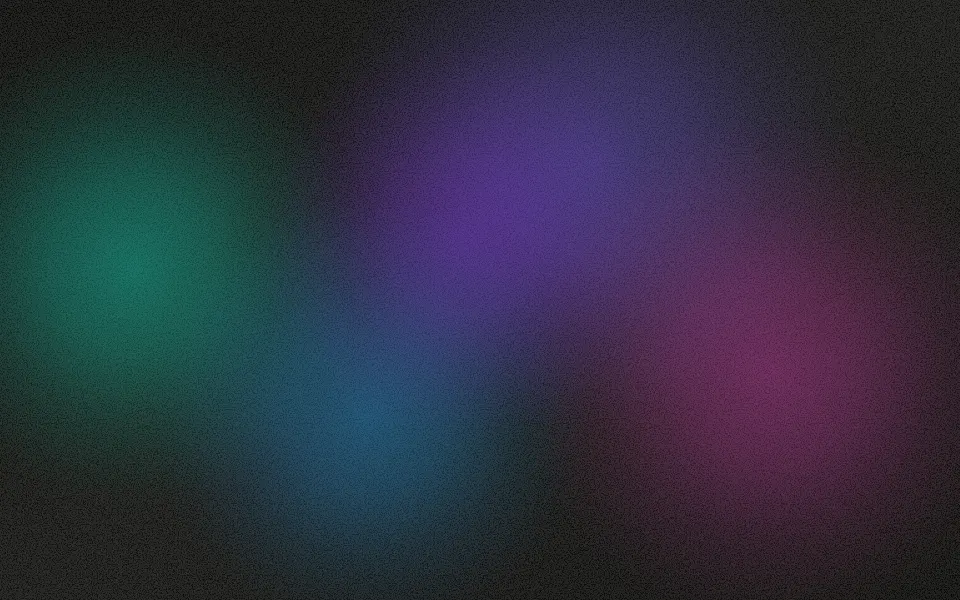
Grain fills the box with film grain over a soft, uneven wash of color. The specks are soft-edged noise in two sizes, not per-pixel static, and they re-roll 14 times a second, the way grain changes from frame to frame in a projector, while the wash drifts slowly under them. It's a GLSL scene on WebGL2 with no dependency. The colors come from your theme, so it's dark specks on a light surface and light ones on a dark surface. It ignores the pointer.
Use it to take the flatness off a plain section, a card or a CSS gradient of your own. For a texture that holds still, with fibers and creases, use Paper; for print dots instead of film grain, Halftone; for bands of color that carry their own grain, Gradient. With reduced motion, or with animated={false}, it holds one still frame.


Installation
Usage
<script setup lang="ts">
import { Grain } from "@/components/ui/grain";
</script>
<template>
  <Grain class="flex min-h-[32rem] flex-col items-center justify-center gap-4">
    <h1 class="text-5xl font-semibold">Developed by hand</h1>
    <p class="text-foreground/80">Scans back in five working days.</p>
  </Grain>
</template>
Grain is a container: whatever you put inside sits on top of the texture, in normal flow. It fills its own box, so give it a height or content. For a backdrop behind the whole page, render it empty with className="fixed inset-0 -z-10".
Every background in this collection also takes a grain prop, a fine grain of one size laid over that scene. Use the prop to add grain to another background. Use this component when the texture is the background: it has its own speck size, contrast, clumping and color, a tint and a vignette under the grain, and it sits on whatever the root's class paints, a flat color, a CSS gradient or an image.
Presets
<Grain /><Grain :amount="0.7" :chroma="1" :size="1.4" /><Grain :amount="0.6" :clumping="0.6" :size="2.6" /><Grain
:amount="0.5"
:animated="false"
:contrast="0"
:tint="0.2"
:vignette="0"
/><Grain :amount="0.8" :contrast="2" :size="1.6" :vignette="1" /><Grain
:amount="0.6"
:clumping="0.5"
color="#5c4326"
:tint="1"
tintColor="#b08d57"
:vignette="0.7"
/><Grain :scale="0.6" :tint="1" tintColor="#6366f1" :vignette="0.6" />Each preset is a set of props, so copy one and keep tuning. Film is the default. Coarse uses 2.6px specks that clump like fast film, Matte is a still, even tooth with no vignette, Sepia washes the box in a warm tan with brown specks, Noir leaves fewer, harder specks under a full vignette, and Chromatic lets each speck lean toward another hue like color film.
Examples
Hero
The demo sets no props: fine grain, a faint wash in the foreground color and a light vignette. Copy in the foreground color reads anywhere on it.
Over a gradient
The surface is the root's own background, here a CSS radial gradient. tint={0} and vignette={0} leave only the grain, in white (color="#ffffff"), with amount={0.7}, size={1.6} and clumping={0.5} so it shows on a saturated ground. Where the white specks thin out the grain prints dark, so it reads on the light and the dark end of the gradient alike.
In a card
A dark brown surface with amber grain: color="#e0b87a" for the specks and tintColor="#c0762f" for the wash, at tint={0.8} and vignette={0.7}, so the middle of the card is lit and its edges fall away. size={1.8} and clumping={0.6} make it coarse, like a fast color stock.
Customization
color is the specks and tintColor the wash under them and the vignette. Both are CSS colors, so a theme variable works and follows a theme switch; both default to var(--foreground). amount sets how strong the grain is, size the width of a speck in pixels, contrast how hard the specks are, clumping how much they gather, and chroma how much color they carry. tint and vignette set the wash and how much darker the edges are than the middle; at 0 each is gone.
The surface is the root's own background, bg-background by default. Give the root another (bg-stone-100, a gradient, an image) and the grain sits on that. fade masks an edge and opacity turns the whole texture down.
<Grain
  className="min-h-[32rem] bg-muted"
  tint={0.8}
  tintColor="var(--chart-1)"
  vignette={0.5}
/>
Performance
It's one WebGL2 canvas and one fragment shader with no texture: three samples of value noise for the specks and one of simplex noise for the wash a pixel, which is close to the least a scene can cost. It draws only while it's on screen and the tab is visible, shares one frame loop with every other background on the page, and lowers its own resolution if frames run long. animated={false} draws one frame and then nothing more, quality sets the render scale, and paused holds the frame.
Accessibility
The texture is decoration: it's hidden from assistive tech and lets every click through to your content. With reduced motion it draws one still frame. The grain changes 14 times a second, but only at the scale of a speck: the brightness of any area more than a few pixels wide stays the same from frame to frame, so nothing flashes.
With the defaults text-foreground keeps 12:1 over the darkest speck on a light surface and 11:1 over the brightest on a dark one. A strong tint in a mid-tone color lowers that, so check copy against the wash, not against the surface.
FAQ
How is this different from the grain prop on other backgrounds?
The grain prop is part of the engine: one number, a fine grain of one size laid over whatever scene you're using. This component is the texture as the whole background. It has its own speck size, contrast, clumping and color, a tinted wash and a vignette under the grain, and a switch to hold it still. To add grain to Aurora or Mesh Gradient, use their grain prop; to texture a plain section, use this.
How do I change the colors?
Set color for the specks and tintColor for the soft wash and the vignette under them. Both take any CSS color: hex, oklch() or a theme variable such as var(--chart-1), which follows your theme when it changes. tint and vignette set how much of the tint shows; at 0 only the grain is left, on your own surface.
Can I put it over a gradient or an image?
Yes. The scene is transparent, so paint the root with a class: bg-[linear-gradient(...)], or bg-[url(/hero.jpg)] bg-cover for a photo. Set tint={0} and vignette={0} to keep only the grain, pick color="#ffffff" or a dark color to suit the picture, and raise amount to about 0.7, since grain shows less on a busy ground than on a flat one.
Can the grain hold still?
animated={false} draws one frame and stops, so it costs nothing after that; seed picks another layout of the same grain. By default it re-rolls 14 times a second, which is slower than the screen refreshes on purpose: grain that changes on every frame reads as video noise, and grain at a film's pace reads as film.
Does it work on a light page and a dark one?
Yes, with no prop to set. The defaults are theme variables, so the specks and the wash are dark on a light surface and light on a dark one. The vignette always leaves the edges darker than the middle: a tint darker than the surface gathers at the edges, a lighter one in the middle.
How do I put it behind the whole page?
Render it empty with className="fixed inset-0 -z-10". To put it behind one section, wrap that section's content in it and give it a height, such as min-h-svh. The specks keep their size in pixels at any box size and screen ratio, and the wash and the vignette scale with the box.
Will it slow my page down?
It's among the lightest scenes in the collection: four noise samples a pixel, on the GPU, and nothing at all while it's off screen or the tab is hidden. If a device can't keep up, it renders fewer pixels by itself. With animated={false} it draws one frame and redraws only when its size, its props or the theme change.
Does it work with Next.js and server components?
Yes. Import it into a server component and it renders its box and your content on the server; the canvas starts in the browser and fades in over the surface. It needs WebGL2, which every current browser has. Without it the box keeps its background, or the fallback you pass.
API Reference
Grain
data-slot="grain"
amount?number
How strong the grain is, from 0 (none) to 1.
- Default
0.4
animated?boolean
Whether the grain re-rolls, 14 times a second like film through a
projector. false holds one frame and draws nothing more.
- Default
true
chroma?number
How much color the specks carry, like color film: 0 keeps them all in
color, 1 lets each one lean toward another hue.
- Default
0
clumping?number
How much the grain gathers into larger soft clumps, like fast film, from 0 to 1.
- Default
0.3
color?string
The color of the specks, any CSS color. The default follows your theme: dark specks on a light surface, light ones on a dark surface.
- Default
"var(--foreground)"
contrast?number
How hard the grain is: 0 is an even, matte texture, 2 leaves fewer, stronger specks.
- Default
1
fade?"none" | "radial" | "top" | "bottom" | "left" | "right"
Which edges fade out to the surface: radial keeps the middle, the
others name the side that fades.
- Type
"none" | "radial" | "top" | "bottom" | "left" | "right"- Default
"none"
fallback?string
What shows until the first frame and in browsers without WebGL2: a CSS
background value that looks like the scene.
grain?number
Film grain over the scene, from 0 to 1.
- Default
0
interactive?boolean
Whether the scene follows the pointer and answers a press. Touch never moves it, so scrolling a page on a phone isn't disturbed.
- Default
true
opacity?number
How strongly the scene shows over the surface, from 0 to 1.
- Default
1
paused?boolean
Holds the current frame.
- Default
false
quality?number
Render scale, from 0.25 to 1, of the screen's pixels (capped at 2×). Lower is cheaper and softer.
- Default
1
scale?number
The size of the soft patches in the tint: higher packs more, smaller patches across the box.
- Default
1
seed?number
Another layout of the same look, from 0 to 20.
- Default
0
size?number
The size of a speck, in CSS pixels: 1 is fine, 4 is coarse.
- Default
1
speed?number
Animation speed: 1 is normal, 0 holds the frame.
- Default
1
time?number
A fixed moment, in seconds: draws it and doesn't animate.
tint?number
How strongly tintColor washes over the surface in soft, uneven
patches, from 0 (bare surface) to 1.
- Default
0.4
tintColor?string
The color of the soft wash under the grain and of the vignette, any CSS color. The default follows your theme.
- Default
"var(--foreground)"
vignette?number
How much darker the edges of the box are than its middle, from 0 to 1.
- Default
0.3