shadcn.io is an independent project built on shadcn/ui
Smoke Background for Vue
Thin plumes of smoke rise, sway and roll up into curls. For Vue with Ark UI, when a hero or a product card needs slow, quiet motion.
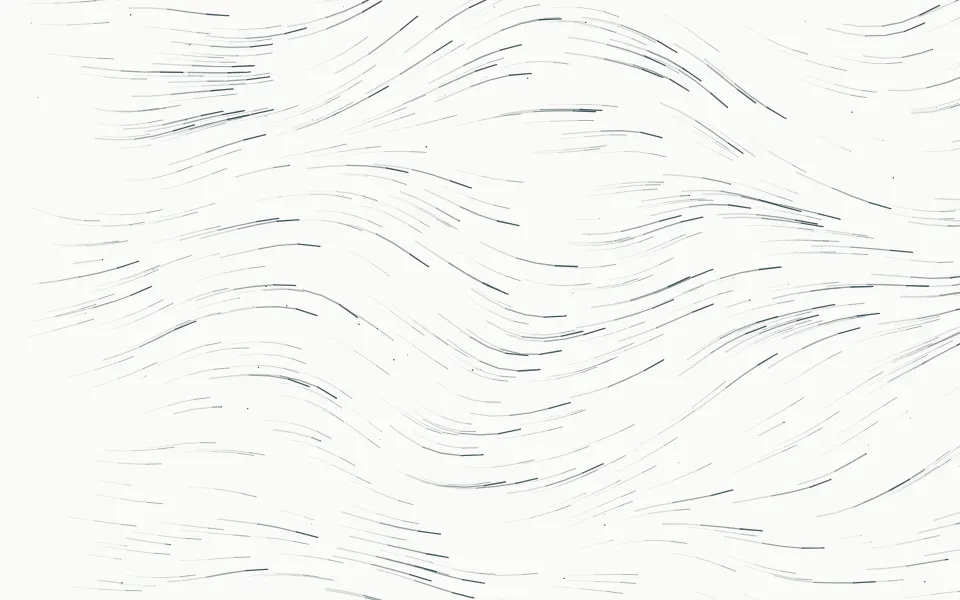
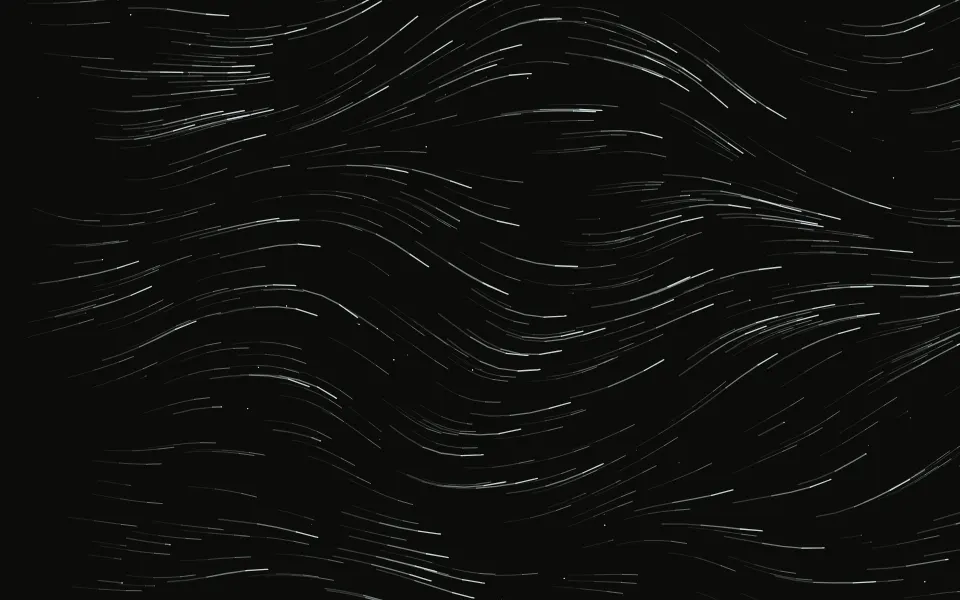
Thin plumes of smoke rise from the bottom of the box, sway on a slow draught, roll up into curls and fray near the top, like incense in still air. It's a GLSL scene on WebGL2 with no dependency: each plume is a ribbon of fine threads, wound by a street of curls that climbs with it and denser where it's squeezed thin. The smoke is slate on a light surface and pale on a dark one, and it parts around the pointer.
Use it behind a product hero, a quote or a card. For flat banks of mist that slide sideways, use Fog; for pigment that curls through water in color, Ink; for flames and sparks along the bottom edge, Fireplace. With reduced motion it holds one still frame.
Installation
Usage
<script setup lang="ts">
import { Smoke } from "@/components/ui/smoke";
</script>
<template>
  <Smoke class="flex min-h-[32rem] items-center justify-center">
    <h1 class="text-5xl font-semibold">Small-batch incense, rolled by hand</h1>
  </Smoke>
</template>
Smoke is a container: whatever you put inside sits on top of the plumes, in normal flow. It fills its own box, so give it a height or content. For a backdrop behind the whole page, render it empty with className="fixed inset-0 -z-10".
Presets
<Smoke /><Smoke
:count="4"
:curl="1.2"
:density="1.5"
:scale="0.7"
:softness="0.9"
:spread="0.9"
/><Smoke :count="1" :curl="0.8" :softness="0.4" :spread="0.35" /><Smoke :angle="28" :count="4" :curl="0.7" :rise="1.4" /><Smoke
color="var(--foreground)"
:count="2"
:density="0.7"
:softness="0.8"
/><Smoke
:count="5"
:curl="0.4"
:density="0.8"
:detail="1"
:softness="0"
:spread="0.3"
/><Smoke color="#8b5cf6" :density="1.4" :softness="0.7" /><Smoke :density="1.1" origin="center" :scale="0.8" />Each preset is a set of props, so copy one and keep tuning. Incense is the default, three plumes of uneven strength. Candle is one thin plume for a card, Campfire is four wide, soft ones for a dark hero, Draught leans them on a side wind, Threads keeps the ribbons straight and crisp, and Mono takes its color from your theme.
Examples
Hero
The plumes are thin and never opaque, so the copy sits in the middle of the box, over them. No prop is set: the headline and the line under it use the foreground color, and the chip and the second button have a translucent ground of their own.
Color
color takes any CSS color: here a violet on a near-black surface, with density={1.4} and softness={0.7} for thicker, more diffuse smoke. A color you pass is used on light and dark surfaces alike.
In a card
count={1} leaves a single plume, which stands near the middle of the box, and spread={0.7} lets it widen as it climbs. The text sits at the bottom, where the plume is still a thread.
Customization
color is a CSS color, so a theme variable works and follows a theme switch: color="var(--foreground)". Without it the scene picks its own from the surface, slate on a light one and a pale blue-white on a dark one. Cool hues hold up best on a dark surface: thin smoke is dim, and a dim orange or yellow reads as brown.
The surface is the root's own background, bg-background by default. Give the root another (bg-zinc-950, bg-stone-100) and the smoke is painted over it. origin starts the plumes at the bottom edge or in the middle of the box, angle leans them, fade masks an edge, opacity turns the whole effect down, and grain adds film grain.
<Smoke
  angle={-18}
  className="min-h-[32rem] bg-zinc-950"
  color="var(--chart-2)"
  count={4}
  fade="top"
  grain={0.15}
/>
Performance
It's one WebGL2 canvas and one fragment shader. A plume costs up to nine curls, a few sines each, and at most six samples of simplex noise, and a pixel that a plume doesn't reach skips it, so most of the box is nearly free. There's no march and no simulation. It draws only while it's on screen and the tab is visible, shares one frame loop with every other background on the page, and lowers its own resolution if frames run long. count is the main cost, quality sets the render scale yourself, and paused holds the frame.
Accessibility
The smoke is decoration: it's hidden from assistive tech and lets every click through to your content. With reduced motion it draws one still frame and ignores the pointer. Nothing flashes.
Use the foreground color (text-foreground) for copy on top of it. On a light surface foreground text keeps 6.5:1 or better over any part of the default look. On a dark surface it averages 17:1, and only where bright threads cross, about 0.01% of the pixels, does it drop to 3.4:1: lines a pixel or two wide. With density above 1.5 or a softness near 1 the plumes are broader, so give body copy a ground of its own.
FAQ
How do I change the color of the smoke?
Pass any CSS color to color: hex, oklch() or a theme variable such as var(--foreground), which follows your theme when it changes. The smoke is one color, drawn thicker or thinner. On a dark surface pick a light or cool color, since thin smoke is dim and a dim warm color turns brown.
Does it work in dark mode and on a light page?
Yes, with no prop to set. The scene reads the color behind it: on a light surface the smoke is slate, like ink in the air, and on a dark one it's a pale blue-white. If you pass color, yours is used on both, so choose one that reads on white and on near-black, or pass a theme variable.
How do I put it behind the whole page?
Render it empty with className="fixed inset-0 -z-10". It still parts around the pointer there, since it listens on the window. To put it behind one section, wrap that section's content in it and give it a height, such as min-h-svh. On a wide page, raise count to 4 or 5 so the plumes don't stand far apart.
Will it slow my page down?
It's cheap for a scene this detailed: each pixel only pays for the plumes that reach it, and nothing is drawn while it's off screen or the tab is hidden. If a device can't keep up, it renders fewer pixels by itself. On a phone-first page, count={2} and quality={0.75} halve the work.
Does it work with Next.js and server components?
Yes. Import it into a server component and it renders its box and your content on the server; the canvas starts in the browser and fades in over the surface. It needs WebGL2, which every current browser has. Without it the box keeps its background, or the fallback you pass.
How do I get more smoke, or less?
count sets how many plumes rise, from 1 to 5, and density how thick each one is. spread widens a plume as it climbs and softness turns its crisp threads into veils, so count={4} with softness={0.9} and spread={0.9} fills the box, and count={1} with spread={0.3} leaves one thin line.
Can I make the smoke rise straight, or lean?
curl sets how hard the plumes roll up: 0 keeps them as straight ribbons that only sway, and 1.5 winds them into tight spirals. angle leans the whole rise by up to 40 degrees either way, like a draught across the room, and rise sets how fast the smoke climbs without changing its shape.
API Reference
Smoke
data-slot="smoke"
angle?number
How far the smoke leans as it rises, in degrees from -40 (left) to 40 (right), like a draught across the room.
- Default
0
color?string
The smoke's color, any CSS color. Without it the scene picks its own: slate smoke on a light surface (the default below) and pale blue-white smoke on a dark one.
- Default
"#4d5870"
count?number
How many plumes rise side by side, from 1 to 5.
- Default
3
curl?number
How hard the plumes roll up into curls, from 0 (straight ribbons) to 1.5.
- Default
1
density?number
How thick the smoke is, from 0.3 to 2.
- Default
1
detail?number
How many fine threads run inside each ribbon, from 0 to 1.
- Default
0.5
fade?"none" | "radial" | "top" | "bottom" | "left" | "right"
Which edges fade out to the surface: radial keeps the middle, the
others name the side that fades.
- Type
"none" | "radial" | "top" | "bottom" | "left" | "right"- Default
"none"
fallback?string
What shows until the first frame and in browsers without WebGL2: a CSS
background value that looks like the scene.
grain?number
Film grain over the scene, from 0 to 1.
- Default
0
interactive?boolean
Whether the scene follows the pointer and answers a press. Touch never moves it, so scrolling a page on a phone isn't disturbed.
- Default
true
opacity?number
How strongly the scene shows over the surface, from 0 to 1.
- Default
1
origin?"bottom" | "center"
Where the smoke starts: bottom rises from the lower edge, center
from the middle of the box.
- Type
"bottom" | "center"- Default
"bottom"
paused?boolean
Holds the current frame.
- Default
false
quality?number
Render scale, from 0.25 to 1, of the screen's pixels (capped at 2×). Lower is cheaper and softer.
- Default
1
rise?number
How fast the smoke climbs, from 0.2 to 2.
- Default
1
scale?number
The size of the plumes, from 0.5 to 1.5: higher makes thinner ribbons and tighter curls.
- Default
1
seed?number
Another arrangement of the same plumes, an integer from 0 to 20.
- Default
0
softness?number
How diffuse the smoke is, from 0 (crisp threads) to 1 (soft veils).
- Default
0.5
speed?number
Animation speed: 1 is normal, 0 holds the frame.
- Default
1
spread?number
How much each plume widens as it climbs, from 0 (a column) to 1.
- Default
0.5
time?number
A fixed moment, in seconds: draws it and doesn't animate.