shadcn.io is an independent project built on shadcn/ui
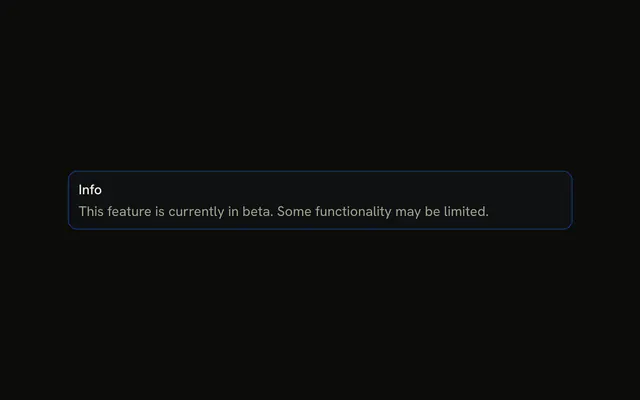
A single title, Info, on an info-tinted alert. No icon, no description, and no button.
Use it for an FYI that fits in one line, such as a scheduled update. If it should disappear, prefer Sonner. In React, Base UI keeps showing it until you stop.
Installation
Anatomy

Usage
<Alert className="max-w-lg" variant="info">
  <AlertTitle>Info</AlertTitle>
</Alert>
FAQ
When should I use a title-only info alert?
When the title is the whole message. This demo is variant="info" with a single AlertTitle and nothing else. Add AlertDescription when the reader still needs what the notice means.
When should I use info alerts vs warning alerts?
Info is for something worth knowing that carries no risk: a new feature, a beta label, a scheduled change. Warning is for something that may cause a problem if ignored, such as an expiring plan. If nothing bad happens when the reader skips it, it's info.
Where do the blue tint and border come from?
From variant="info": it gives the alert a faint tint of the theme's --info color, a stronger border in the same color, and colors any icon. The title keeps the regular text color, so it stays easy to read in light and dark mode.
Should info alerts be dismissible?
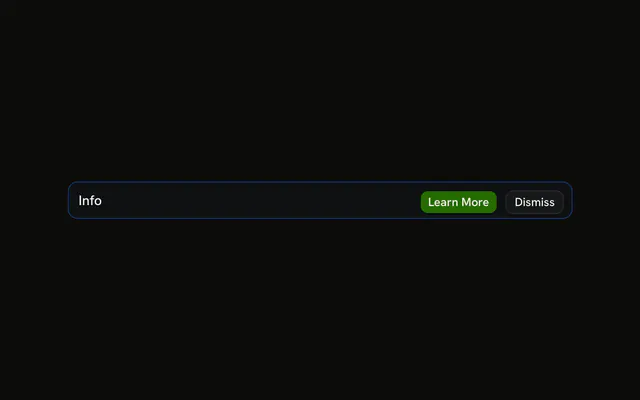
Often, yes: information the reader has seen can go. The Alert has no built-in close button, so keep whether it's shown in your own state and put a Dismiss button in AlertAction.
API Reference
Alert
Sets variant="info". The rest is on the Alert page.