shadcn.io is an independent project built on shadcn/ui
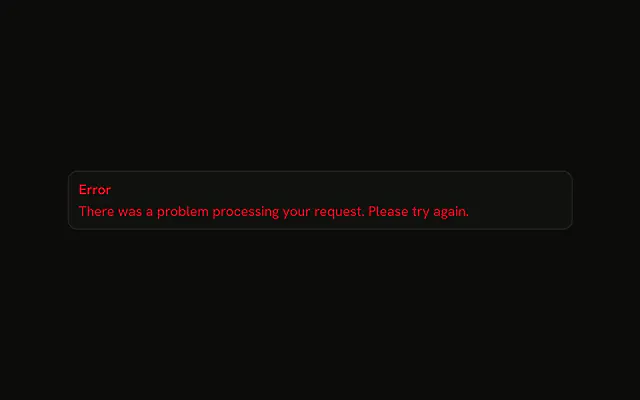
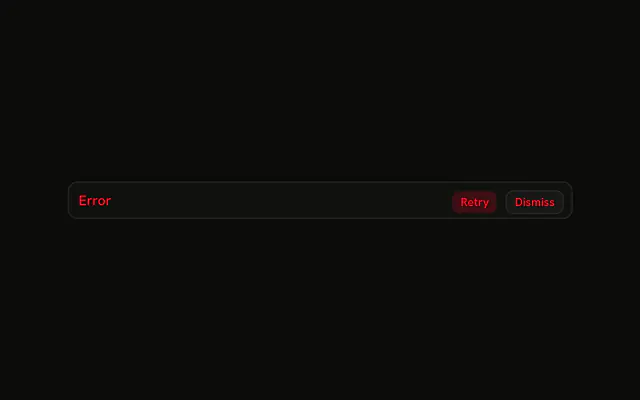
One line, the word Error, on a destructive alert. No icon, no description, and no button.
Use it when the failure is already obvious beside the form. If the cause is one input, mark that Field. In React, Ark UI does not add a close control.
Installation
Anatomy

Usage
<Alert className="max-w-lg" variant="destructive">
  <AlertTitle>Error</AlertTitle>
</Alert>
FAQ
When should I use a title-only error alert?
When one line is the whole message. This demo is an Alert with variant="destructive" and a single AlertTitle. Add AlertDescription when the reader still needs the reason or the next step.
Where do the error colors come from?
From variant="destructive": the alert takes the theme's destructive color for its text and icon, so it follows light and dark mode and any theme you install. There are no color classes in the demo; change the --destructive token to restyle every destructive alert at once.
What does the title render as?
AlertTitle is a div with the text Error. It is font-medium and inherits the destructive text color. className="max-w-lg" on Alert caps the width.
Should error alerts be dismissible?
Usually not: an error should stay until its cause is fixed, then go away because your code stops rendering it. The Alert has no built-in close button. If you want one, keep its visibility in your own state and put a button in AlertAction that hides it.
API Reference
Alert
Sets variant="destructive". The rest is on the Alert page.