shadcn.io is an independent project built on shadcn/ui
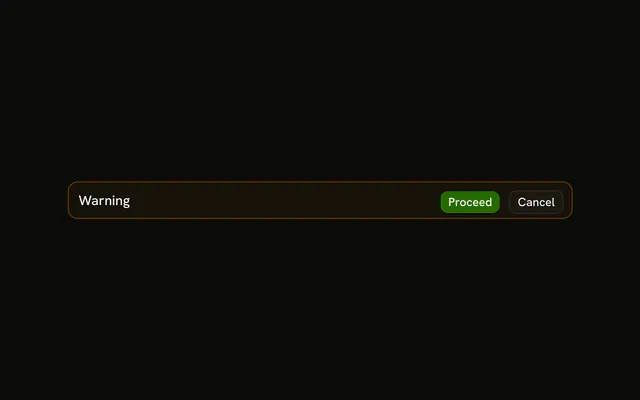
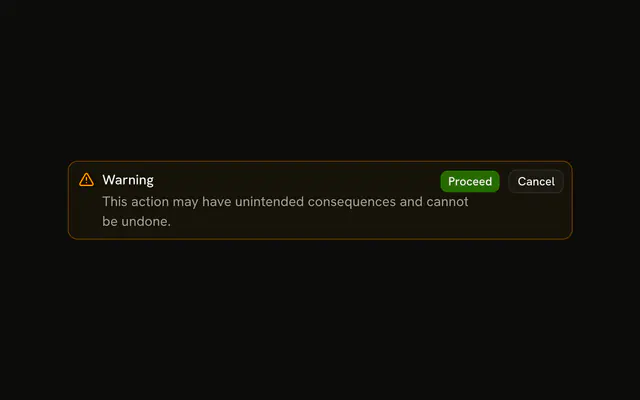
The title Warning, a caution sentence, and Proceed plus Cancel. No icon. Proceed is filled. Cancel is outlined. The clicks are not wired.
Use it when people should read the consequence and can decide later. If they must answer first, confirm in an Alert Dialog. In React, Ark UI does not stop the rest of the page.
Installation
Anatomy

Usage
<Alert className="max-w-lg" variant="warning">
  <AlertTitle>Warning</AlertTitle>
  <AlertDescription>
    This action may have unintended consequences. Please proceed with caution.
  </AlertDescription>
  <AlertAction className="flex gap-2">
    <Button size="xs">Proceed</Button>
    <Button size="xs" variant="outline">
      Cancel
    </Button>
  </AlertAction>
</Alert>
FAQ
When should I use fully-featured warning alerts?
When the reader needs to understand the risk before choosing: what will happen, and whether to go on. Without a decision, drop the buttons; without consequences to explain, drop the description.
What should warning descriptions emphasize?
The consequence: what can't be undone, what will be lost, what will stop working. That's what the reader weighs when choosing between the two buttons.
How do I create hierarchy in warning alerts?
The parts do it: a heavier title, a muted description, a filled button for one choice and an outlined one for the other. The amber tint frames the alert without competing with the text.
Should Proceed or Cancel be styled as primary action?
Whichever you want the reader to choose. The demo makes Proceed the filled default button; for a destructive outcome, making Cancel the filled one steers readers to the safe path.
When should I use warning alerts vs confirmation dialogs?
Use an inline warning when the reader can keep working and decide later. Use an Alert Dialog when the action can't be undone and they must decide before it happens.
API Reference
Alert
Sets variant="warning". The rest is on the Alert page.
Button
Sets size="xs" and variant="outline". The rest is on the Button page.