shadcn.io is an independent project built on shadcn/ui
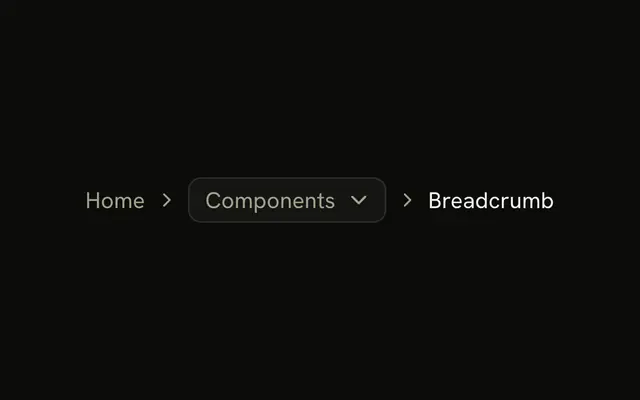
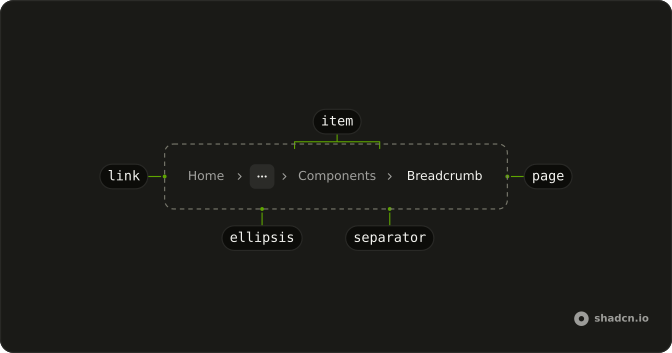
The trail keeps Home, then an ellipsis, then Components, then Breadcrumb as the current page. The ellipsis does not open. It only marks levels that are left out.
Use it when a deep path would overflow and the hidden levels can be dropped. If people still need those levels, put them in a Dropdown Menu. In React, Ark UI does not decide what the ellipsis hides.
Installation
Anatomy
Usage
<Breadcrumb>
  <BreadcrumbList>
    <BreadcrumbItem>
      <BreadcrumbLink asChild>
        <Link href="/">Home</Link>
      </BreadcrumbLink>
    </BreadcrumbItem>
    <BreadcrumbSeparator />
    <BreadcrumbItem>
      <BreadcrumbEllipsis />
    </BreadcrumbItem>
    <BreadcrumbSeparator />
    <BreadcrumbItem>
      <BreadcrumbLink asChild>
        <Link href="/components">Components</Link>
      </BreadcrumbLink>
    </BreadcrumbItem>
    <BreadcrumbSeparator />
    <BreadcrumbItem>
      <BreadcrumbPage>Breadcrumb</BreadcrumbPage>
    </BreadcrumbItem>
  </BreadcrumbList>
</Breadcrumb>
FAQ
Does the ellipsis open anything?
No. BreadcrumbEllipsis is only the mark: a more icon, hidden from assistive tech, with visually hidden More text. It isn't a button.
How do I let people reach the hidden levels?
Put a Dropdown Menu in that BreadcrumbItem, with the ellipsis or an icon as its trigger and the hidden levels as items. The dropdown version does that with a folder icon.
How is the trail announced?
Breadcrumb renders a nav labeled breadcrumb around an ordered list, so screen readers announce a breadcrumb landmark and the number of items. Home and Components are read as links.
Which separator sits between the crumbs?
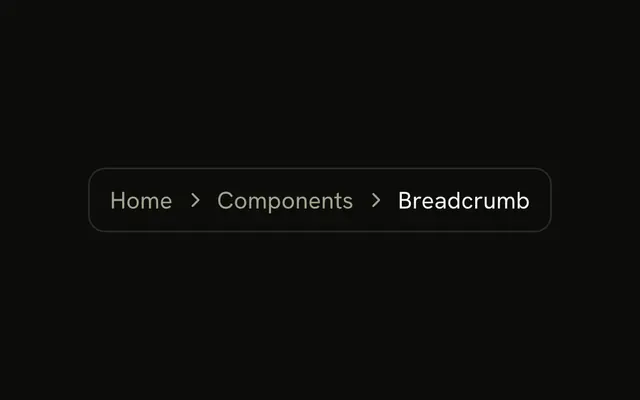
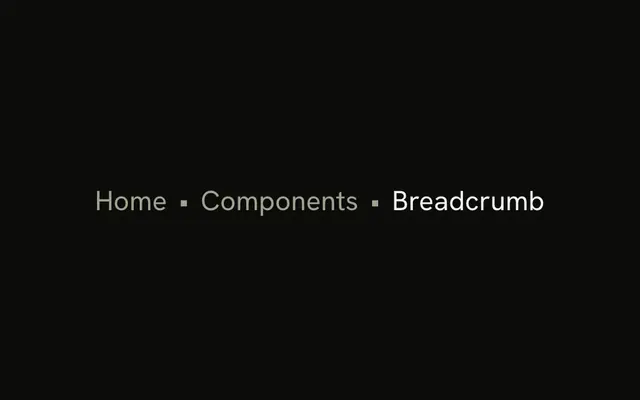
An empty BreadcrumbSeparator renders a chevron, hidden from assistive tech.
API Reference
Breadcrumb
Sets asChild. The rest is on the Breadcrumb page.