shadcn.io is an independent project built on shadcn/ui
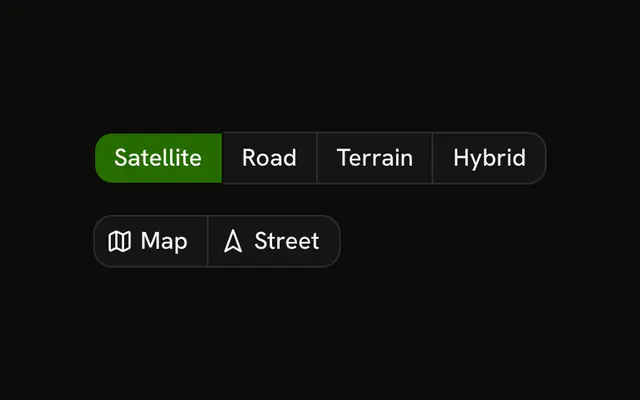
Two rows of the same choice, starting on Line. The selected type is filled and marked pressed. The other row is icons only, and it reads the same value, so picking Bar in either row fills Bar in both. No chart is drawn.
Put this above a dashboard when the chart type is a quick switch. Arrow keys in one control need a Toggle Group. In React, Ark UI does not draw the series from the selection.
Installation
Anatomy

Usage
<div className="flex flex-col gap-4">
  <ButtonGroup aria-label="Chart type">
    {CHART_TYPES.map((item) => (
      <Button
        aria-pressed={chartType === item.value}
        key={item.value}
        onClick={handleSelect}
        size="sm"
        value={item.value}
        variant={chartType === item.value ? "default" : "outline"}
      >
        <item.icon aria-hidden="true" data-icon="inline-start" />
        {item.label}
      </Button>
    ))}
  </ButtonGroup>
  <ButtonGroup aria-label="Chart type">
    {CHART_TYPES.map((item) => (
      <Button
        aria-label={item.label}
        aria-pressed={chartType === item.value}
        key={item.value}
        onClick={handleSelect}
        size="icon-sm"
        value={item.value}
        variant={chartType === item.value ? "default" : "outline"}
      >
        <item.icon aria-hidden="true" />
      </Button>
    ))}
  </ButtonGroup>
</div>
FAQ
How is the active chart type tracked?
One value, starting at line. Each button carries its type as its value, and one handler stores the value of the button you press. A button whose type matches gets variant="default", the rest outline.
Why do both rows change together?
They read the same value. The rows are two layouts of one control, labeled and icon-only.
How are the icon-only buttons named?
Each has an aria-label, Line, Bar or Pie, and size="icon-sm". The icons have aria-hidden="true".
How does a screen reader know which type is on?
Each button sets aria-pressed to whether it's the selected type, so the active one is announced as pressed.
Should this be a Toggle Group?
It can be. A Toggle Group with a single value handles the selection and Arrow key movement for you. This demo uses plain buttons, so Tab moves between them.
API Reference
Button Group
Sets aria-label="Chart type". The rest is on the Button Group page.
Button
Sets aria-pressed={chartType === item.value}, onClick={handleSelect}, size="sm", value={item.value}, variant={chartType === item.value ? "default" : "outline"} and aria-label={item.label}. The rest is on the Button page.