shadcn.io is an independent project built on shadcn/ui
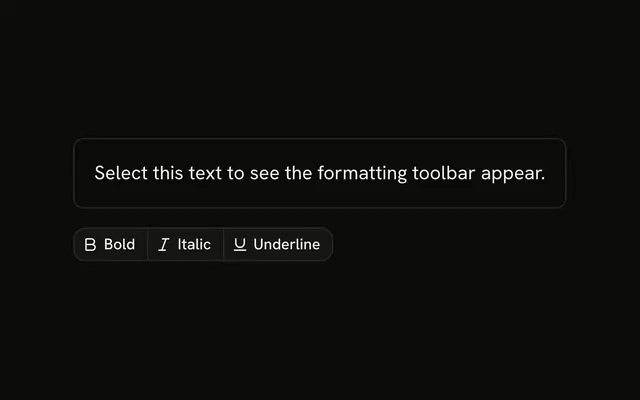
Three icon groups. Bold, Italic, and Underline each toggle, filled and marked pressed when on, all starting off. Align left, center, and right do not stay selected. Bulleted list and numbered list do not stay selected either. No document is formatted.
Use the toggles for styles that can combine. Alignment is one choice, so it should keep a value. That control is a Toggle Group. In React, Ark UI does not apply the formatting to any text.
Installation
Anatomy

Usage
<div className="flex flex-col gap-4">
  <ButtonGroup aria-label="Text style">
    <Button
      aria-label="Bold"
      aria-pressed={bold}
      onClick={toggleBold}
      size="icon-sm"
      variant={bold ? "default" : "outline"}
    >
      <BoldIcon aria-hidden="true" />
    </Button>
    <Button
      aria-label="Italic"
      aria-pressed={italic}
      onClick={toggleItalic}
      size="icon-sm"
      variant={italic ? "default" : "outline"}
    >
      <ItalicIcon aria-hidden="true" />
    </Button>
    <Button
      aria-label="Underline"
      aria-pressed={underline}
      onClick={toggleUnderline}
      size="icon-sm"
      variant={underline ? "default" : "outline"}
    >
      <UnderlineIcon aria-hidden="true" />
    </Button>
  </ButtonGroup>
  <ButtonGroup aria-label="Alignment">
{/* The rest of the file is under Installation. */}
FAQ
How do Bold, Italic and Underline toggle?
Each has its own flag, all starting off. Pressing a button flips its flag, which switches the button to variant="default" and sets aria-pressed.
How are the icon buttons named?
Every button has an aria-label, such as Bold, Align center or Numbered list, and size="icon-sm". The icons have aria-hidden="true".
Why don't the alignment buttons stay selected?
They have no state in the demo. Alignment is one choice out of three, so keep one value and fill the matching button, or use a Toggle Group with a single value.
Does the toolbar format any text?
No. Call your editor's bold, italic or list command from each button, and set the pressed state from the editor's selection so it follows the cursor.
Should Bold be a Toggle?
It can be. A Toggle keeps the pressed state for you. These are plain buttons with aria-pressed, which works the same for a screen reader.
API Reference
Button Group
Sets aria-label="Text style", aria-label="Alignment" and aria-label="Formatting". The rest is on the Button Group page.
Button
Sets aria-label="Bold", aria-pressed={bold}, onClick={toggleBold}, size="icon-sm", variant={bold ? "default" : "outline"} and aria-label="Italic". The rest is on the Button page.