shadcn.io is an independent project built on shadcn/ui
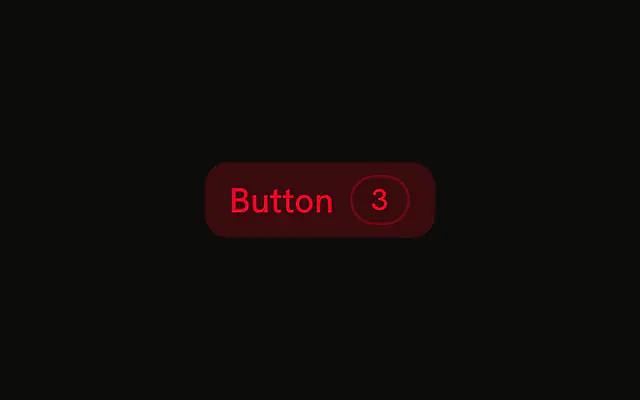
Destructive color, and a kbd that shows ⌘K. A shortcut on delete is easy to hit by mistake. Only show it if you really bind it, and make it more than one key.
Use it rarely, for a command power users already expect. Most deletes are safer as a click plus an Alert Dialog. In React, Ark UI will not stop the key from firing.
Installation
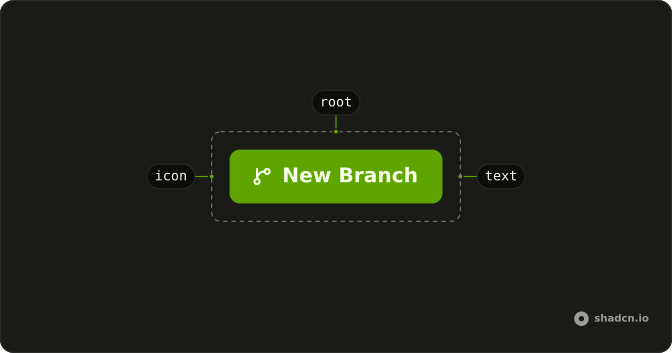
Anatomy
Usage
<Button variant="destructive">
  Button
  <Kbd className="bg-destructive/15 text-destructive">⌘K</Kbd>
</Button>
FAQ
Does pressing ⌘K activate this Button?
No. Kbd draws the characters ⌘K. It doesn't register a listener, and it's pointer-events-none, so the click still hits the button. The shortcut itself belongs in your own handler.
How do I show a different shortcut?
Change the children of Kbd. The demo doesn't translate Mac and Windows keys, so write the label for the platform you mean, such as Ctrl B when a symbol would be unclear.
How is the key cap colored here?
variant="destructive" is the light danger fill with danger-colored text. The cap uses bg-destructive/15 and text-destructive, so the hint stays in the danger color.
Can I put the shortcut before the label?
Yes. Move Kbd ahead of the text. In this demo it follows the label, which is the usual place for a hint on the trailing side.
Should a destructive shortcut confirm first?
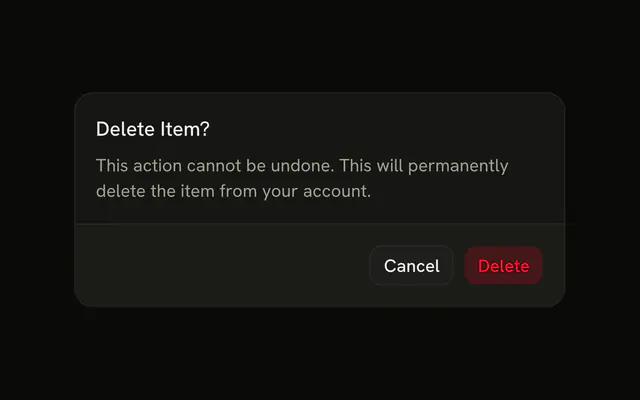
If the action can't be undone, yes. The cap doesn't confirm anything. Open an Alert Dialog from the handler you write.
API Reference
Button
Sets variant="destructive". The rest is on the Button page.
Kbd
No extra props in this demo. The rest is on the Kbd page.