shadcn.io is an independent project built on shadcn/ui
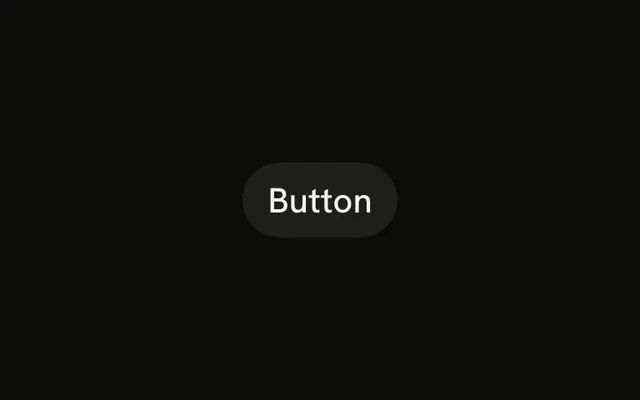
Secondary uses the secondary color instead of the primary fill. People can still see it, and it does not compete with Save or Send.
Use it for Duplicate, Preview, or another supporting action in the same row. If it barely matters, the link variant on Button is lighter. In React, Ark UI takes the secondary color from your theme.
Installation
Anatomy
Usage
<Button variant="secondary">Button</Button>FAQ
How is a secondary Button different from the primary one?
variant="secondary" uses the secondary fill and secondary text. The default Button uses the primary color. Secondary stays visible and sits behind Save or Send.
When is secondary the wrong weight?
When this is the action you want pressed. That one should leave variant off, so it gets the primary fill. Secondary is for Duplicate, Preview, or another action in the same row.
How do I change the label?
The children are the label. Button is a placeholder. The variant doesn't add a verb for you.
Can it sit next to a primary Button?
Yes. Put the primary action first in reading order and this one beside it. Two primary fills in one row compete with each other.
API Reference
Button
Sets variant="secondary". The rest is on the Button page.