shadcn.io is an independent project built on shadcn/ui
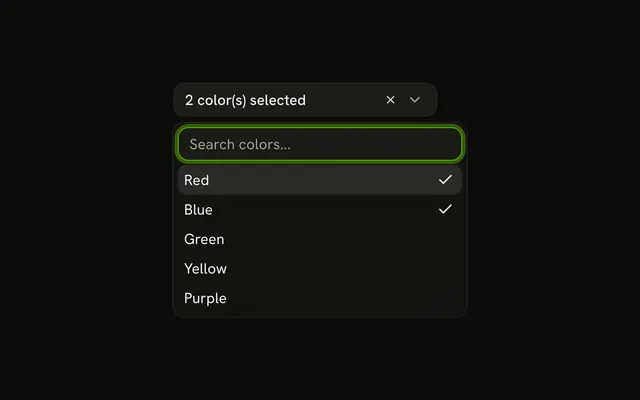
The button starts on Select interests... and then counts against the cap, as in 1/3 selected. At three picks, the other rows are disabled and a note says Maximum 3 selections reached.
Use it where a hard limit applies, such as a plan limit or a top-three choice. An unlimited multi-select is a Combobox with no cap. In React, Ark UI does not enforce the limit of 3.
Installation
Anatomy

Usage
<Combobox
  collection={collection}
  multiple
  onInputValueChange={handleInputValueChange}
  onValueChange={handleValueChange}
  positioning={{ getAnchorElement: () => triggerRef.current }}
  value={value}
>
  <ComboboxTrigger
    className={cn(
      buttonVariants({ variant: "outline" }),
      "w-[250px] justify-between"
    )}
    ref={triggerRef}
  >
    {value.length > 0
      ? `${value.length}/${MAX_SELECTIONS} selected`
      : "Select interests..."}
  </ComboboxTrigger>
  <ComboboxContent>
    <ComboboxInput
      className="w-full"
      placeholder="Search interests..."
      showTrigger={false}
    />
    <ComboboxEmpty>No interest found.</ComboboxEmpty>
    {isMaxReached ? (
      <p className="p-2 text-center text-muted-foreground text-xs">
        Maximum {MAX_SELECTIONS} selections reached
      </p>
    ) : null}
{/* The rest of the file is under Installation. */}
FAQ
Where is the limit set?
In a MAX_SELECTIONS constant of 3. The demo compares the number of picks against it on every render.
How are the other rows disabled?
When the cap is reached, every row that isn't picked is disabled. Picked rows stay enabled so they can be unpicked.
The collection is rebuilt with createListCollection and an isItemDisabled that checks the cap.
Where does the limit note show?
Above the list, inside ComboboxContent, as a centered muted line. It only renders while the cap is reached.
What does the button show?
The count against the cap, as 1/3 selected, or Select interests... when nothing is picked.
API Reference
Combobox
Sets collection={collection}, multiple, onInputValueChange={handleInputValueChange}, onValueChange={handleValueChange}, positioning and getAnchorElement. The rest is on the Combobox page.