shadcn.io is an independent project built on shadcn/ui
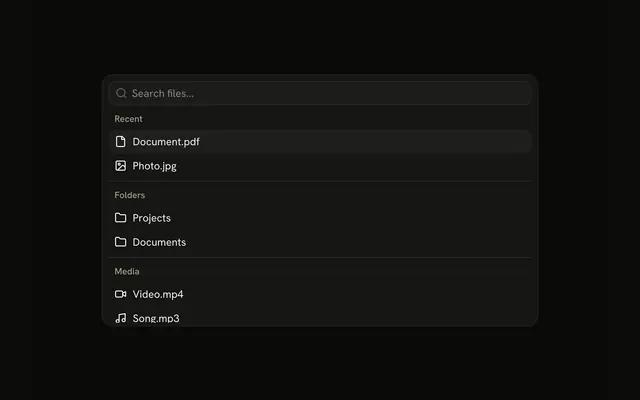
An outline Search Files button opens the popover. Recent, Folders, and Media each hold two items, and a line separates the groups.
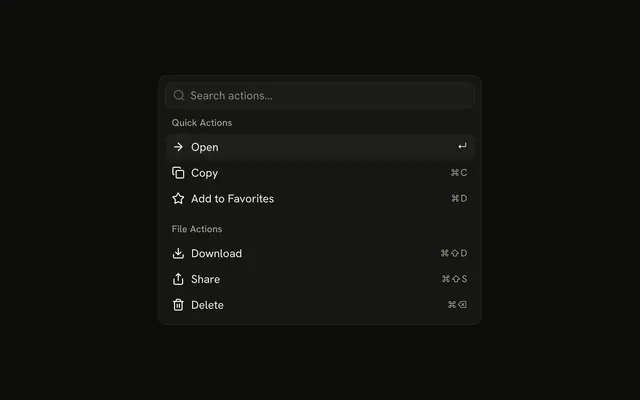
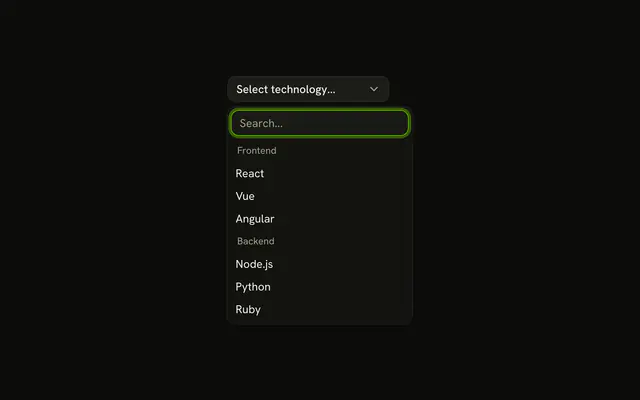
Use the popover so the file list stays next to the button. A Dialog fits when the search should take over the page. In React, Ark UI leaves the chosen action to you.
Installation
Anatomy
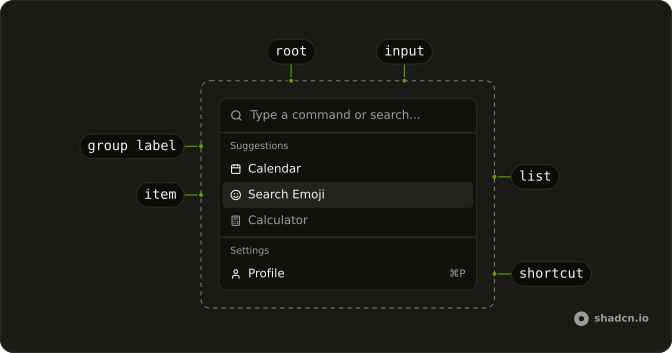
Usage
<CommandItem item={item} key={item.value}>
  <Icon aria-hidden="true" />
  <span>{item.label}</span>
</CommandItem>
FAQ
How is this menu anchored to the button?
The Search Files button is the trigger, and the panel opens below it, lined up with its start edge. The panel is 400px wide, never wider than the screen, and has no padding, so the Command fills it. A visually hidden PopoverTitle names it.
PopoverTrigger takes the button with asChild, and positioning on Popover sets placement: "bottom-start". When the popover closes, the demo clears the filter.
Where does the line between groups sit?
A CommandSeparator goes before every group but the first, so the lines fall after Recent and after Folders. Each group keeps its own heading: Recent, Folders and Media.
What does each file row contain?
Every CommandItem starts with a decorative icon, then a span for the name: Document.pdf, Photo.jpg, Projects, Documents, Video.mp4 and Song.mp3. The icons are File, Image, Folder (twice), Video and Music.
What appears when nothing matches the search?
CommandEmpty in the list says "No files found." It shows only when the search leaves nothing.
How do I run an item from this menu in React?
These items don't run anything yet.
Handle onValueChange on Command, which receives the chosen item's value, and keep value empty so every choice fires.
How do the keys work in this menu?
The arrow keys move through the items, Enter runs the highlighted one, and typing filters the list. Escape or a click outside closes the popover, and focus goes back to the button. CommandInput shows "Search files..." until someone types.
The filtering is the demo's: it builds the items with useListCollection and a contains filter, and calls filter with the input's value as it changes.
API Reference
Command
Sets item={item}. The rest is on the Command page.