shadcn.io is an independent project built on shadcn/ui
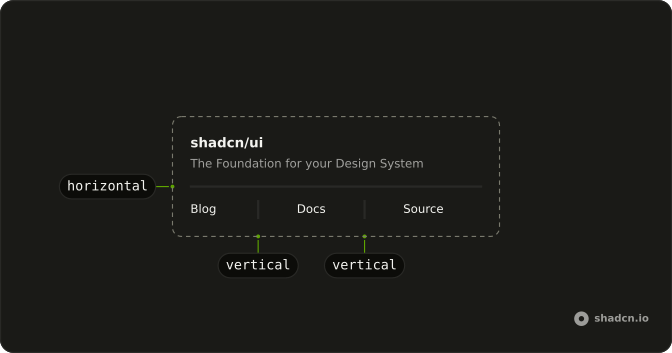
Introduction sits above a horizontal line, and Details sits below it. The line fades in from each edge and is strongest in the middle.
Use the fade when a hard edge feels too sharp for a landing page. A solid line is easier to see, and a Card is stronger, when the break must be obvious. In React, Ark UI does not label the line.
Installation
Anatomy
Usage
<div className="flex w-full max-w-sm flex-col gap-4">
  <p className="text-sm">Introduction</p>
  <Separator className="bg-linear-to-r bg-transparent from-transparent via-border to-transparent" />
  <p className="text-sm">Details</p>
</div>
FAQ
When should I use a gradient separator?
On landing or editorial pages where a hard line feels heavy. Keep a solid line in app chrome and forms so the structure stays unambiguous.
Why still use the Separator component?
You keep the same orientation handling, data-slot and accessible role as every other separator. A plain div with a gradient would need those added by hand.
How do I change the gradient colors?
Swap via-border for via-primary or via-foreground/20. Keep both ends transparent so the fade still reads as a line, not a bar.
Should the gradient span the full width?
Full width is the default and matches solid separators. For a shorter accent, constrain it with max-w-md and center it with mx-auto, plus the width override from the Inset Separator example.
API Reference
Separator
No extra props in this demo. The rest is on the Separator page.