shadcn.io is an independent project built on shadcn/ui
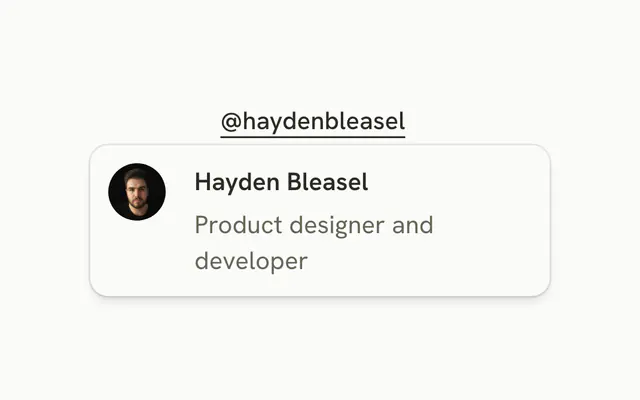
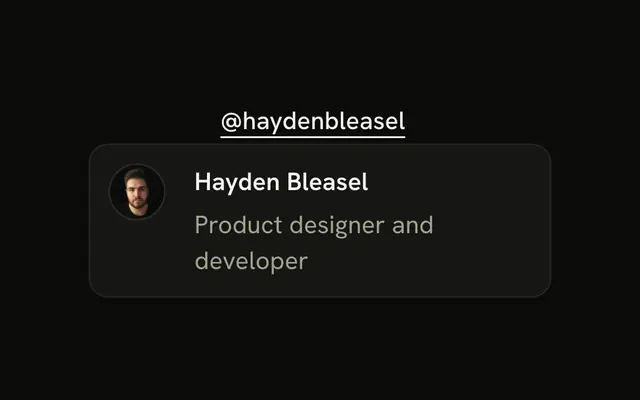
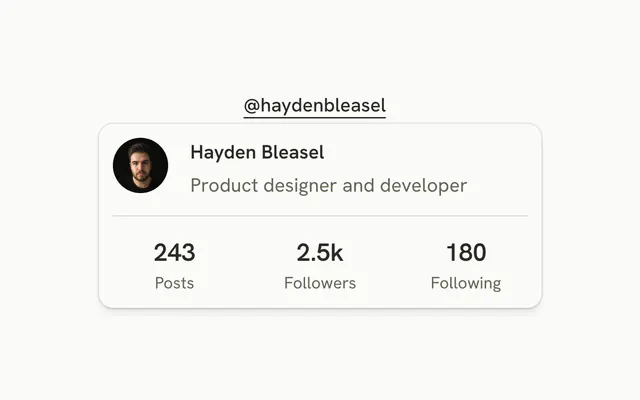
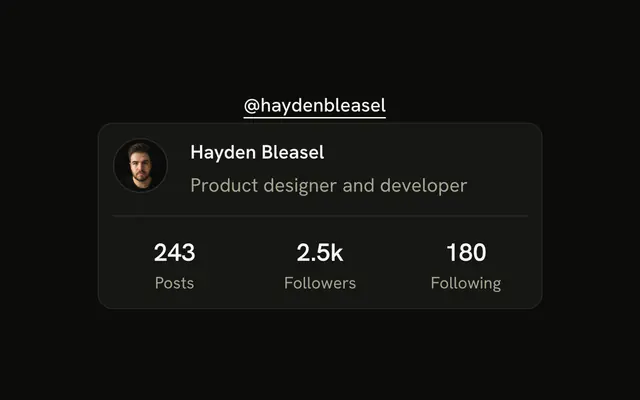
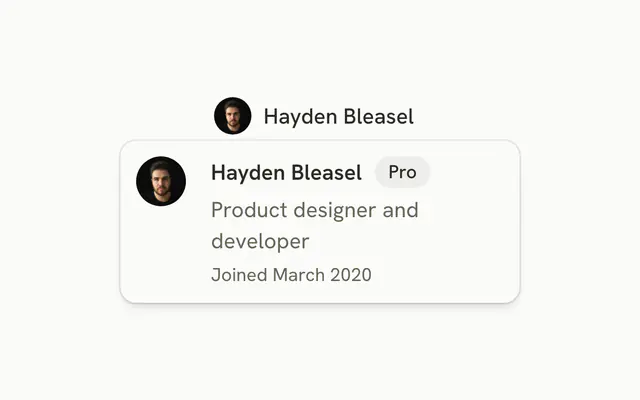
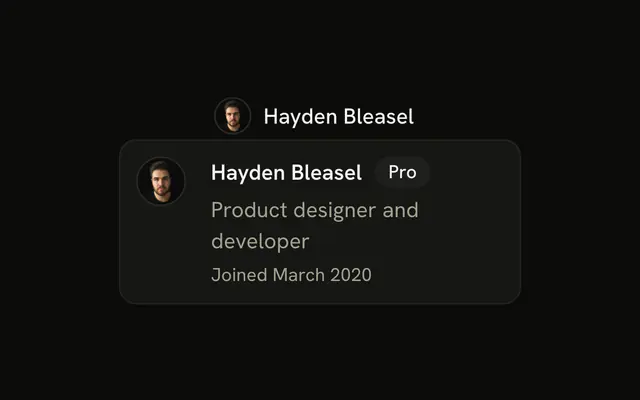
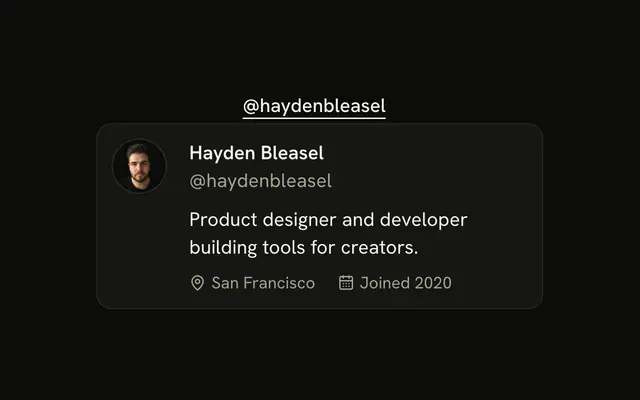
The trigger is @haydenbleasel. The card shows an avatar, Hayden Bleasel, the role, 2.5k followers, 180 following, and a full-width Follow button.
Use it where someone might follow without leaving the page. This button has no click handler. On touch, use a Popover. In React, Ark UI only opens the card.
Preview
Installation
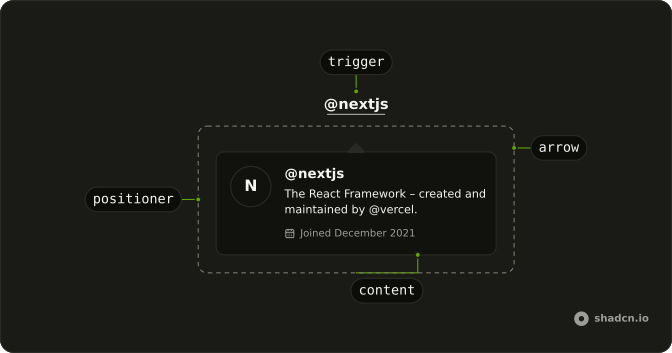
Anatomy
Usage
<HoverCard>
  <HoverCardTrigger asChild>
    <a className="font-medium text-sm underline underline-offset-4" href="#">
      @haydenbleasel
    </a>
  </HoverCardTrigger>
  <HoverCardContent>
    <div className="flex gap-4">
      <Avatar>
        <AvatarImage
          alt="@haydenbleasel"
          height={32}
          src="https://github.com/haydenbleasel.png"
          width={32}
        />
        <AvatarFallback>HB</AvatarFallback>
      </Avatar>
      <div className="flex flex-1 flex-col gap-1">
        <h4 className="font-semibold text-sm">Hayden Bleasel</h4>
        <p className="text-muted-foreground text-sm">
          Product designer and developer
        </p>
        <div className="flex items-center gap-2 pt-2 text-muted-foreground text-xs">
          <span>
            <span className="font-medium text-foreground">2.5k</span>{" "}
            followers
          </span>
          <span aria-hidden="true">·</span>
          <span>
            <span className="font-medium text-foreground">180</span> following
          </span>
{/* The rest of the file is under Installation. */}
FAQ
How is the username link made the trigger?
HoverCardTrigger takes asChild, and the demo passes the username link, an anchor, so it stays a link.
Does Follow do anything?
Not in the demo. Handle its press and switch it to Following when it succeeds. The card stays open while the pointer is inside it, so the button can be reached.
How wide is the card?
The default hover card width. Set a width class such as w-80 on the card to fit longer content.
How do I change how fast the card opens and closes?
The card opens a moment after the pointer rests on the trigger and stays up long enough for the pointer to move into it. Both delays are in milliseconds.
Set openDelay and closeDelay on HoverCard; they default to 10 and 100. positioning picks another side than the bottom.
Does the card open from the keyboard and on touch screens?
Focusing the username opens the card, moving focus away or pressing Escape closes it. Tab then moves into the card, to the Follow button. Touch screens have no hover, so keep what matters reachable elsewhere, or use a Popover when the card has to open on a tap.
API Reference
Hover Card
Sets asChild. The rest is on the Hover Card page.
Avatar
Sets alt="@haydenbleasel", height={32}, src="https://github.com/haydenbleasel.png" and width={32}. The rest is on the Avatar page.
Button
Sets size="sm". The rest is on the Button page.