shadcn.io is an independent project built on shadcn/ui
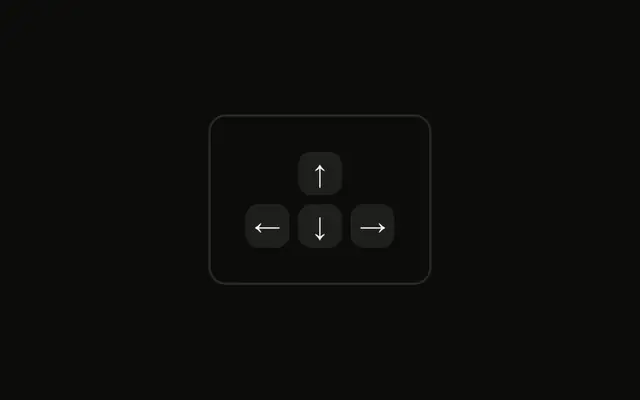
A left arrow and a right arrow sit in one group. Up and down are left out. The group keeps the two caps together as one hint. No keys are listened for.
Use this pair for carousels, slides, and pagination. If the control is a button row, put the keys on those Button components. In React, Ark UI does not change the slide.
Installation
Anatomy

Usage
<div className="rounded-md border bg-background p-4">
  <KbdGroup>
    <Kbd>←</Kbd>
    <Kbd>→</Kbd>
  </KbdGroup>
</div>
FAQ
When should I show only the left and right arrows?
When the control only moves sideways: a carousel, a slideshow, a timeline, previous and next pages. Showing up and down there suggests keys that do nothing.
What does KbdGroup do for the arrows?
It lays the two Kbd caps out in a row with a small gap and keeps them on one line. Unlike a chord such as ⌘K, the arrows here are alternatives, so make that clear in the text around them, for example Use ← → to move.
Should left come before right?
Yes, as on the keyboard, with left first. In right-to-left interfaces a carousel usually moves the other way, so check which key goes forward and label the hint to match.
How do I show that the arrows control a carousel?
Put the hint next to the carousel's previous and next buttons, or in its caption. Make sure the arrows really move it: the hint should match what the keys do.
API Reference
Kbd
No extra props in this demo. The rest is on the Kbd page.