shadcn.io is an independent project built on shadcn/ui
⌘ and K sit in one group, the hint people expect beside search. The characters are fixed. Pressing them here does nothing.
Show this next to the control that opens the palette, and handle the keys yourself. The palette UI is a Command. In React, Ark UI does not bind ⌘K.
Installation
Anatomy

Usage
<div className="rounded-md border bg-background p-4">
  <KbdGroup>
    <Kbd>⌘</Kbd>
    <Kbd>K</Kbd>
  </KbdGroup>
</div>
FAQ
Why is ⌘K the command palette shortcut?
Apps like Slack, Linear and GitHub made it popular, and others followed so people could use the same key everywhere. K is easy to reach and wasn't taken by a common editing command in most web apps.
Should I show ⌘K or Ctrl K?
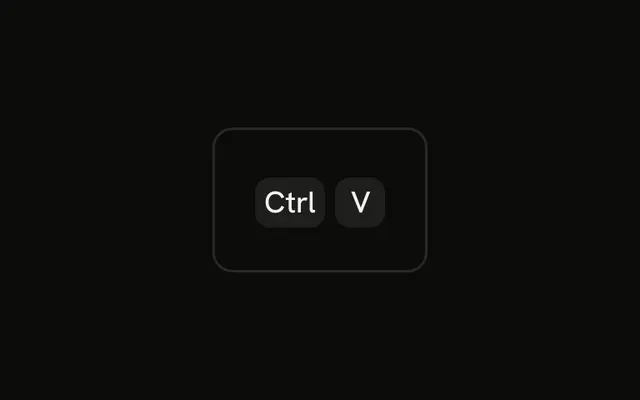
Show the one for the user's platform: ⌘K on macOS, Ctrl K elsewhere, and listen for both. The Platform-Aware Shortcut example switches the label.
How do I detect ⌘K?
Add a keydown listener to the document, check event.key for k together with event.metaKey or event.ctrlKey, call preventDefault and open the palette. Remove the listener when the component is removed.
Should ⌘K work inside text fields?
Usually yes: it's a modifier shortcut, so it doesn't type anything, and people expect to reach the palette from anywhere. The exception is a rich text editor that uses ⌘K to insert a link; there, let the editor have it.
API Reference
Kbd
No extra props in this demo. The rest is on the Kbd page.