shadcn.io is an independent project built on shadcn/ui
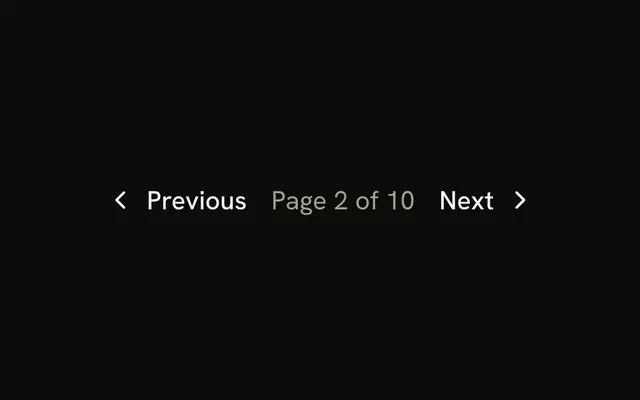
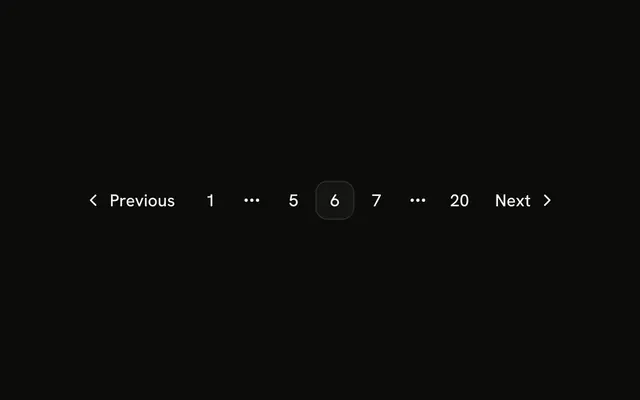
The row is Previous, then Next. There are no page numbers, no ellipsis, and no current page. Both hrefs are #.
Use it for a feed or a cursor list where the total is unknown. When there is only a next page, a Button is enough. In React, Ark UI follows each href, and both of these are #.
Installation
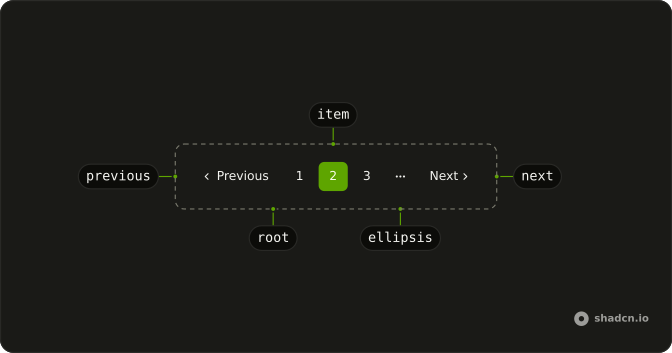
Anatomy
Usage
<Pagination>
  <PaginationContent>
    <PaginationItem>
      <PaginationPrevious href="#" />
    </PaginationItem>
    <PaginationItem>
      <PaginationNext href="#" />
    </PaginationItem>
  </PaginationContent>
</Pagination>
FAQ
What does this row render?
PaginationPrevious and PaginationNext, each in a PaginationItem. There is no PaginationLink and no page number.
What are the accessible names?
Previous is "Go to previous page" and Next is "Go to next page". The visible text defaults to "Previous" and "Next", in a span with hidden sm:block. The chevrons are aria-hidden. The nav is labeled "pagination".
How do I change the words?
Pass text on PaginationPrevious and PaginationNext. The icon stays, and the accessible name stays "Go to previous page" or "Go to next page" unless you override aria-label.
API Reference
Pagination
Sets href="#". The rest is on the Pagination page.