shadcn.io is an independent project built on shadcn/ui
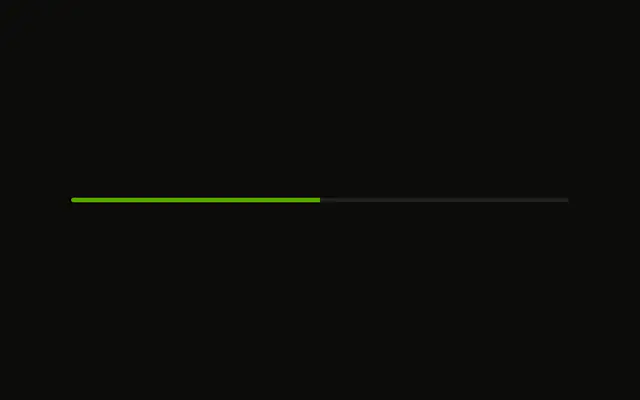
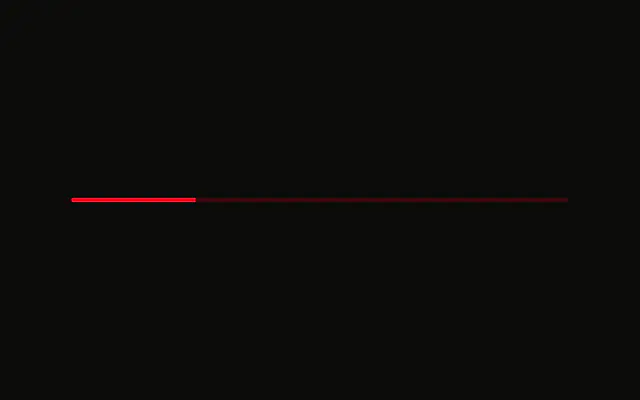
A single bar, filled to 25 percent. Most of the track is still empty, and there is no visible label or percentage.
Use a quarter-full bar for the start of a known task, such as an upload that has just begun. A Spinner fits when you cannot say how much is done. In React, Ark UI shows only the value you pass.
Installation
Anatomy
Usage
<Progress
  aria-label="Upload progress"
  className="w-full max-w-md"
  value={25}
/>
FAQ
What does the bar show?
value is 25 on the default range of 0 to 100, so the fill covers a quarter of the track. w-full max-w-md sets its width.
What is the accessible name?
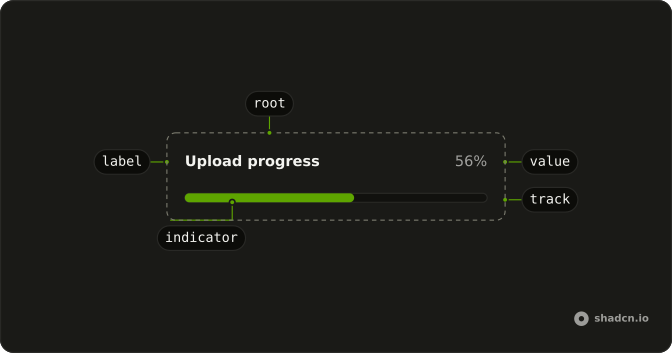
Ark UI puts the progressbar role on the track and names it with the value text, here 25%. The aria-label, Upload progress, sits on the root element, so put what the bar measures in visible text nearby when it matters.
How do I update the 25?
Change value as the work advances. This demo passes a fixed 25.
Always pass value: without one, Ark UI starts the bar at 50.
Which colors does it use?
The fill is bg-primary and the track bg-muted, from the theme's progress styles. This demo adds no color class.
API Reference
Progress
Sets aria-label="Upload progress" and value={25}. The rest is on the Progress page.