shadcn.io is an independent project built on shadcn/ui
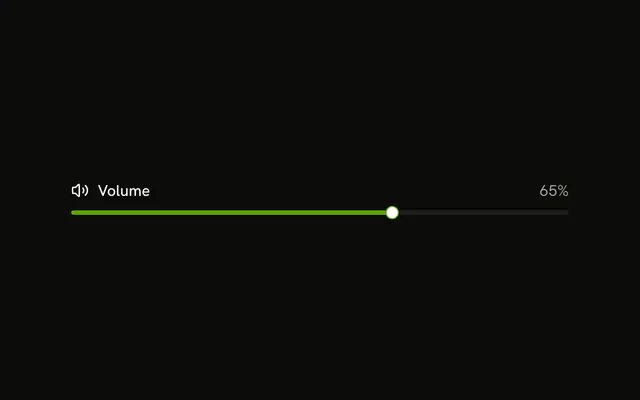
The word Volume sits above a single track. The thumb starts at 30, and no number is shown.
Use it in a settings form where each slider needs a name. Let people type the level in an Input when the exact figure matters. In React, Ark UI does not supply that label text.
Installation
Sign in to get your install command
Free with an account. It carries your token, so the CLI installs everything in one go.
Use email insteadNo credit card
Anatomy

Usage
<div className="flex w-full max-w-md flex-col gap-2">
  <Label>Volume</Label>
  <Slider aria-label={["Volume"]} defaultValue={[30]} />
</div>
FAQ
How is the slider named?
The Volume text is a visible Label, and the slider gets the same name with aria-label, so screen readers announce what it sets.
On Ark UI, aria-label is a list with one name per thumb.
How are the label and slider laid out?
A flex flex-col gap-2 column, w-full max-w-md. The label is first, so it sits above the track.
API Reference
Label
No extra props in this demo. The rest is on the Label page.
Slider
Sets aria-label={["Volume"]} and defaultValue={[30]}. The rest is on the Slider page.