shadcn.io is an independent project built on shadcn/ui
The word Badge is a link with the primary fill. Hovering underlines it. No variant is set. The href in this file is #link.
Use it for a blog tag or a category that goes to a filtered page. This pattern is not an on and off filter. That is a Button. In React, Base UI moves the badge styles onto the link.
Preview
Installation
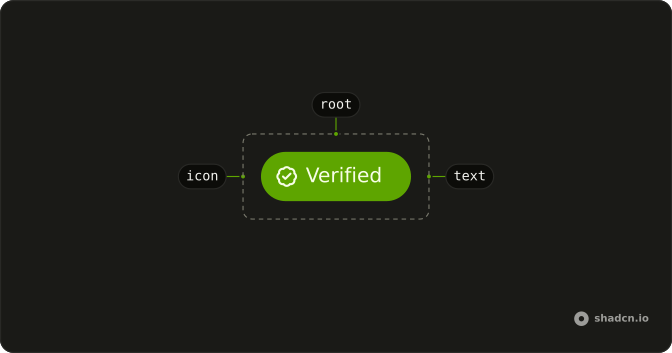
Anatomy
Usage
<Badge className="hover:underline" render={<a href="#link" />}>
  Badge
</Badge>
FAQ
How does this badge become a link in React?
This demo underlines the link on hover.
Pass render with an a and its href, as this file does with href="#link". className="hover:underline" stays on Badge.
Use a real URL, not #.
Which variant is the link?
No variant is set, so the link keeps the default colors. That variant also adds a hover background when the badge is an anchor. hover:underline is the extra cue in this file.
Can I reach the link from the keyboard?
Yes. It is an a with an href, so Tab focuses it and Enter follows it. Screen readers announce a link.
Should a toggle filter be this badge?
No. This pattern goes to another page. An on and off filter is a Button or a toggle.



