shadcn.io is an independent project built on shadcn/ui
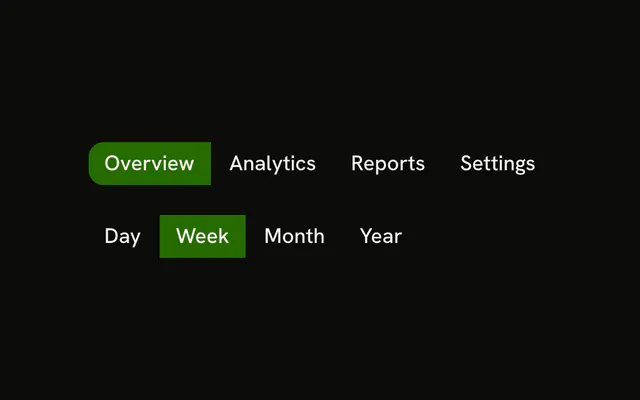
One range, two rows, starting on Week. The first is Day, Week, Month, and Year. The second is 1H, 24H, 7D, 30D, and All. Picking 24H clears Week. The selected button is filled and marked pressed. No data is filtered.
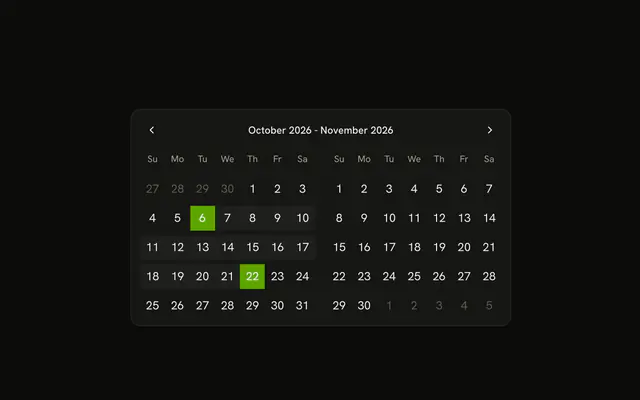
Put this above a metrics chart when the range is a short list. A span the presets miss needs a Date Picker. In React, Base UI does not filter the series.
Installation
Anatomy

Usage
<div className="flex flex-col gap-4">
  <ButtonGroup aria-label="Period">
    {PERIODS.map((item) => (
      <Button
        aria-pressed={timeline === item.value}
        key={item.value}
        onClick={handleSelect}
        size="sm"
        value={item.value}
        variant={timeline === item.value ? "default" : "outline"}
      >
        {item.label}
      </Button>
    ))}
  </ButtonGroup>
  <ButtonGroup aria-label="Range">
    {RANGES.map((item) => (
      <Button
        aria-pressed={timeline === item.value}
        key={item.value}
        onClick={handleSelect}
        size="sm"
        value={item.value}
        variant={timeline === item.value ? "default" : "outline"}
      >
        {item.label}
      </Button>
    ))}
  </ButtonGroup>
</div>
FAQ
How is the selected range tracked?
One value, starting at week. Each button carries its own value, and pressing it stores that value. The matching button gets variant="default" and aria-pressed.
Do the two rows share a selection?
Yes. Picking 7D clears Week. Keep two values if the period and the window should be set separately.
Does the demo filter any data?
No. It only stores the choice. Turn 24h or month into dates where you query your data.
How do I add a custom range?
Add a Custom button that opens a date range picker, as the Date Selector example lists. This demo has fixed ranges only.
How does the keyboard move through it?
Tab moves from button to button, and Enter or Space selects. A Toggle Group adds Arrow key movement.
API Reference
Button Group
Sets aria-label="Period" and aria-label="Range". The rest is on the Button Group page.
Button
Sets aria-pressed={timeline === item.value}, onClick={handleSelect}, size="sm", value={item.value} and variant={timeline === item.value ? "default" : "outline"}. The rest is on the Button page.