shadcn.io is an independent project built on shadcn/ui
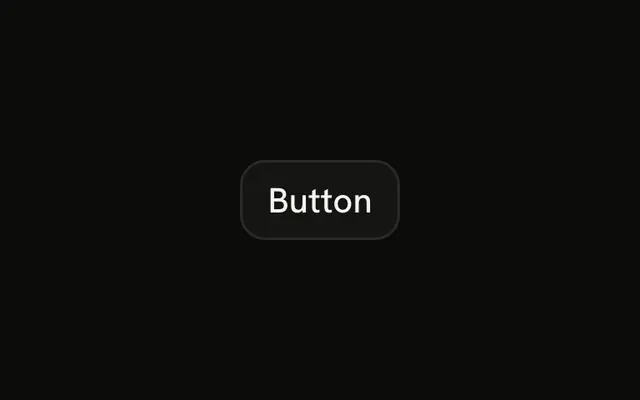
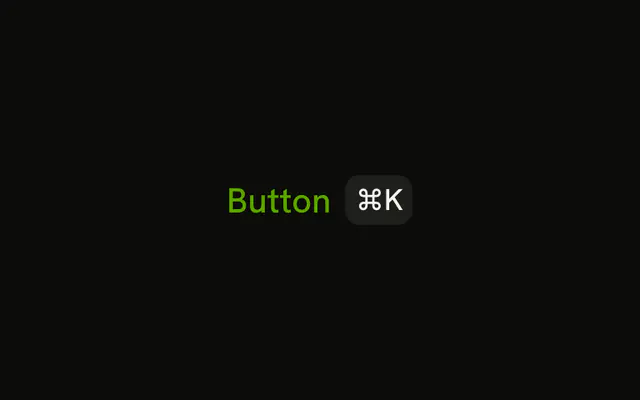
A bordered button and a kbd. The demo prints ⌘K and does not handle the key. Wire the shortcut yourself, and match the symbol to the platform.
Use it for a command people use often that is not the primary button. If there is no shortcut, do not fake one on the Button. In React, Base UI only draws the keys.
Installation
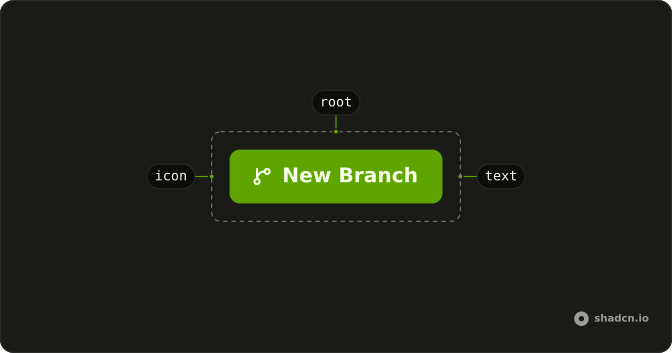
Anatomy
Usage
<Button variant="outline">
  Button
  <Kbd>⌘K</Kbd>
</Button>
FAQ
Does pressing ⌘K activate this Button?
No. Kbd draws the characters ⌘K. It doesn't register a listener, and it's pointer-events-none, so the click still hits the button. The shortcut itself belongs in your own handler.
How do I show a different shortcut?
Change the children of Kbd. The demo doesn't translate Mac and Windows keys, so write the label for the platform you mean, such as Ctrl B when a symbol would be unclear.
How is the key cap colored here?
variant="outline" is the bordered button, and the cap is a plain Kbd with no extra color class. The default cap is enough on a background-colored button. Add a class on Kbd if the border and the cap start to blend.
Can I put the shortcut before the label?
Yes. Move Kbd ahead of the text. In this demo it follows the label, which is the usual place for a hint on the trailing side.
API Reference
Button
Sets variant="outline". The rest is on the Button page.
Kbd
No extra props in this demo. The rest is on the Kbd page.