shadcn.io is an independent project built on shadcn/ui
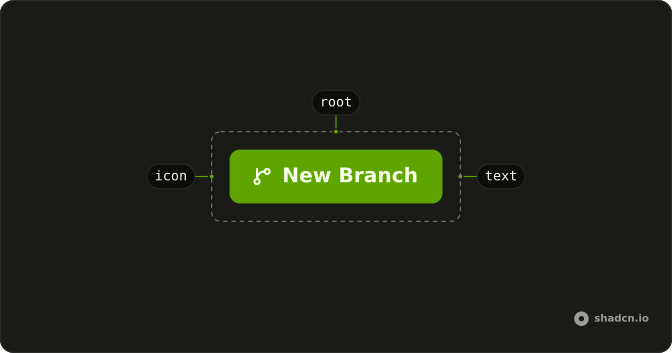
A mail icon sits before the label on the link variant. The icon is decorative, so the text is still the name of the action.
Use it when the symbol makes the verb faster to spot, like mail or download, in a sentence or a menu. If the icon is the only label, give the Button an accessible name. In React, Base UI keeps a hidden icon out of the button's name.
Installation
Anatomy
Usage
<Button variant="link">
  <MailIcon aria-hidden="true" data-icon="inline-start" />
  Button
</Button>
FAQ
Why is the icon in front of a link-styled Button?
MailIcon comes first, with data-icon="inline-start", so the padding matches an icon and the pair flips in a right-to-left layout. variant="link" leaves the fill off: primary text, underline on hover.
How do I use a different icon?
Replace MailIcon. Keep data-icon="inline-start" and aria-hidden="true" while the label names the action. Import the icon you mean from lucide-react.
Is the icon read out?
It's hidden from assistive tech with aria-hidden="true". The button's name is its text. If you remove the text, put an aria-label on the button.
Can the icon sit inside a sentence?
Yes, because there's no fill. A small icon plus View details can live in a table cell or a card footer. A filled Button is the better weight when this should be the main action.
API Reference
Button
Sets variant="link". The rest is on the Button page.