shadcn.io is an independent project built on shadcn/ui
Secondary color, the label, then an arrow. The arrow suggests forward. It is not a destination by itself.
Use it for See more or Continue when a primary button is already in the row. If nothing comes next, leave the arrow off the Button. In React, Base UI keeps the icon from being announced.
Installation
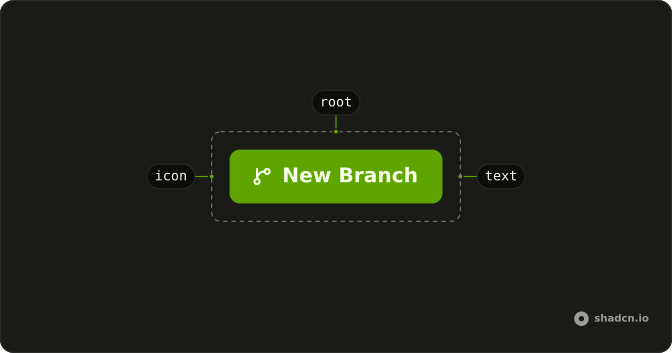
Anatomy
Usage
<Button variant="secondary">
  Button
  <ArrowRightIcon aria-hidden="true" data-icon="inline-end" />
</Button>
FAQ
Why is the arrow after the label?
The secondary button trails ArrowRightIcon with data-icon="inline-end". The arrow inherits the secondary foreground, is hidden from the accessible name, and flips in a right-to-left layout.
Does the arrow mean this navigates?
No. The arrow is decorative. The control is still a button with type="button", so it doesn't open a URL and it doesn't submit a form unless you pass type="submit".
How do I use a different icon?
Replace ArrowRightIcon and keep data-icon="inline-end" if it should stay after the label. Use inline-start if it should lead. Leave aria-hidden="true" on while the text is enough.
API Reference
Button
Sets variant="secondary". The rest is on the Button page.