shadcn.io is an independent project built on shadcn/ui
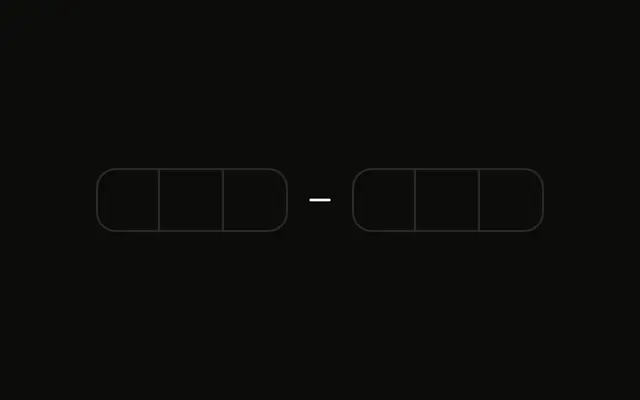
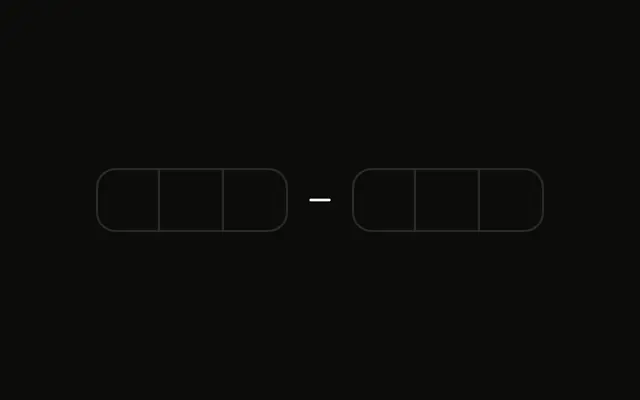
Six boxes in two groups of three, and a hint that says Hint: Try entering 123456. Another complete code shows Invalid code. Please try again.
Show the error as soon as the code is complete and wrong. A Field error on submit is enough when you only check after a button press. In React, Base UI does not verify the code.
Installation
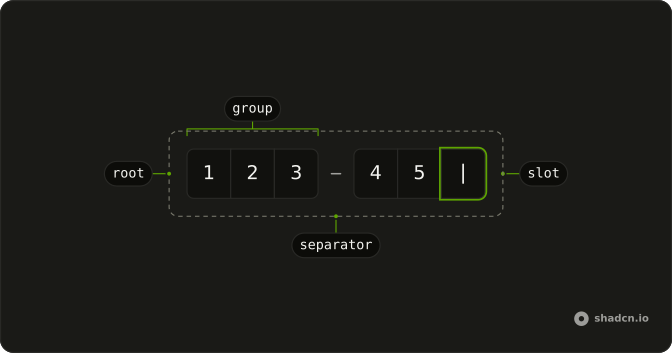
Anatomy
Usage
<div className="flex flex-col gap-2">
  <InputOTP maxLength={6} onChange={handleValueChange} value={value}>
    <InputOTPGroup>
      <InputOTPSlot
        aria-invalid={invalid}
        className="bg-background"
        index={0}
      />
      <InputOTPSlot
        aria-invalid={invalid}
        className="bg-background"
        index={1}
      />
      <InputOTPSlot
        aria-invalid={invalid}
        className="bg-background"
        index={2}
      />
    </InputOTPGroup>
    <InputOTPSeparator />
    <InputOTPGroup>
      <InputOTPSlot
        aria-invalid={invalid}
        className="bg-background"
        index={3}
      />
      <InputOTPSlot
        aria-invalid={invalid}
        className="bg-background"
        index={4}
      />
{/* The rest of the file is under Installation. */}
FAQ
When is the code checked?
In the change handler, once the code has six characters. A shorter code clears the error, so it disappears as soon as people start correcting.
How do the slots turn red?
Each InputOTPSlot gets aria-invalid while there is an error, which its styles turn destructive.
How is the error shown?
A paragraph in text-destructive with role alert, rendered only while there's an error, so screen readers announce it when it appears.
Which code is accepted?
123456, the VALID_CODE constant, as the hint under the field says. In your app, send the code to the server and show its error instead.
API Reference
Input OTP
Sets maxLength={6}, onChange={handleValueChange}, value={value}, aria-invalid={invalid}, index={0} and index={1}. The rest is on the Input OTP page.