shadcn.io is an independent project built on shadcn/ui
Up sits in the middle of the first row. Left, down, and right fill the second row. Empty cells flank the up arrow. The symbols are text, and they do not move anything.
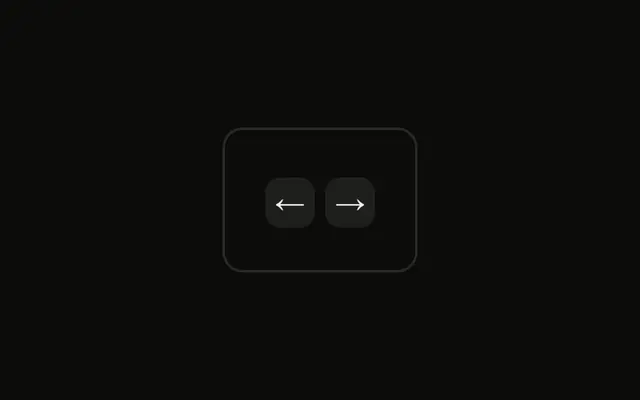
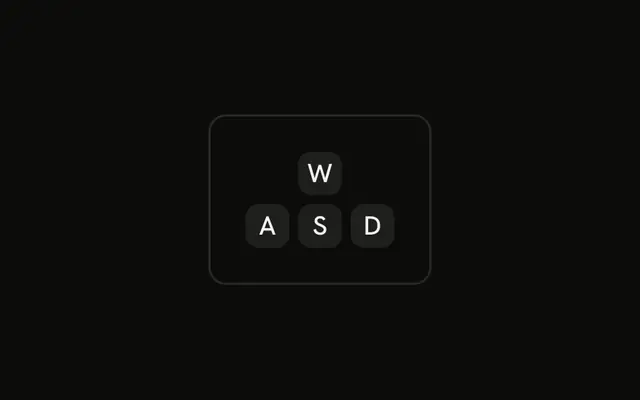
Use the cross for map, canvas, or game help. For left and right only, a flat pair is clearer. A Button should do the same move on click. In React, Base UI does not handle the arrow keys.
Installation
Anatomy

Usage
<div className="rounded-md border bg-background p-4">
  <div className="grid w-fit grid-cols-3 gap-1">
    <div />
    <Kbd>↑</Kbd>
    <div />
    <Kbd>←</Kbd>
    <Kbd>↓</Kbd>
    <Kbd>→</Kbd>
  </div>
</div>
FAQ
Why the inverted T?
Most keyboards have placed the arrow keys this way since the 1980s, so people recognize the shape before reading the arrows. It also shows that up and down share a column.
Should arrow keys show symbols or words?
Symbols: ↑ ↓ ← → are shorter than Up or Left and read in any language. Add the key's name as visually hidden text if screen readers need it, since the arrow characters aren't always read as key names.
How much space should be between the arrow keys?
A small gap, gap-1 here, keeps the four keys reading as one cluster while separating the caps. Larger gaps break the T apart.
How does the grid make the inverted T?
grid grid-cols-3 makes three columns, and the six children fill them in order: an empty div, ↑, an empty div on the first row, then ←, ↓, → on the second. w-fit keeps the grid as narrow as the keys.
API Reference
Kbd
No extra props in this demo. The rest is on the Kbd page.