shadcn.io is an independent project built on shadcn/ui
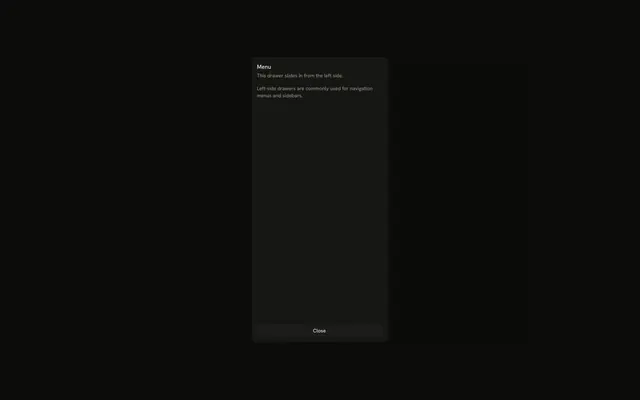
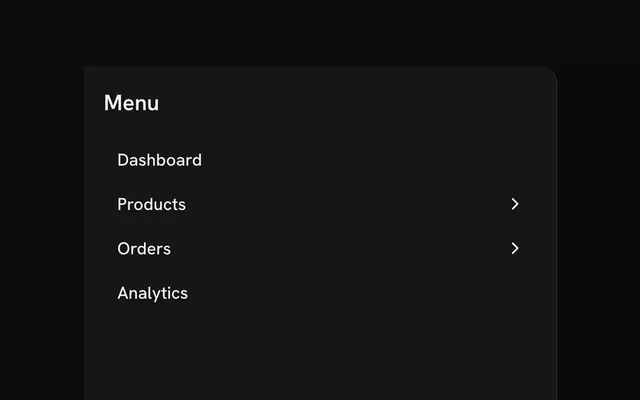
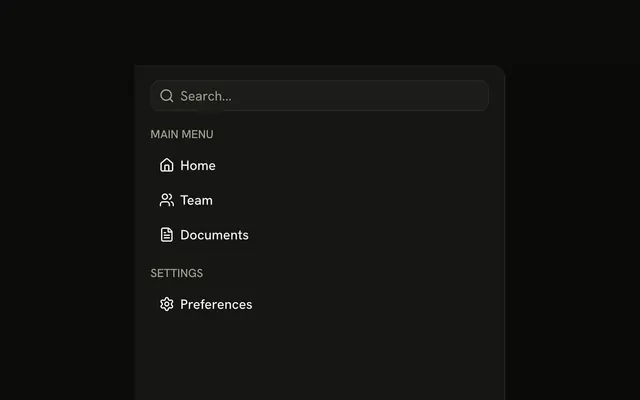
A menu button opens a left panel titled Navigation. Inside are Home, Team, Projects, Settings, and Help, each an icon with a label.
Use it for navigation on a phone. On a wide layout, keep the same links in a Sidebar. In React, Base UI does not change the route.
Installation
Anatomy

Usage
<Drawer swipeDirection="left">
  <DrawerTrigger
    render={
      <Button aria-label="Open navigation" size="icon-md" variant="outline" />
    }
  >
    <MenuIcon aria-hidden="true" />
  </DrawerTrigger>
  <DrawerContent>
    <div className="flex flex-col gap-4 p-4">
      <DrawerTitle className="font-semibold text-lg">Navigation</DrawerTitle>
      <nav aria-label="Main" className="flex flex-col gap-1">
        <Button className="justify-start" variant="ghost">
          <HomeIcon aria-hidden="true" data-icon="inline-start" />
          Home
        </Button>
        <Button className="justify-start" variant="ghost">
          <UsersIcon aria-hidden="true" data-icon="inline-start" />
          Team
        </Button>
        <Button className="justify-start" variant="ghost">
          <FileTextIcon aria-hidden="true" data-icon="inline-start" />
          Projects
        </Button>
        <Button className="justify-start" variant="ghost">
          <SettingsIcon aria-hidden="true" data-icon="inline-start" />
          Settings
        </Button>
        <Button className="justify-start" variant="ghost">
          <CircleHelpIcon aria-hidden="true" data-icon="inline-start" />
          Help
{/* The rest of the file is under Installation. */}
FAQ
Which items does the menu have?
Home, Team, Projects, Settings and Help, each a ghost Button with justify-start, an icon marked data-icon="inline-start" and its label.
How do I make the items links?
Render each Button as your router's link.
Pass the link with render and set nativeButton={false}.
Where is the drawer's title?
Navigation, above the menu, is the DrawerTitle. DrawerTitle names the dialog for assistive tech, so every drawer renders one; give it sr-only when the design has no visible heading.
How does the drawer open from the left?
swipeDirection="left" on Drawer puts it on the left edge. The prop names the swipe that closes the drawer, so left docks it on the left; leave it out for a bottom drawer.
API Reference
Drawer
Sets swipeDirection="left". The rest is on the Drawer page.
Button
Sets aria-label="Open navigation", size="icon-md", variant="outline" and variant="ghost". The rest is on the Button page.