shadcn.io is an independent project built on shadcn/ui
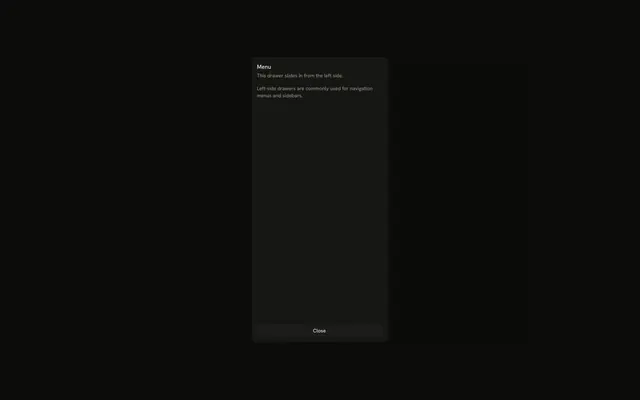
Open Right Drawer slides a panel in from the right. It shows a title, a short description, one line of text, and Confirm and Cancel.
Use it for details beside the page on a phone. On a desktop, a Sheet is the usual side panel. In React, Base UI closes it when the panel is swiped away.
Installation
Anatomy

Usage
<Drawer swipeDirection="right">
  <DrawerTrigger render={<Button variant="outline" />}>
    Open Right Drawer
  </DrawerTrigger>
  <DrawerContent>
    <DrawerHeader>
      <DrawerTitle>Drawer Title</DrawerTitle>
      <DrawerDescription>
        This drawer slides in from the right side.
      </DrawerDescription>
    </DrawerHeader>
    <div className="p-4">
      <p className="text-muted-foreground text-sm">
        Right-side drawers are great for supplementary content, settings, or
        detail views.
      </p>
    </div>
    <DrawerFooter>
      <Button>Confirm</Button>
      <DrawerClose render={<Button variant="outline" />}>Cancel</DrawerClose>
    </DrawerFooter>
  </DrawerContent>
</Drawer>
FAQ
How does this drawer open from the right?
swipeDirection="right" on Drawer puts it on the right edge. The prop names the swipe that closes the drawer, so right docks it on the right; leave it out for a bottom drawer.
What's inside the panel?
DrawerHeader with Drawer Title and This drawer slides in from the right side, one paragraph, and DrawerFooter with Confirm and Cancel.
What do Confirm and Cancel do?
Cancel is a DrawerClose, so it dismisses the drawer. Confirm is a plain Button with no handler.
The Button goes in the render prop of DrawerClose.
Is there a drag bar?
No. A side or top drawer still follows a swipe, but it doesn't draw the bar.
The bar stays off unless Drawer sets showSwipeHandle.
API Reference
Drawer
Sets swipeDirection="right". The rest is on the Drawer page.
Button
Sets variant="outline". The rest is on the Button page.